How do I make it so counselors only have access to students they are assigned?
Last updated About 1 year ago
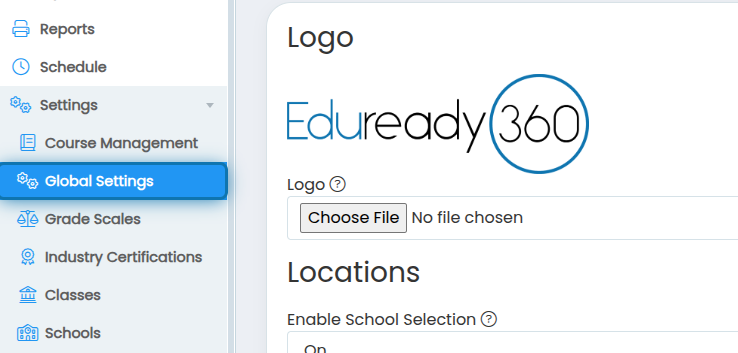
1. Click on Global Settings in the navigation bar
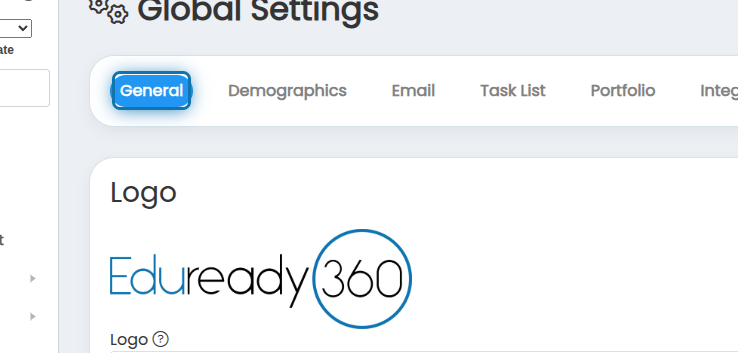
2. Click on the General tab
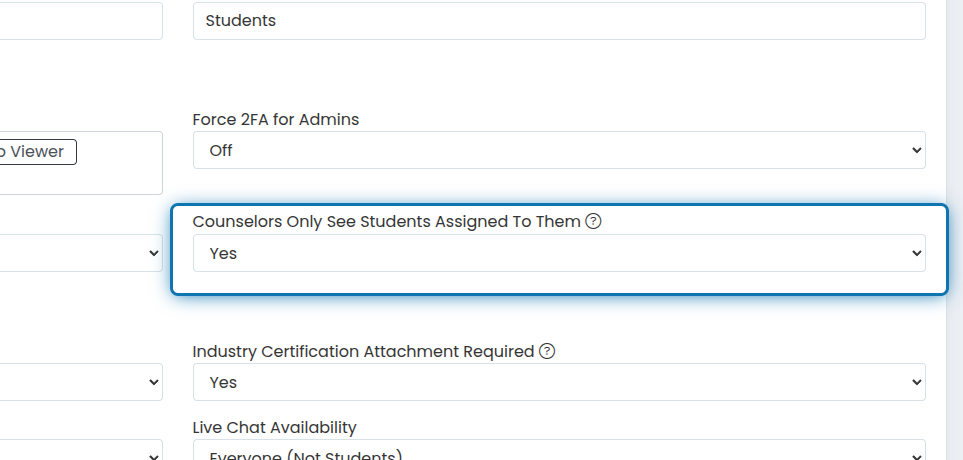
3. Scroll down to and change "Counselors Only See Students Assigned To Them" to "Yes"
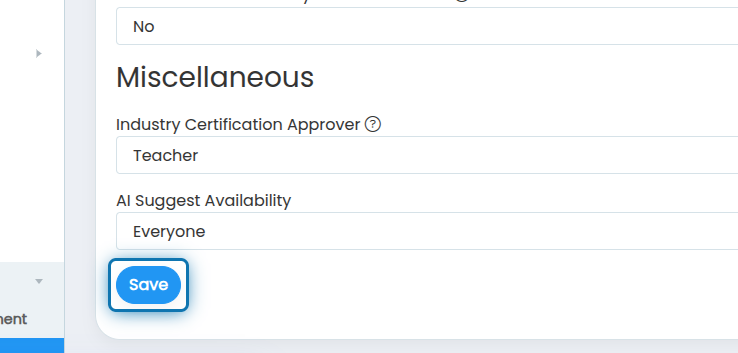
4. Click on Save
Now any user that has the counselor role will only be able to see the students they are assign. It's important to note that class, school, and section enrollments and permissions take precedence over this. If you are assigned a student that is in a class, school, or section than you don't have access to, you will not see the student.
Was this helpful?
Still need help? Ask the team