How do I report on each year's depreciation schedule on my asset items?
Last updated Over 1 year ago
1. Navigate to the Reports page
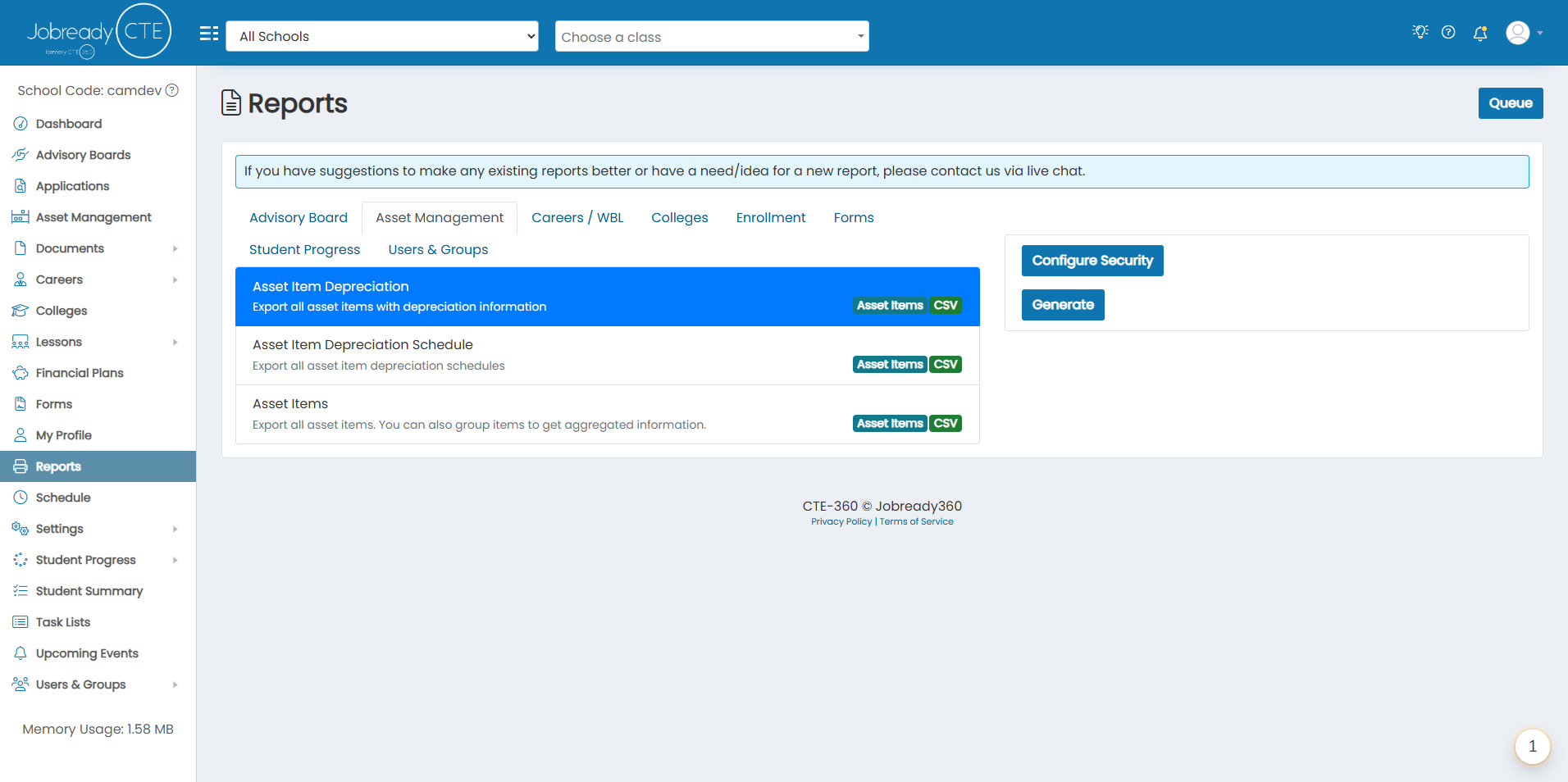
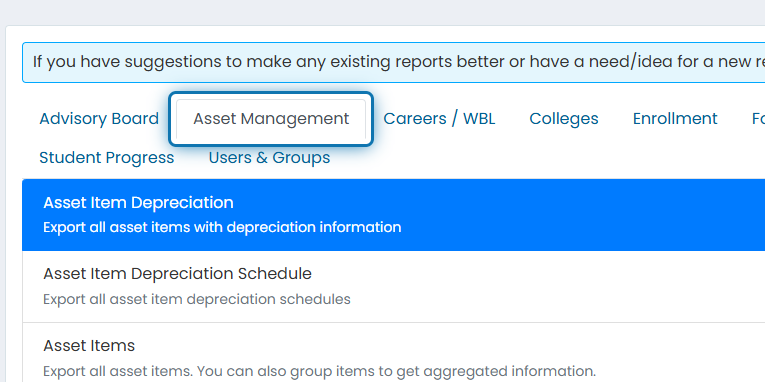
2. Click on the Asset Management tab
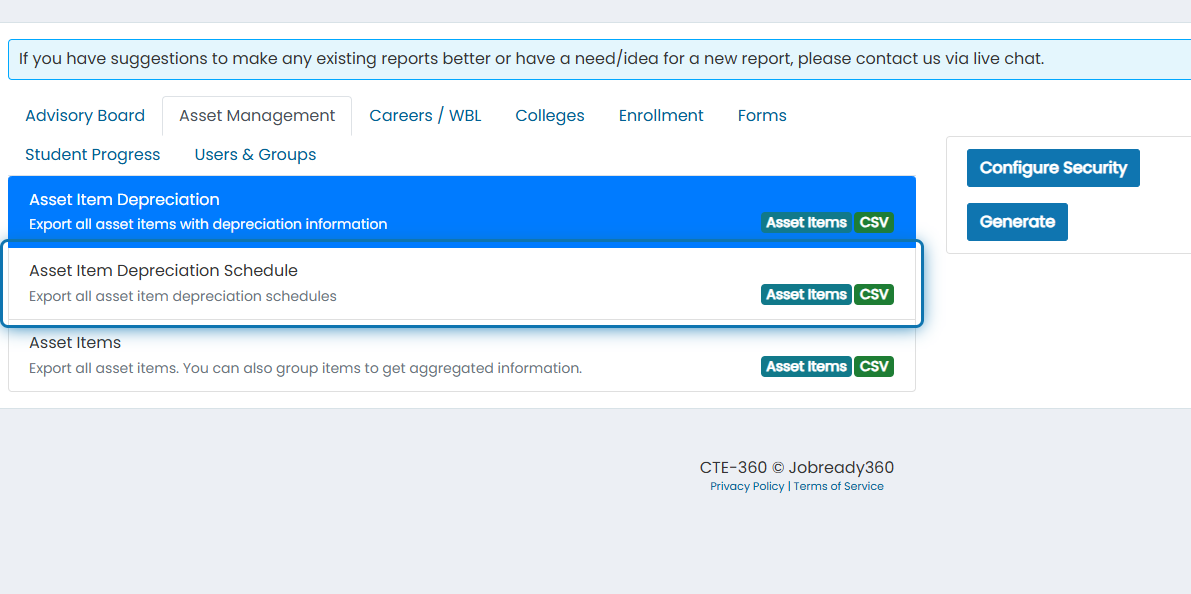
3. Click on Asset Item Depreciation Schedule
4. Click on Configure Security
Currently, there are no filters for this report, but if you have suggestions for filters to add, please let us know!
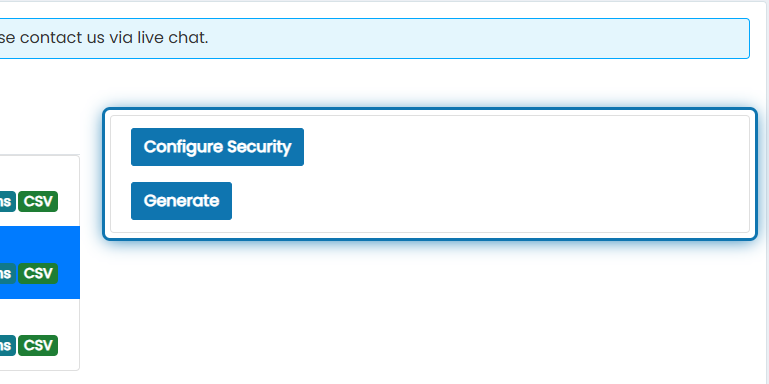
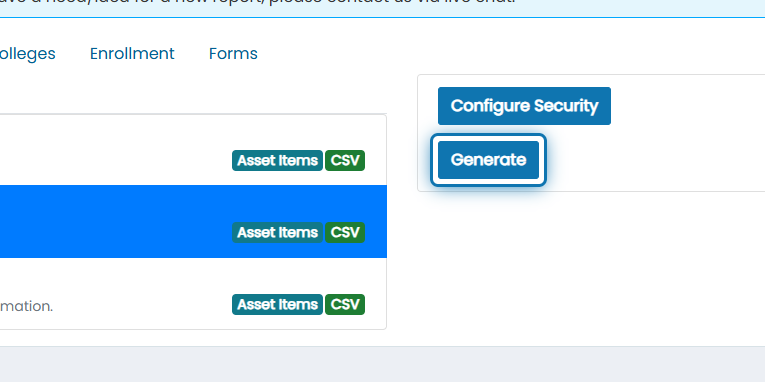
5. Click on Generate
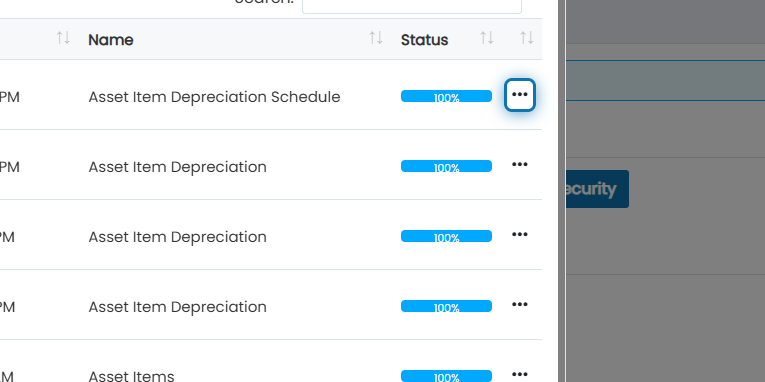
6. After the report gets to 100%, click the action button
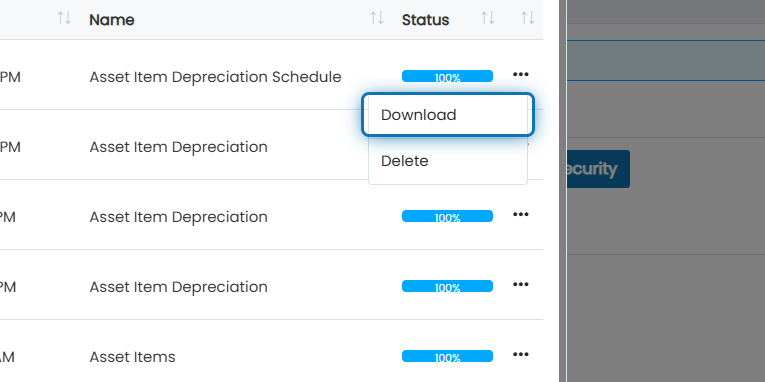
7. Click on Download
The report will be downloaded as a CSV file. The data will include:
Product
Item Number
Purchased On
Initial Price
Salvage Price
Depreciation Total Years
Depreciation Amount
Depreciation Year
Was this helpful?
Still need help? Ask the team