How do I use college suggestions?
Last updated Over 1 year ago
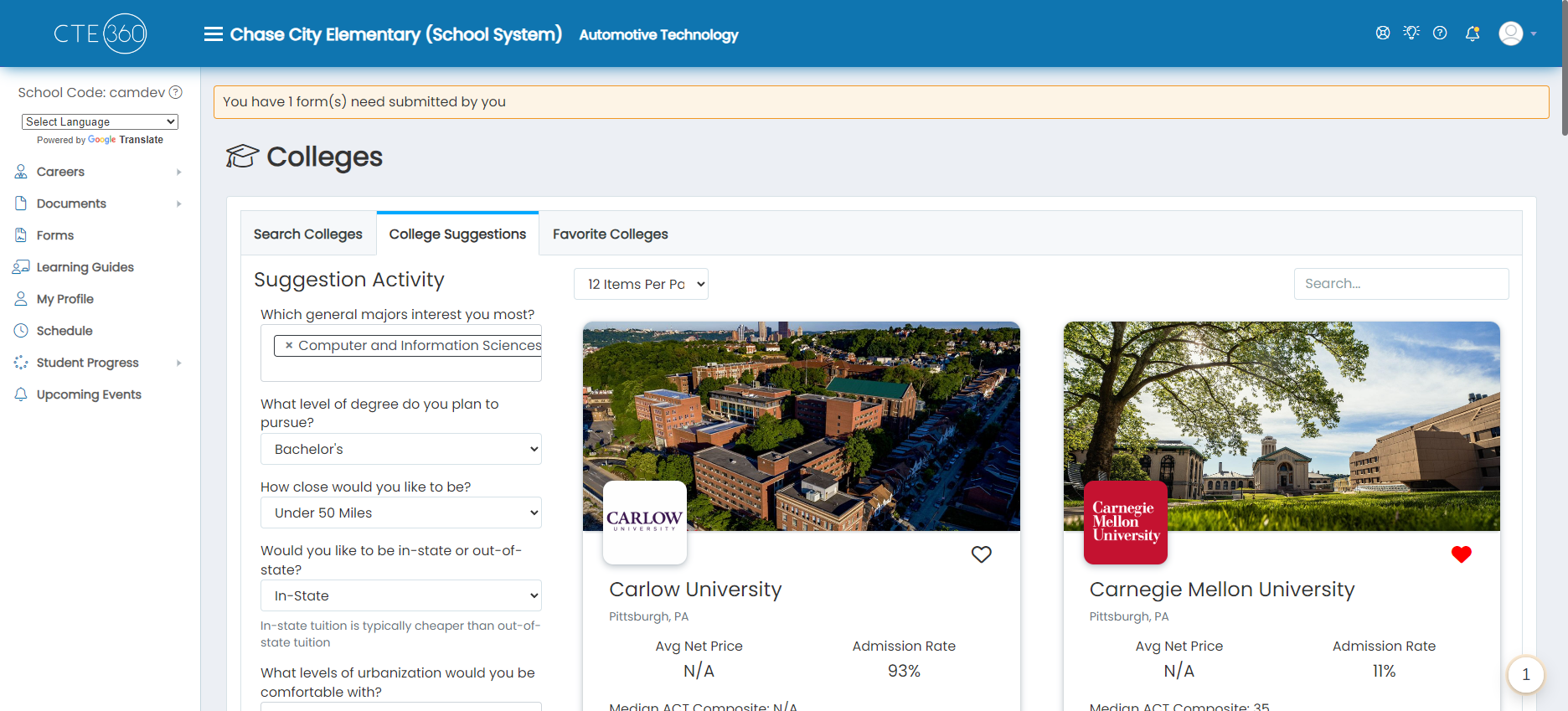
1. Navigate to the College module
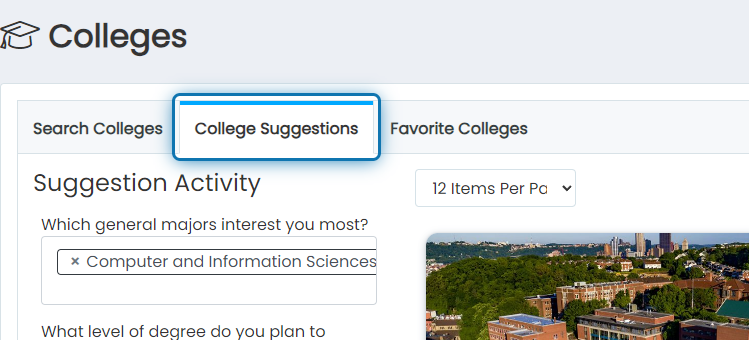
2. Click on the College Suggestions tab
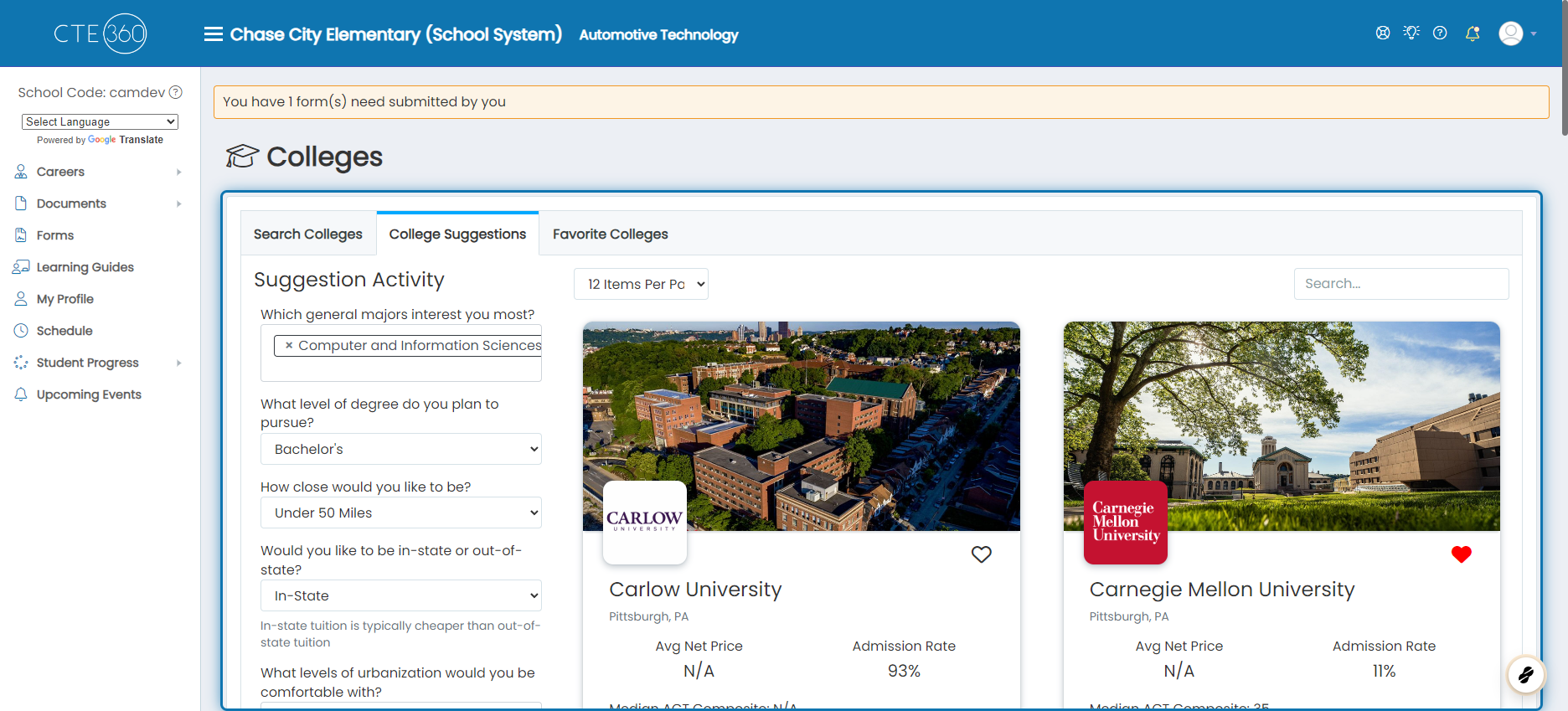
3. As you answer questions in the following steps, pay attention to how the list of colleges reacts
As you answer the questions, you will see the list get narrowed down more and more. If at any point you end up without any results, you will need to change your answers to be a bit less specific to get results.
Any of the questions can be left blank, which will skip that question when filtering down the results.
We recommend favoriting the colleges you're most interested in after you finish answering the questions.
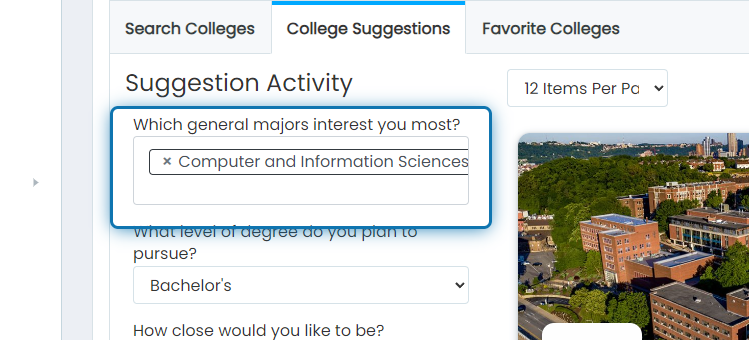
4. Choose which general majors interest you most.
You can choose more than one, so select all of the majors that interest you most.
5. Choose what level of degree you plan to pursue.
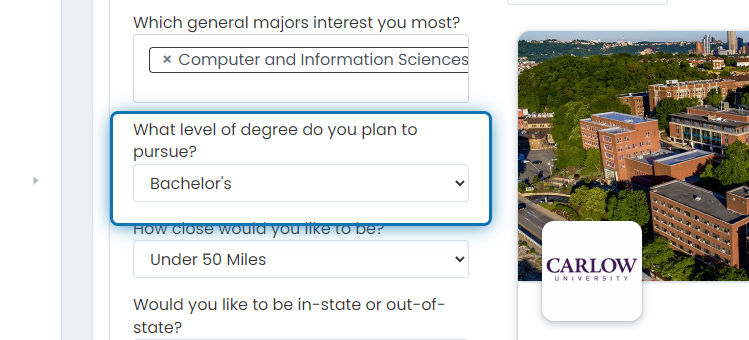
6. Choose how close you would like to be.
This uses your school's location to determine the radius
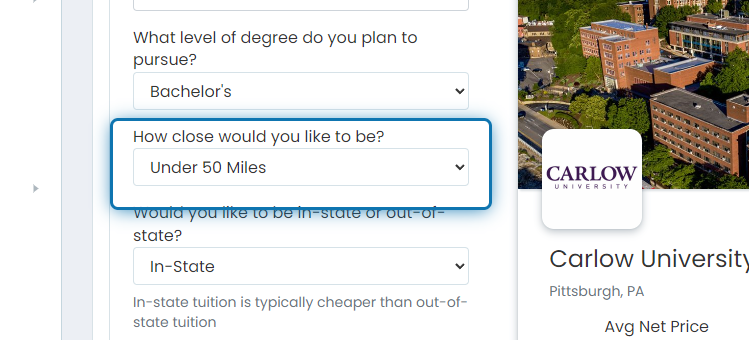
7. Choose if you would like to be in-state or out-of-state.
In-state tuition tends to be far cheaper than out-of-state tuition.
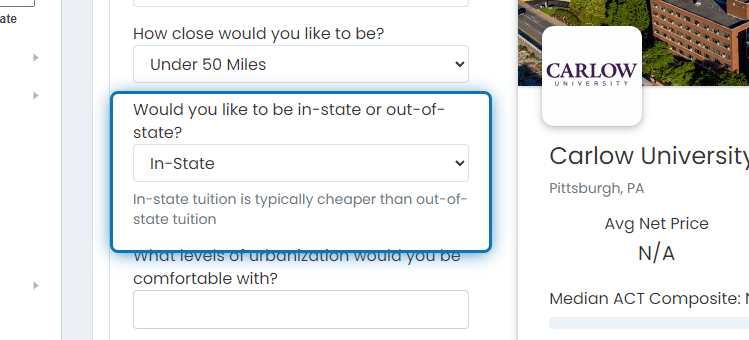
8. Choose the levels of urbanization you would be comfortable with.
You can choose all that apply here. If the level of urbanization doesn't matter to you, you can either leave this blank or select all of the options.
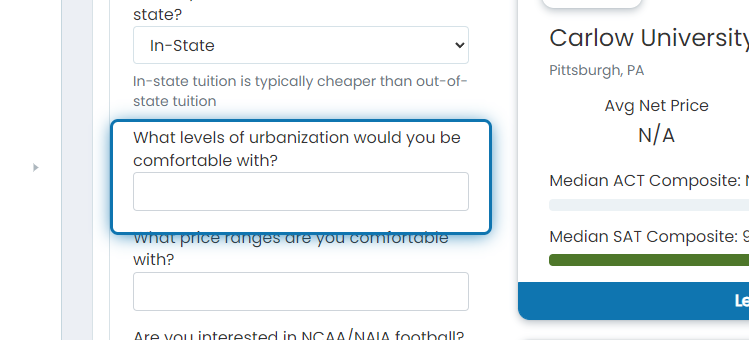
9. Choose the price ranges you are comfortable with.
Your options are low, medium, and high. We base those ranges on the national averages.
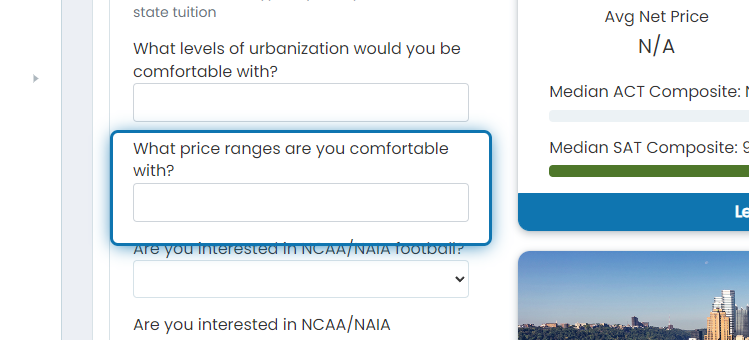
10. Choose if you are interested in NCAA/NAIA football.
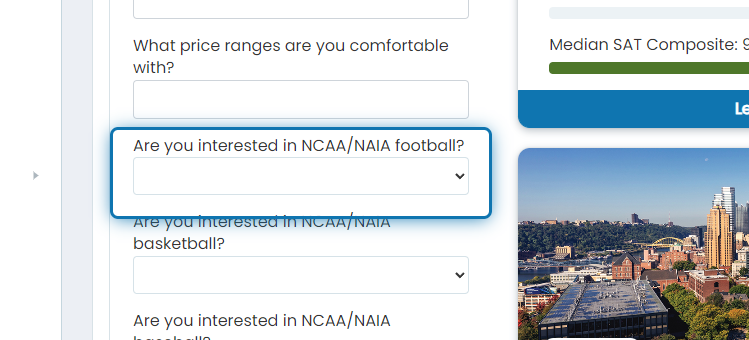
11. Choose if you are interested in NCAA/NAIA basketball.
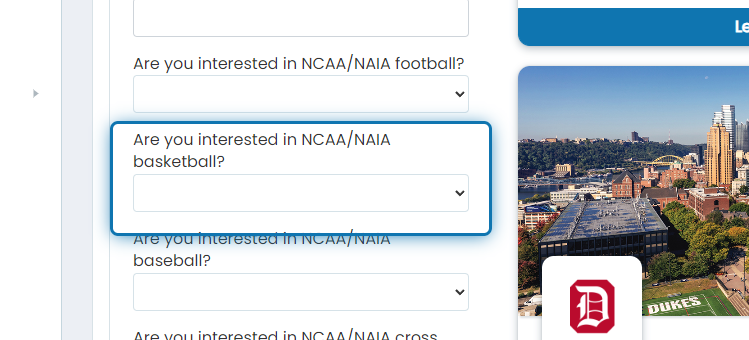
12. Choose if you are interested in NCAA/NAIA baseball?
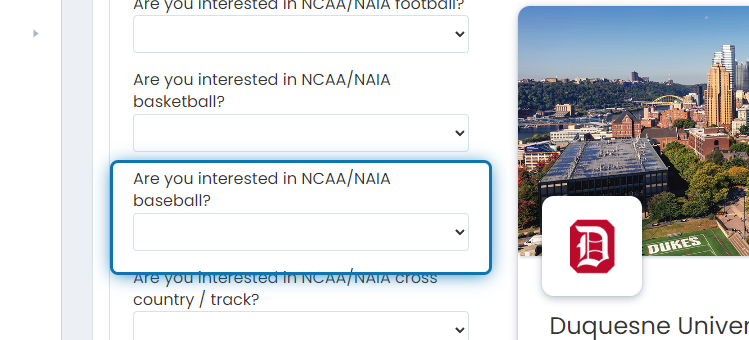
13. Choose if you are interested in NCAA/NAIA cross country/track.
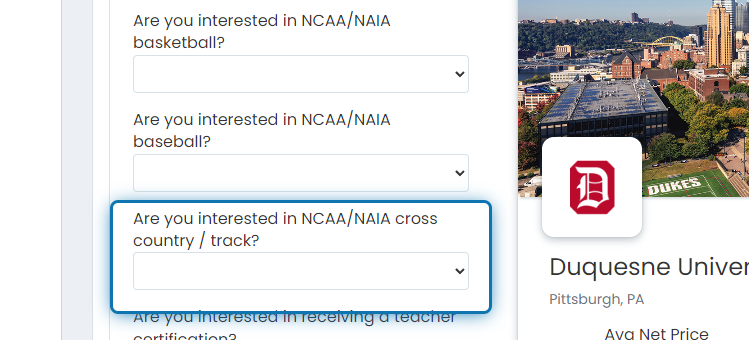
14. Choose if you are interested in receiving a teacher certification.
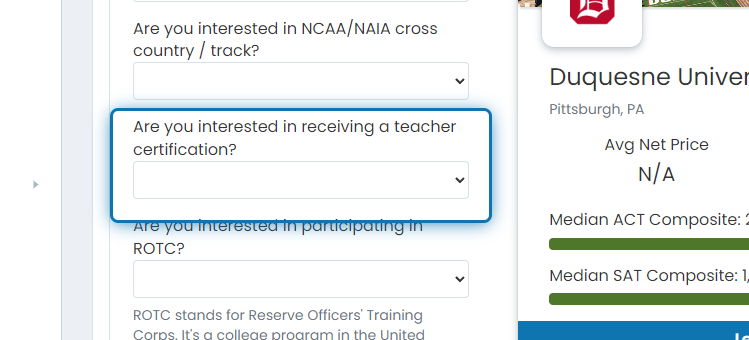
15. Choose if you are interested in participating in ROTC.
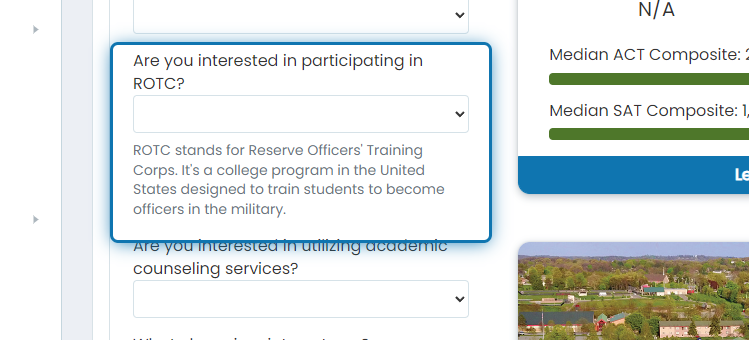
16. Choose if you are interested in utilizing academic counseling services.
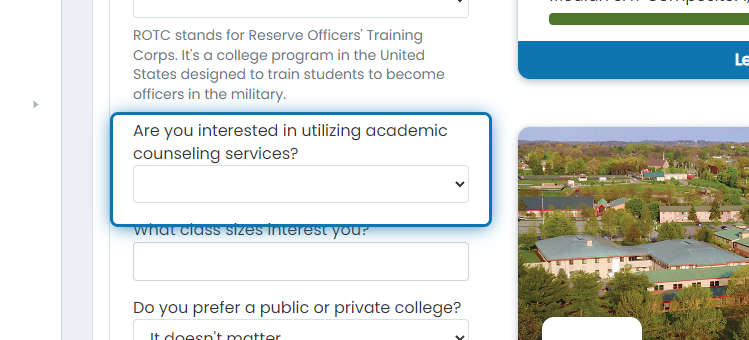
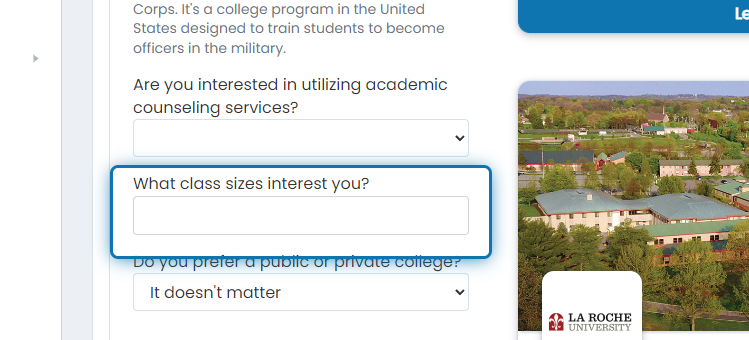
17. Choose what class sizes interest you.
Your options are small, medium, and large. We base these groupings on national averages.
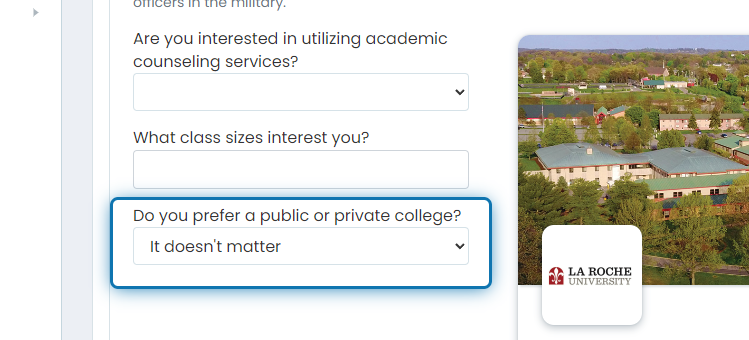
18. Choose if you prefer a public or private college.
If it doesn't matter to you if it's private or public, leave the question blank or choose it doesn't matter.
Suppose you were assigned a “College Suggestion Completion” Career Planning Activity. In that case, Jobready will mark this activity complete when you finish answering these questions.