How do I manage Job Applications in my portfolio?
This articles describes the steps to add example job applications to your portfolio.
Last updated About 1 year ago
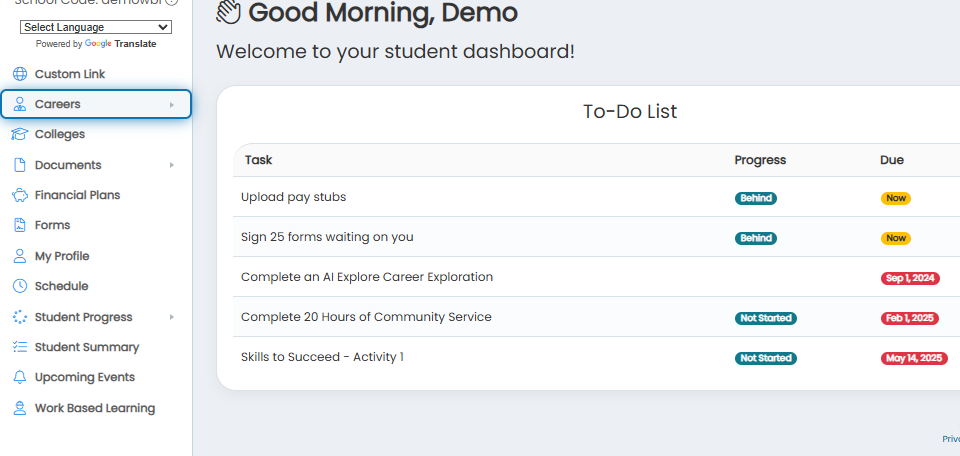
1. Click on Careers in the navigation menu.
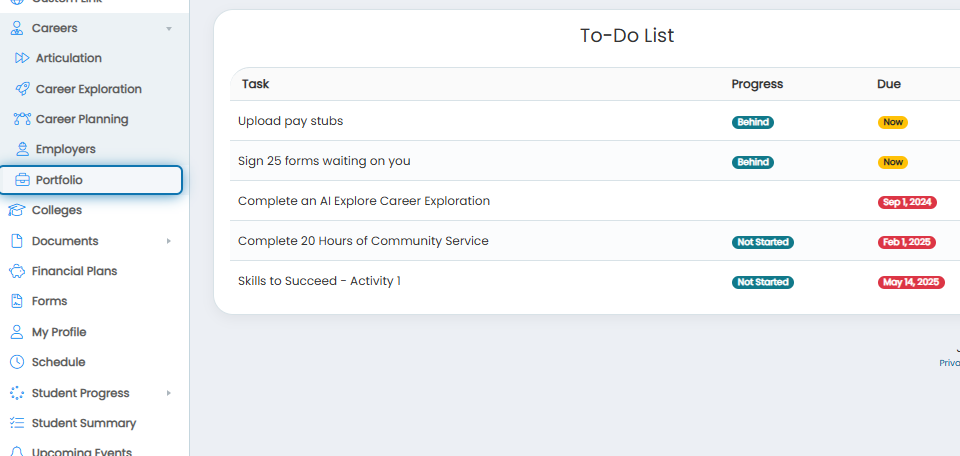
2. Click on Portfolio in the expanded menu.
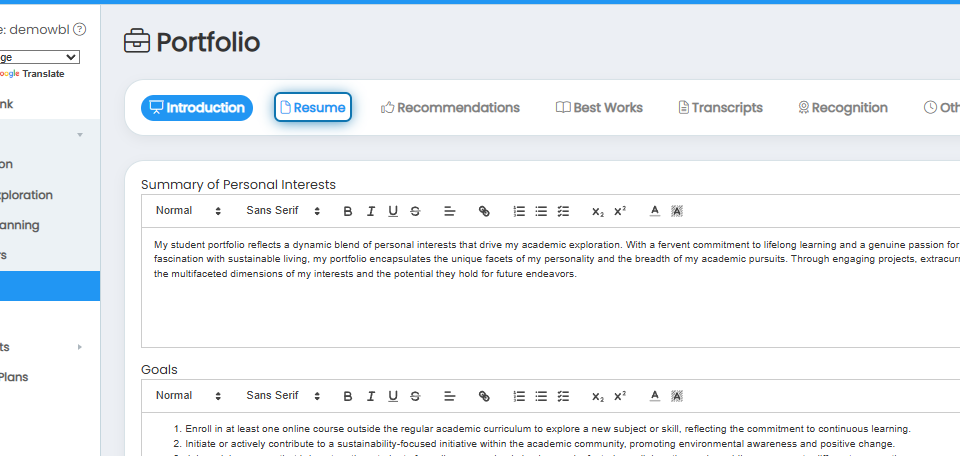
3. Click on the Resume tab.
4. Scroll down to the Example Job Applications section of the page. Click on Drag a file here to upload.
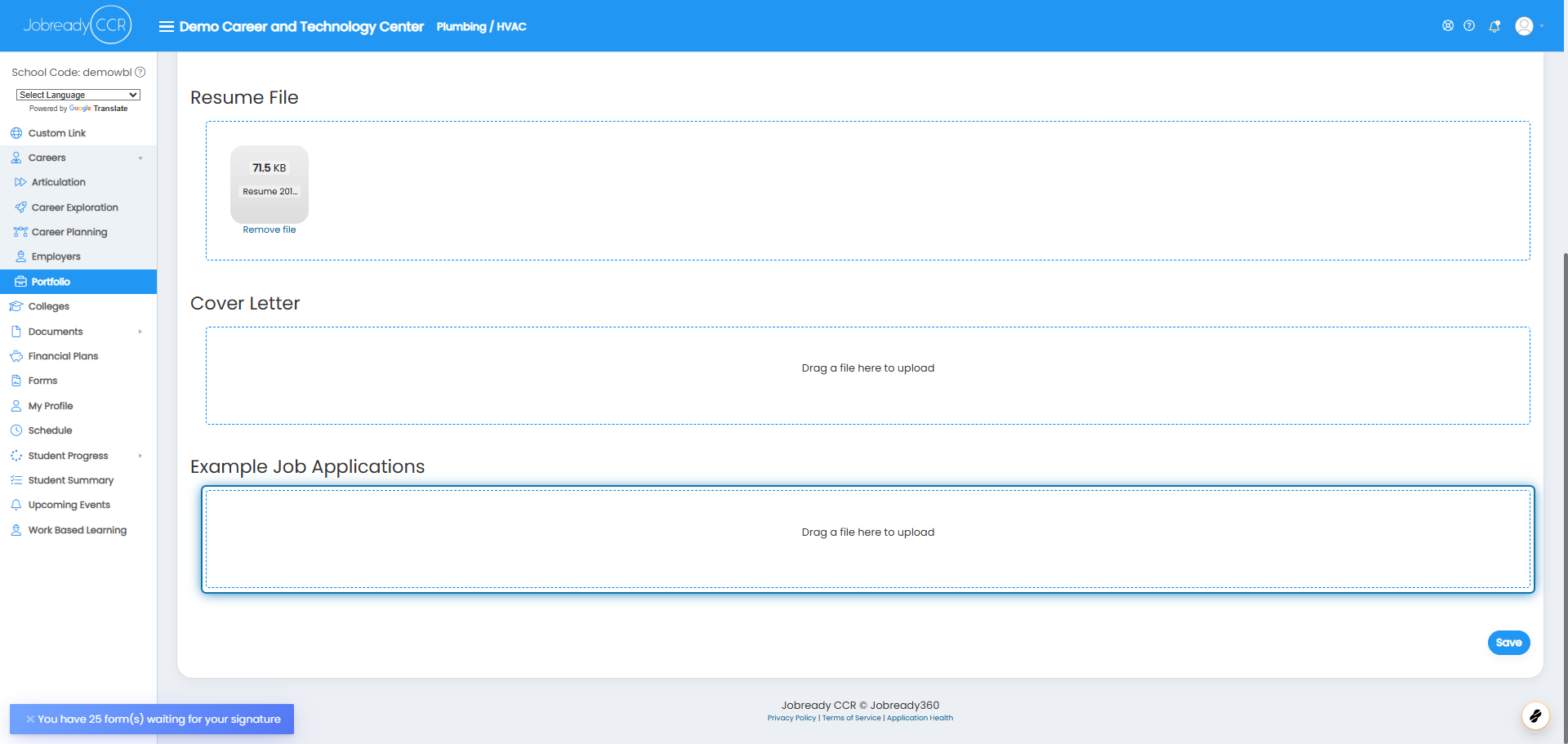
5. Select the job application from your files that you would like to upload. Click on Save to save your upload in Jobready.

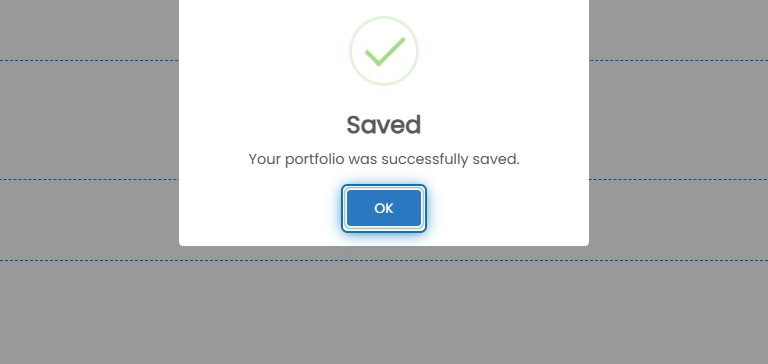
6. Click on OK
Suppose you were assigned a “Job Application Count” Career Planning Activity. In that case, Jobready will monitor the number of job applications added to automatically mark the activity completed once the assigned number has been reached.