How do I mark a SMART goal as complete?
Last updated 6 days ago
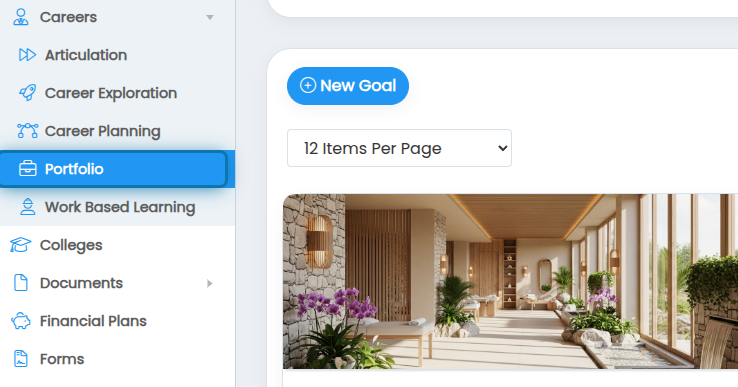
1. Navigate to the portfolio page
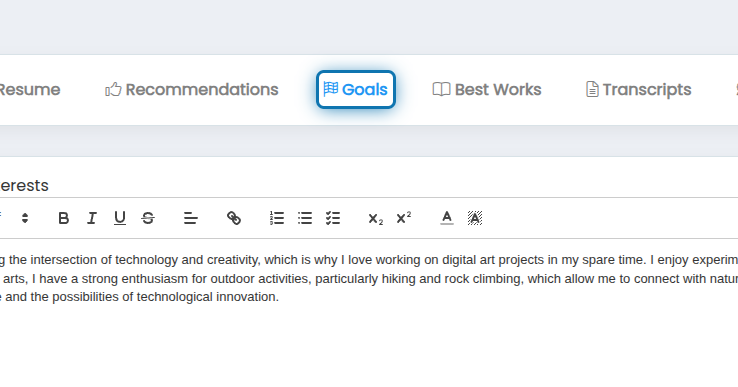
2. Click on Goals
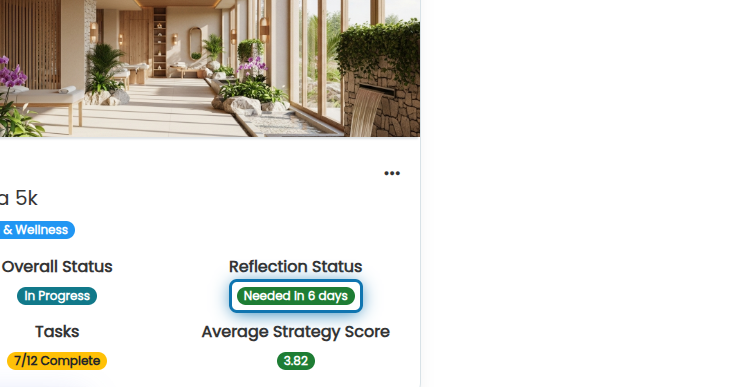
3. Click on the reflection status badge
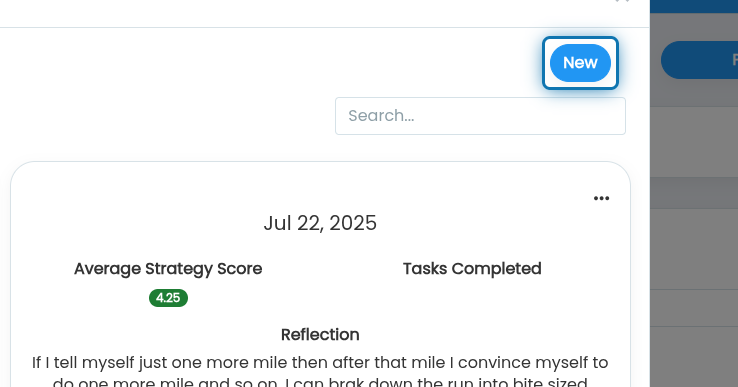
4. Click on New to make a new reflection
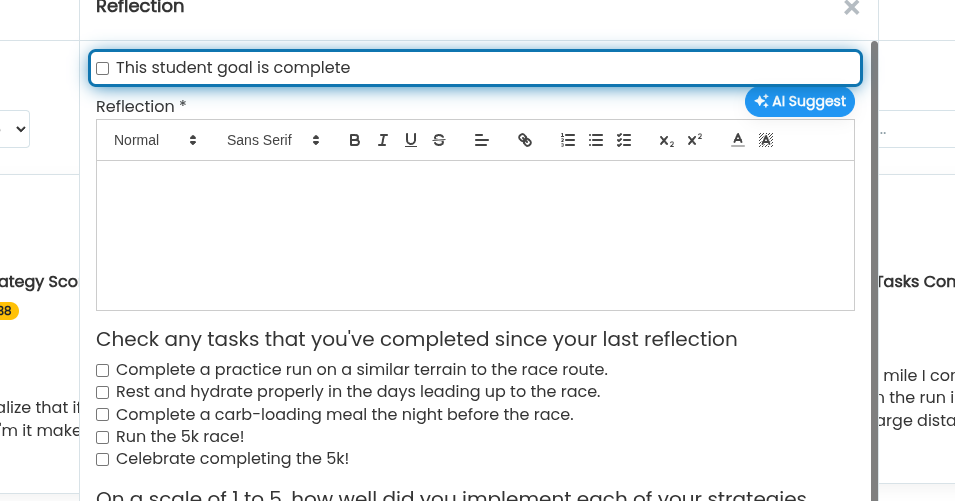
5. Check the "This student goal is complete" checkbox
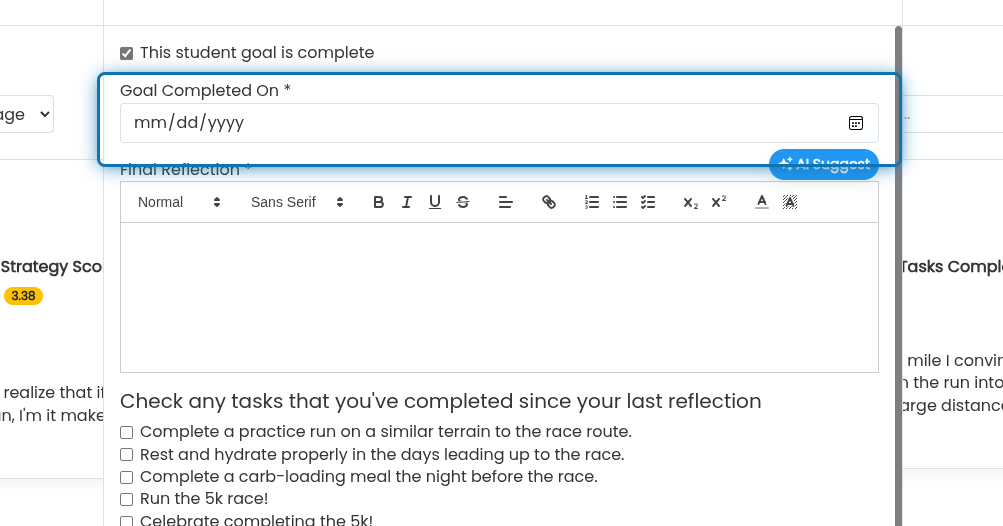
6. Specify when the goal was completed
7. Follow the directions for adding a new reflection in the link below starting at step 8
https://help.jobready360.com/articles/1947612-how-to-i-add-a-reflection-to-a-smart-goal
After you complete your goal, we will provide a summary of all reflections right on the goal record so you can see how you progressed through your goal.
Was this helpful?
Still need help? Ask the team