How can I change the order of signers on a form?
Last updated 6 days ago
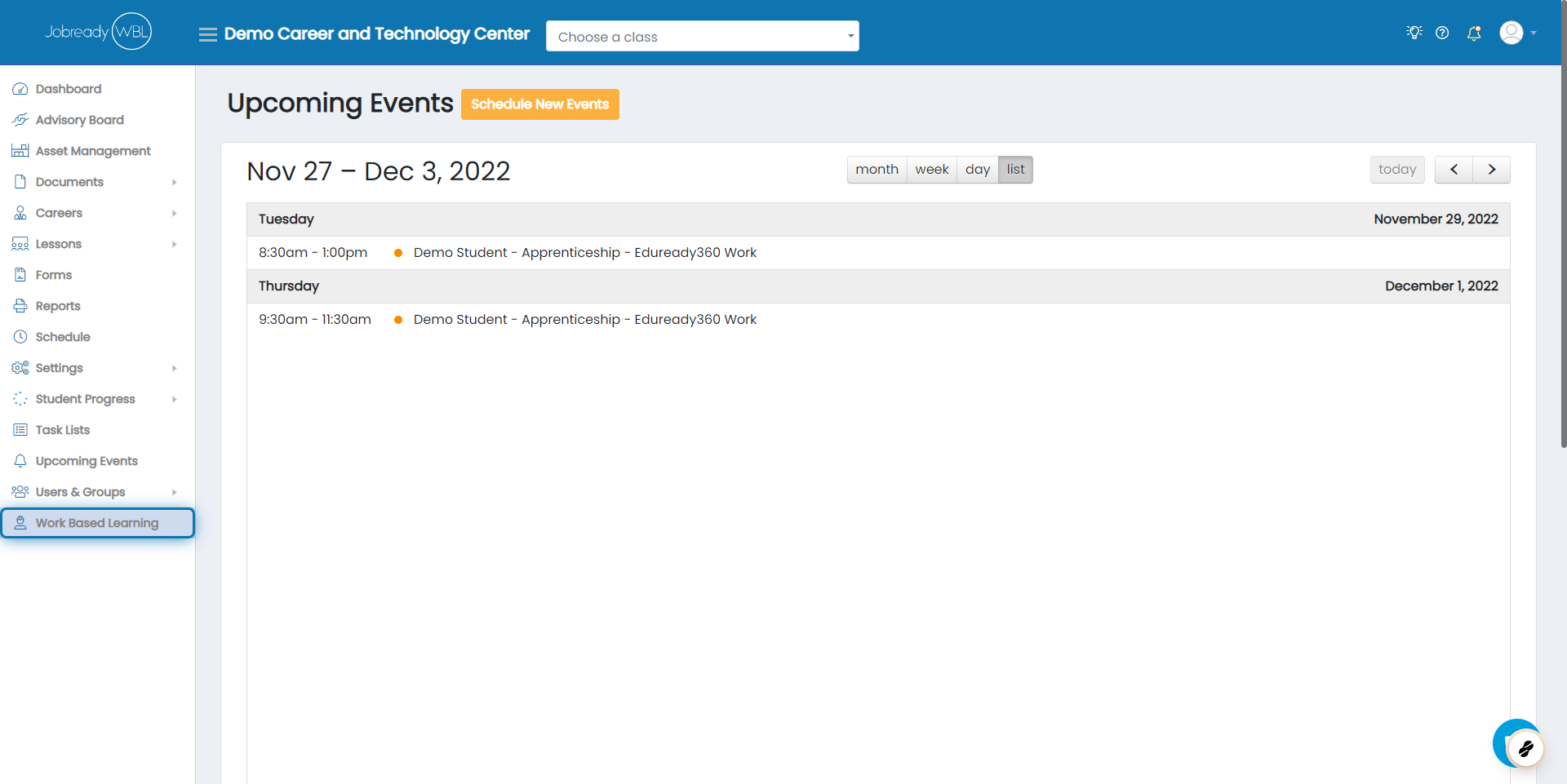
Click on Work Based Learning
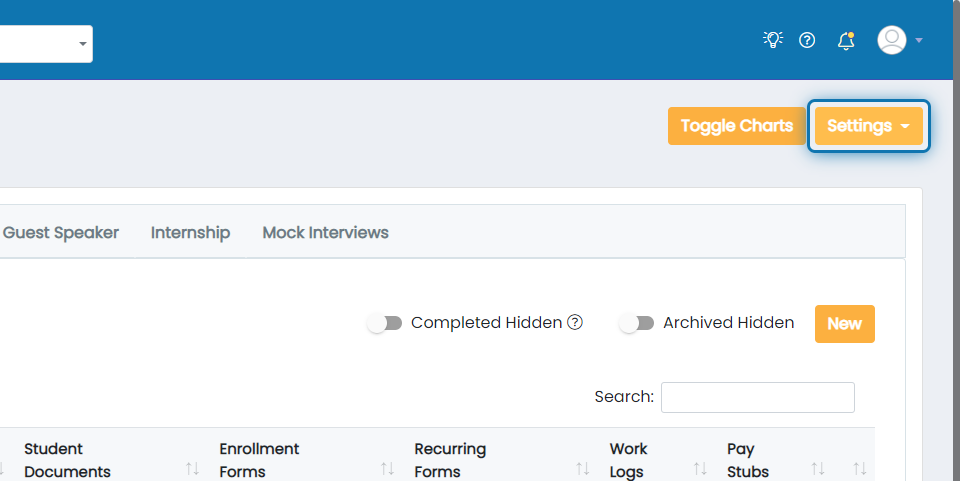
Click on Settings
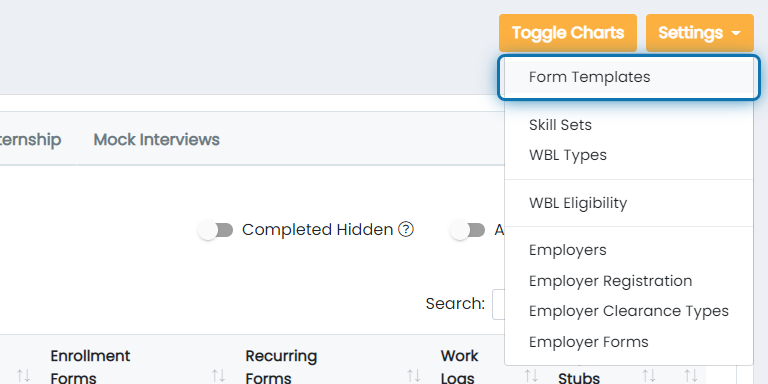
Click on Form Templates
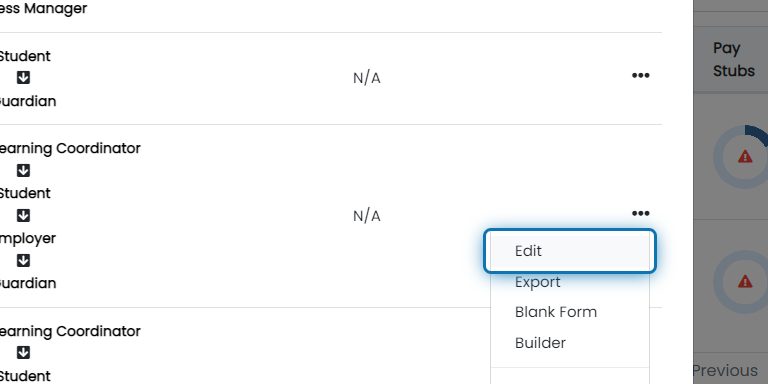
Click the action button for the desired form

Click on Edit
Add, Remove, or Re-order signers using the drop-down lists
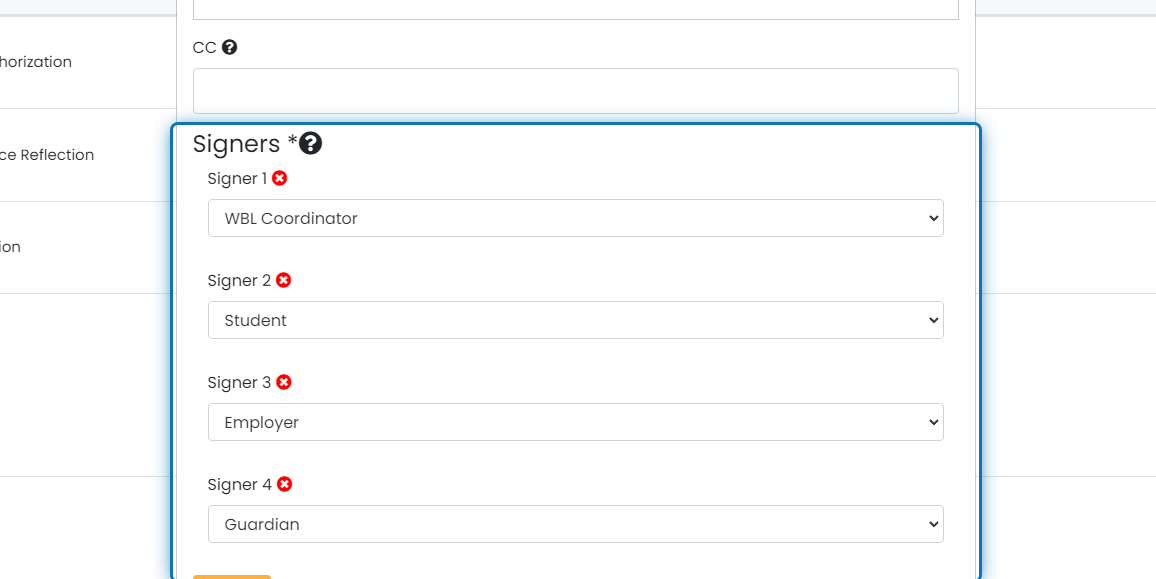
Click on Save Changes

Verify all singers are correctly aligned
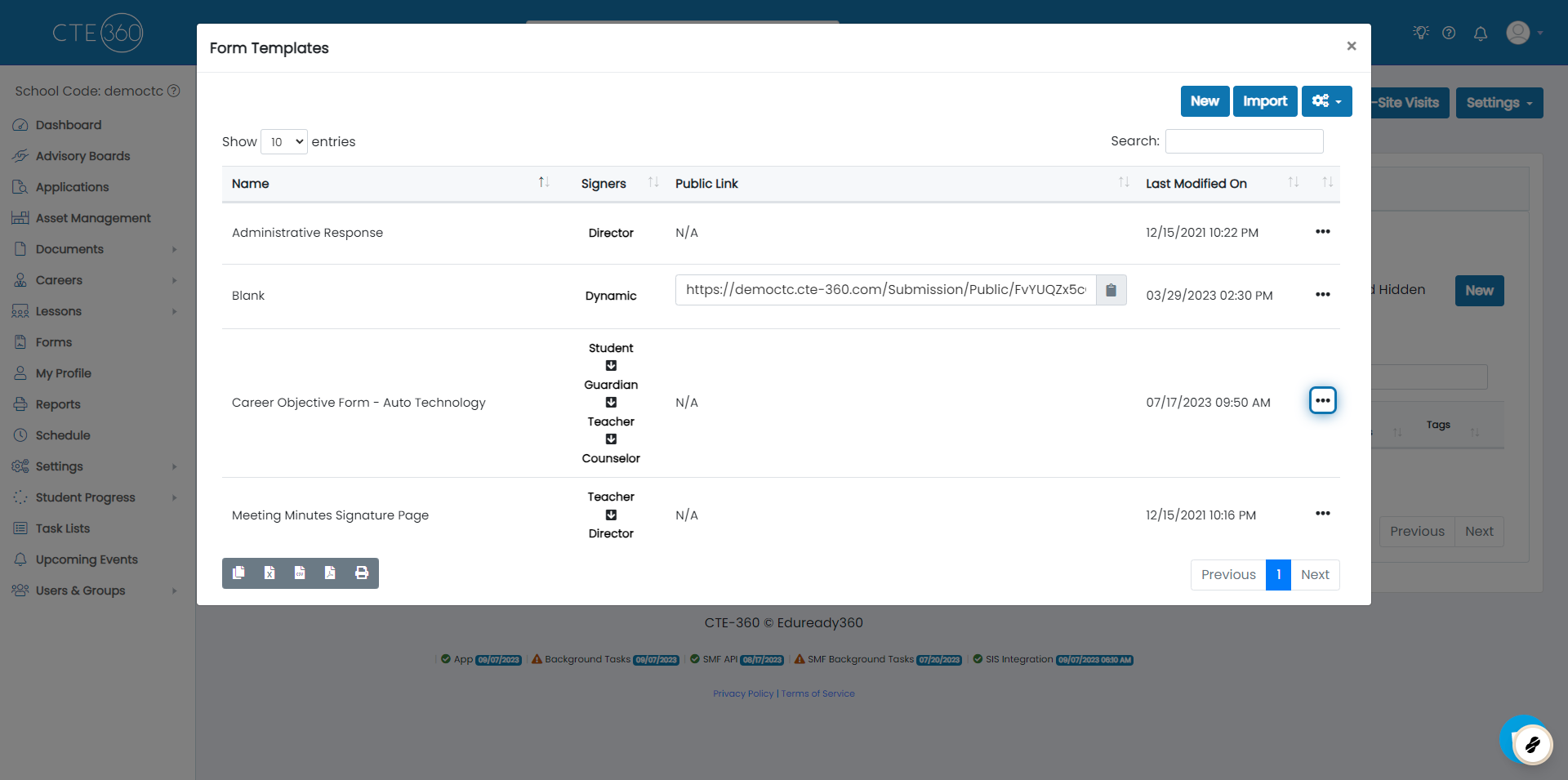
1. Click on the action button for the form
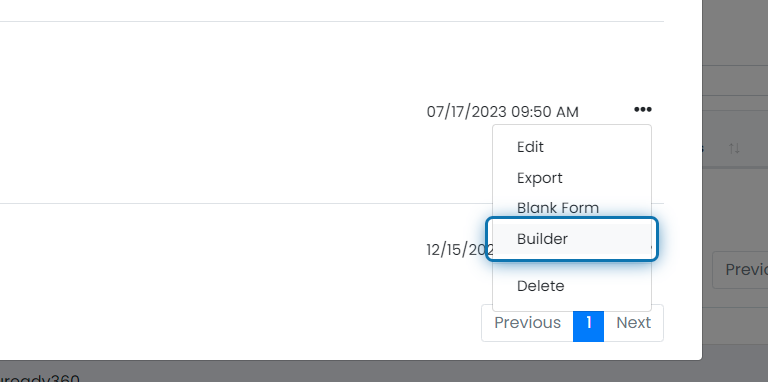
2. Click on Builder
3. Verify all fields have the correct signer
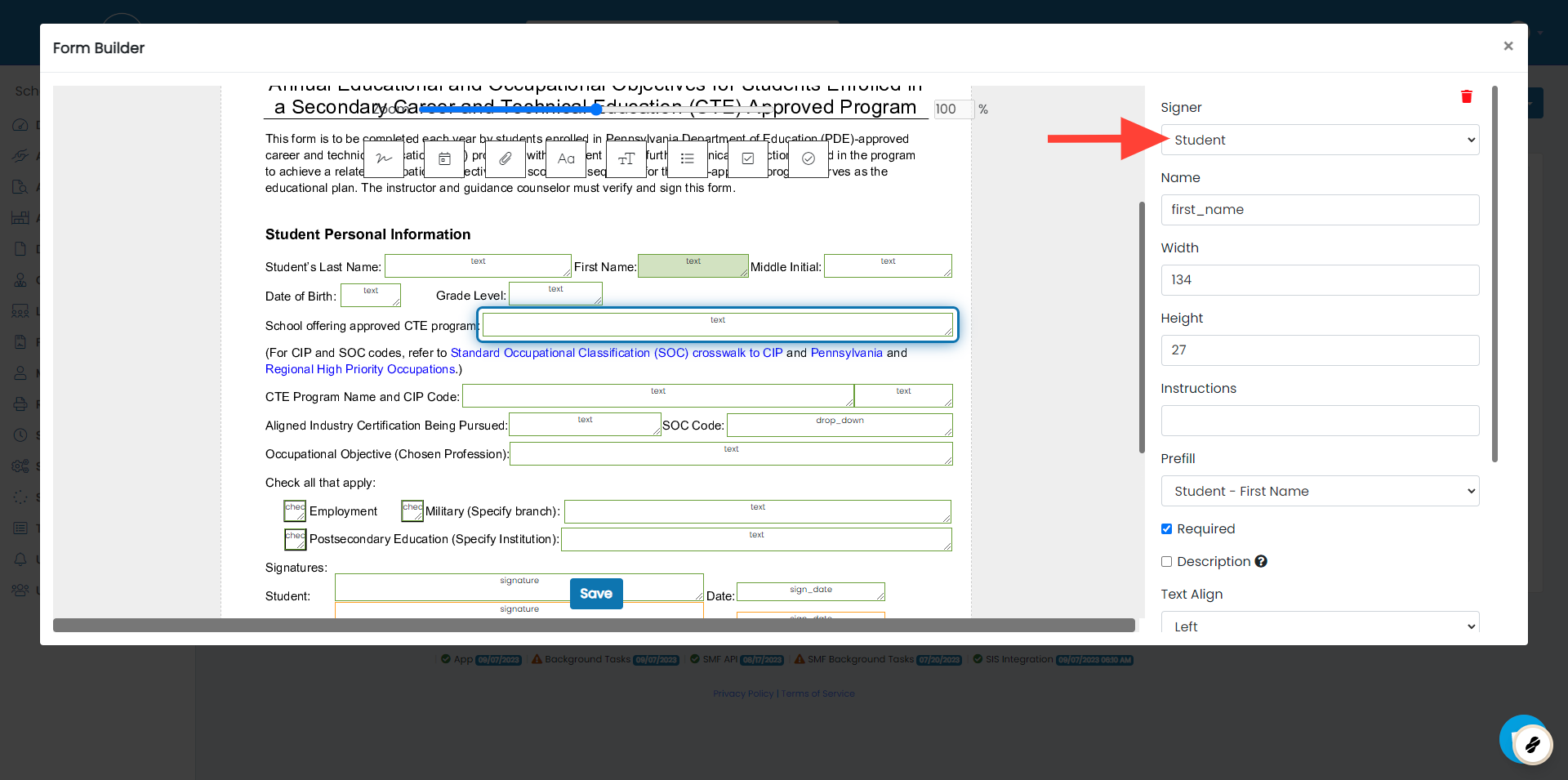
4. Click on Save
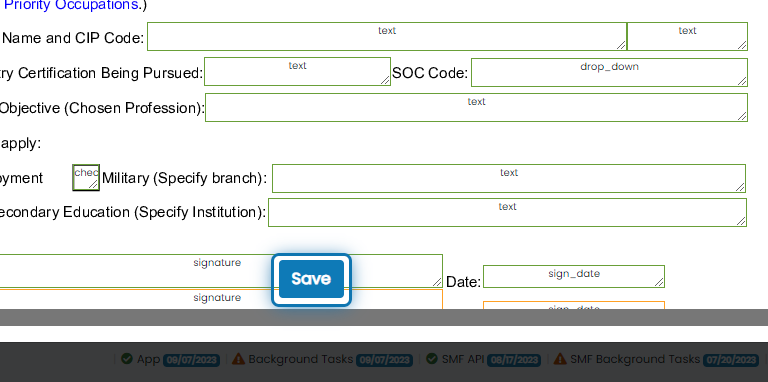
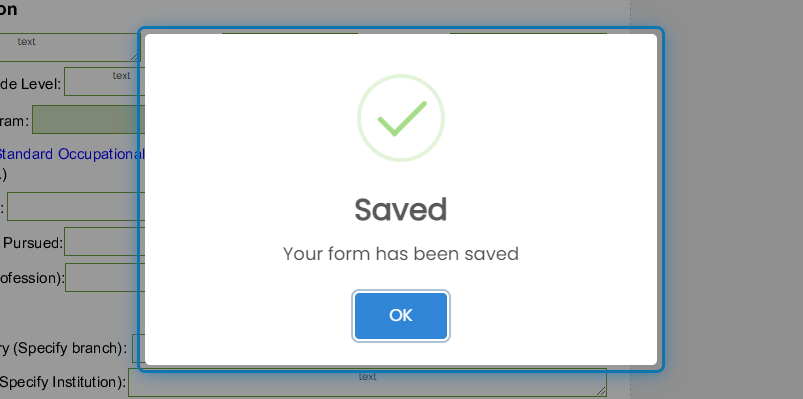
5. Done!
Was this helpful?
Still need help? Ask the team