How can I use the schools from my SIS sync as Sending Schools?
Last updated 6 days ago
1. Navigate to the Global Settings page
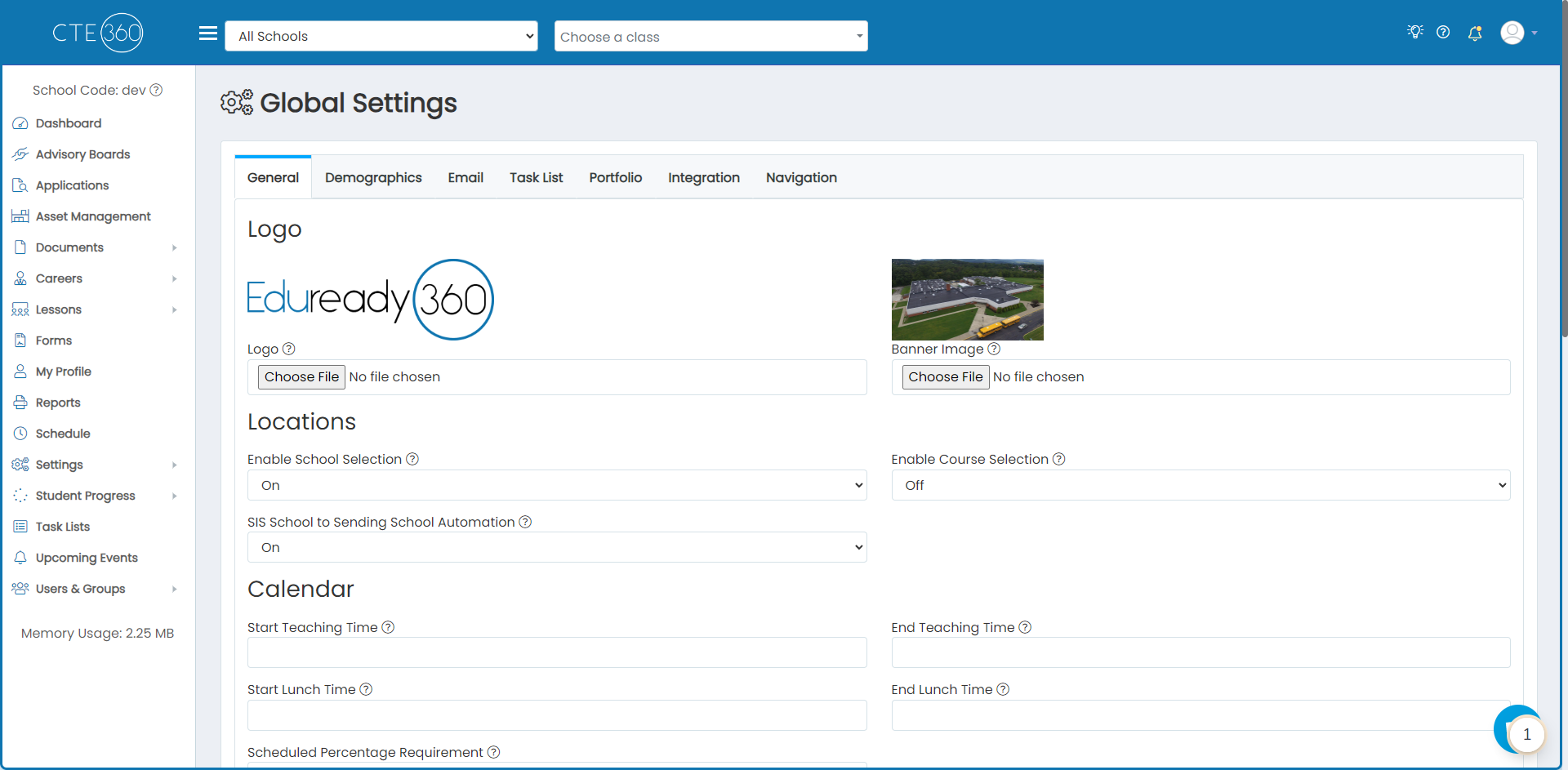
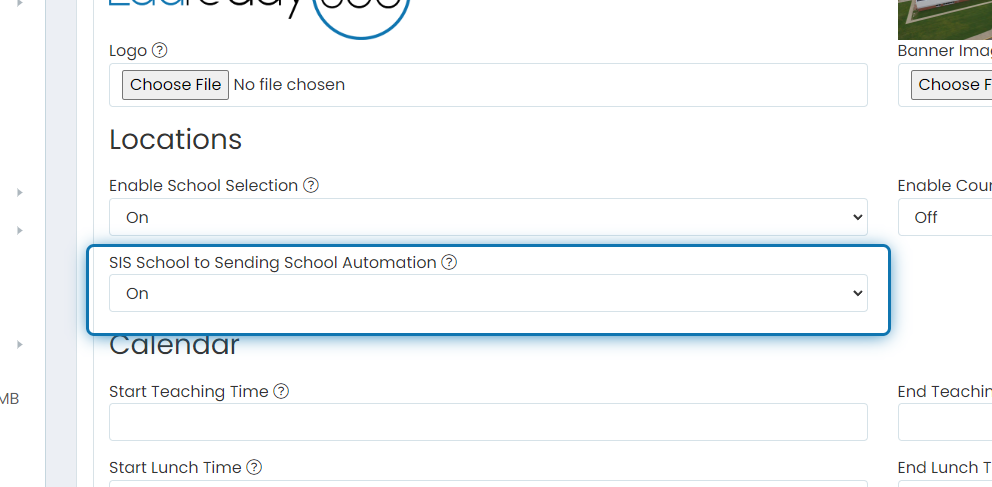
2. Change SIS School to Sending School Automation to On
By turning on this setting, all SIS schools will be copied to sending school records. Additionally, we will be able to automatically assign your student's sending schools since we know which schools they are enrolled in and correlate those to their respective sending school.
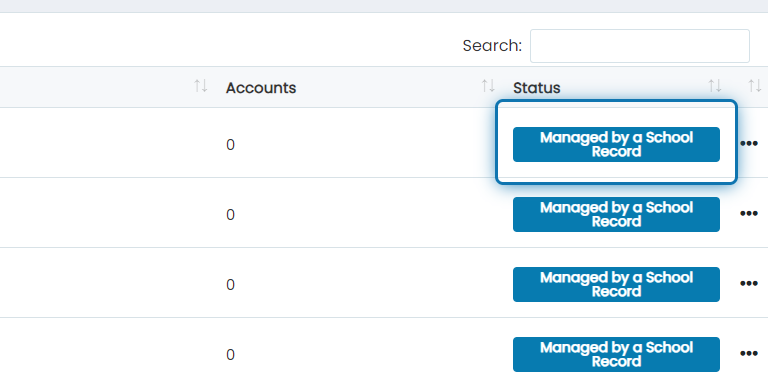
3. If you go to the Sending School Management page, you'll see each sending school tied to a SIS school with a status of "Managed by a School Record"
Sending schools that are managed by a school record cannot be edited or deleted. You can still add school records to these sending schools though.
{{END SPRTD TGS}}
Was this helpful?
Still need help? Ask the team