How do I run a report to see the Career Exploration completion status of all of my students?
Last updated 6 days ago
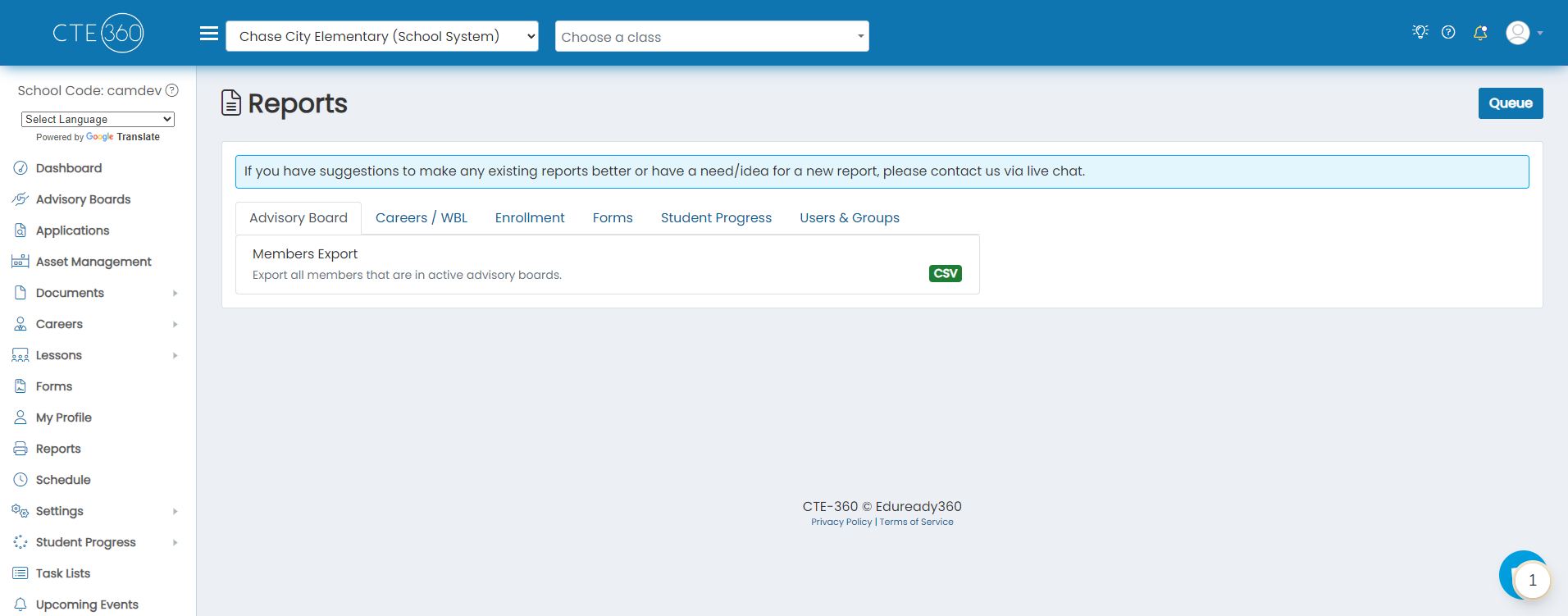
1. Navigate to the reports page
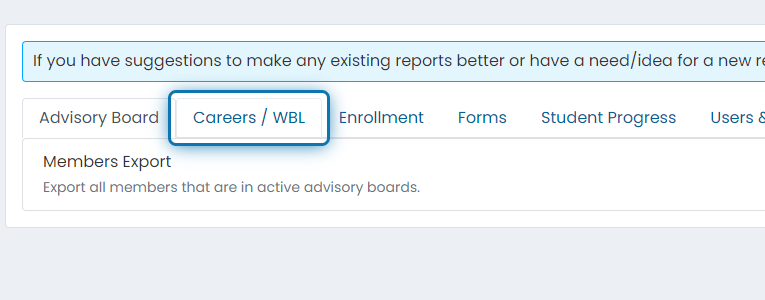
2. Click on the Careers / WBL tab
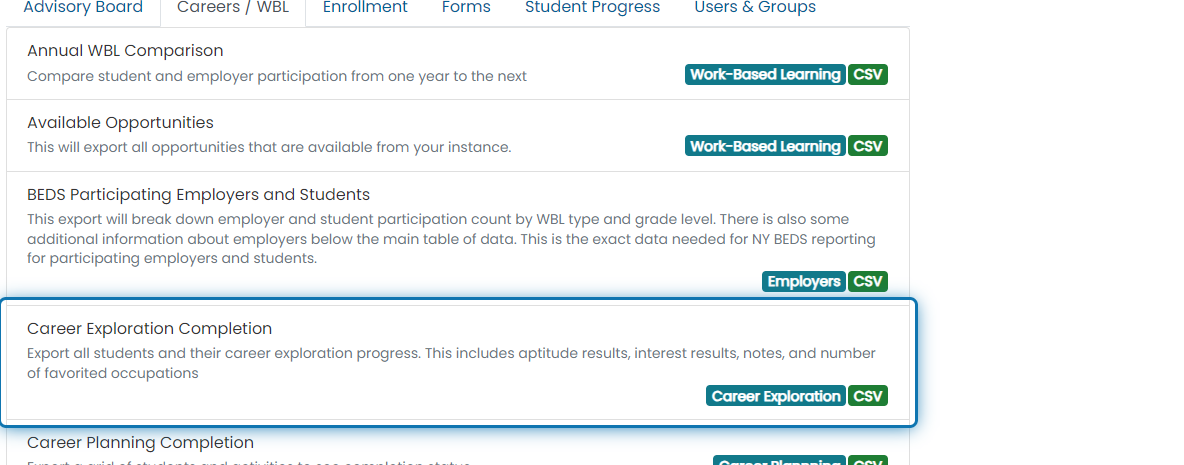
3. Click on Career Exploration Completion
4. Specify anything you'd like to filter the report down by
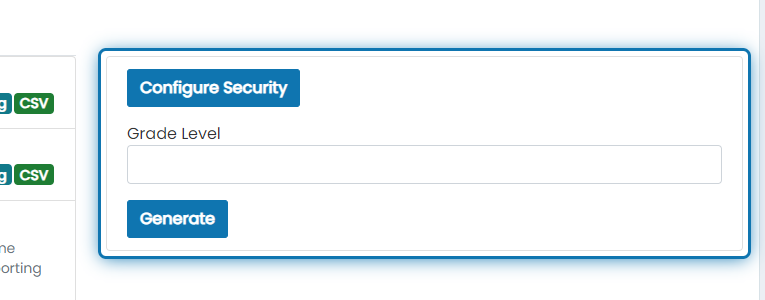
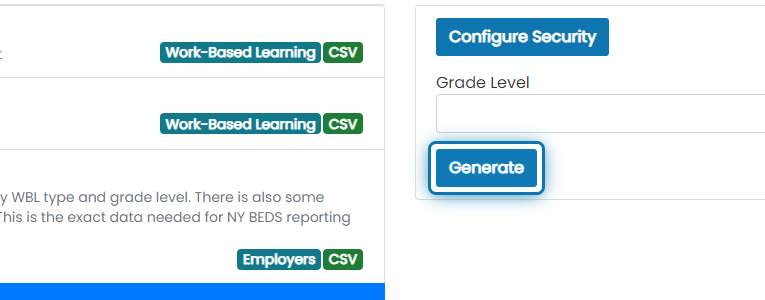
5. Click on Generate
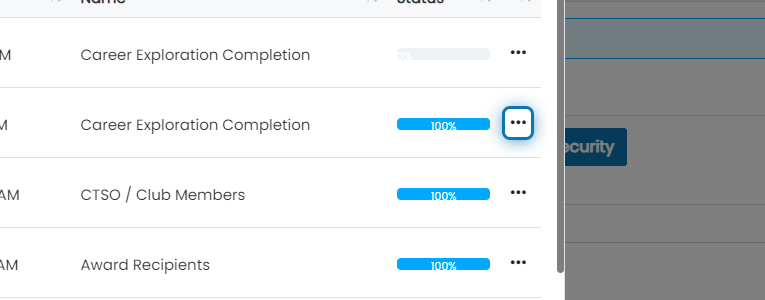
6. Once the report makes it to 100%, click the action button
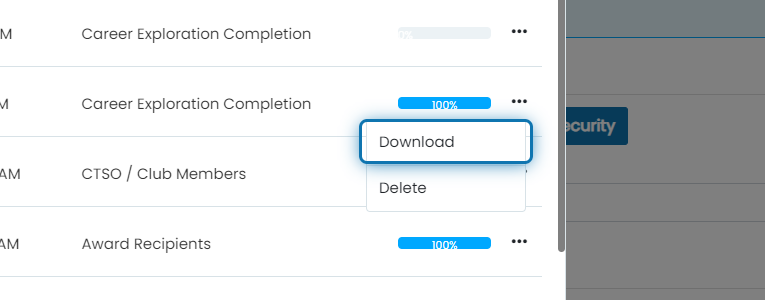
7. Click on Download
The report will be downloaded as a CSV file. The data will include:
- First Name
- Last Name
- Grade Level
- Graduation Year
- State Student Number
- Career Exploration Notes
- Aptitude Completed Status
- Aptitude Completed On
- Aptitude Questions Completed - The number of aptitude questions that student answered
- Realistic Holland Score
- Investigative Holland Score
- Artistic Holland Score
- Social Holland Score
- Enterprise Holland Score
- Conventional Holland Score
- Job Zone
- Number of Favorited Occupations
Was this helpful?
Still need help? Ask the team