How do I mark my CTSO / Club members as participating or non-participating?
Last updated 6 days ago
⚠️ If an event is tied to the CTSO / Club, participation will be based on event attendance rather than manually setting them
1. Navigate to the CTSO / Club module
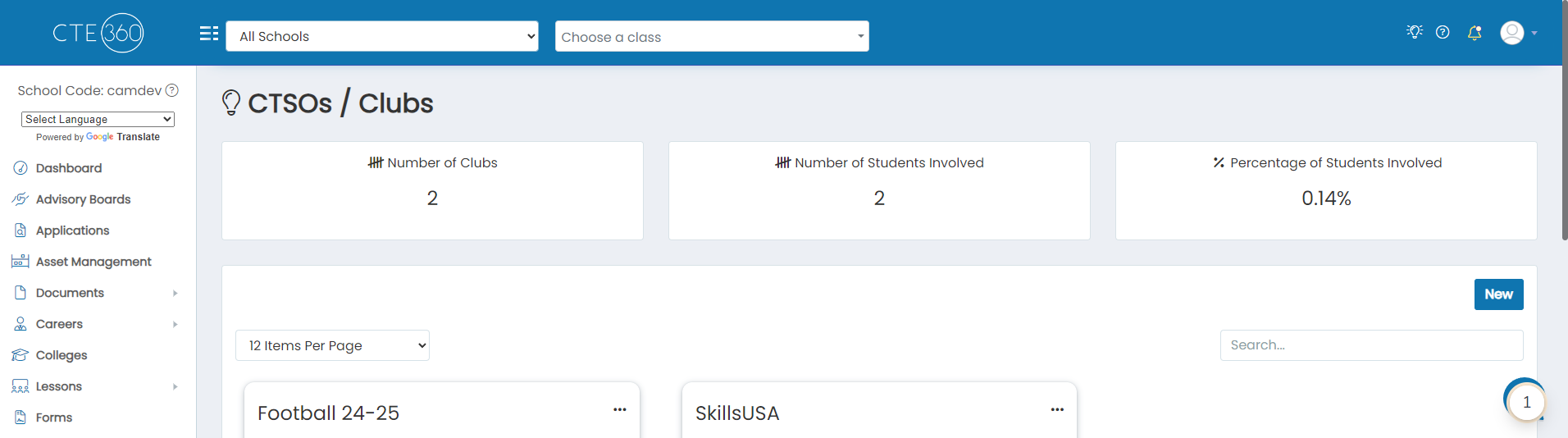
2. Click on the action button of the CTSO / Club you'd like to set participation on

3. Click on Members

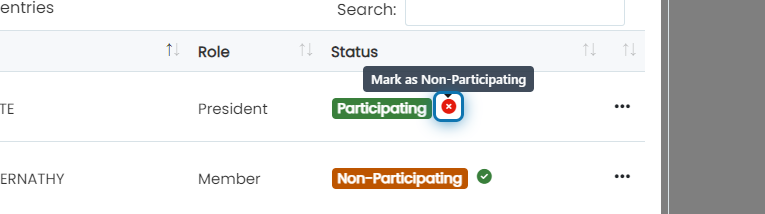
4. This particular member is set as non-participating
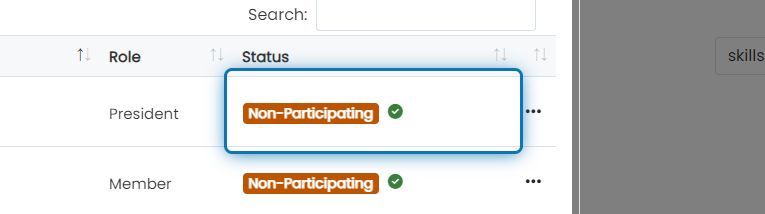
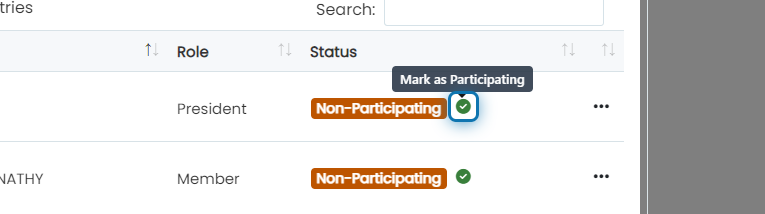
5. Click on the green checkmark to set them as a participating member
6. This particular member is set as participating
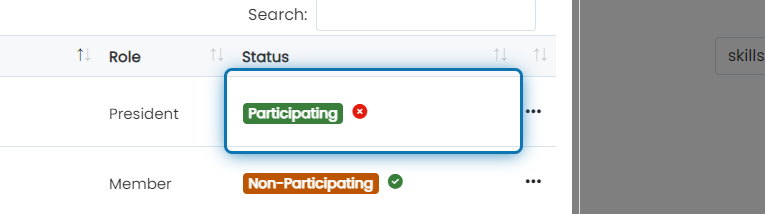
7. Click on the red X to set them as non-participating
Was this helpful?
Still need help? Ask the team