How do I clone/copy an existing WBL Experience?
Last updated 6 days ago
1. Navigate to the Work-Based Learning Module
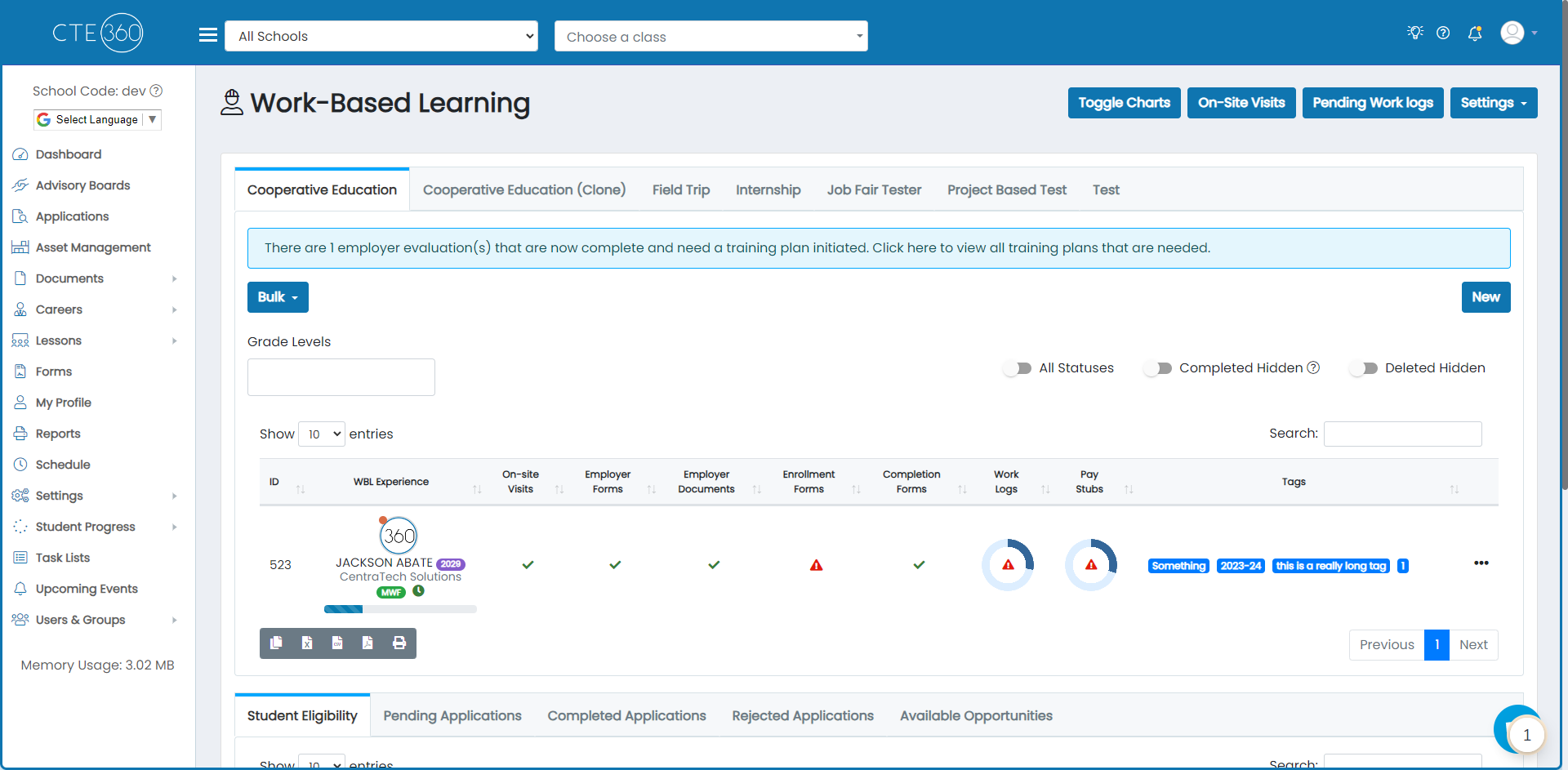
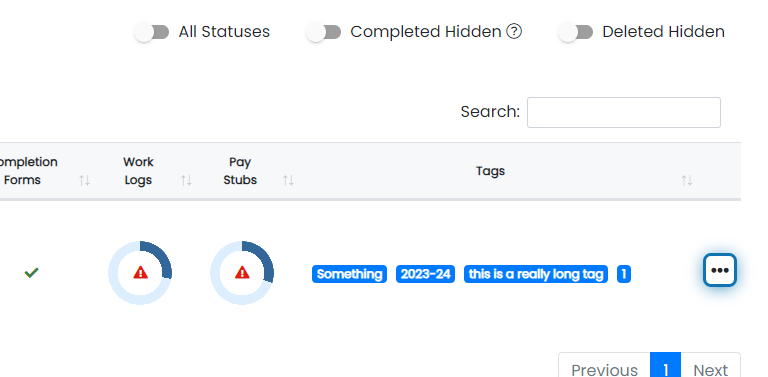
2. Find the experience that you'd like to clone and click the action button for that record
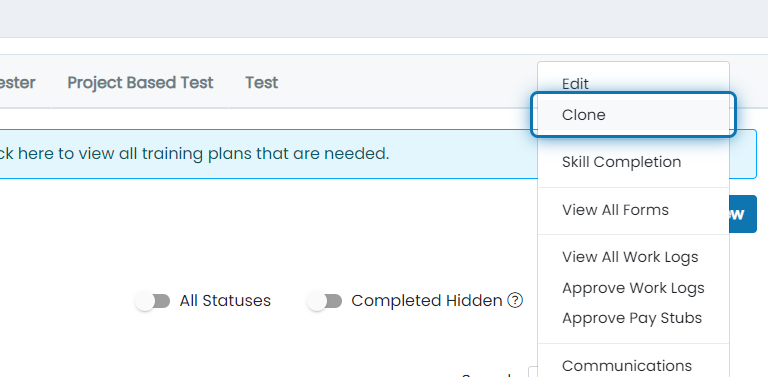
3. Click on Clone
4. Review all of the information to ensure that everything is accurate for the new experience
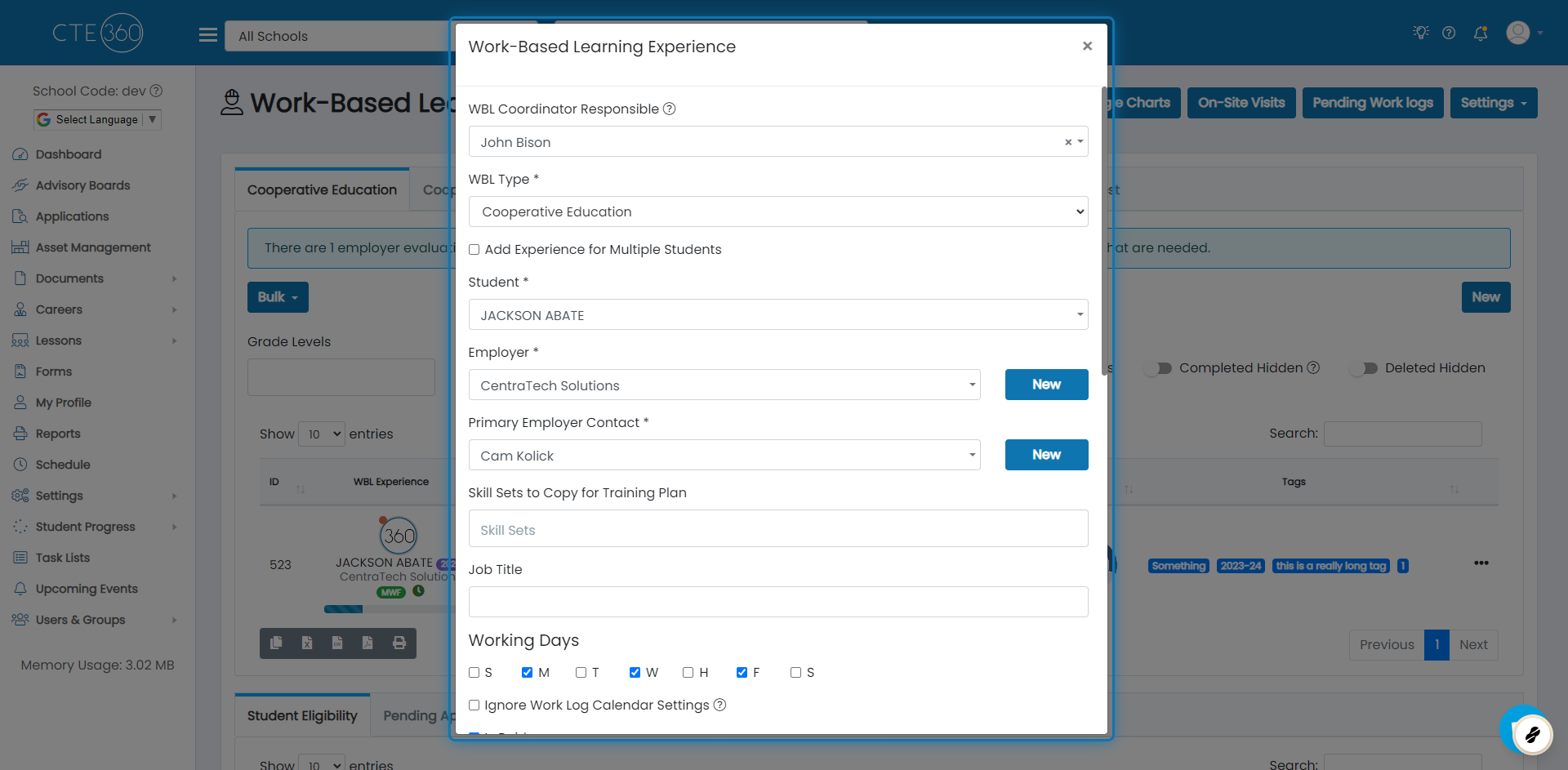
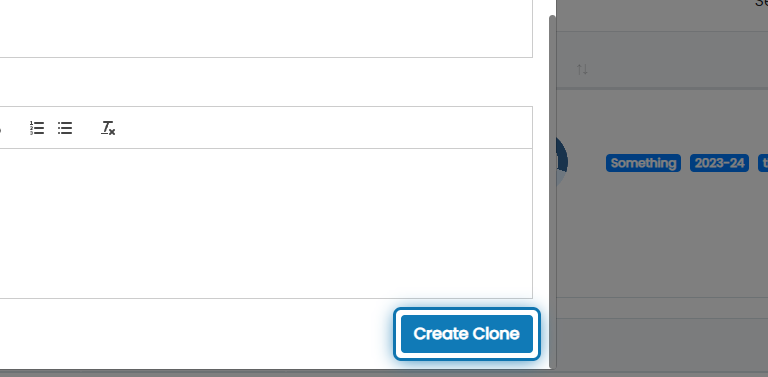
5. When everything looks good, click "Create Clone"
Was this helpful?
Still need help? Ask the team