Why didn't a signer receive an email asking them to fill out their potion of the form?
Last updated 6 days ago
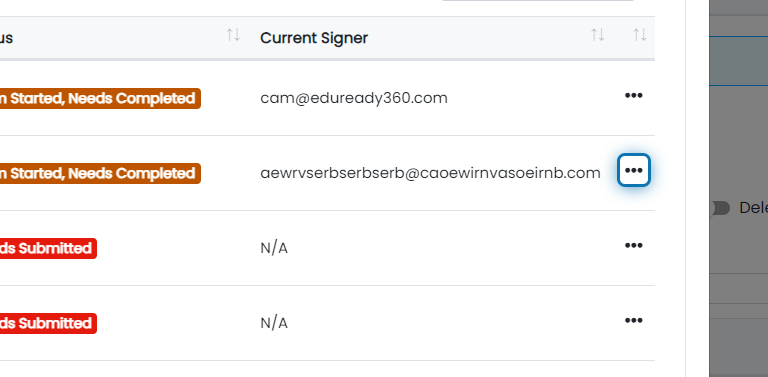
1. Click the action button next to the form that has email delivery issues
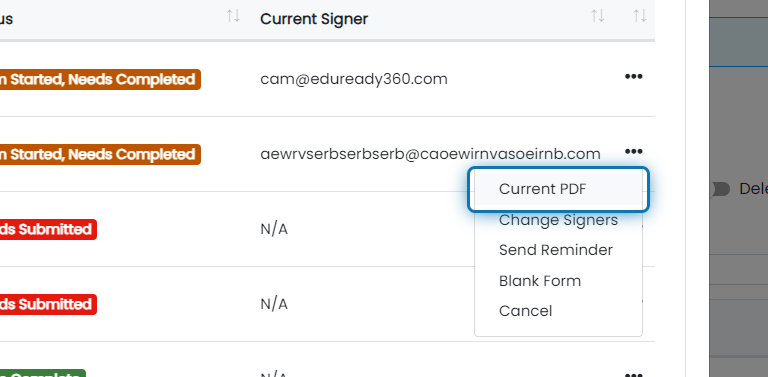
2. View the current PDF
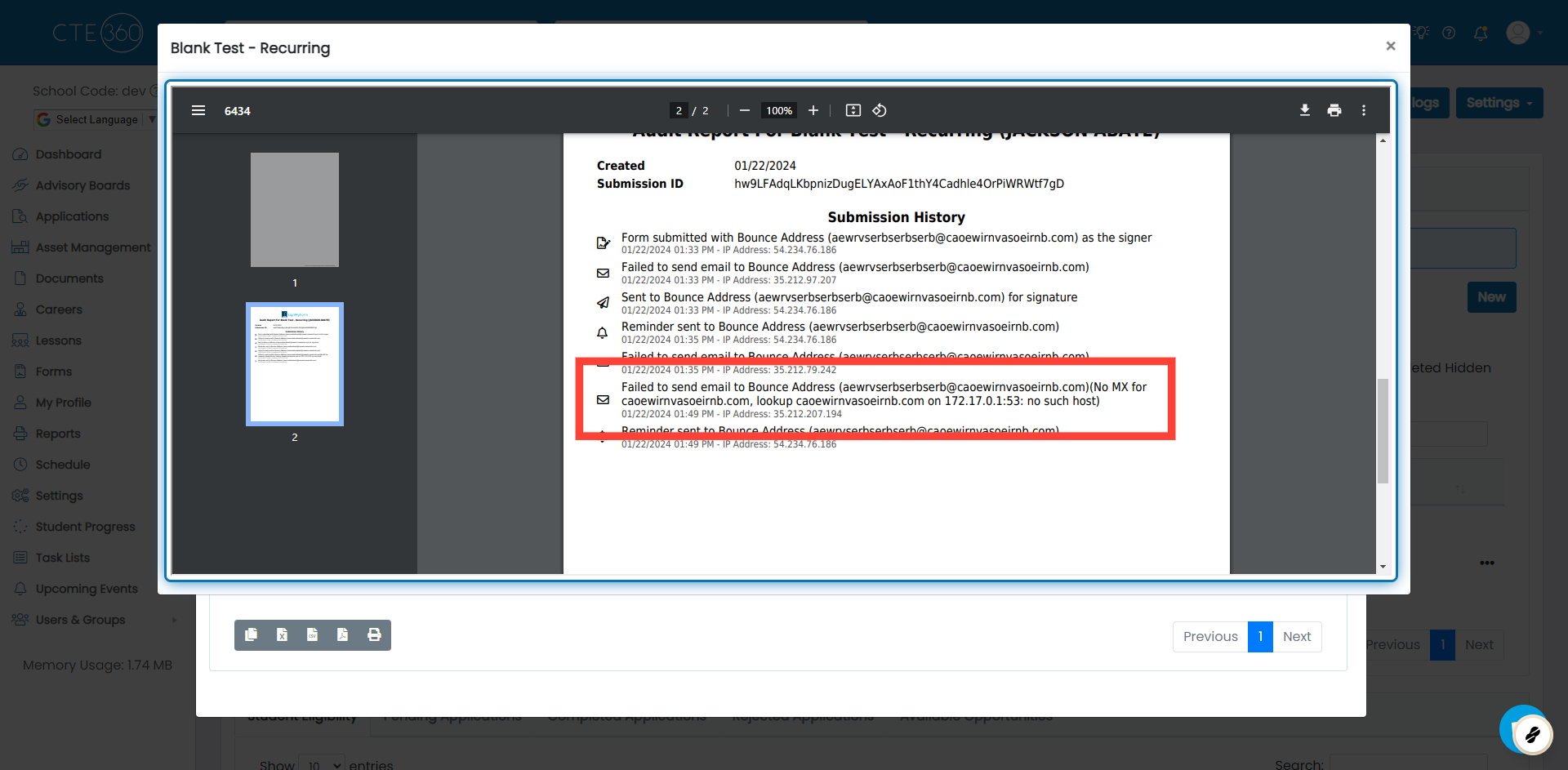
3. Scroll down to the Audit Log to see the email delivery issues
In the log, you will see any failed deliveries via email. You will be able to see who it failed to go to and the reason for the failure. In this case, the reason is due to "No MX" which indicates that there is not a mailbox set up at that domain but the error could be anything. Some errors may be self-explanatory while others (like this example) may need researched a bit. You can look for more information regarding the bounce by searching Google or contacting us via live chat for us to help determine the root cause of the delivery issue.
Was this helpful?
Still need help? Ask the team