How can I choose which fields are required for students creating pay stub records?
Last updated 6 days ago
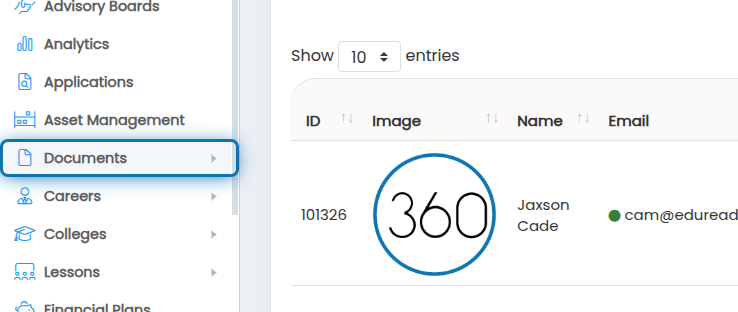
1. Navigate to the Pay Stub management page, to get there click on Documents in the navigation menu
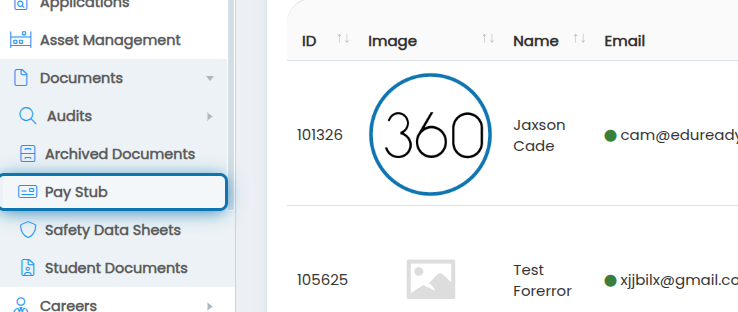
2. Click on Pay Stub
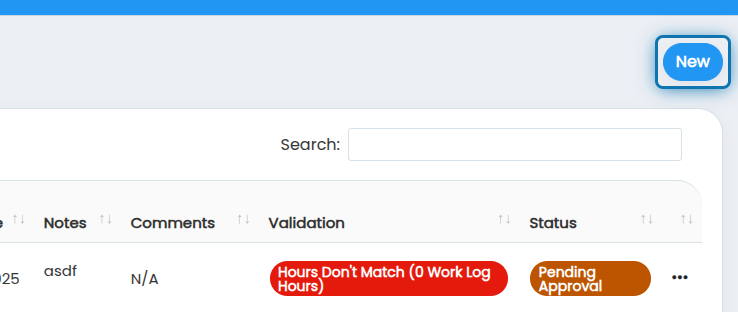
3. Now that you're on the Pay Stub page, Click New
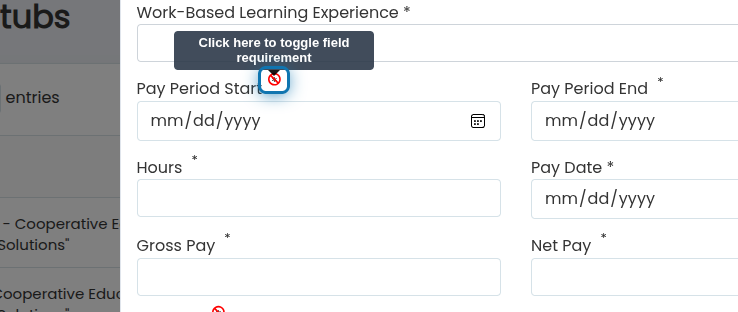
4. Each field has an asterisk beside it, you can click on those to toggle if they are required or not
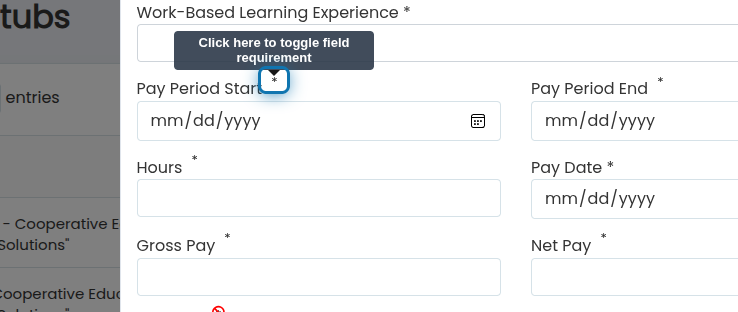
5. If the asterisk has a red strike through it, the field is not required by students
Was this helpful?
Still need help? Ask the team