How can I reset a student's eligibility form?
Last updated 11 months ago
1. Go to the Student Eligibility section on the Work-Based Learning page
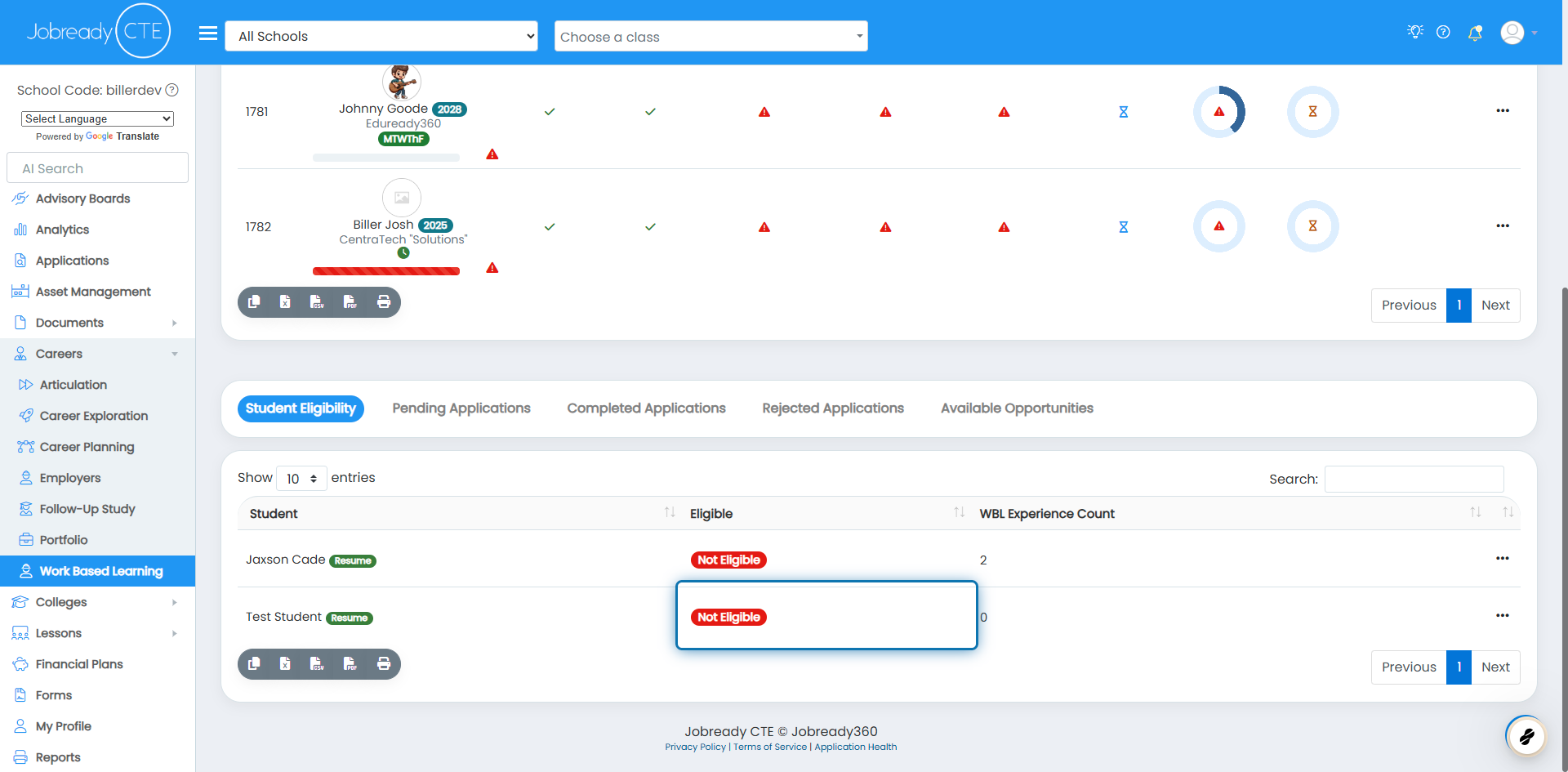
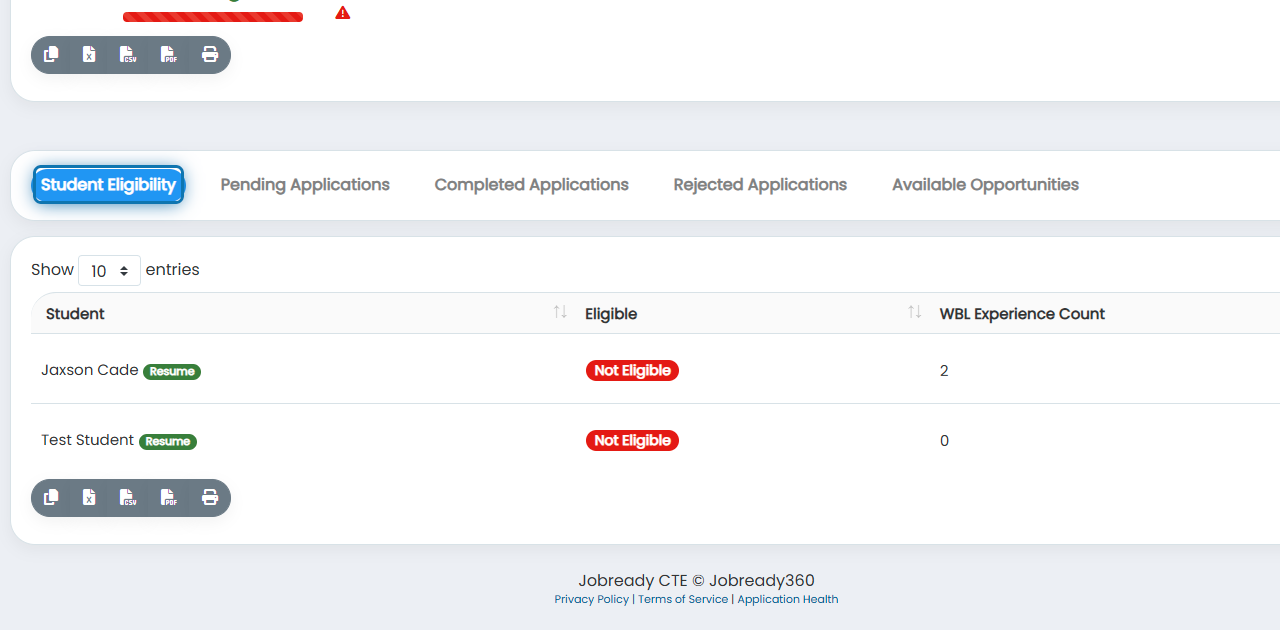
2. Make sure the Student Eligibility tab is selected
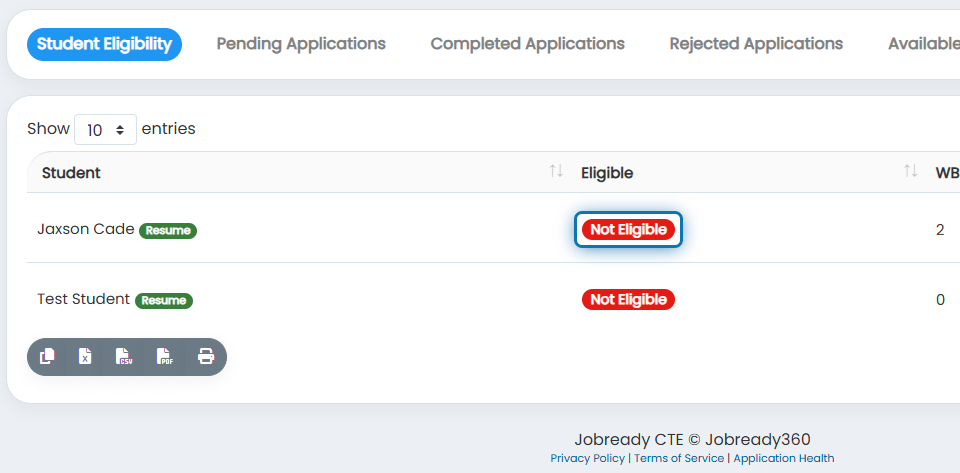
3. Click on the student’s Eligibility Status icon
4. Click on the form you want to the student to complete again
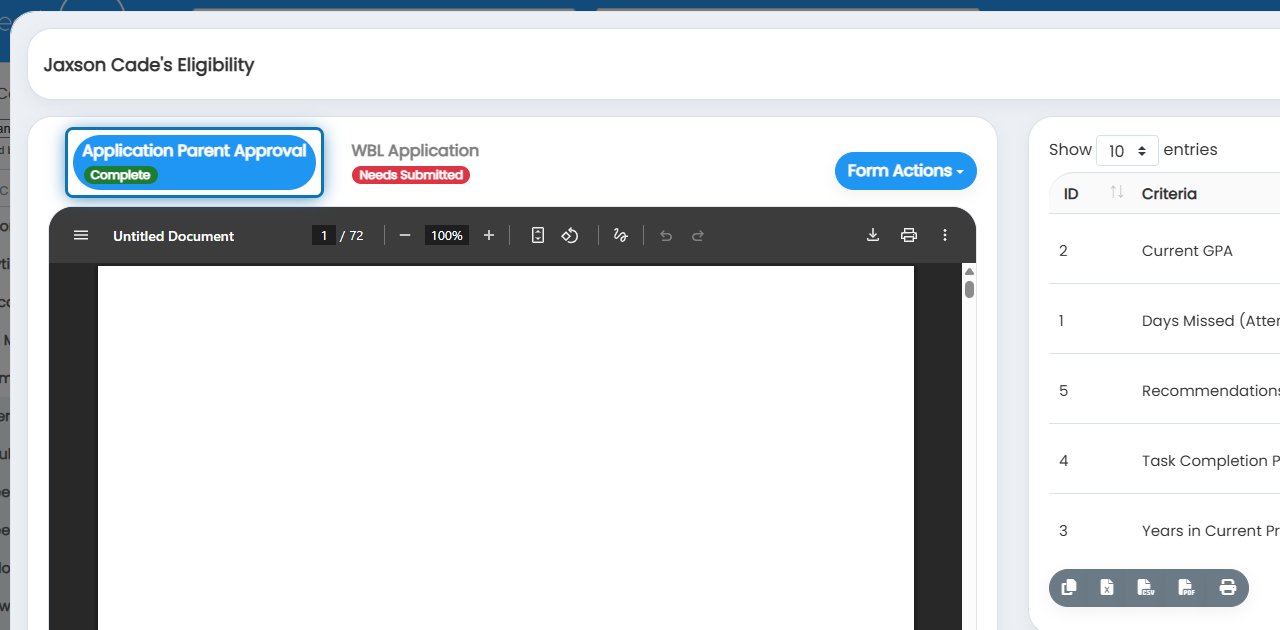
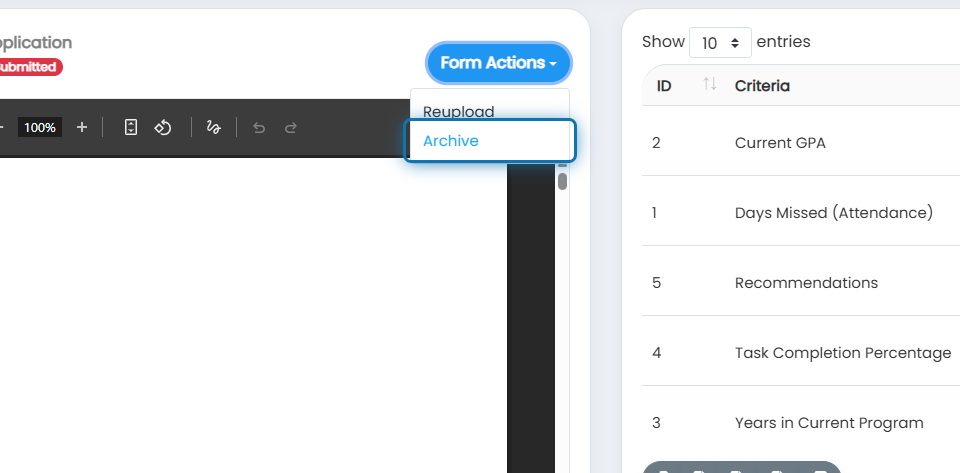
5. Click on Form Actions
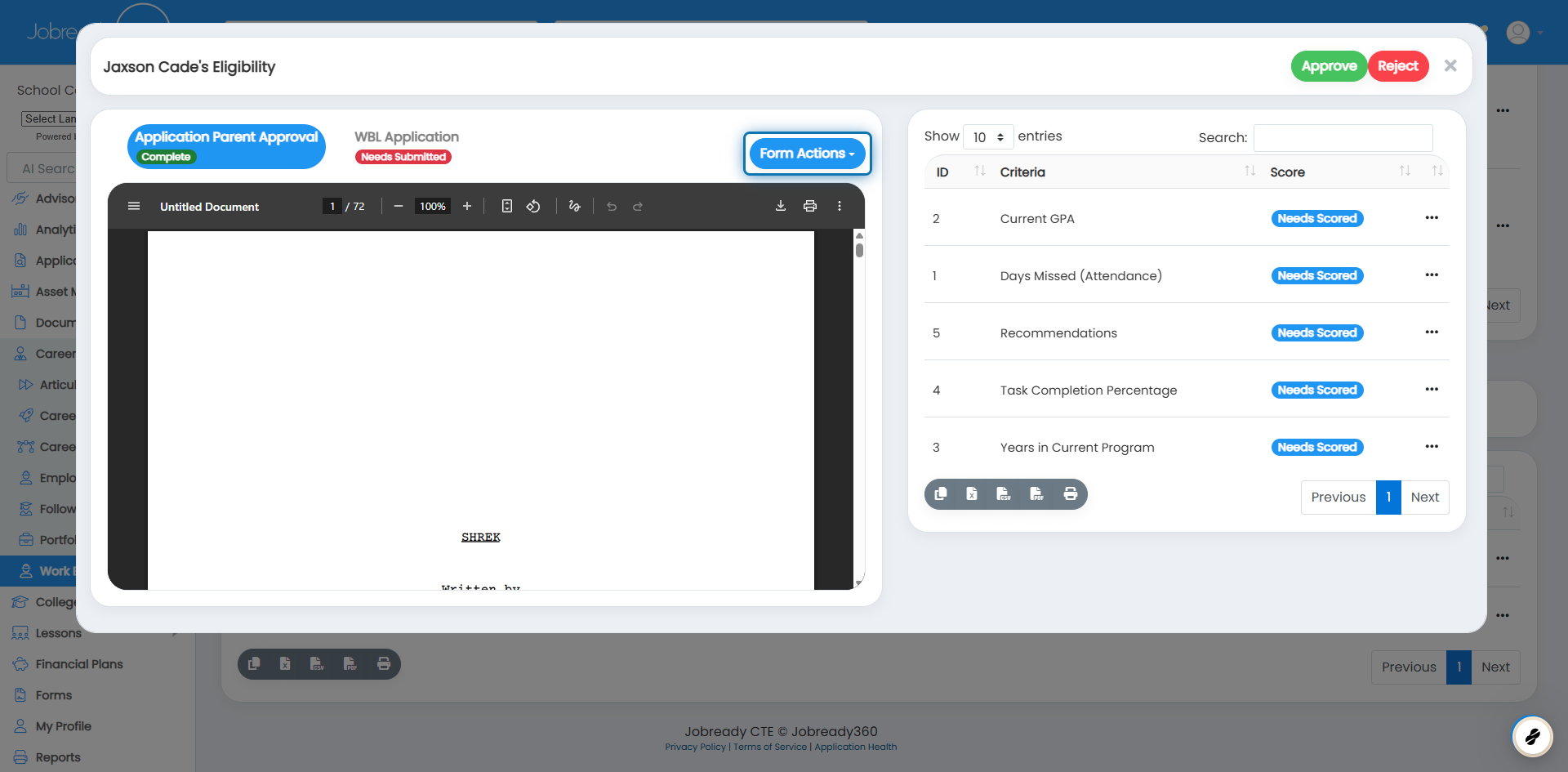
6. Click on Archive