How do I get an export of all Industry Certification PDF files in a ZIP file?
Last updated 6 days ago
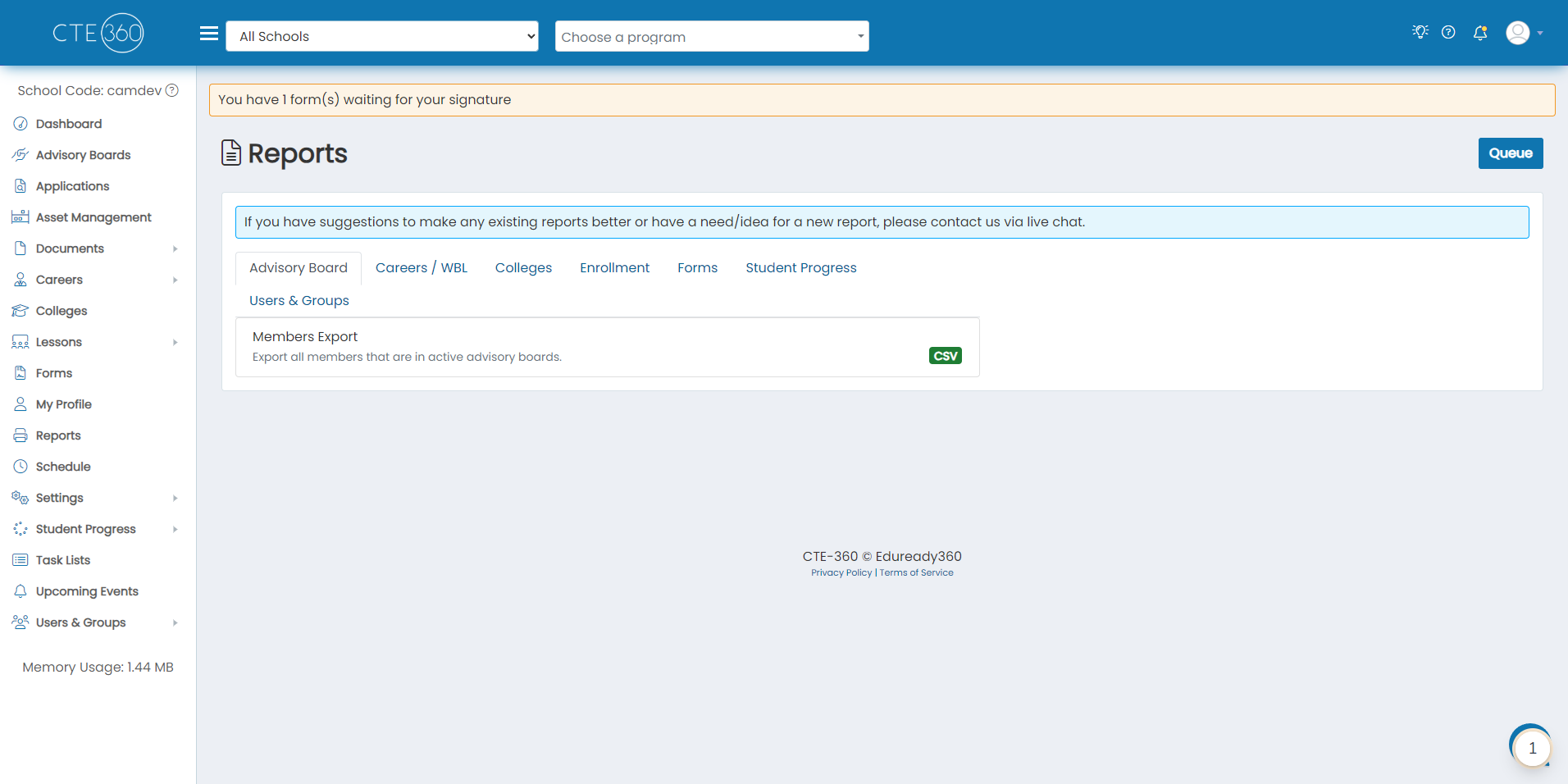
1. Navigate to the Reports page
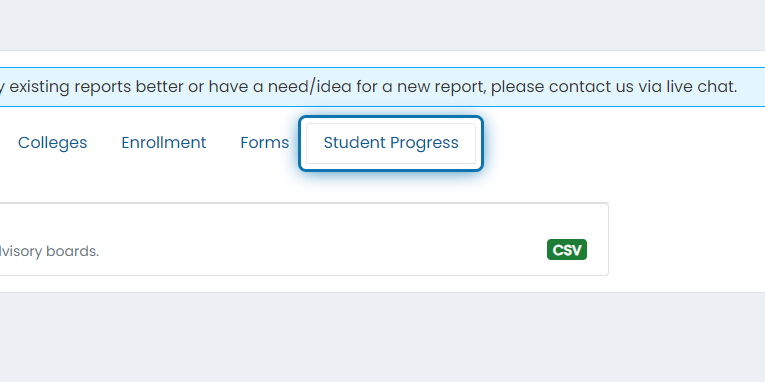
2. Click on the Student Progress tab
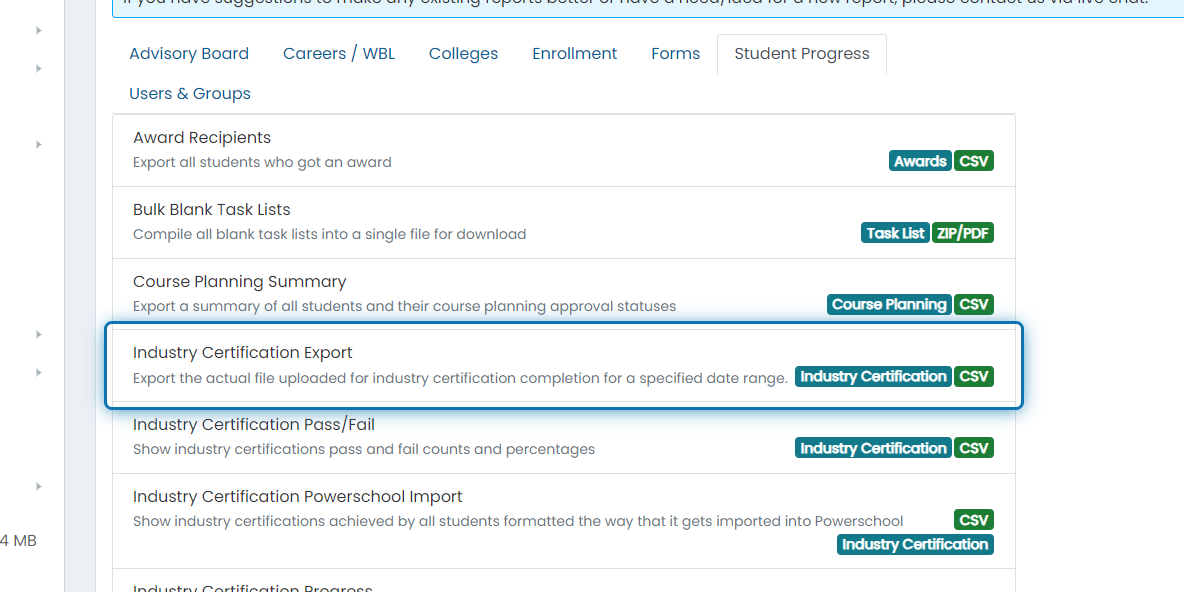
3. Click on Industry Certification Export
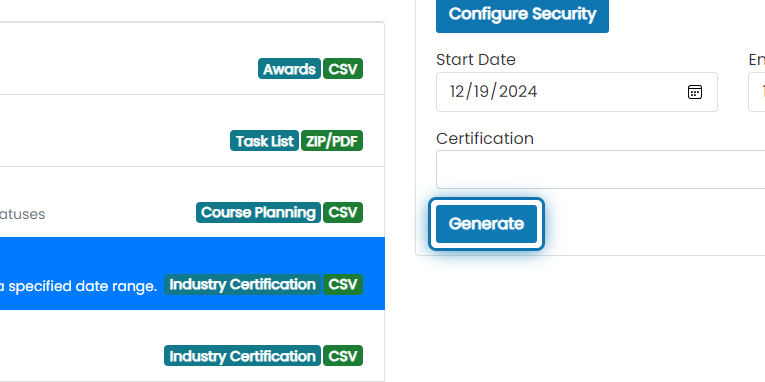
4. Choose any filters you'd like to apply to the report
Start and end dates are required
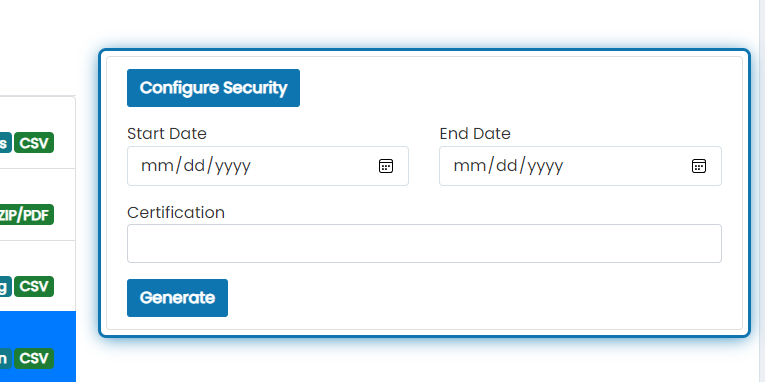
5. Click on Generate
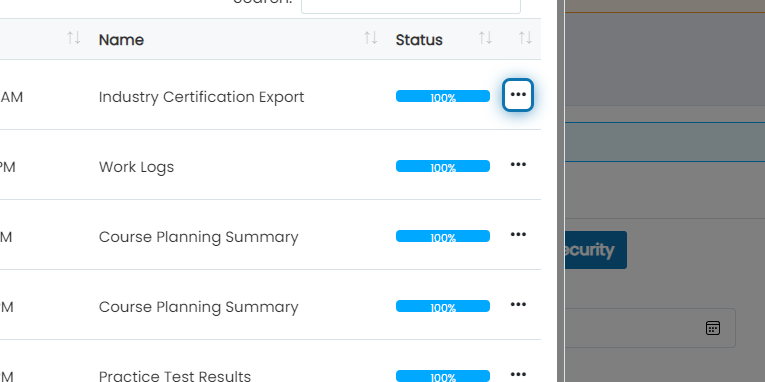
6. After the report gets to 100%, click the action button
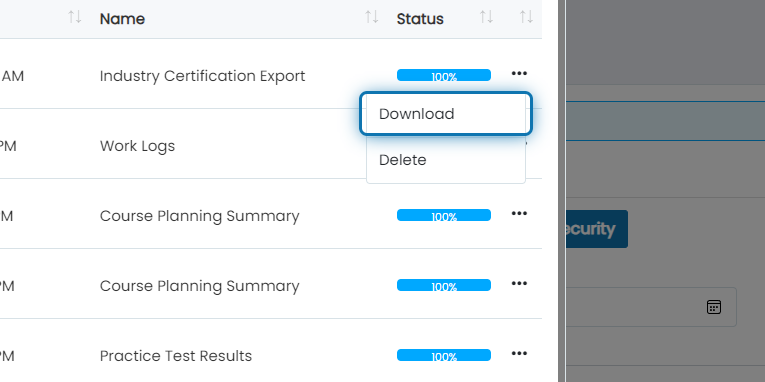
7. Click on Download
The report will download a ZIP file of all certifications that match the filter criteria. The file names will be formatted with the student name, industry certification organization, industry certification name, and a unique ID in parenthesis.
Was this helpful?
Still need help? Ask the team