How can I mark a student document as not required for a Work-Based Learning Experience?
Last updated About 1 year ago
1. Navigate to the WBL Module
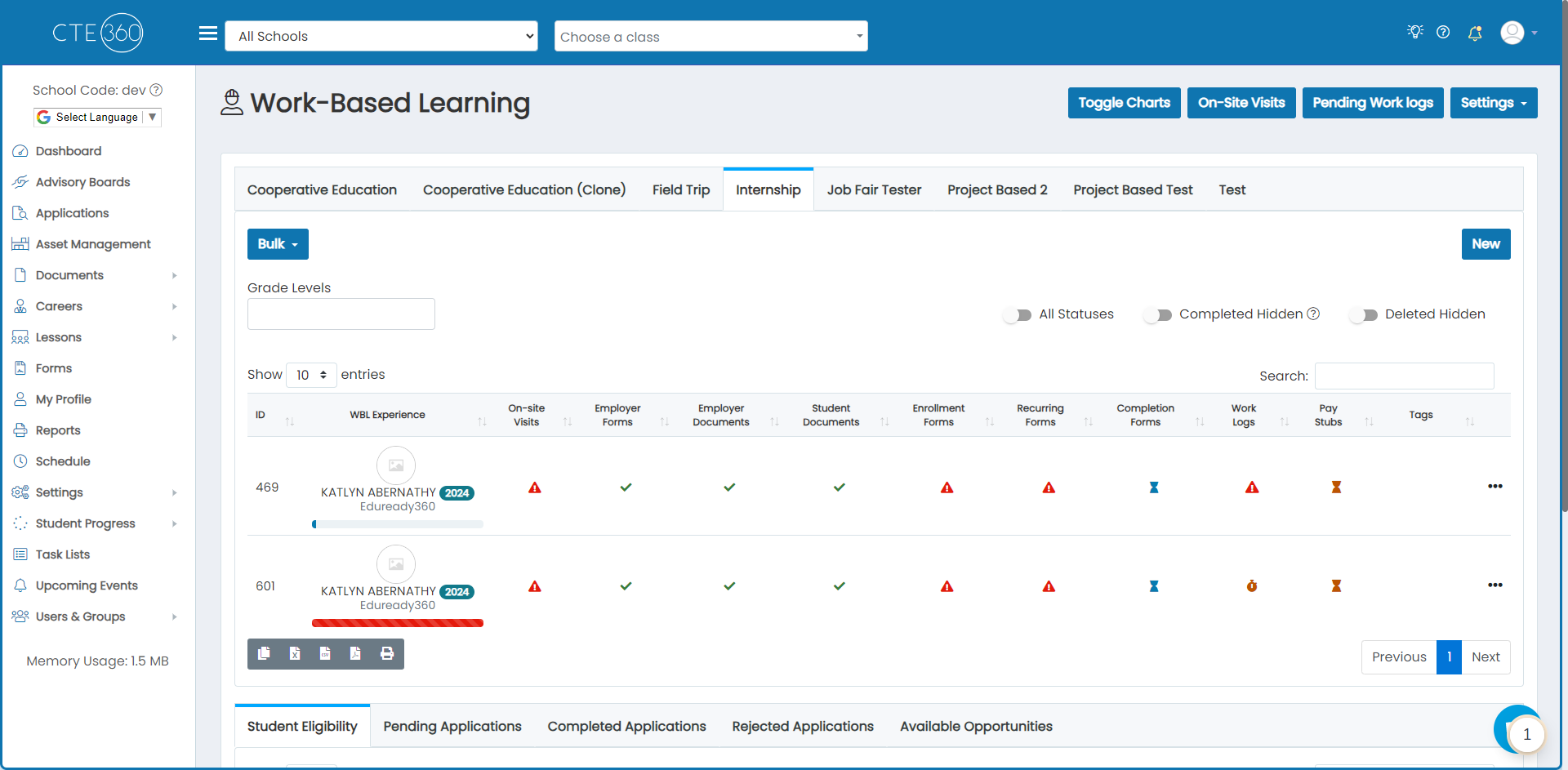
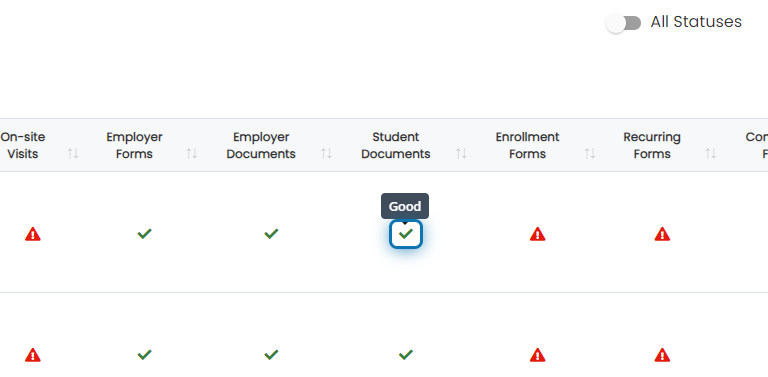
2. Click on the icon in the student document column for the experience you'd like to mark a document as not required
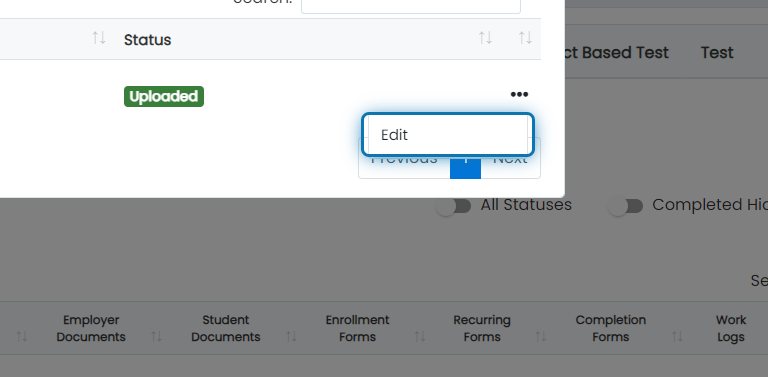
3. Click on the action button next to the document type
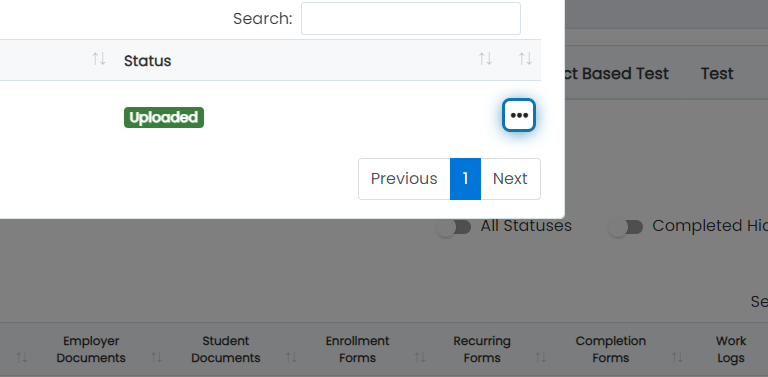
4. Click on Edit
5. Check "Not Required"
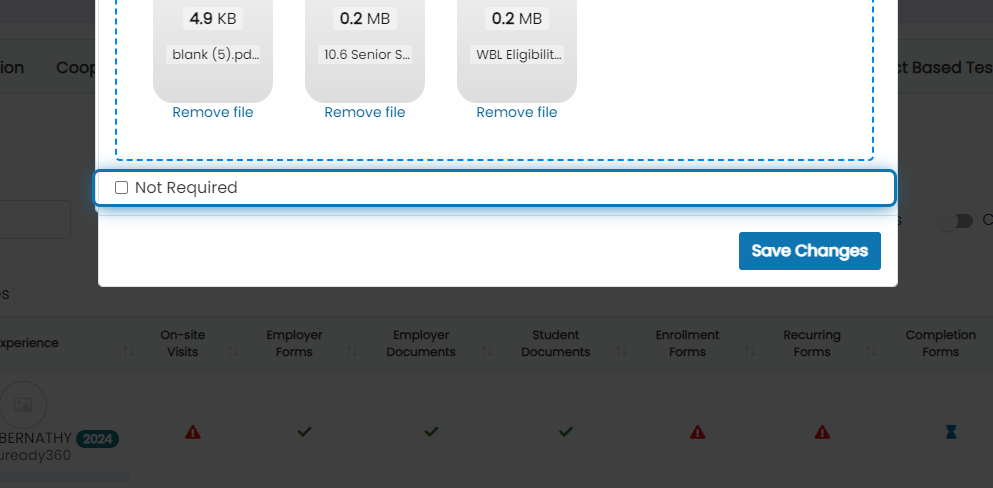
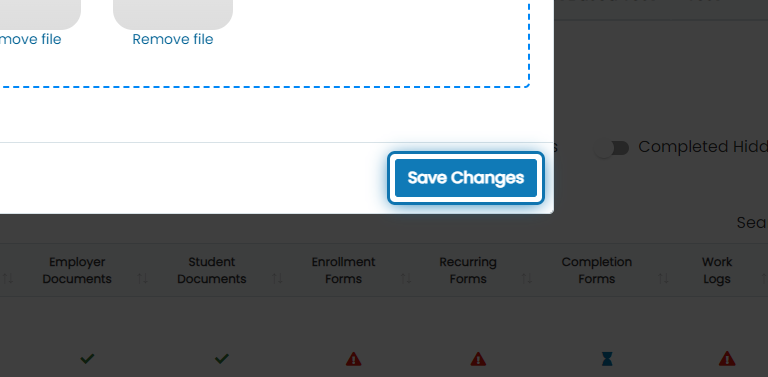
6. Click on Save Changes