How do I track my FAFSA filing status and upload completion verification?
Last updated 6 days ago
1. Navigate to the financial planning module
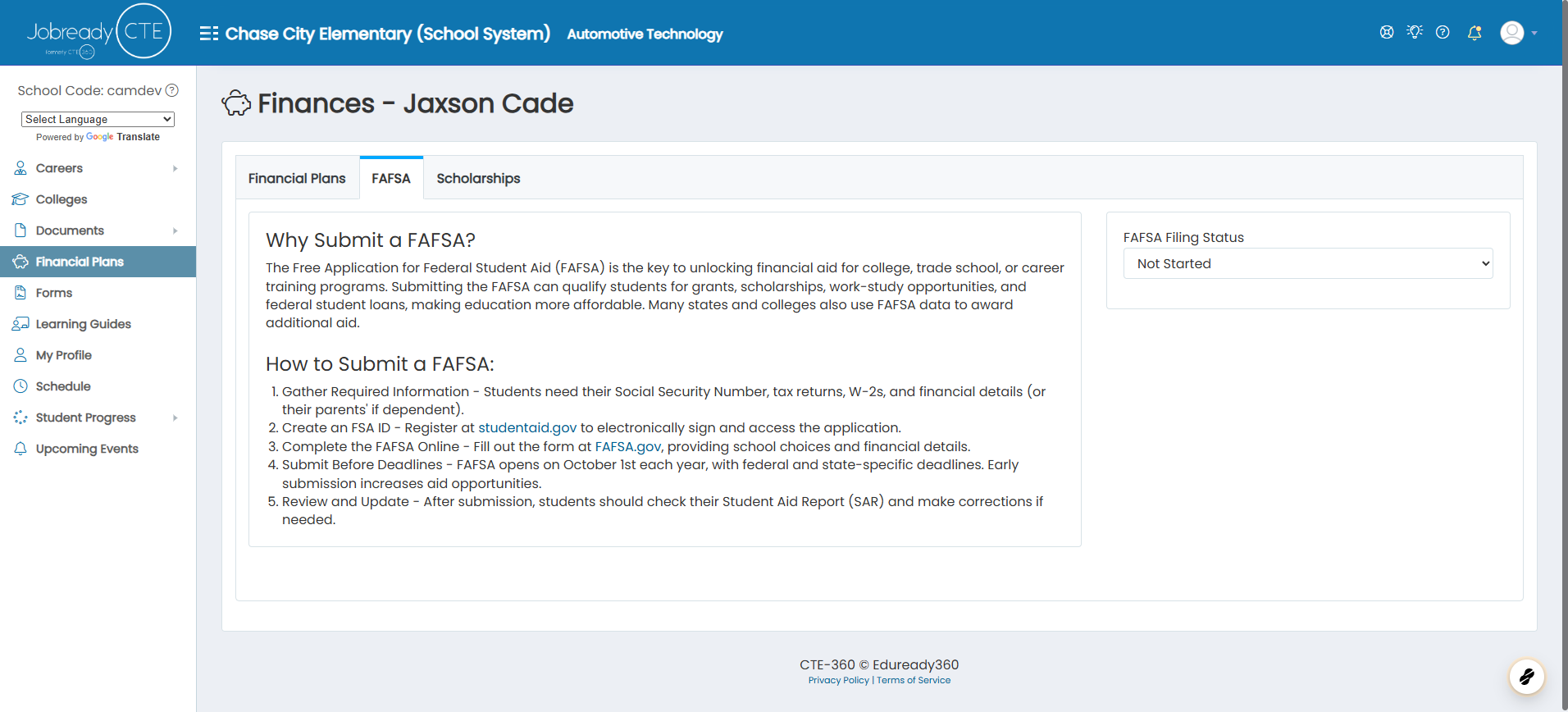
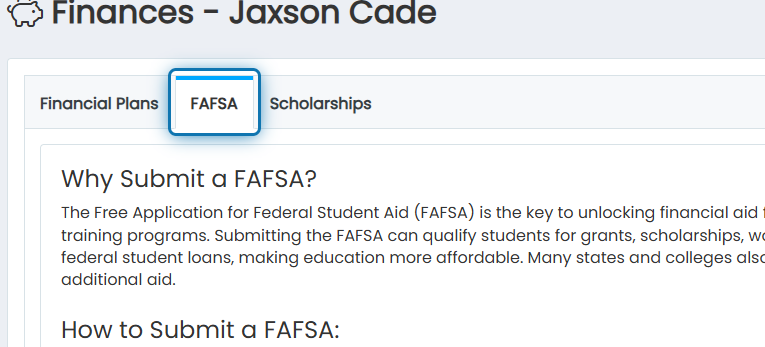
2. Click on FAFSA
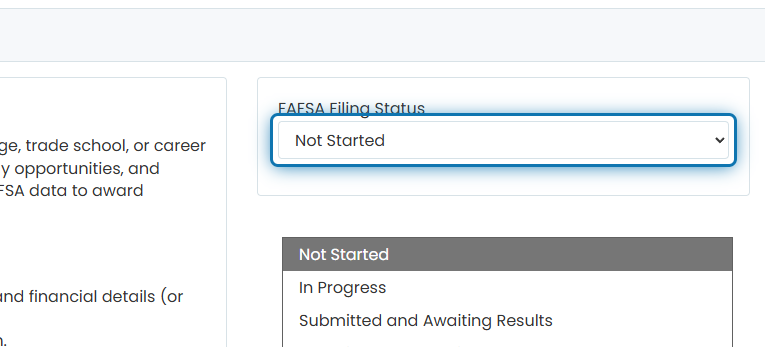
3. Choose the status that most accurately describes your current FAFSA filing status
4. After you choose "Completed", a new box will appear. This is where you can upload your FAFSA verification evidence.
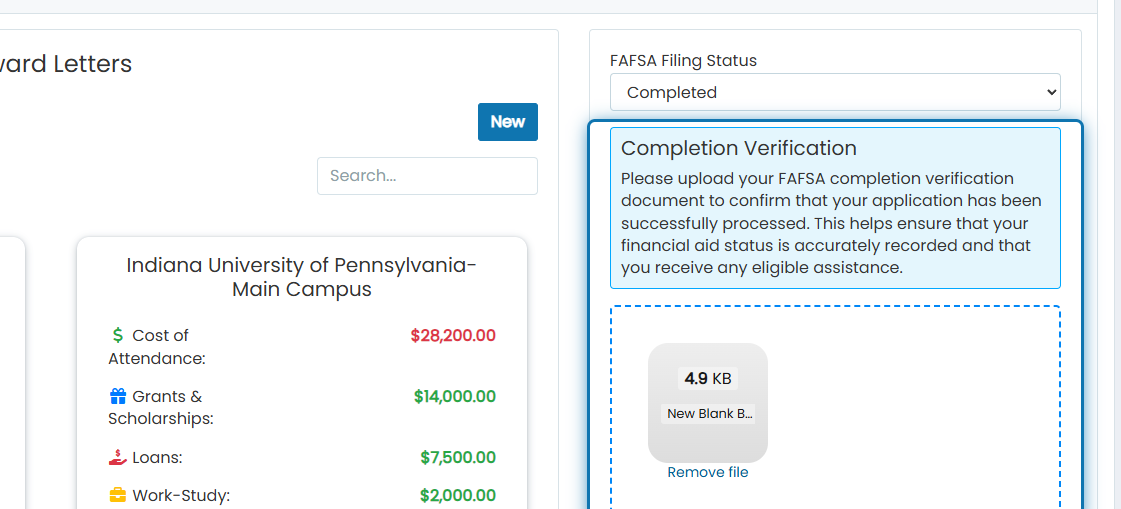
Suppose you were assigned a “FASA Completed” or “FASA Verification File Uploaded” Career Planning Activity. In that case, Jobready will mark these activities complete when you have changed the status or uploaded a file to the Completion Verification.
Was this helpful?
Still need help? Ask the team