What is the difference between Employer Partnership Forms and WBL Required Employer Forms?
Last updated 6 days ago
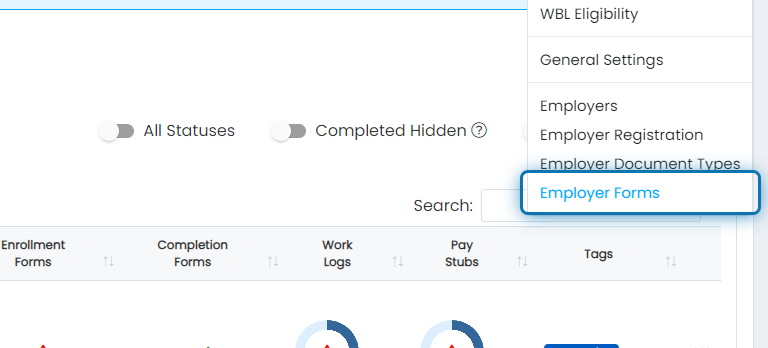
1. First we will explain where to find Partnership Form settings. Click on Employer Forms
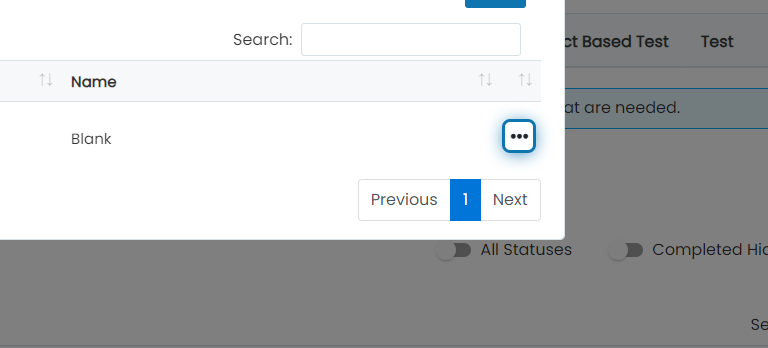
2. Click the action button next to your partnership form
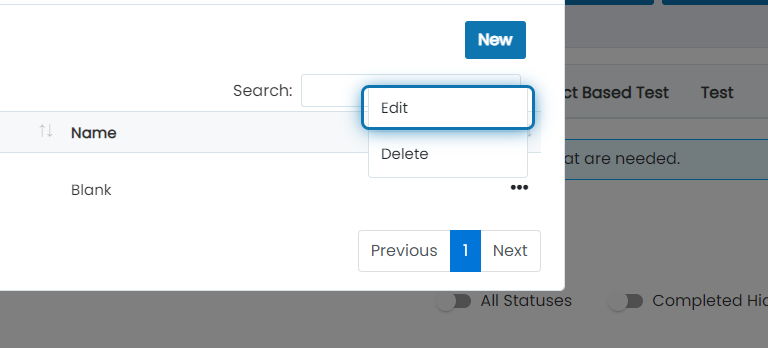
3. Click on Edit
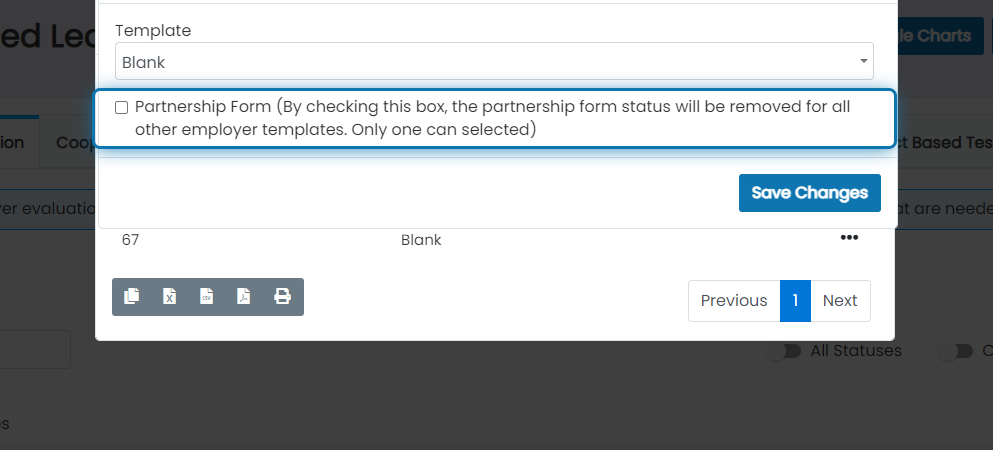
4. Check the Partnership Form checkbox
When you have a form set up as a partnership form, the system will require all employers to have that form completed before becoming available for use. So if you add a new employer and they don't have that form completed, they will not be selectable when creating a new WBL Experience.
5. Next, lets talk about how required employer forms for a WBL experience differs from partnership forms
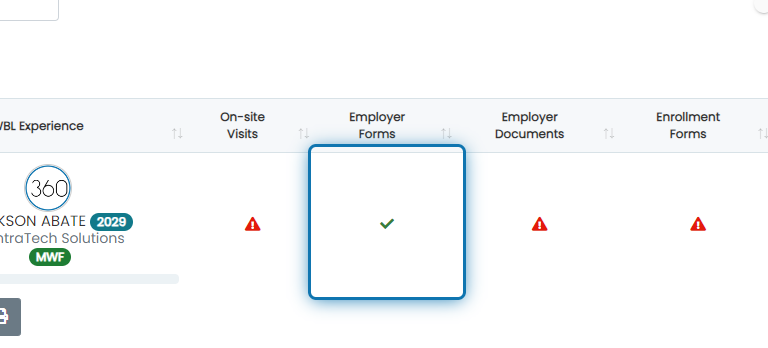
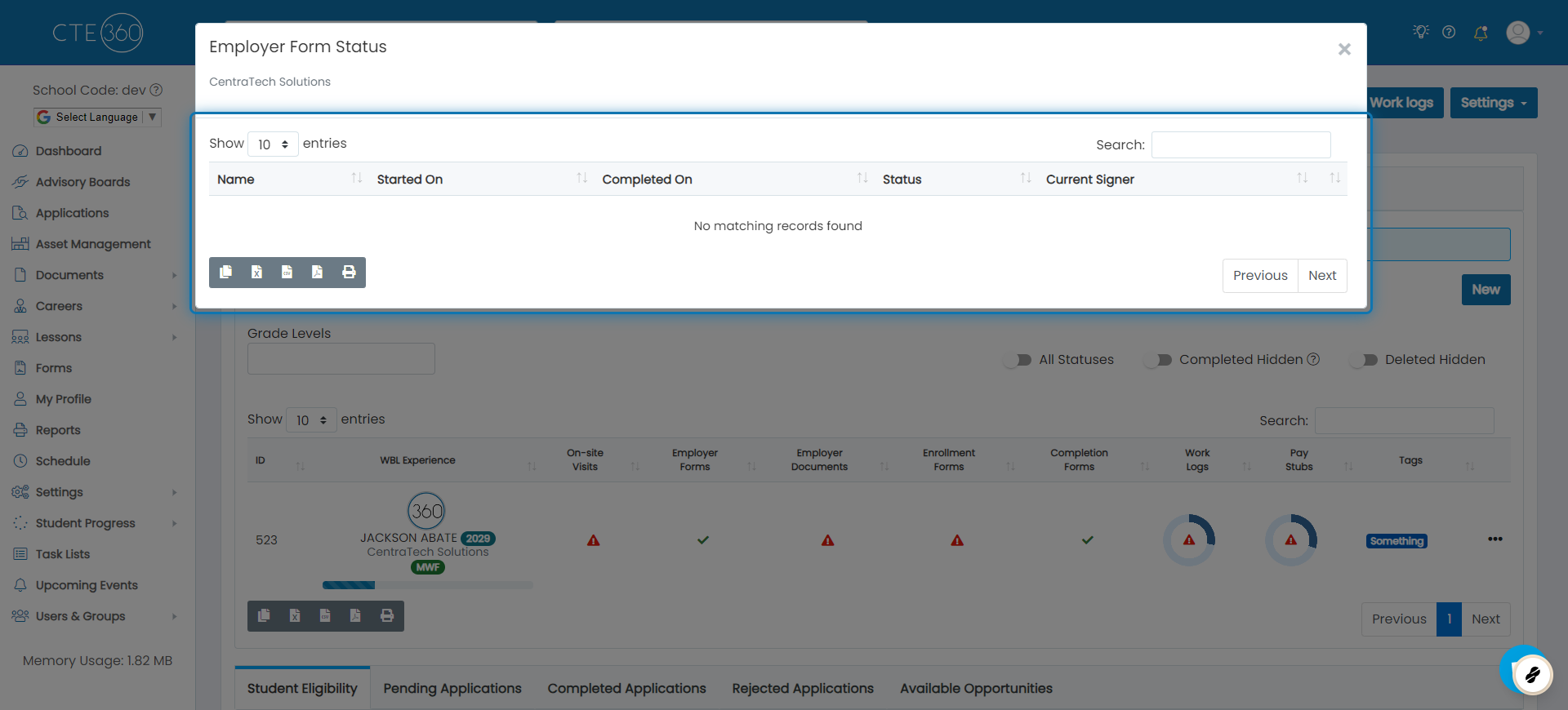
6. When clicking the icon in Employer Forms, you will see a list of all required employer forms and the status of each
These employer forms are required for the experience but do not restrict the coordinator from creating the experience prior to them being completed.
Was this helpful?
Still need help? Ask the team