Can I set default required security for all of my teachers?
Last updated 6 days ago
You can set security for all teachers in the system across the board. The default roles that you set for teachers can not be revoked so that teacher security is uniform across the system.
1. Go to the global settings page
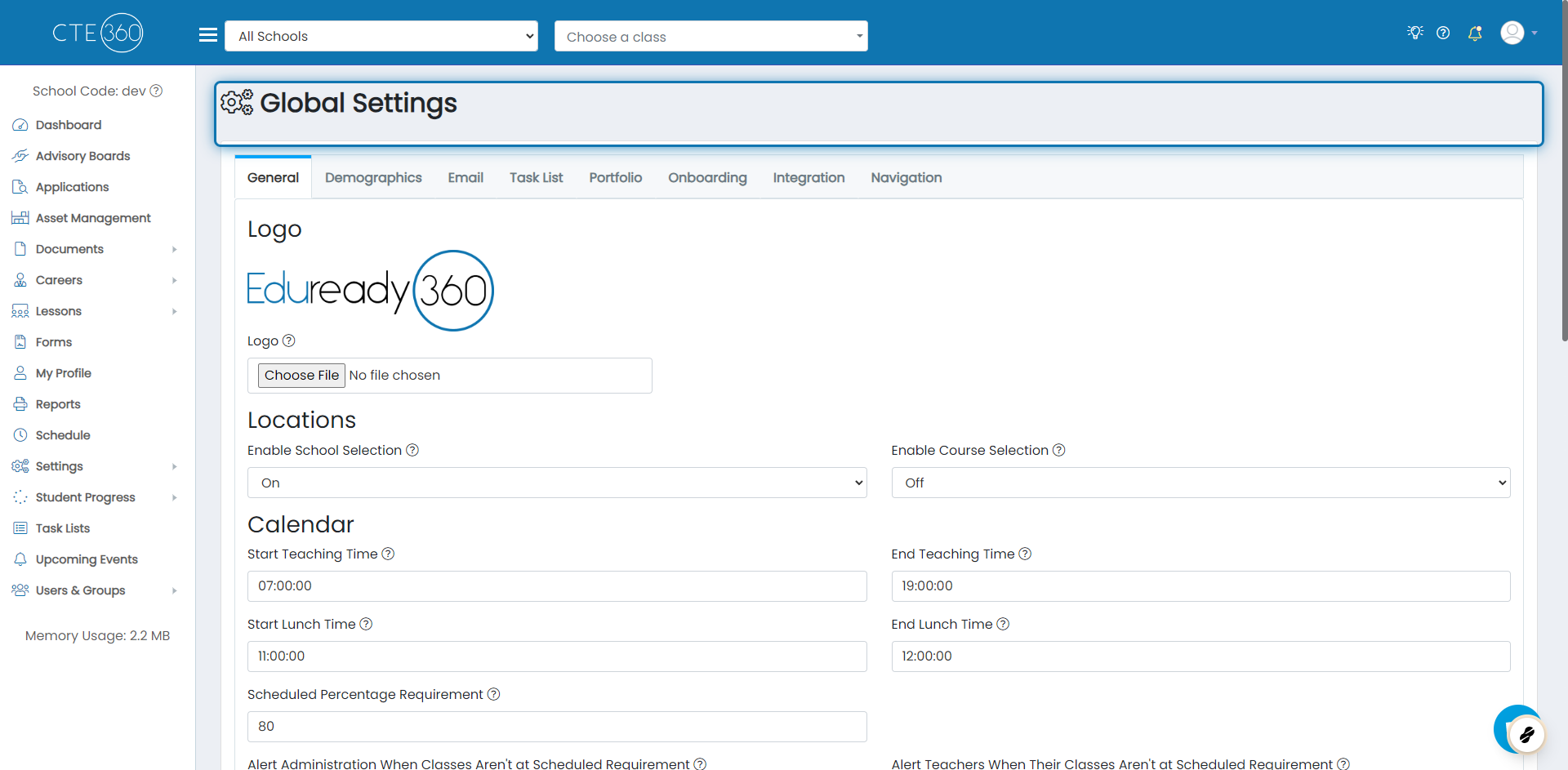
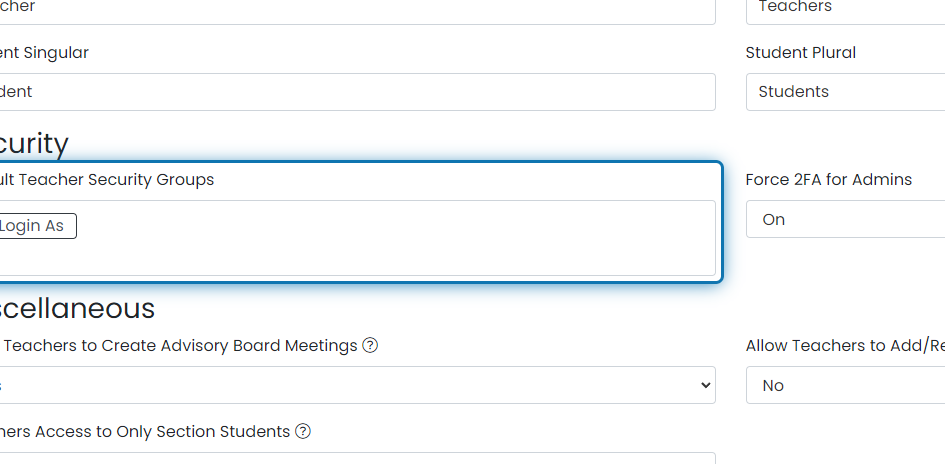
2. Choose the default security roles
Choose all of the security roles you'd like your teachers to have.
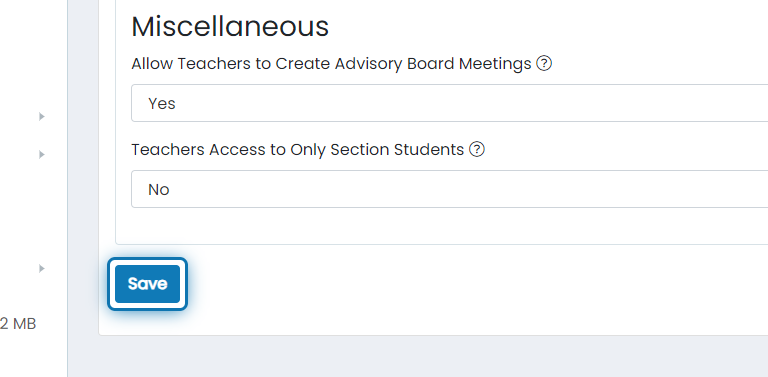
3. When you're done, scroll to the bottom and click save
After saving this, a background task is triggered to update the security roles for all teachers already in the system. This will not remove any roles they were given previously, only add new default roles. From this point forward, every time a teacher is created or updated, they will have this role.
Was this helpful?
Still need help? Ask the team