How do I see the results of my previous challenges?
Last updated 6 days ago
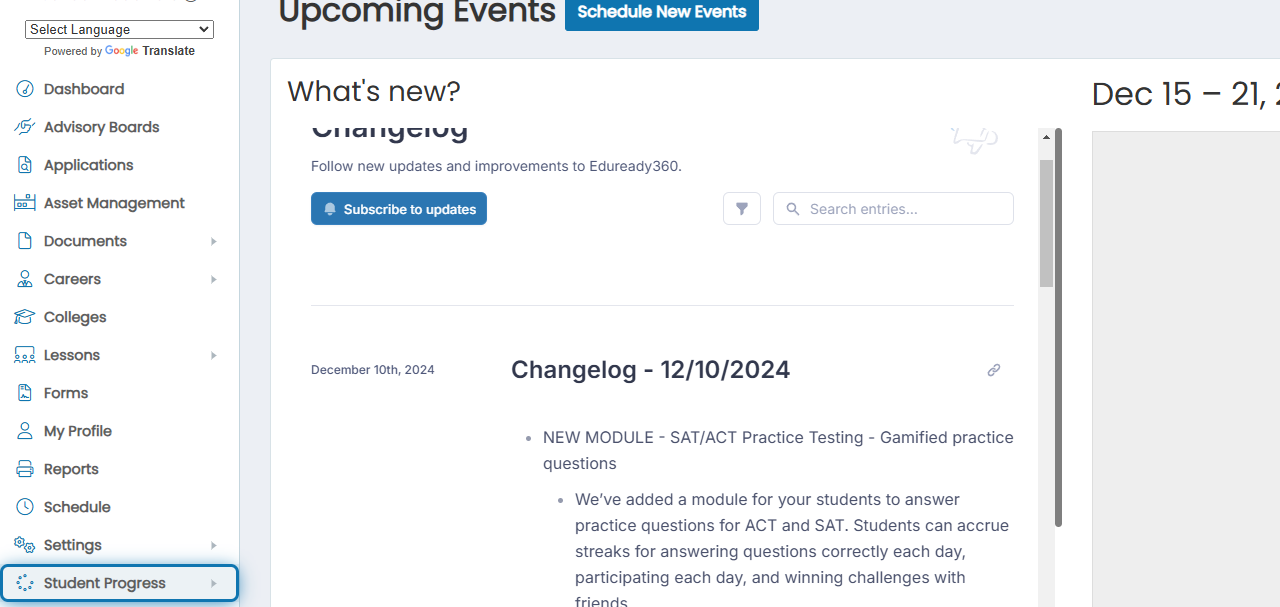
1. Click Student Progress in the navigation menu
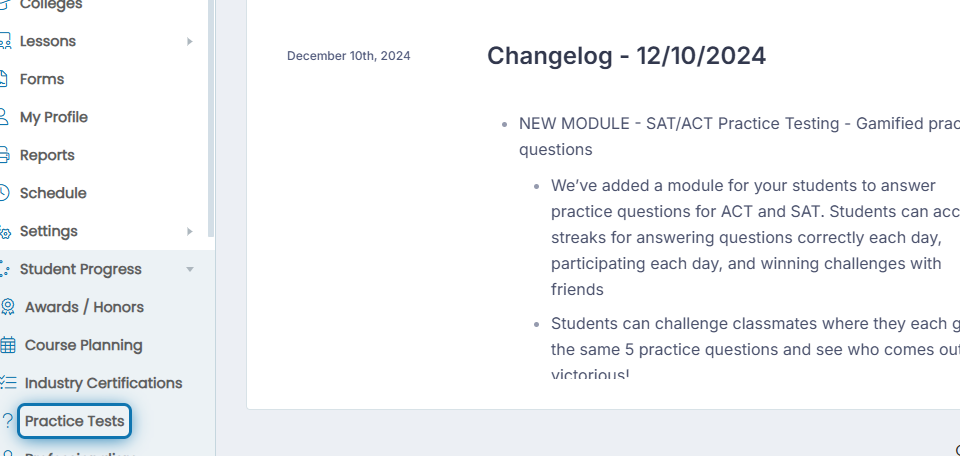
2. Click Practice Tests in the expanded list
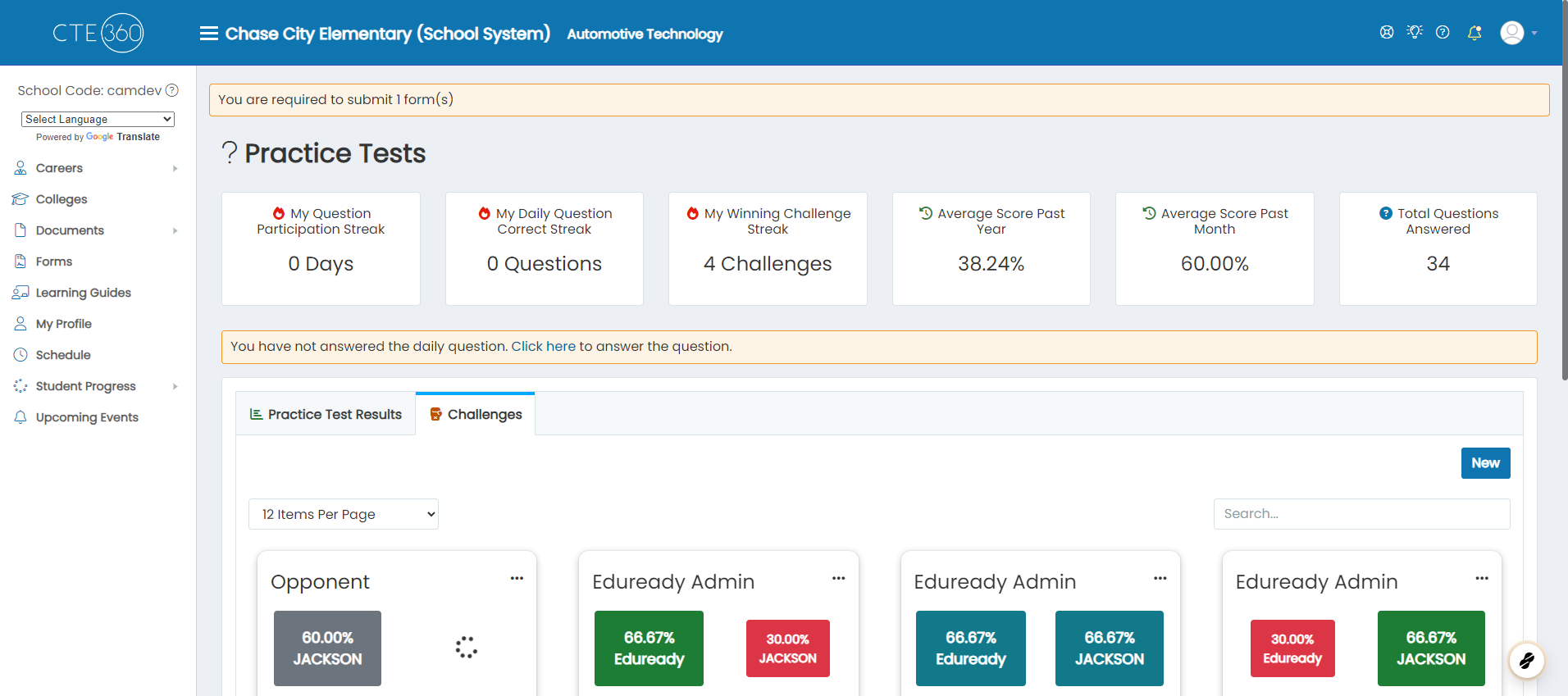
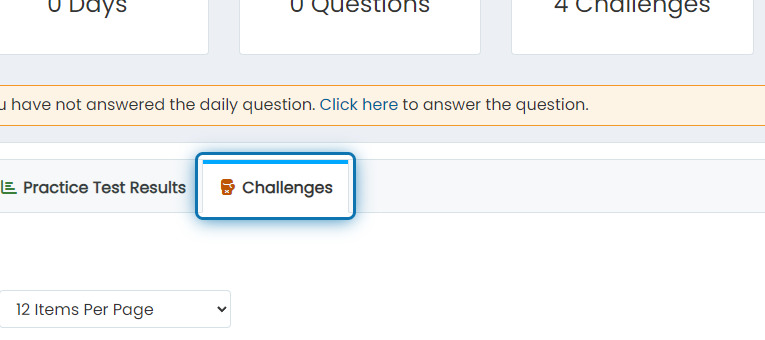
3. Click on the Challenges tab
4. Under challenges, you'll see all previous challenge results
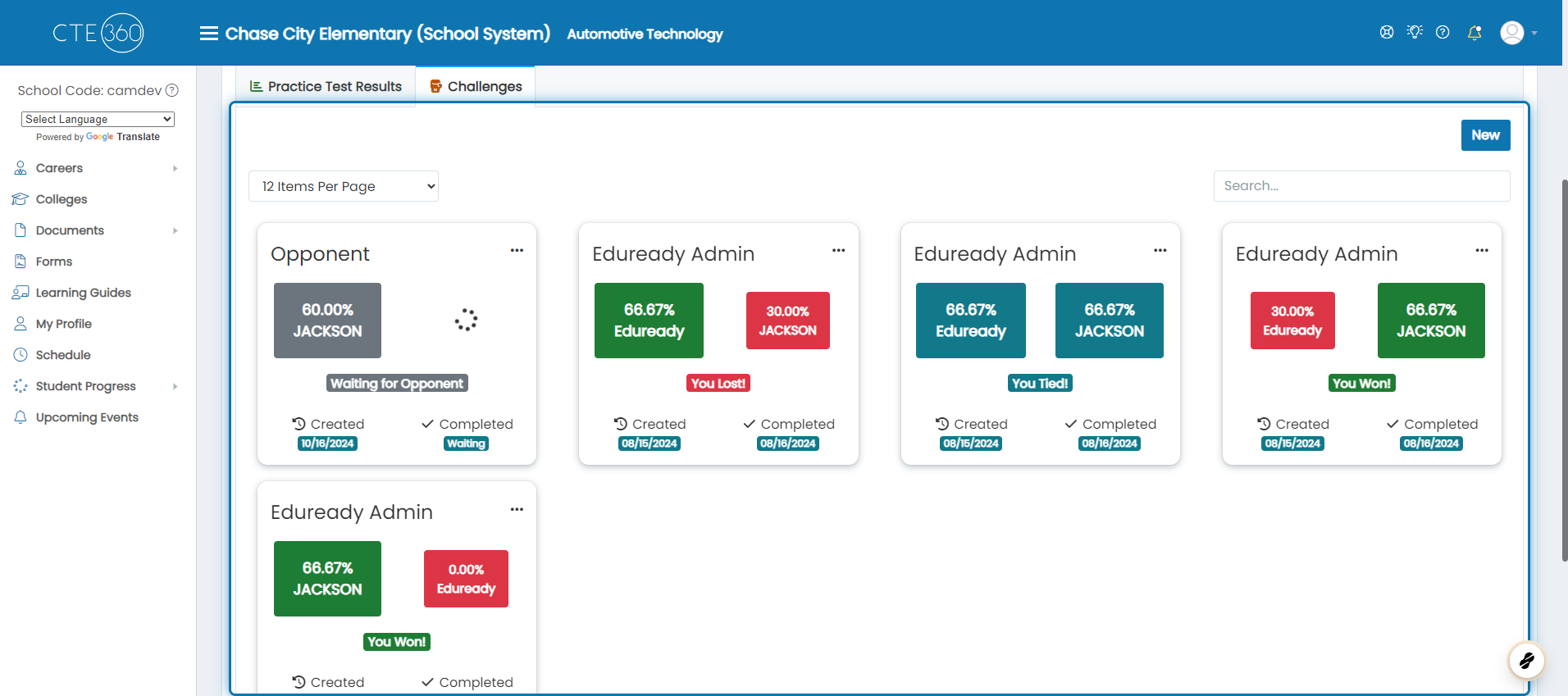
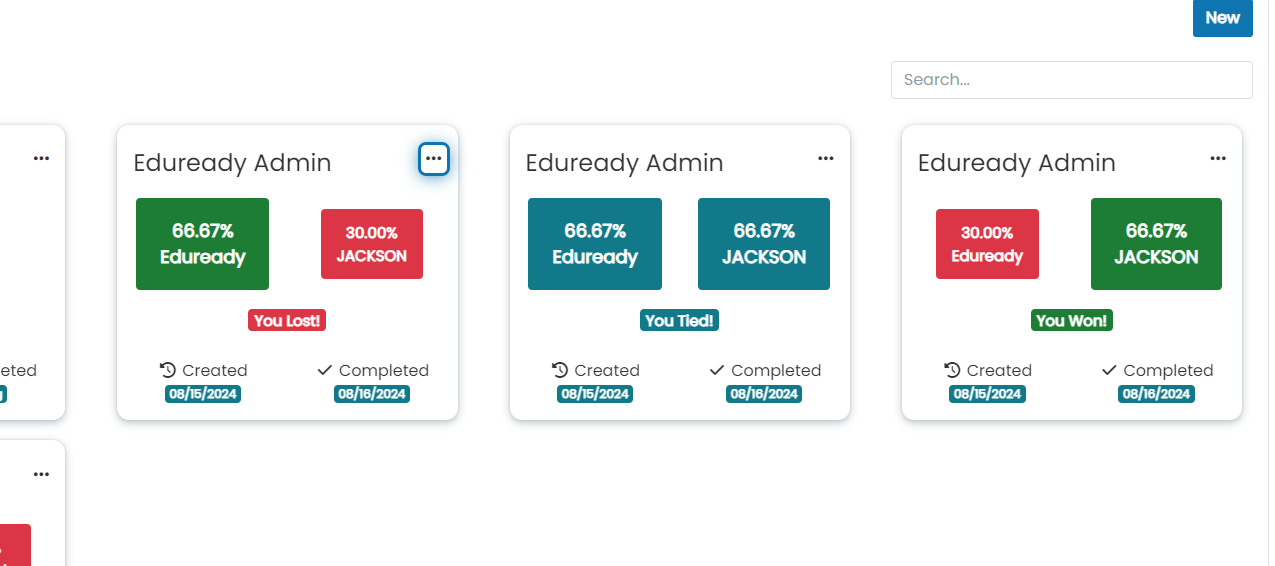
5. On any of the challenges, you can click the action button to view the results
In this example, you can see three different challenges: one in which we lost, one in which we tied, and finally one in which we won. We are logged in as Jackson.
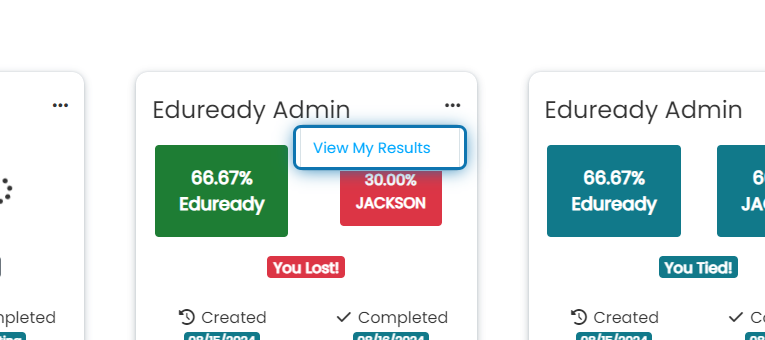
6. Click on View My Results
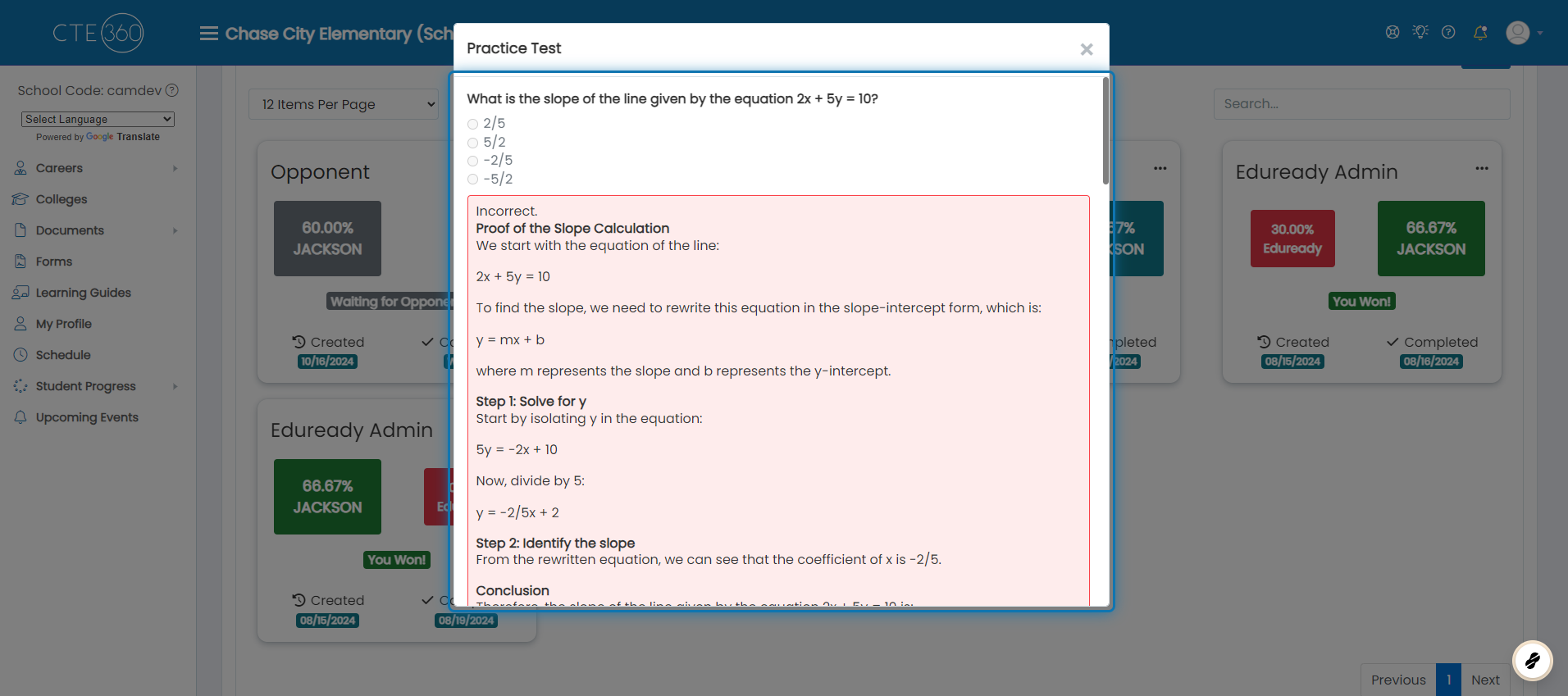
7. The results of your test will be displayed
Was this helpful?
Still need help? Ask the team