How do I run a report to show all WBL event attendance information and custom field responses?
Last updated About 1 year ago
1. Navigate to the Reports page
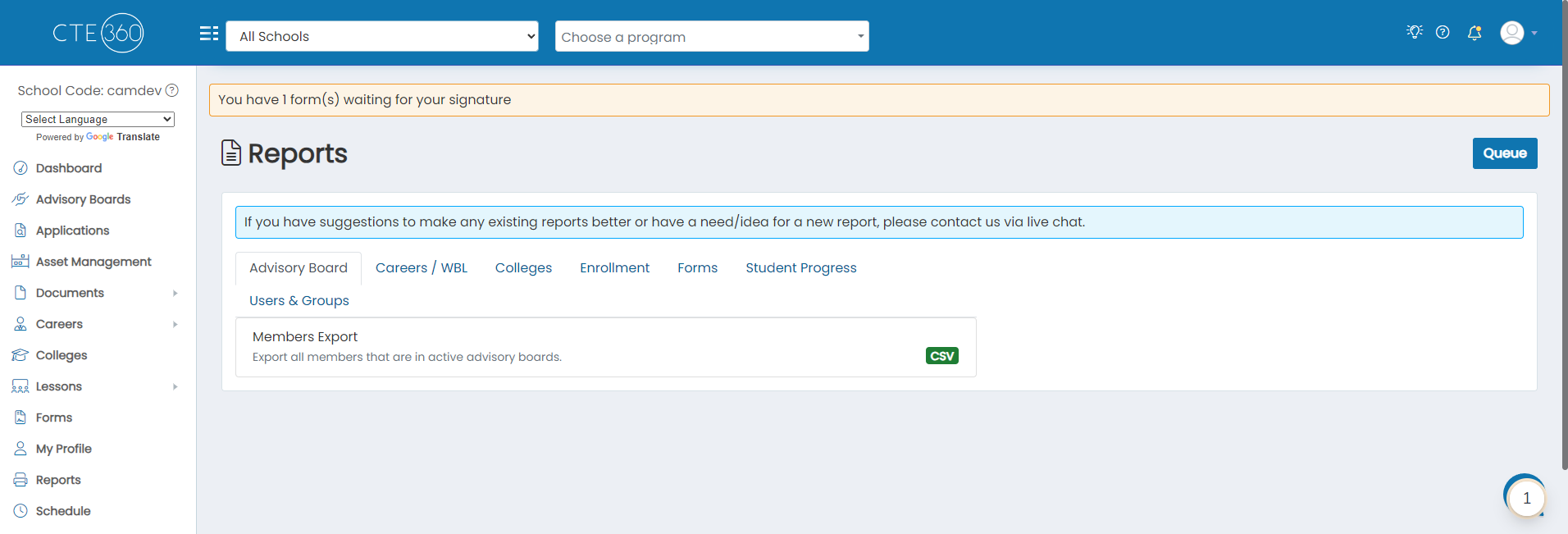
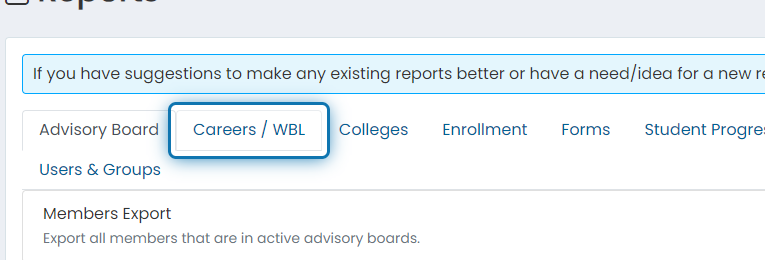
2. Click on the Careers / WBL tab
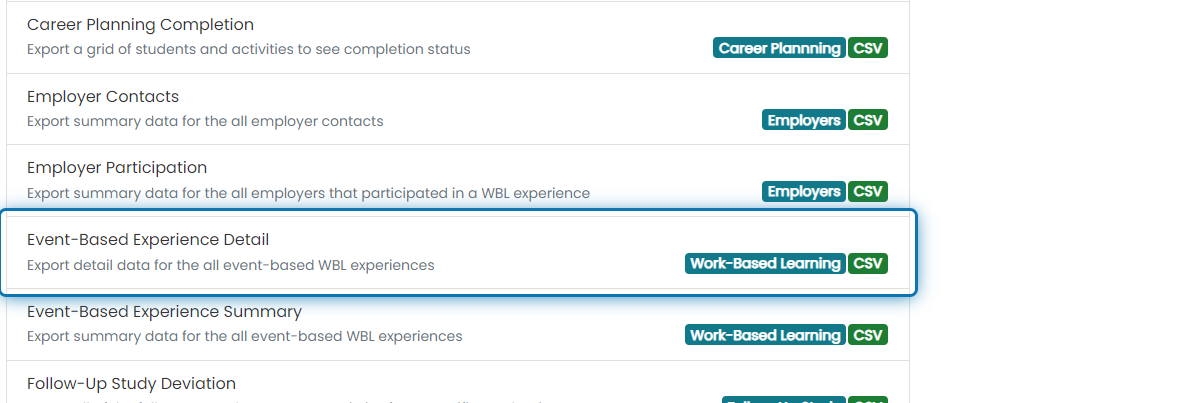
3. Click on Event-Based Experience Detail
4. Filter your results by WBL type, start on, and/or end on
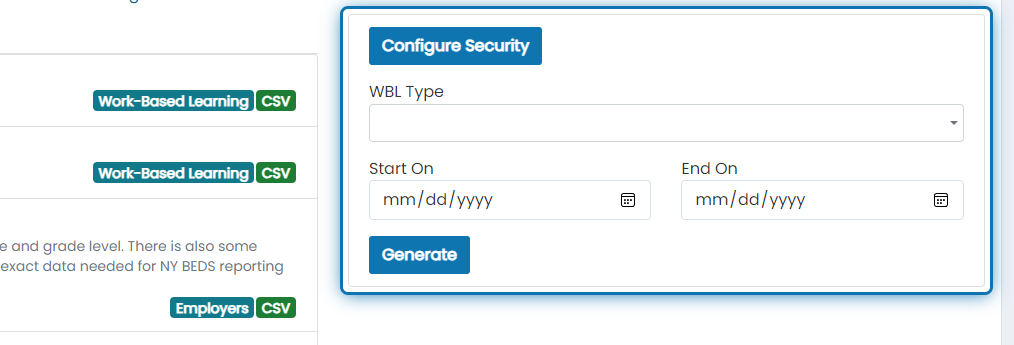
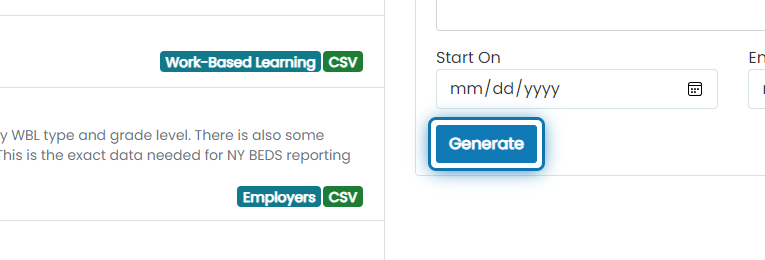
5. Click on Generate
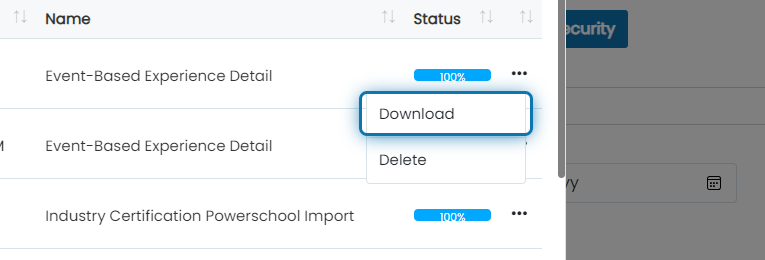
6. After the report reaches 100%, click on the action button
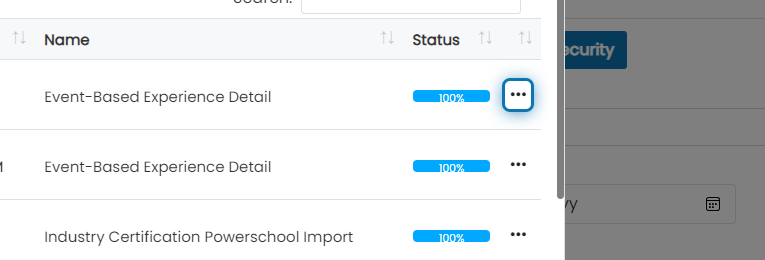
7. Click on Download
The columns returned will be the following:
- WBL Type
- WBL Generic Type
- Event Name
- School
- Start
- End Hours
- Student First Name
- Student Last Name
- Student Grade Level
- Student SIS Number
- Student Email
- Created By
- Created On
- All Custom Fields configured to be filled out during registration or attendance