How do I run a report to see approved vs pending work log summary hours?
Last updated About 1 year ago
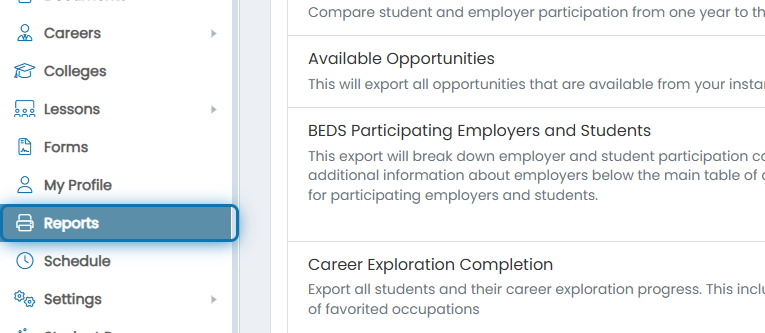
1. Navigate to the Reports Page
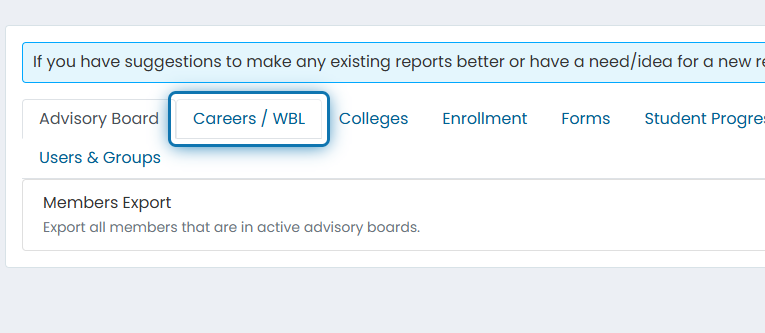
2. Click on Careers / WBL
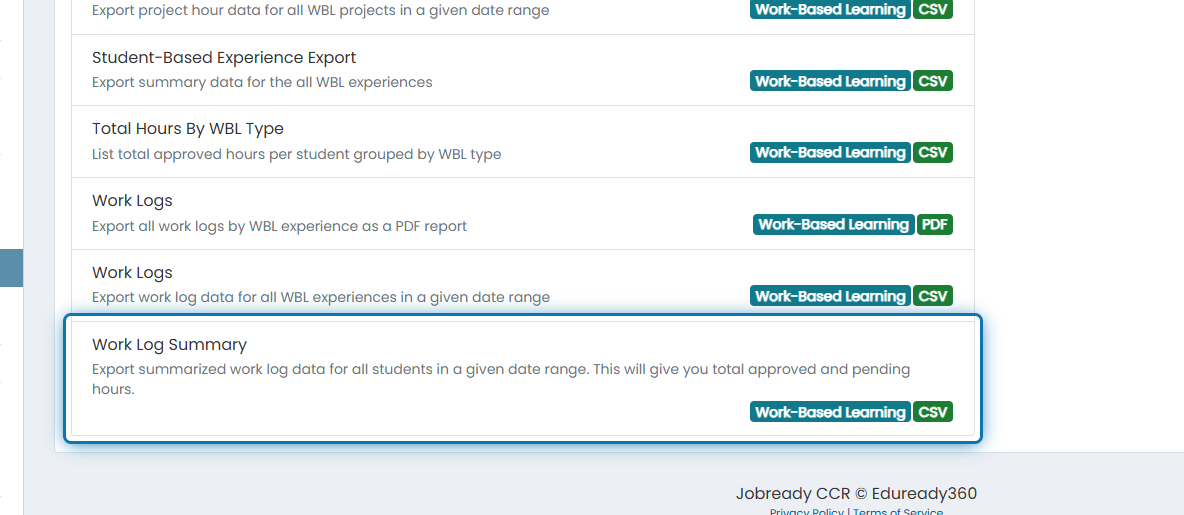
3. Click on Work Log Summary
4. Filter down by any of the following fields
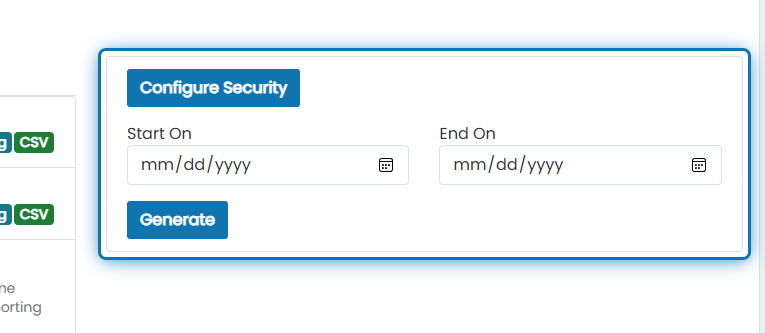
5. Click on Generate
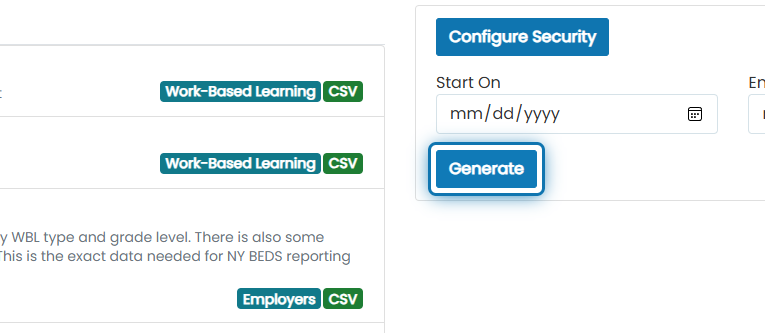
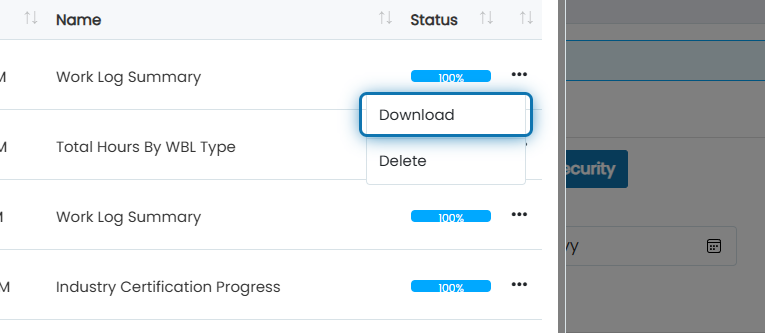
6. After status is 100%, click the action button next to the most recent report
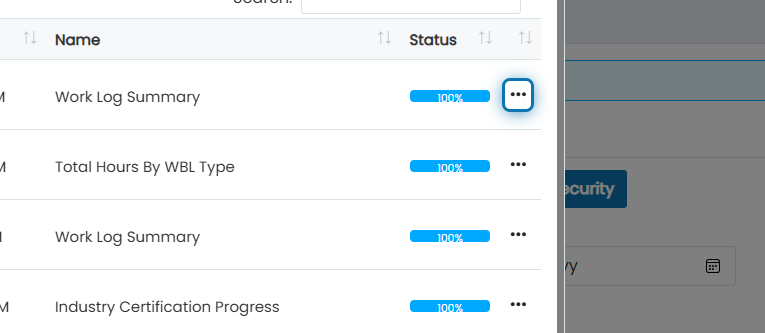
7. Click on Download
The report will contain the following columns:
Student First Name
Student Last Nam
Student Email
State Student Number
Student Grade Level
Student Graduation Year
Total Approved Work Log Hours
Total Pending Work Log Hours