How can I view which students are part of a student group
Last updated 6 days ago
1. Navigate to the student group page
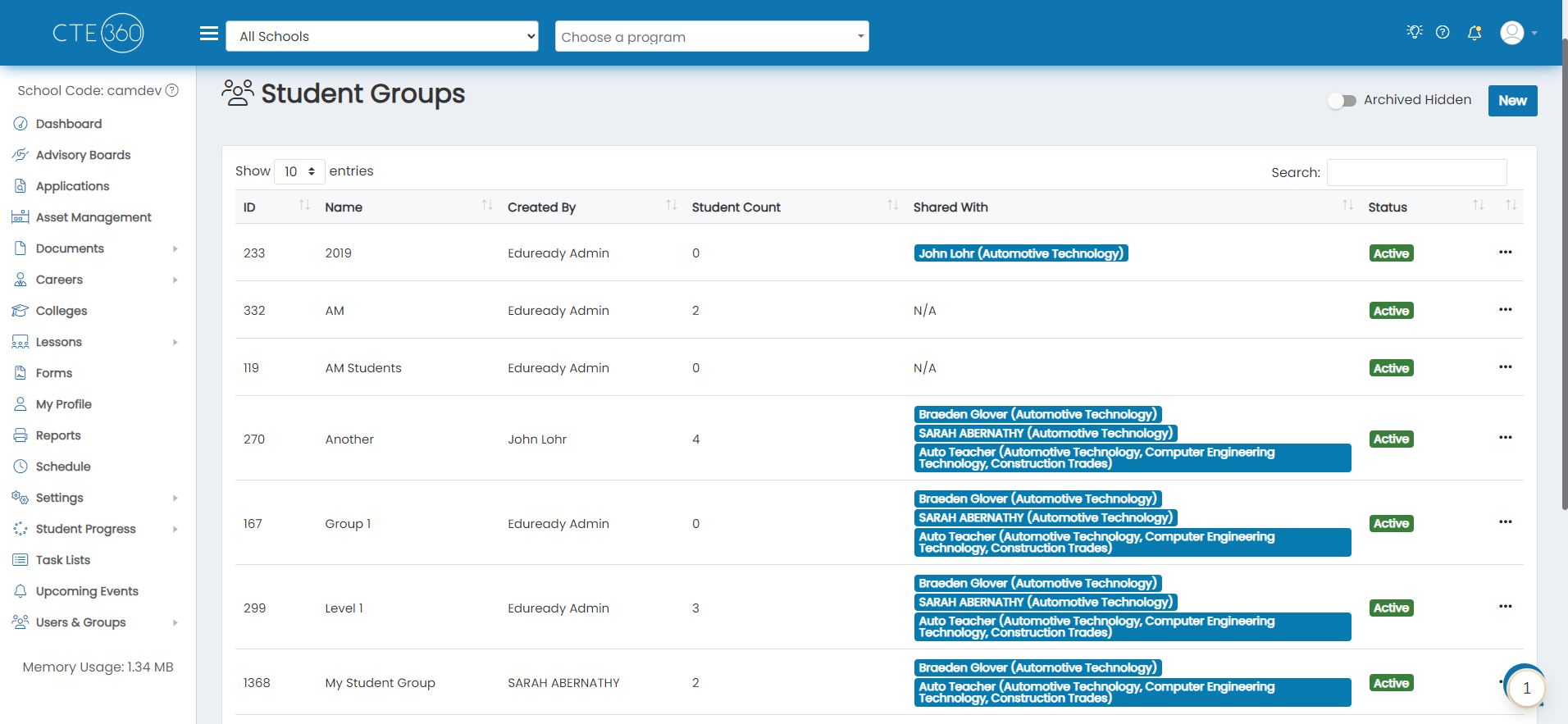
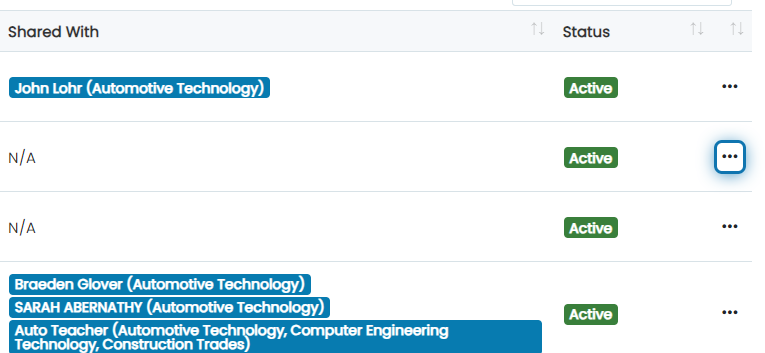
2. Click on the action button next to the student groups you'd like to view members for
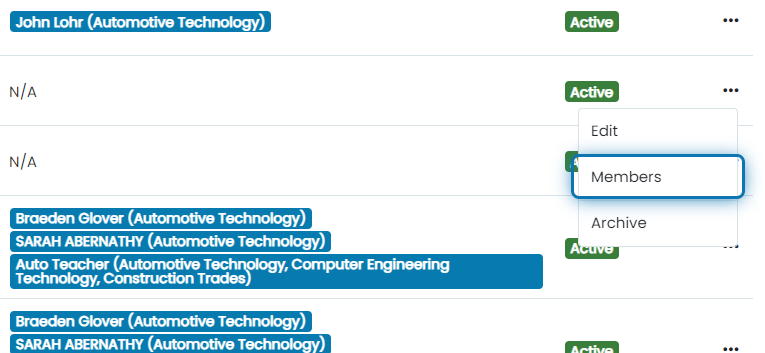
3. Click on Members
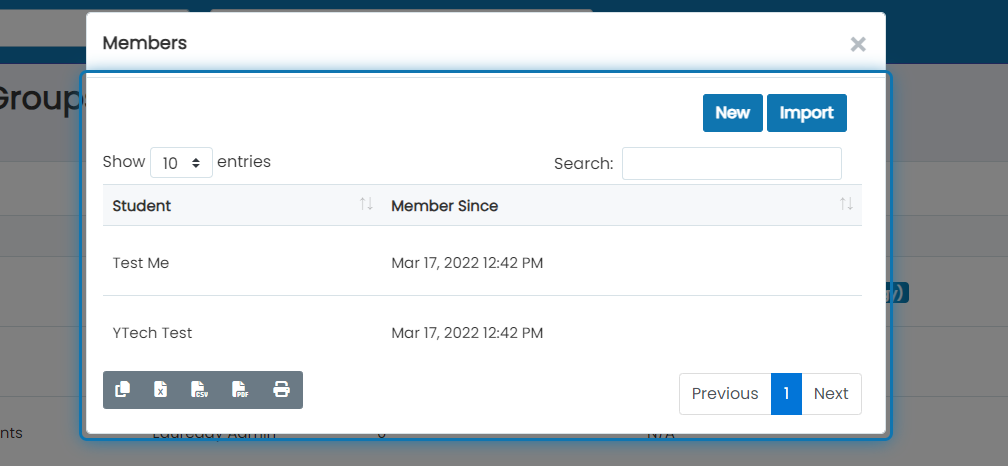
4. This will open a searchable list of all students that are part of that group and when they were added as a member
Was this helpful?
Still need help? Ask the team