How do I see all of my students Career Exploration results?
Last updated 6 days ago
1. Navigate to the Career Exploration page
Here you will see a list of all students you have access to and their associated result summaries.
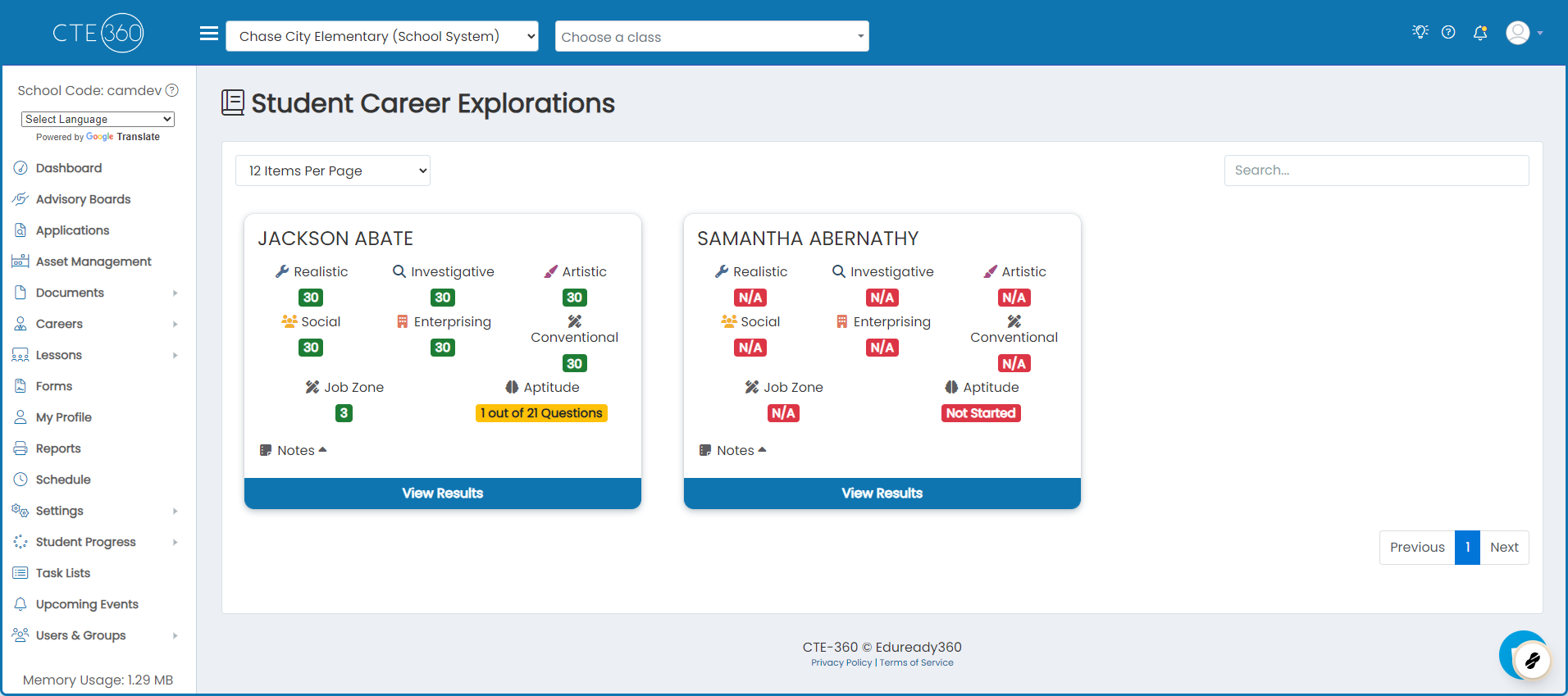
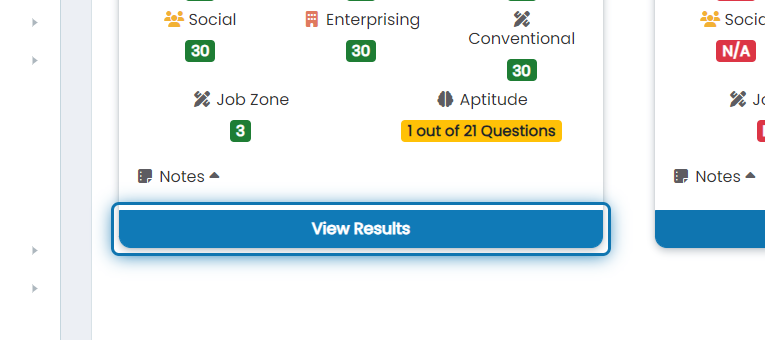
2. If you'd like granular results for an individual student, click on "View Results"
Clicking view results will take you to the same view that the student sees when they go to career exploration.
Was this helpful?
Still need help? Ask the team