How to Change Work Log Restrictions
Last updated 6 days ago
1. Click on Settings
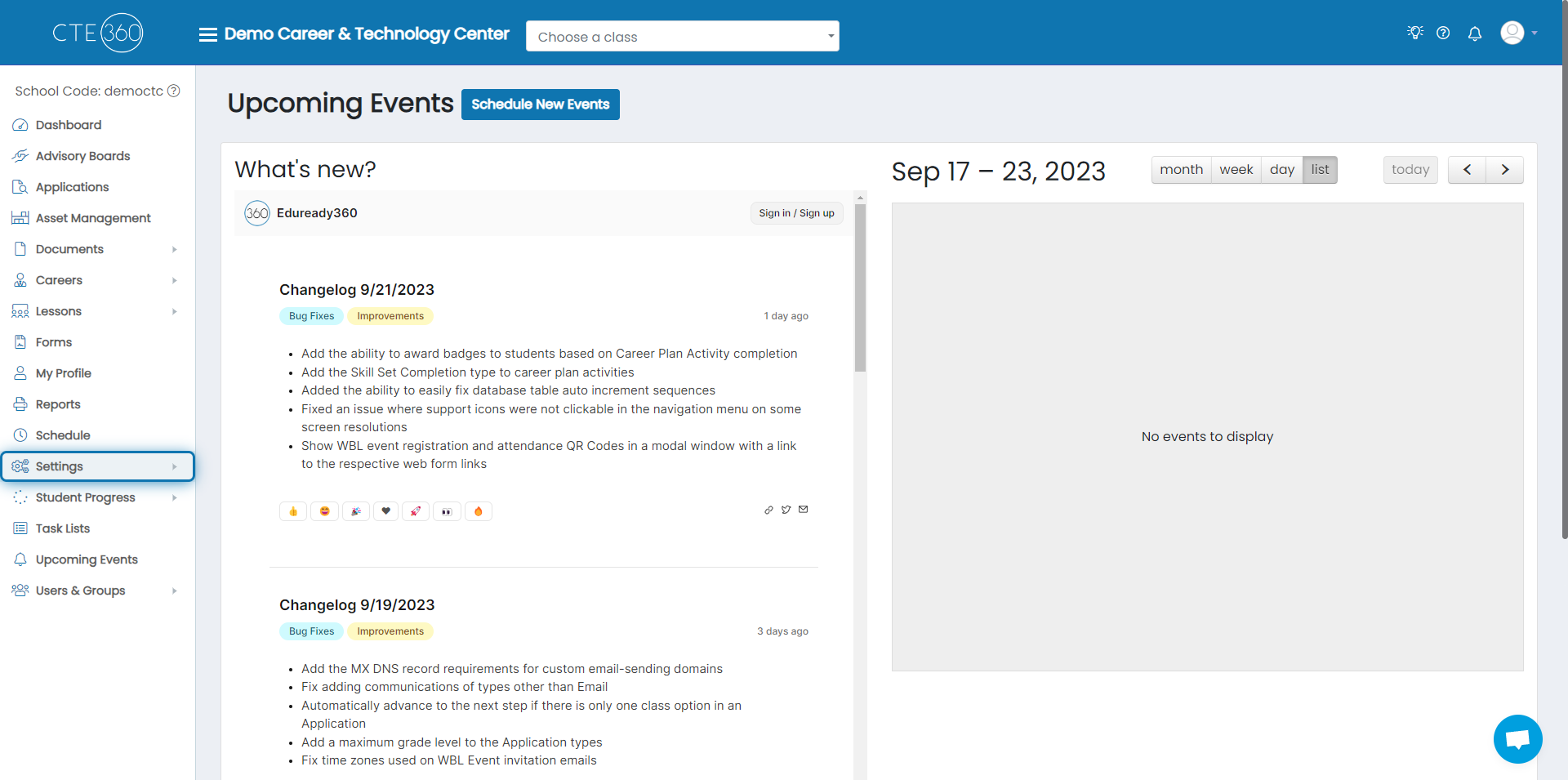
2. Click on Global Settings
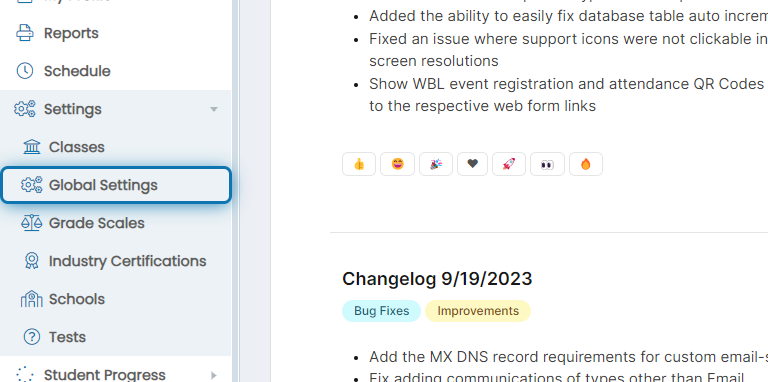
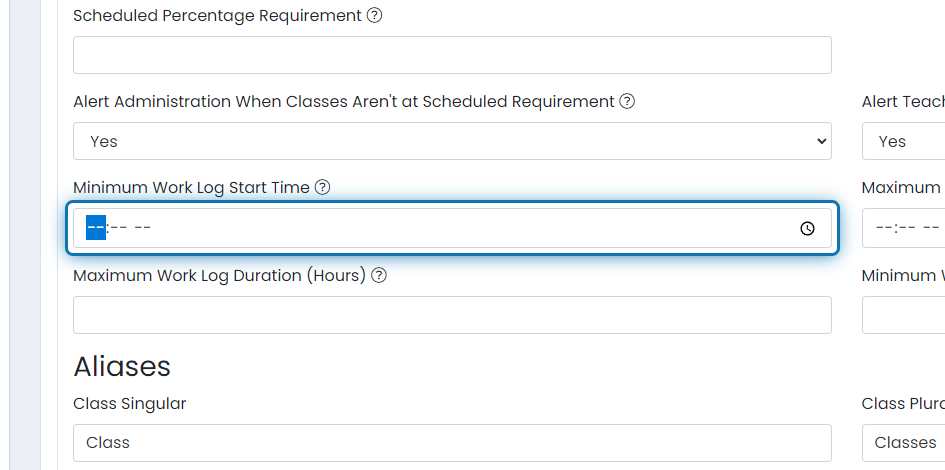
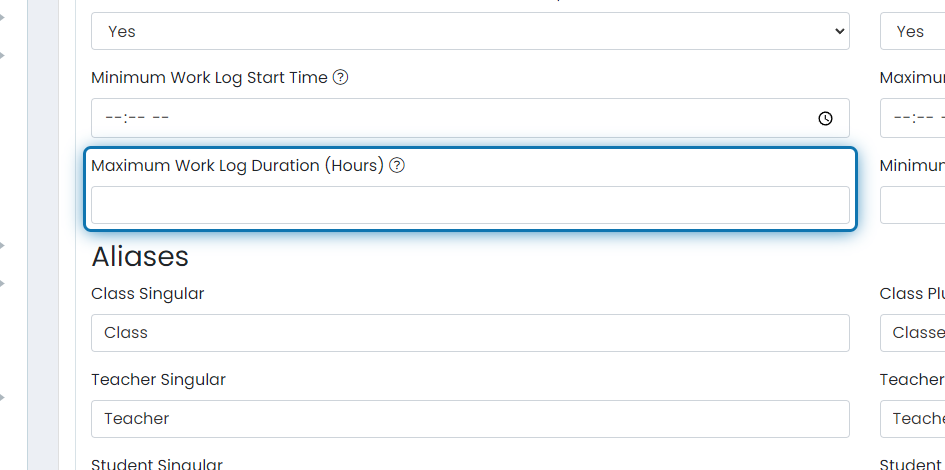
3. Modify the Minimum Work Log Start Time
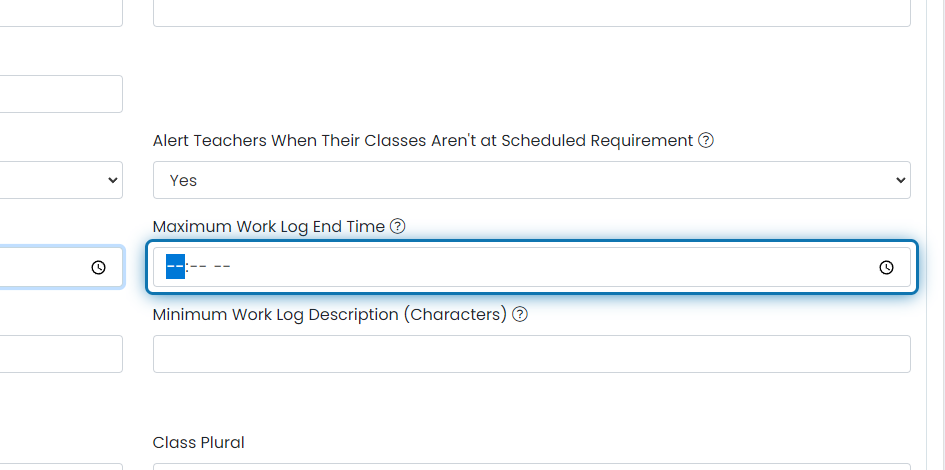
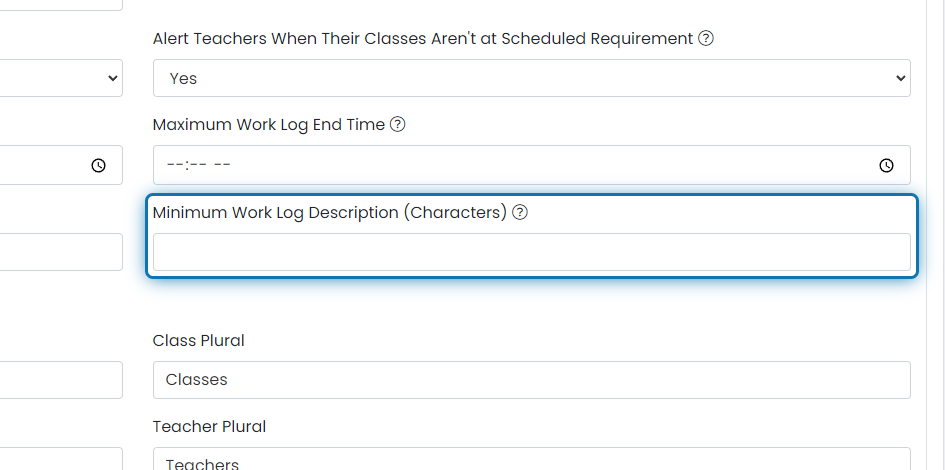
4. Modify the Maximum Work Log End Time
5. Set Maximum Work Log Duration (Hours)
6. Select Minimum Work Log Description (Characters)
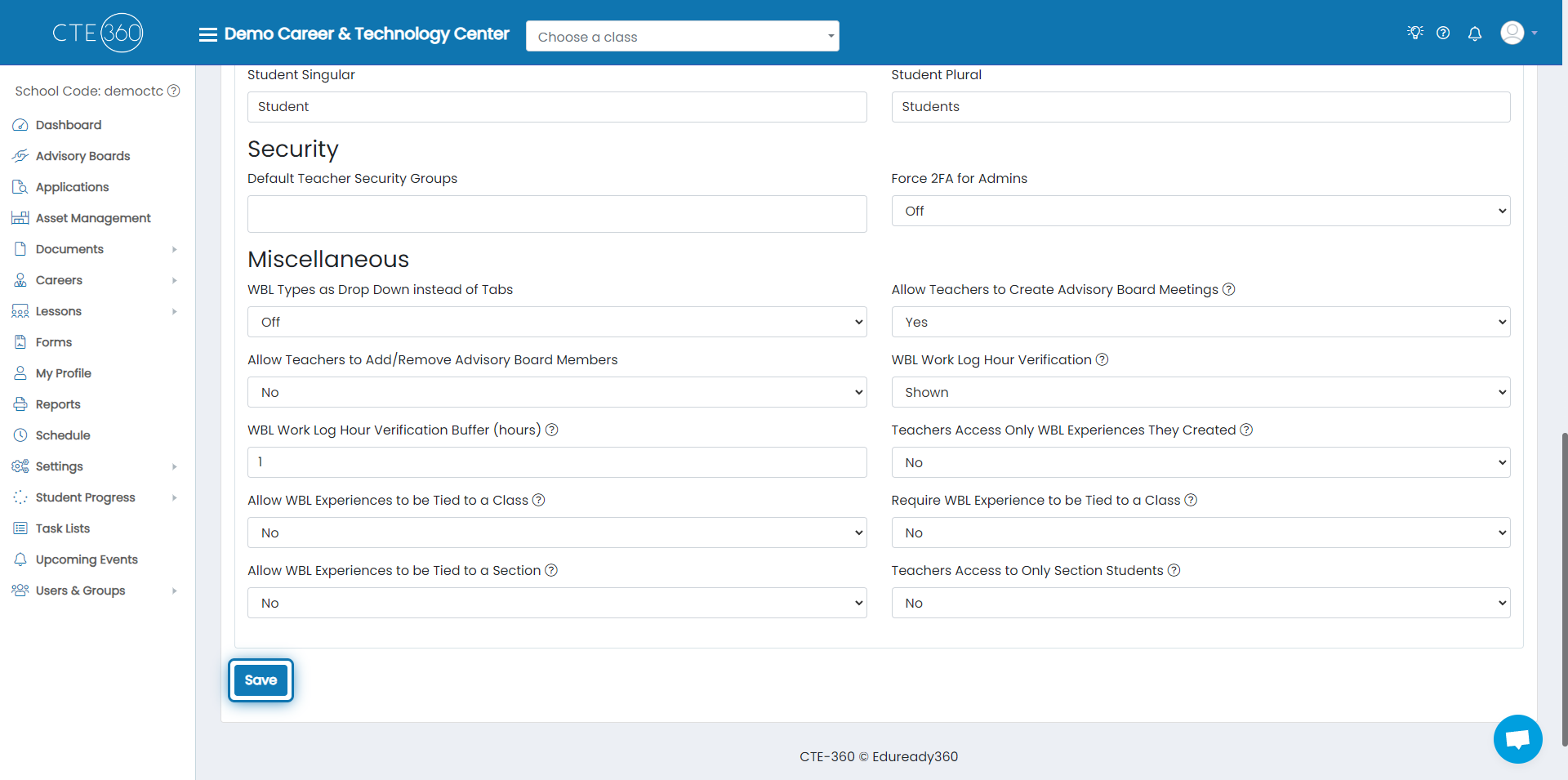
7. Scroll to the Bottom and Click on Save
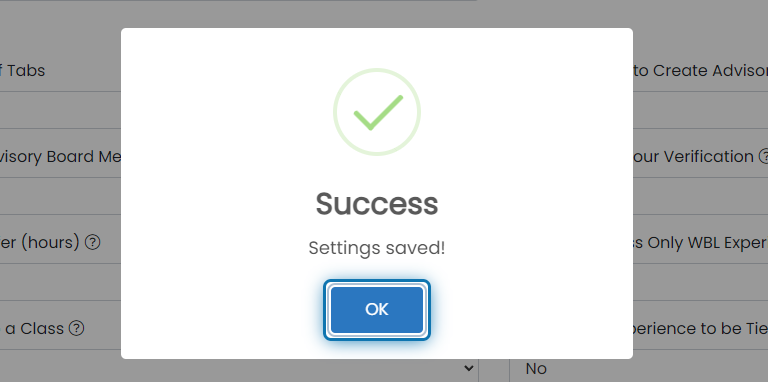
8. Click on OK
Was this helpful?
Still need help? Ask the team