How can I invite participants to a WBL Event?
Last updated Over 1 year ago
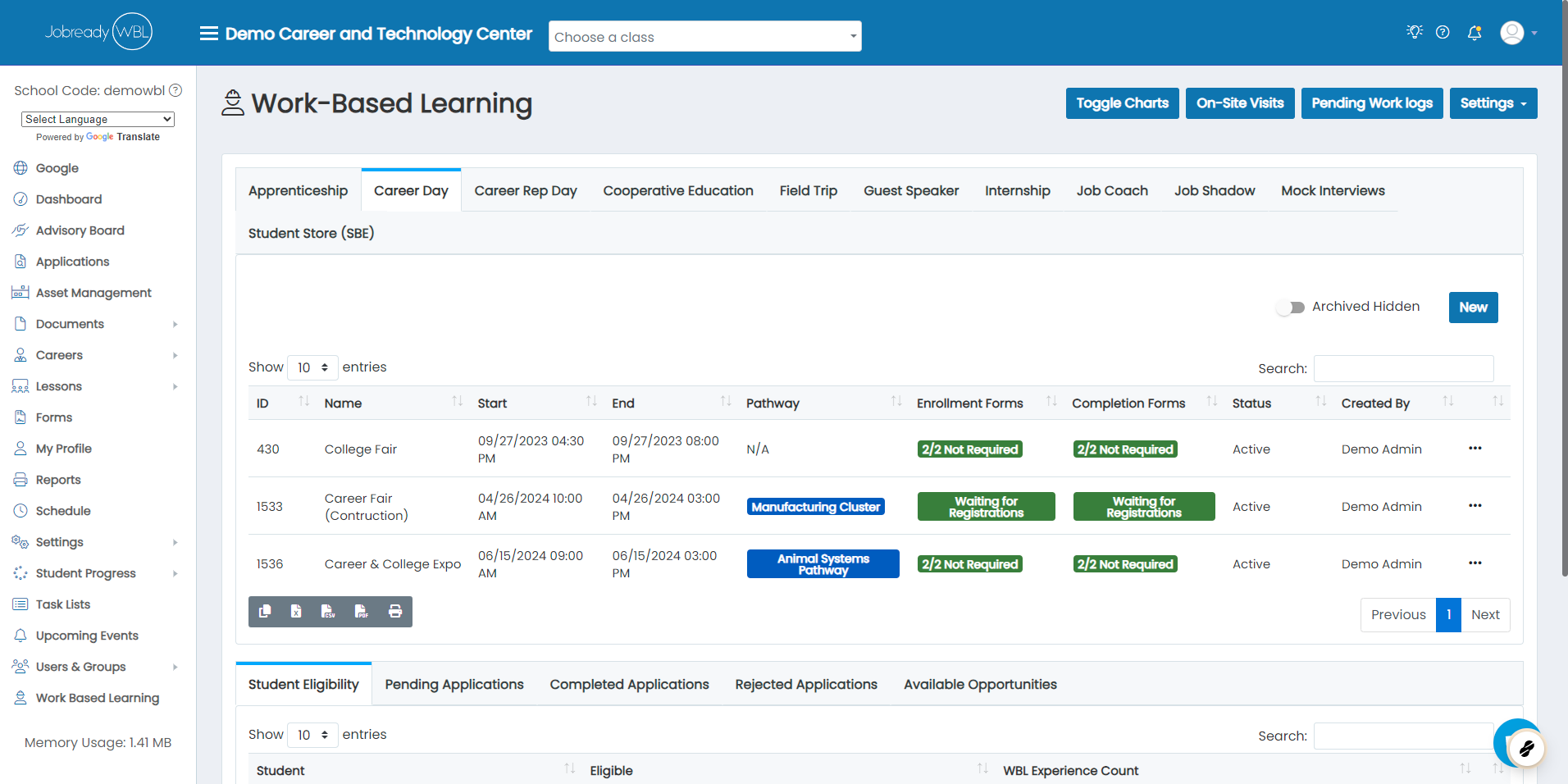
1. Navigate to your WBL Event type
In this example, we're using Career Day.
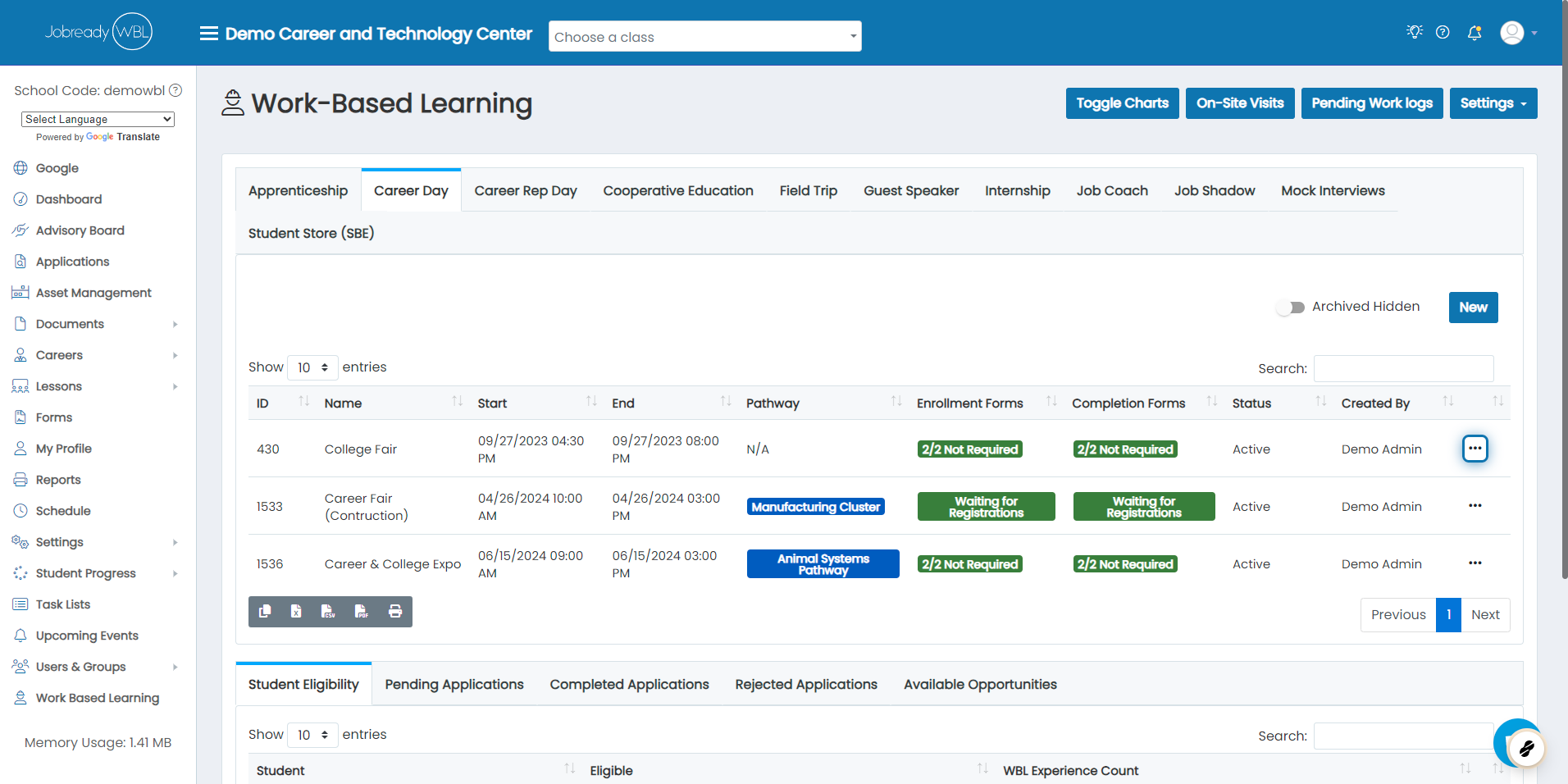
2. Click on the action button for your event
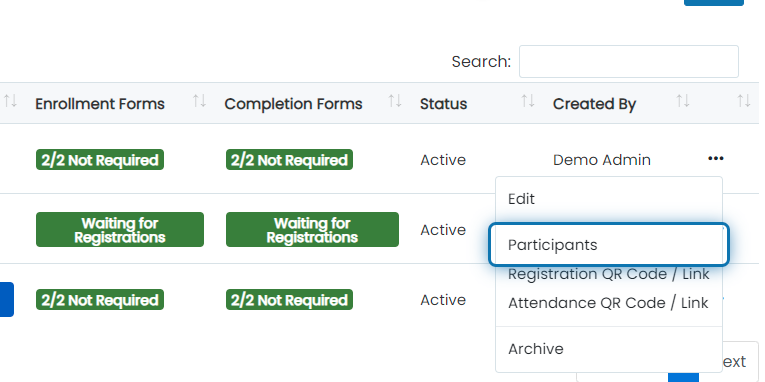
3. Click on Participants
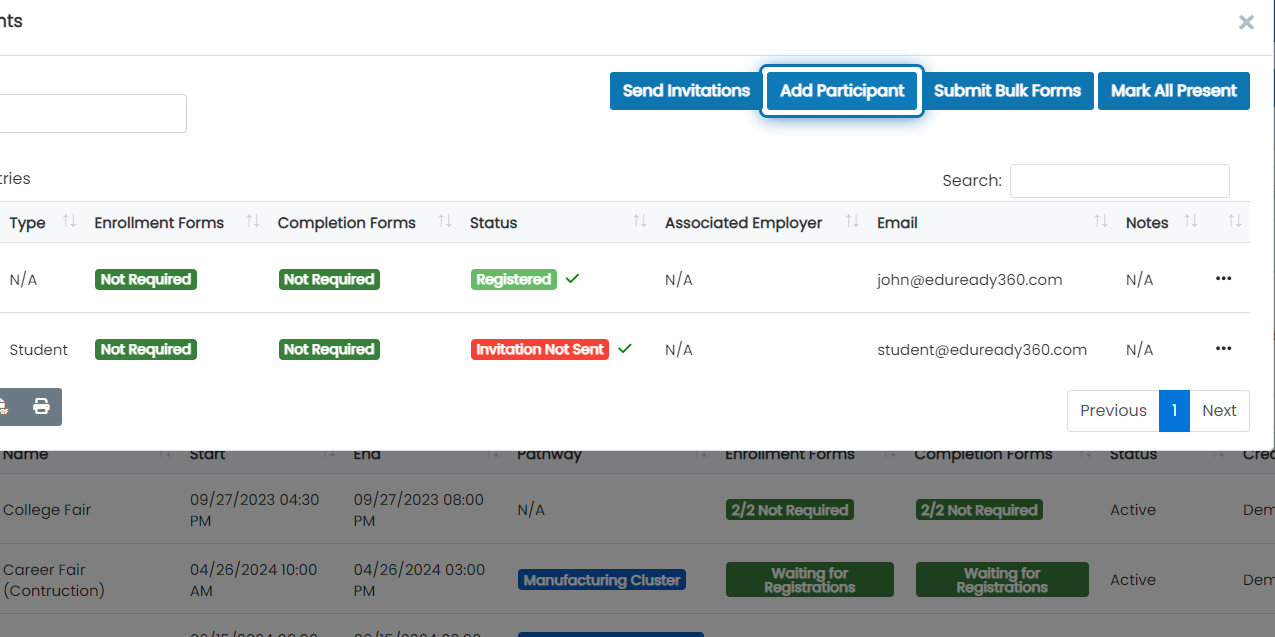
4. Click on Add Participant
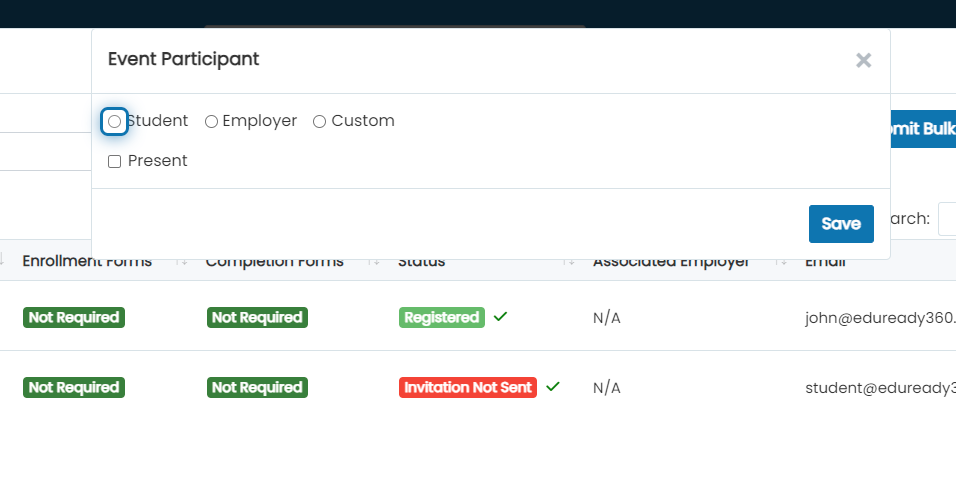
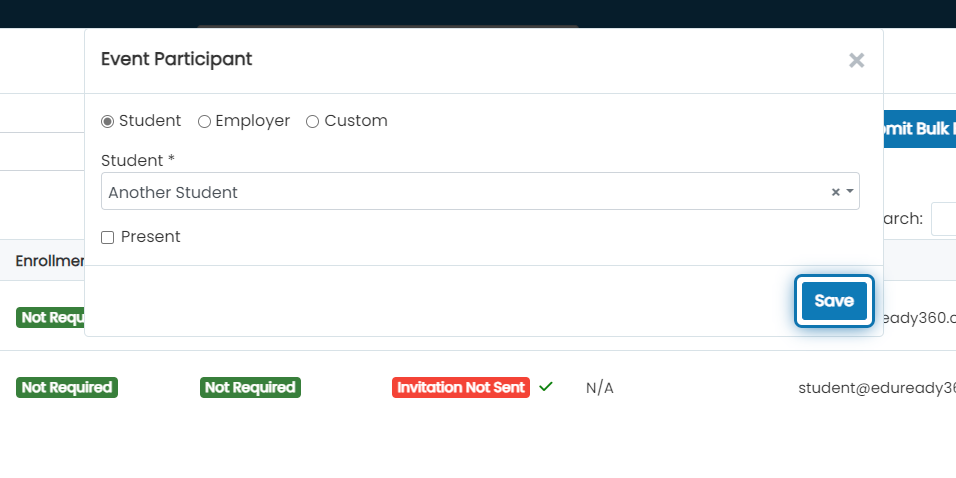
5. Click on the type of user you'd like to invite
For this example, we'll add a student
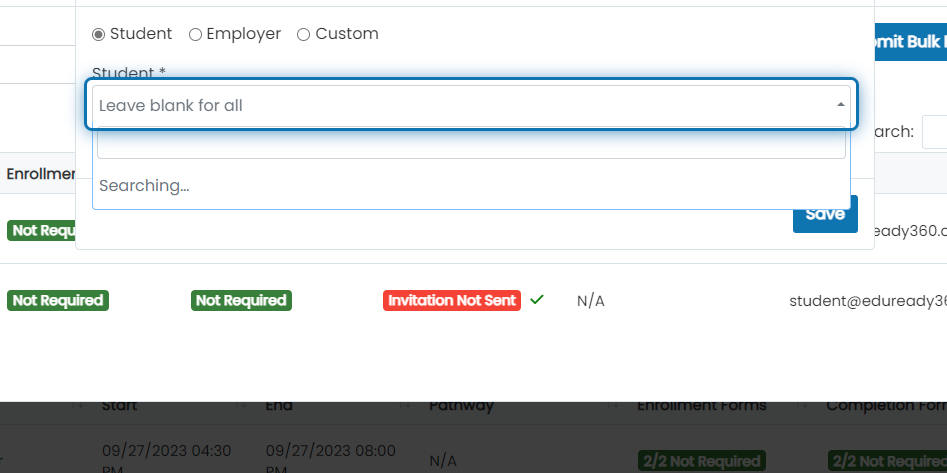
6. Click on the select box to add a student
7. Search for the student and select their name
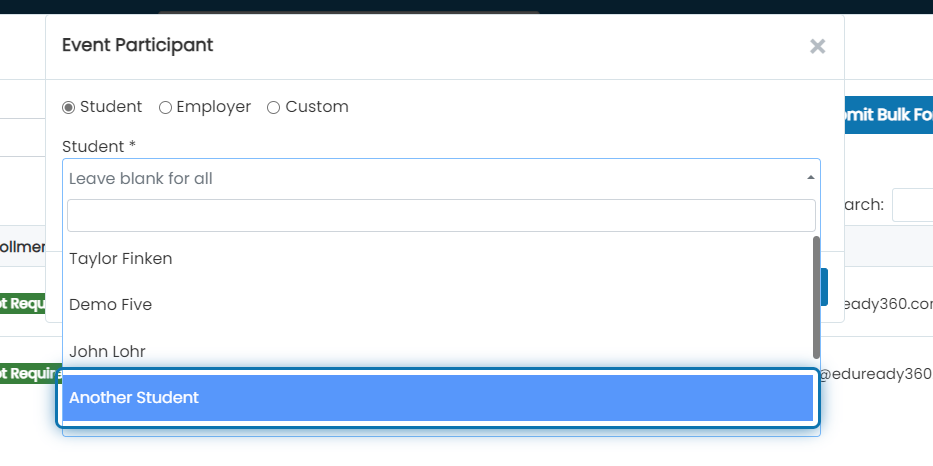
8. Click on Save
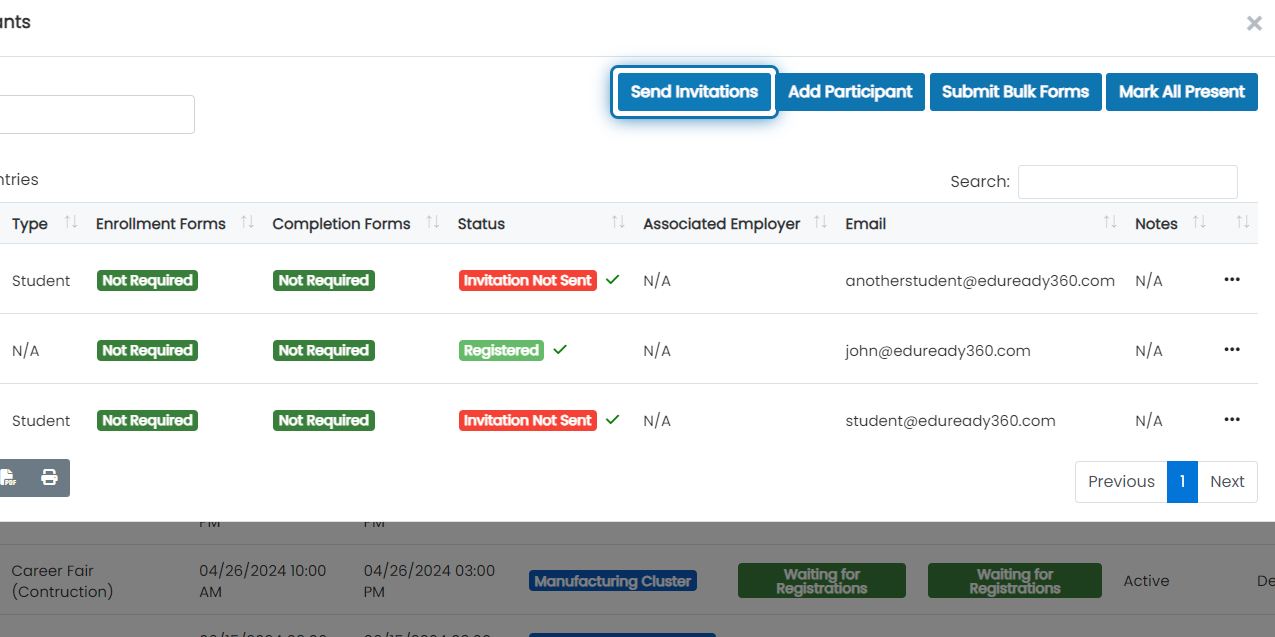
9. Click on Send Invitations
This will send an invitation to all participants that have not already been invited.
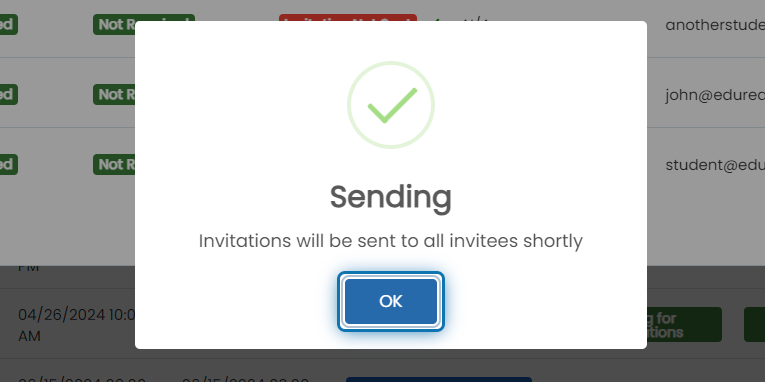
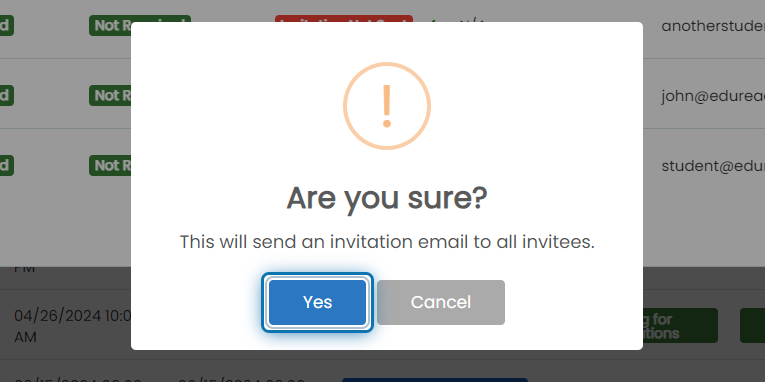
10. Click on Yes
11. Click on OK