How do I let the employer of a student's WBL experience evaluate the student's skill set?
Last updated 13 days ago
Note: Skill Tracking must be enabled on the WBL Type before following this guide. Please see How do I turn on Skill Tracking for a WBL Type? for more information.
Sending an Employer Evaluation
Open Work-Based Learning
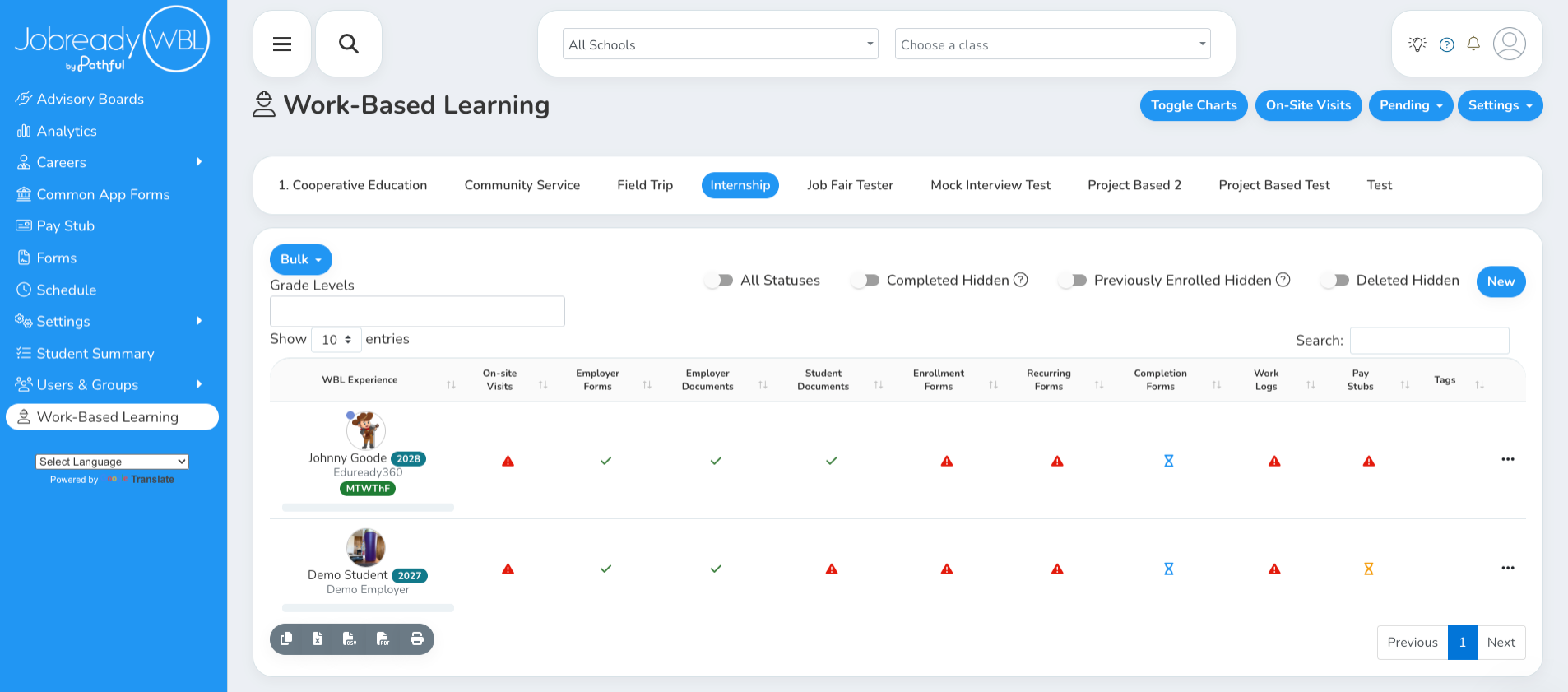
Click the Skill Progress bar under the student's name
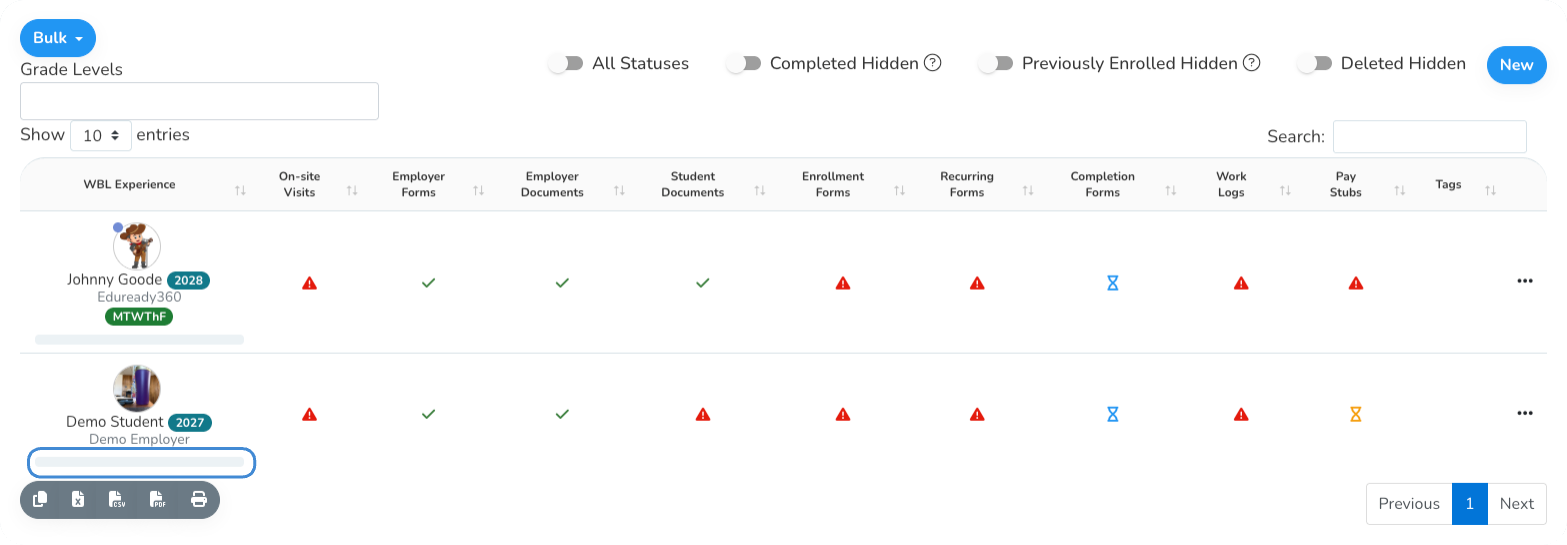
Click Employer Evaluations
The button is in the Training Plans card.
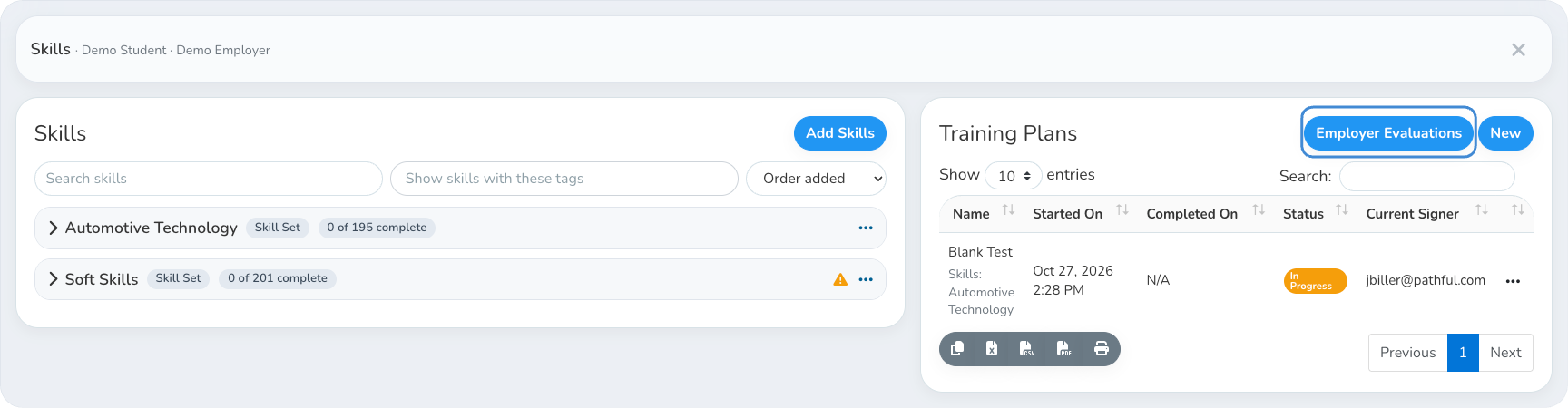
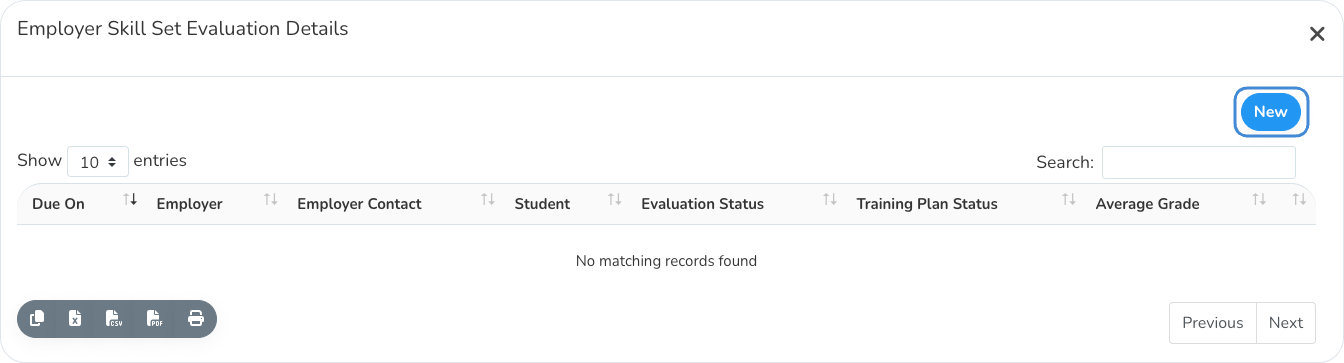
Review the evaluation history
Every employer evaluation for this experience is listed here.
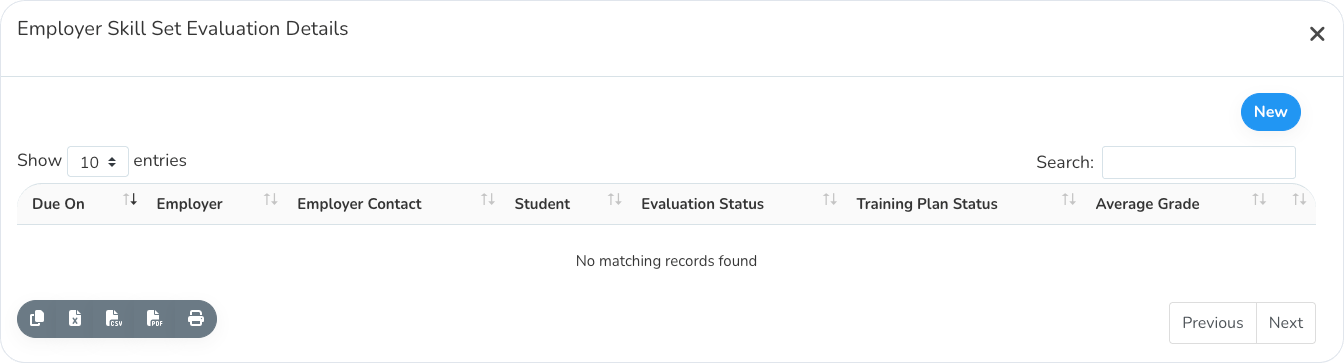
Click New
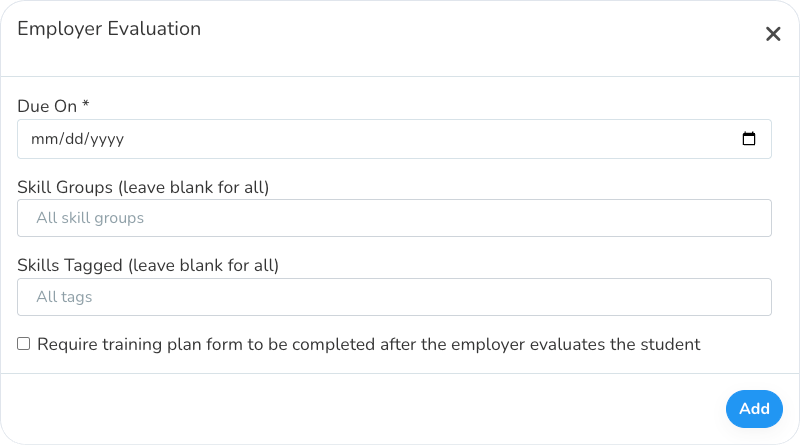
Set the due date and the skills to evaluate
The due date is when the employer should evaluate the student by. It's shown in the email sent to the employer.
To have the employer evaluate only some of the student's skills, use Skill Groups and Skills Tagged. Leave both blank to include every skill. If you fill in both, the evaluation includes the skills in the chosen groups that have at least one of the chosen tags.
Skill Groups only shows when the experience has skills from more than one source, such as two Skill Sets. Skills Tagged only shows when the skills have tags.
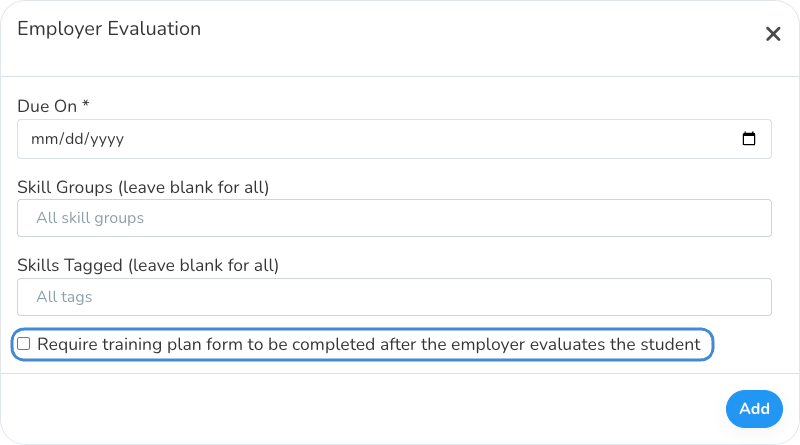
Choose whether to require a training plan
If this is checked, you'll get alert messages in Work-Based Learning to create a new training plan after the employer completes the evaluation. The training plan covers the same skills as the evaluation.
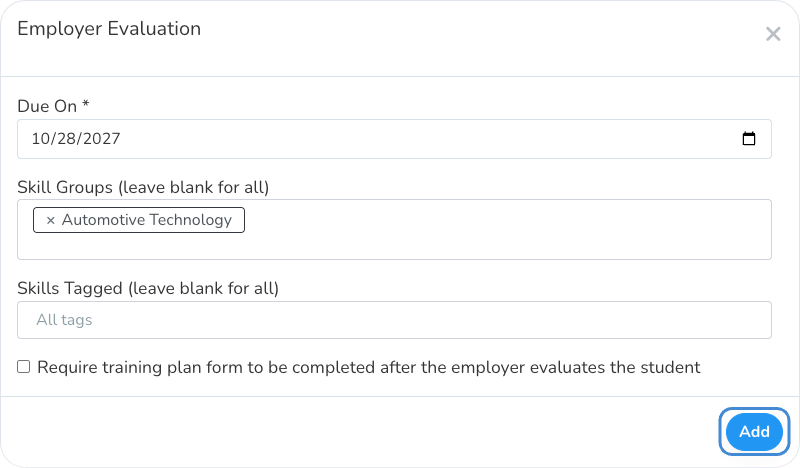
Click Add
The employer gets an email with a link to evaluate the student. The link doesn't require a log in. The employer sees the skills you chose and can select the student's level for each one.
Viewing the Results
After the employer submits the evaluation, the average grade shows in the evaluation history if the WBL Type uses a Grade Scale.
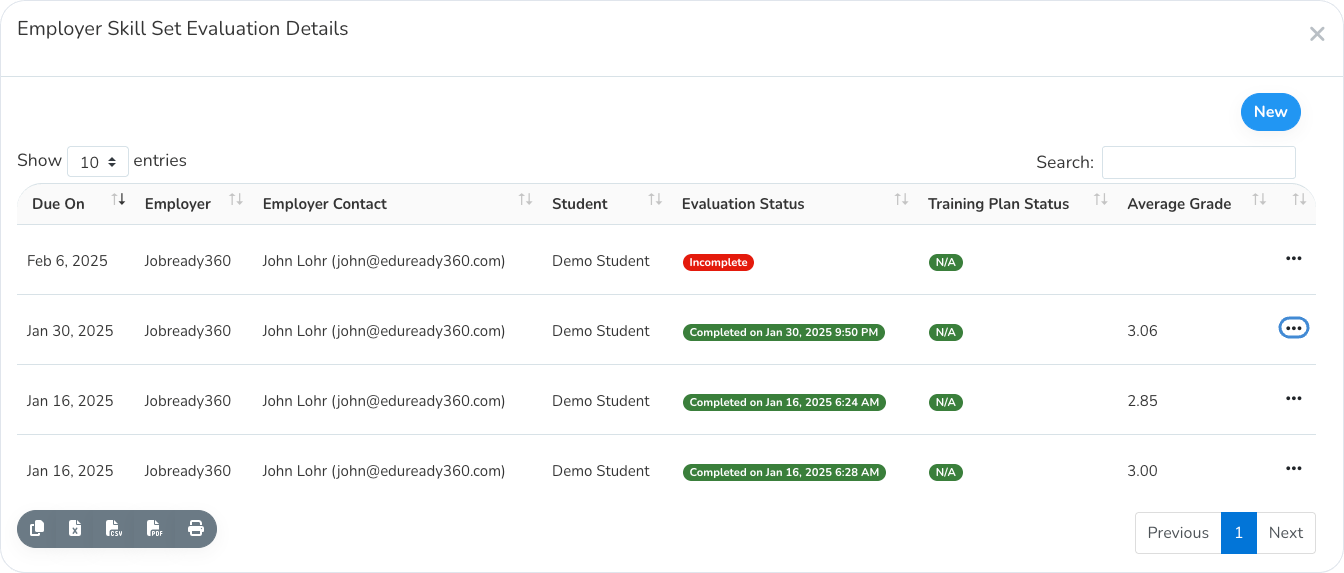
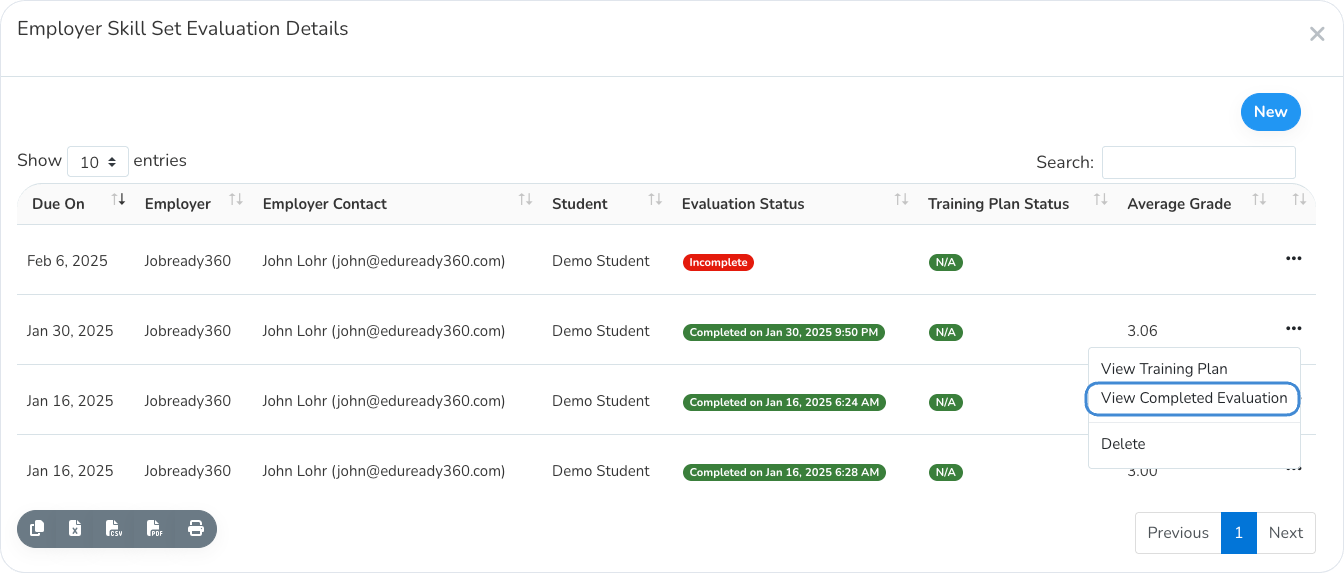
To see the whole evaluation, click the 3 dots next to it and choose View Completed Evaluation.
Was this helpful?
Still need help? Ask the team