How do I retire a task list so it is hidden and can no longer be used for grading?
Last updated 6 days ago
1. Navigate to the task list management page
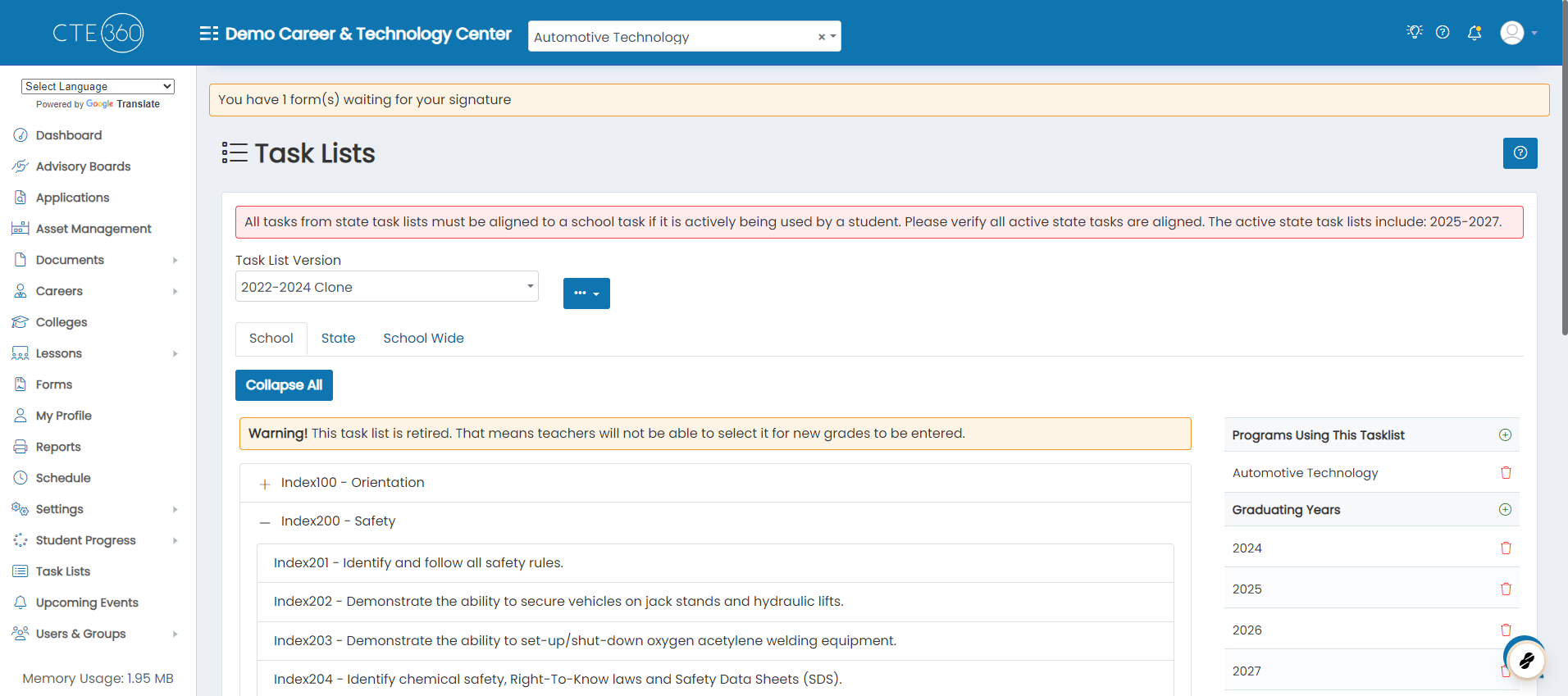
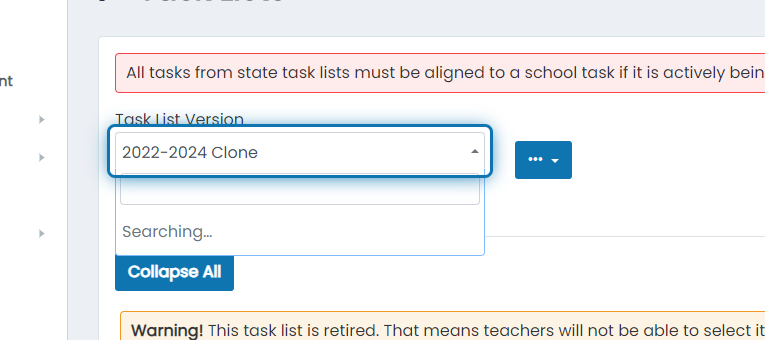
2. Choose the task list you'd like to retire
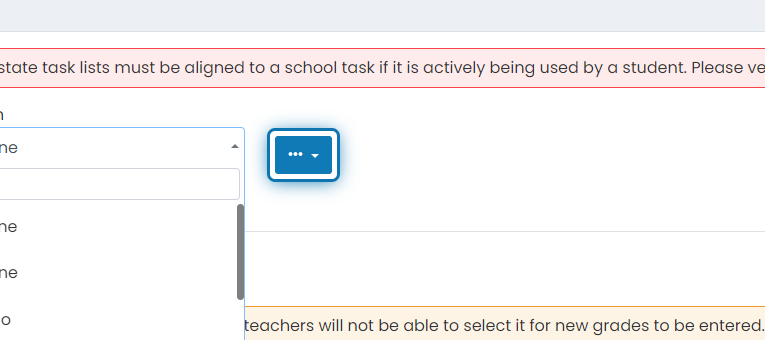
3. Click on the action button
4. Click on retire to make the task list unavailable for grading
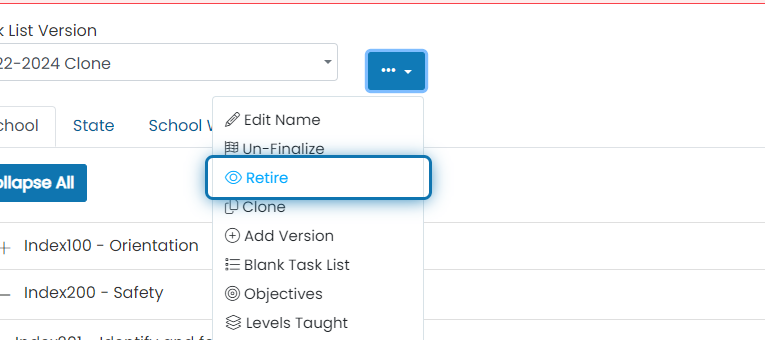
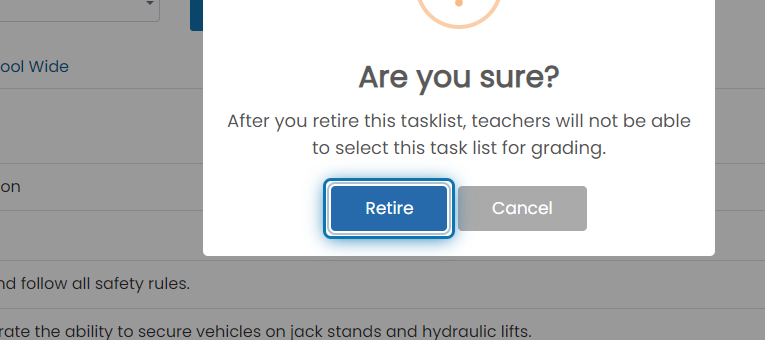
5. Confirm that you'd like to retire the task list
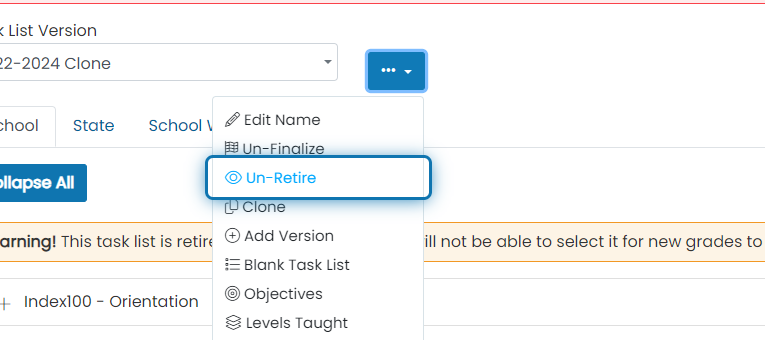
6. To un-retire the task list, click on the action button

7. Click on Un-Retire
Was this helpful?
Still need help? Ask the team