How do I complete the Agile Work Profiler activity?
Last updated 6 days ago
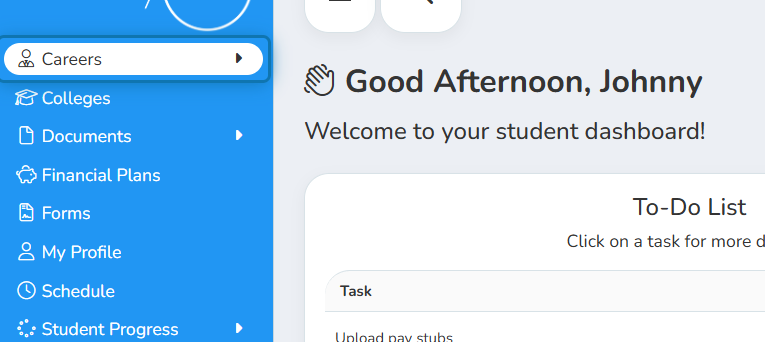
1. Click on Careers in the Navigation Menu
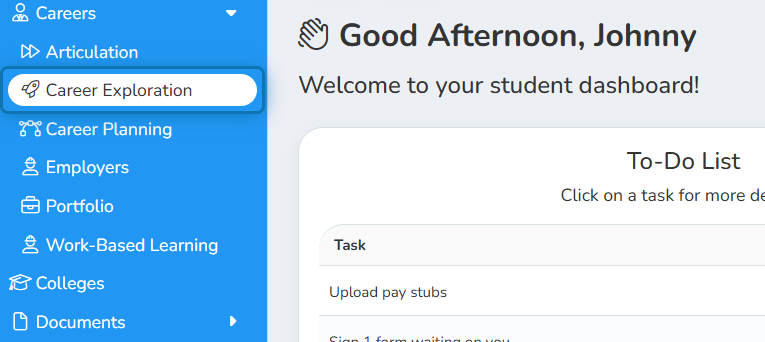
2. Click on Career Exploration
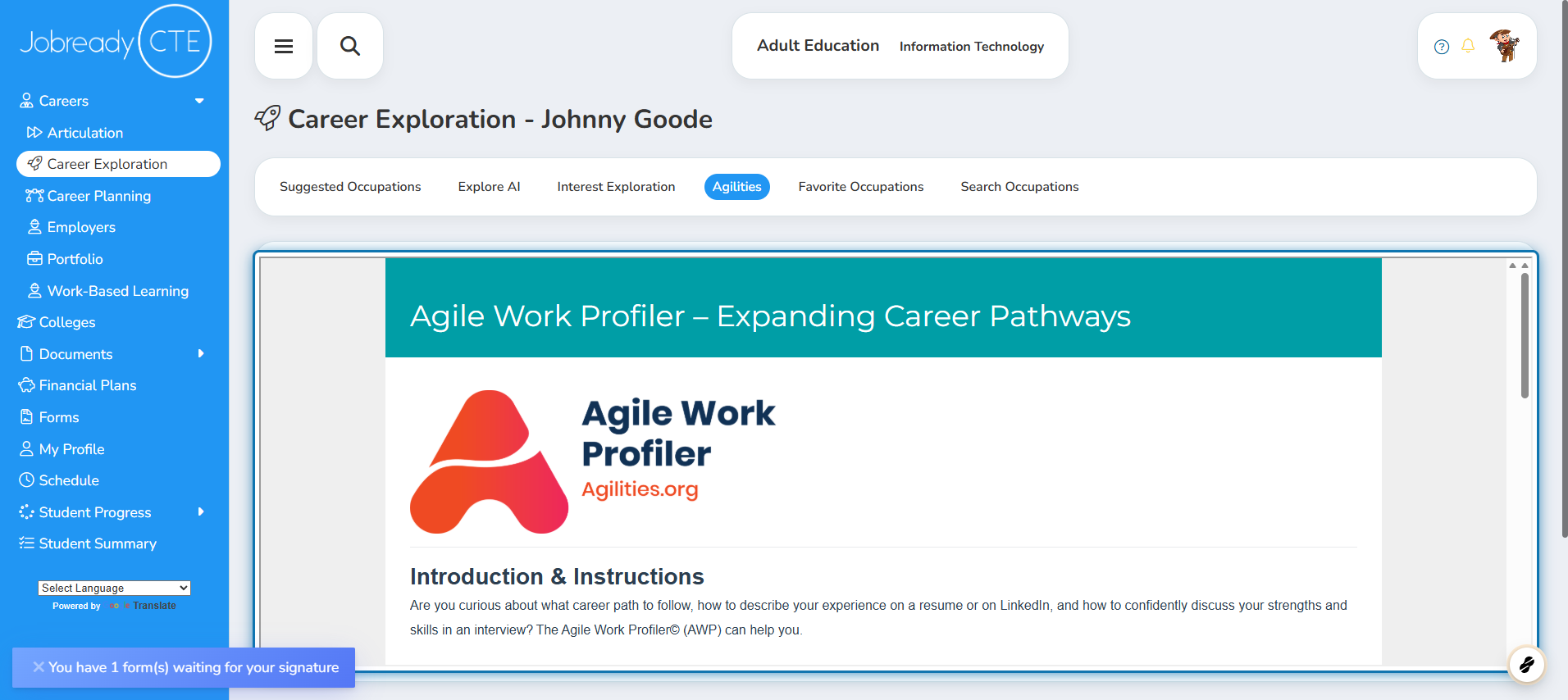
3. Click on the Agilities tab

4. Complete the Agile Work Profile by following the instructions
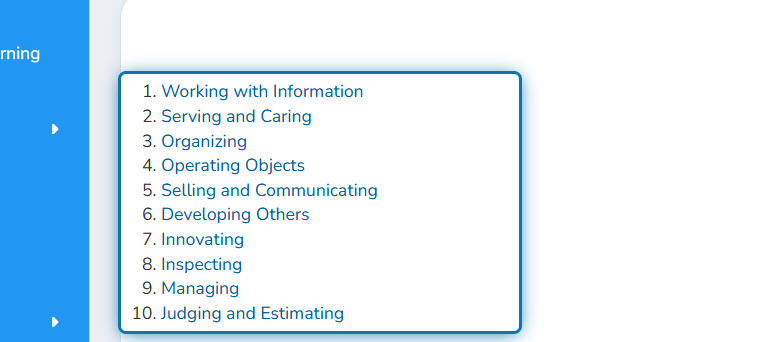
5. View your Agilities
The next time you come to this page, the agilities results will be listed in the order most relevant to you.
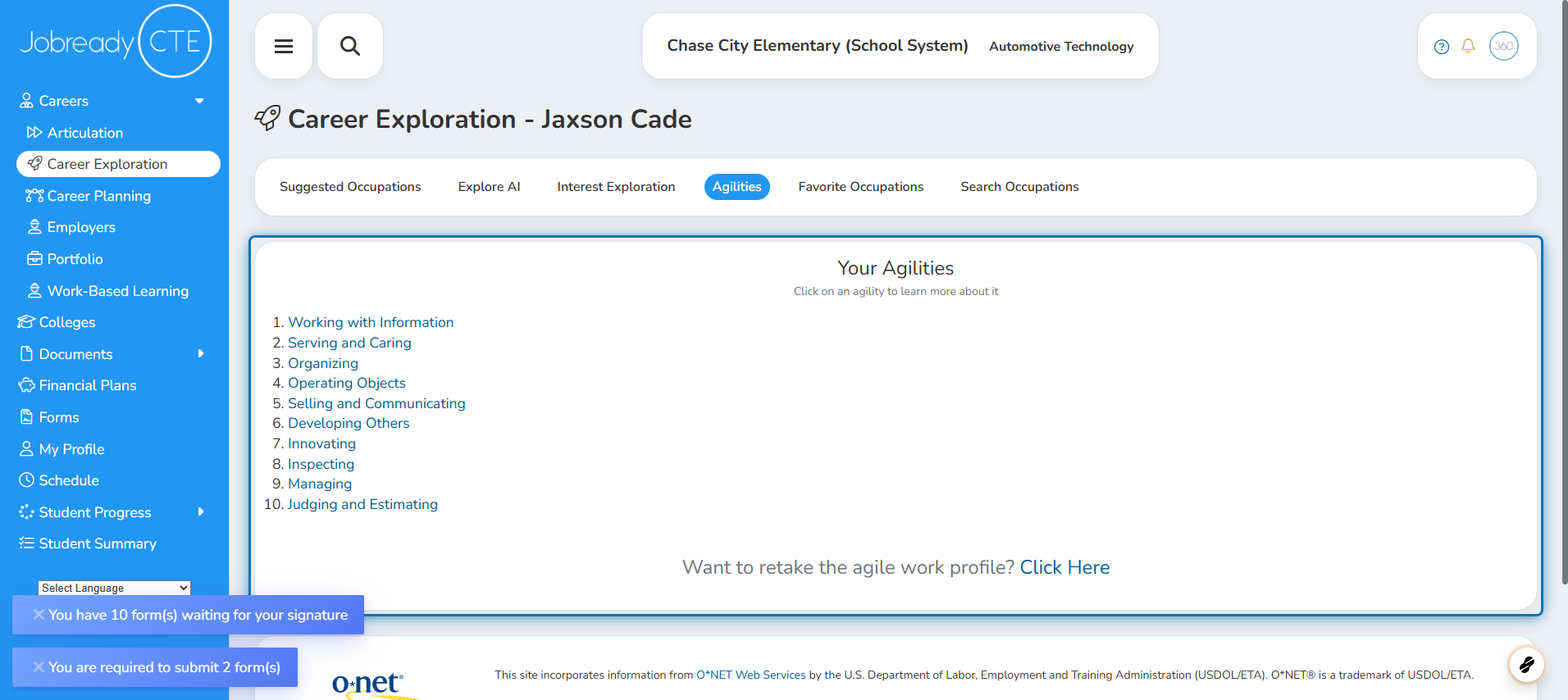
6. Click on Individual Agilities
You can click on each of your agilities to view more information about each.
Was this helpful?
Still need help? Ask the team