How do I take a new practice test?
Last updated 6 days ago
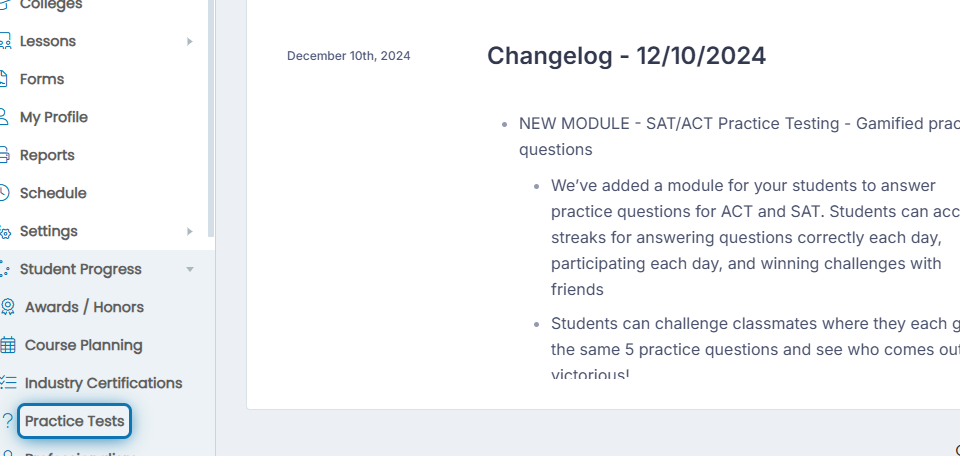
1. Click Student Progress in the navigation menu

2. Click Practice Tests in the expanded list
The Practice Test management window will open as shown below.
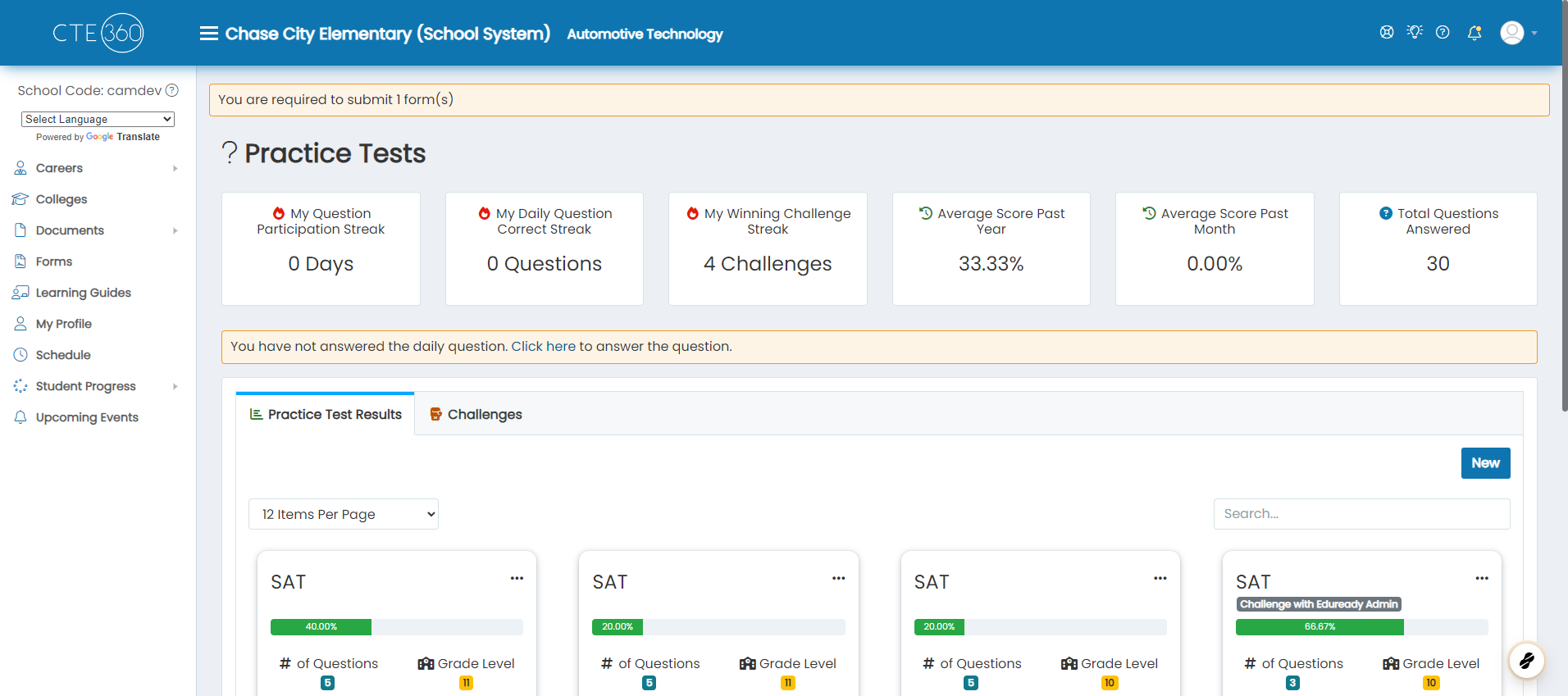
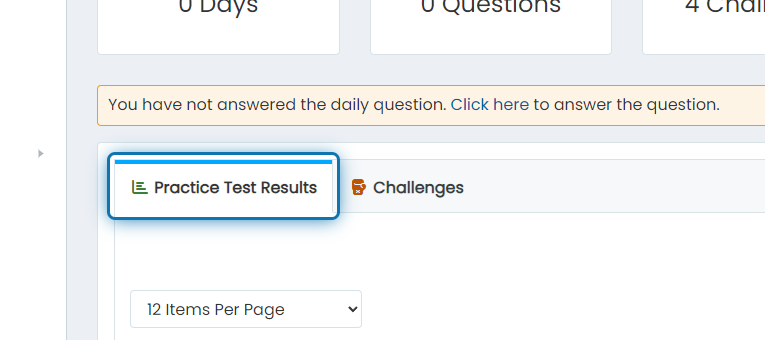
2. Click on the Practice Test Results tab
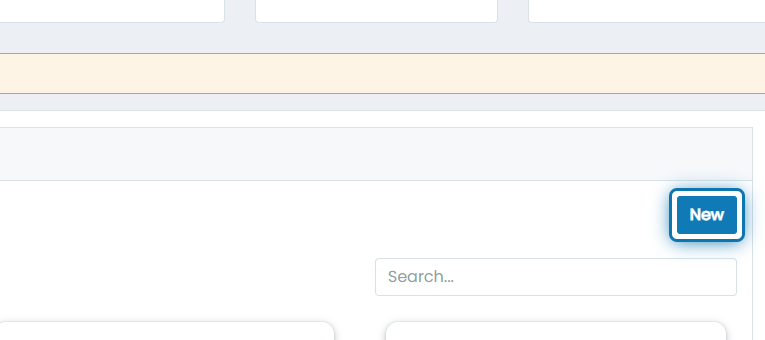
3. Click on New
4. Choose a type (SAT, ACT, etc.)
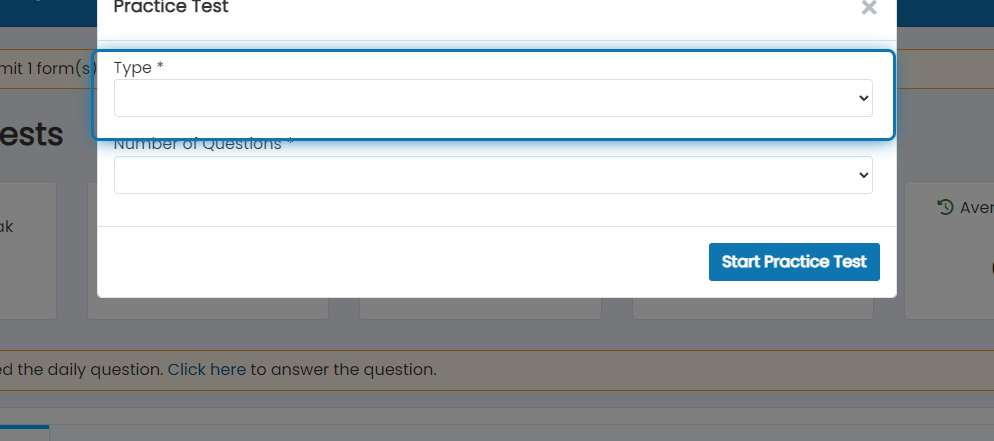
5. Choose the number of questions you'd like to answer
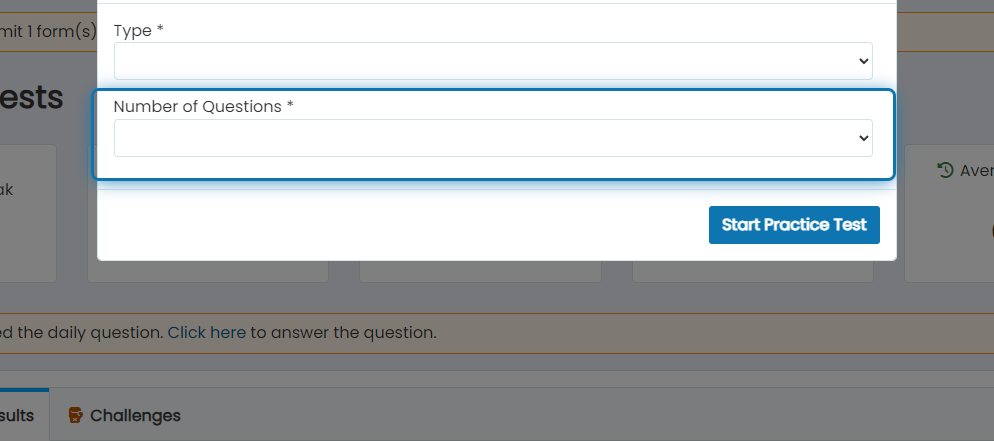
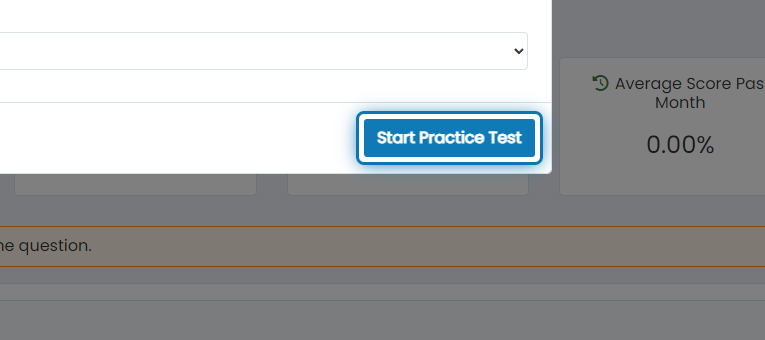
6. Click on Start Practice Test
7. The questions will automatically appear, and answer the questions
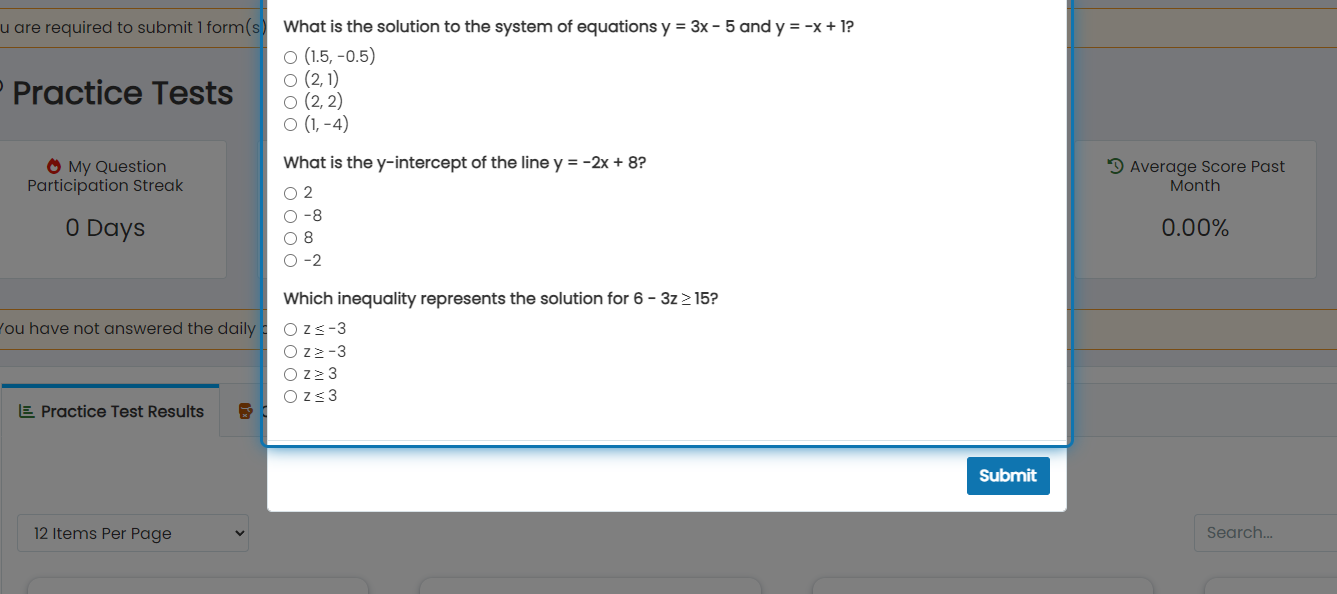
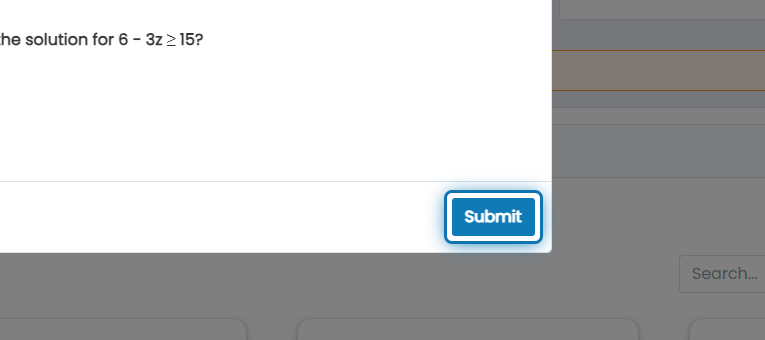
8. Click on Submit when you're done
Suppose you were assigned a “Practice Test Question Count” Career Planning Activity. In that case, Jobready will monitor the number of practice test questions answered to automatically mark the activity completed once the assigned number has been reached.
Was this helpful?
Still need help? Ask the team