Why is there a banner saying I have forms that need submitted by me?
Last updated 6 days ago
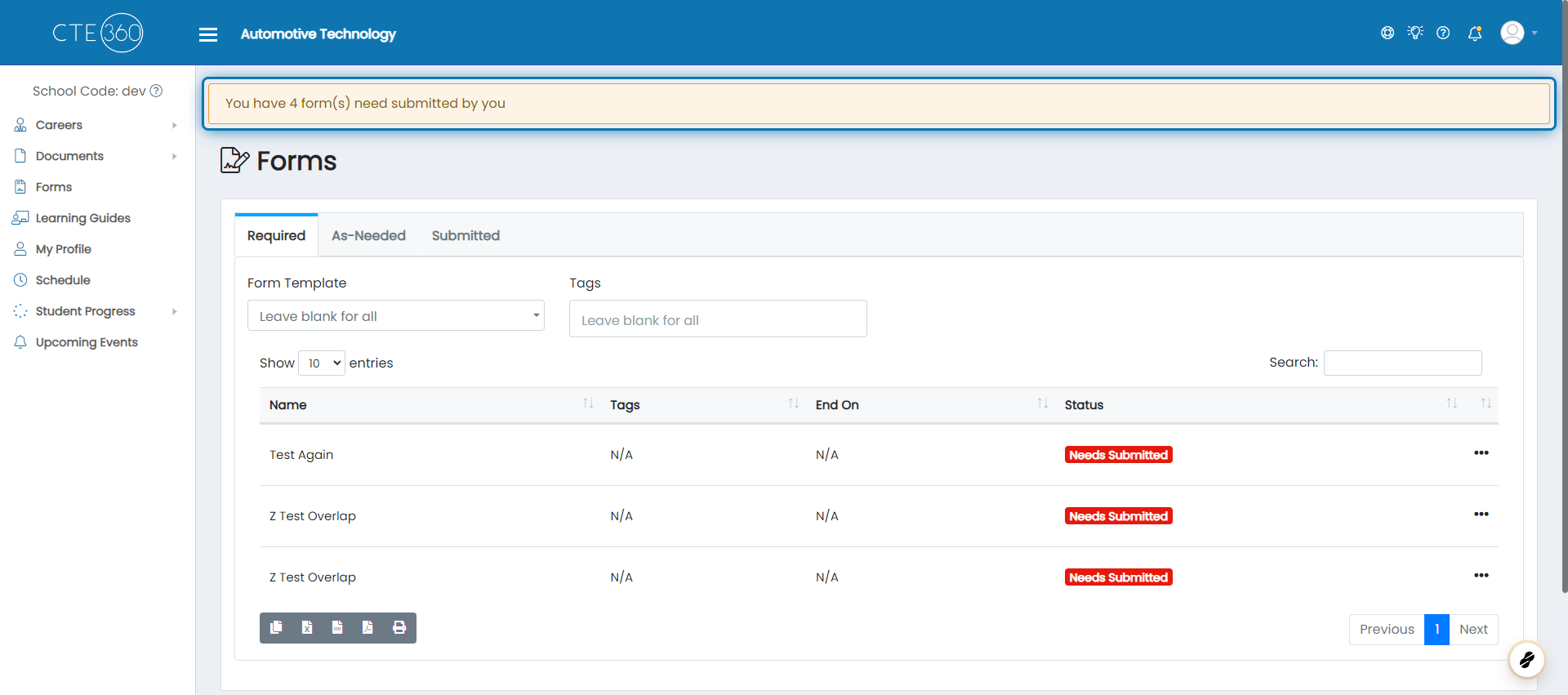
1. Click on the banner stating you need to submit forms
Clicking this banner will take you to the page where you can submit the forms required by you.
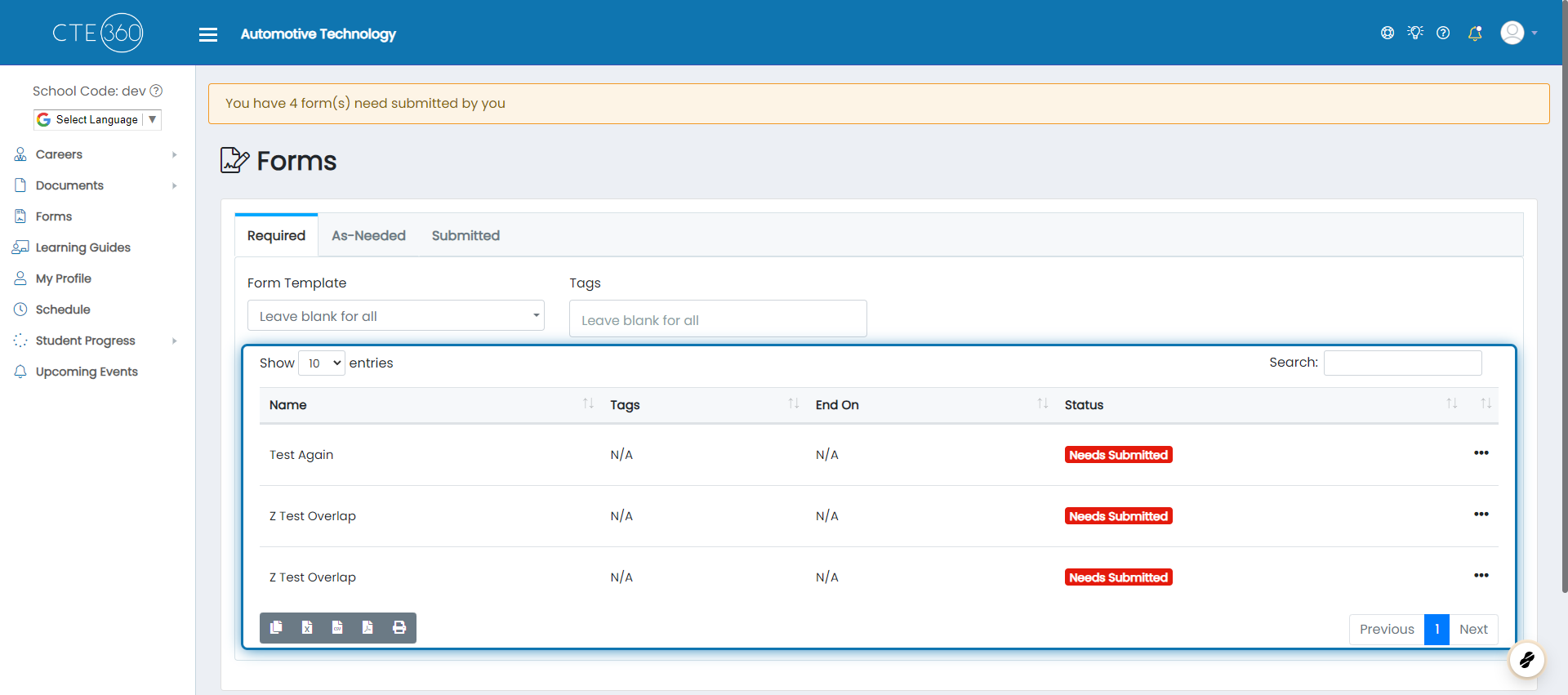
2. Required forms will be shown in the table below
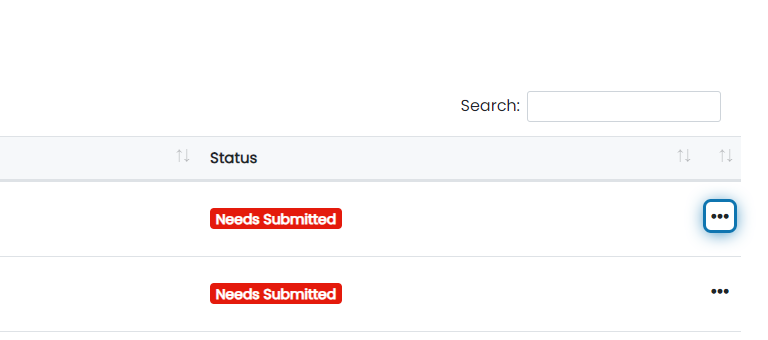
3. Click the action buttons next to the form you'd like to submit
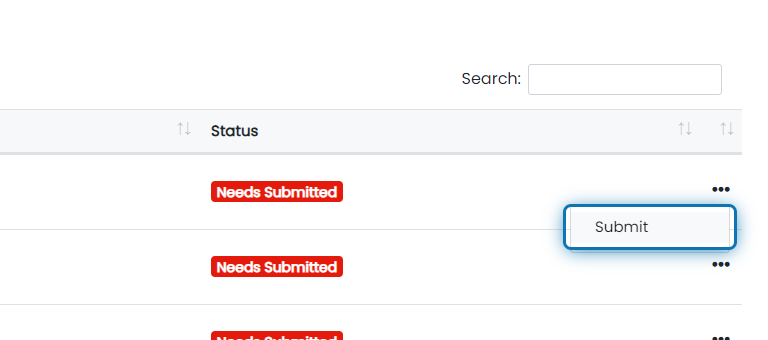
4. Click on Submit
This will bring up the signer selection for the form. Fill out the signers and submit the form.
Was this helpful?
Still need help? Ask the team