How to I add a reflection to a SMART goal?
Last updated About 1 year ago
Creating a new reflection helps to address the "M" (Measurable) in SMART.
1. Navigate to your portfolio
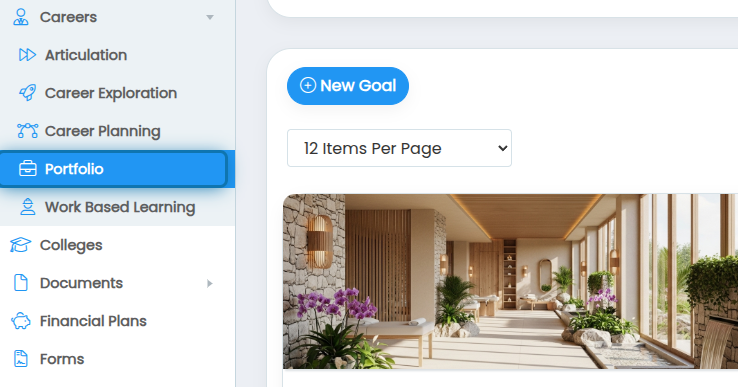
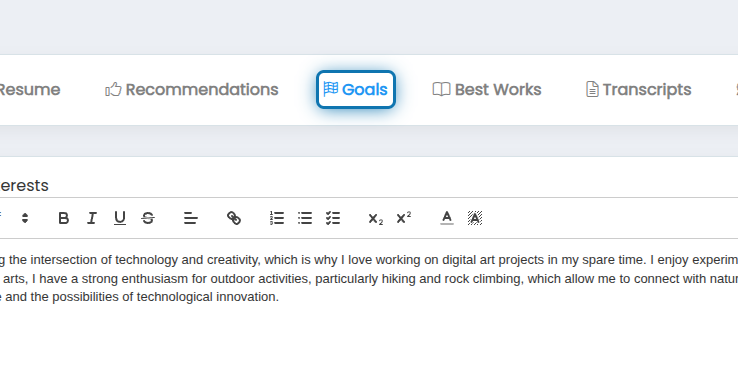
2. Click on the Goals tab
3. Find the goal you'd like to add a new reflection for
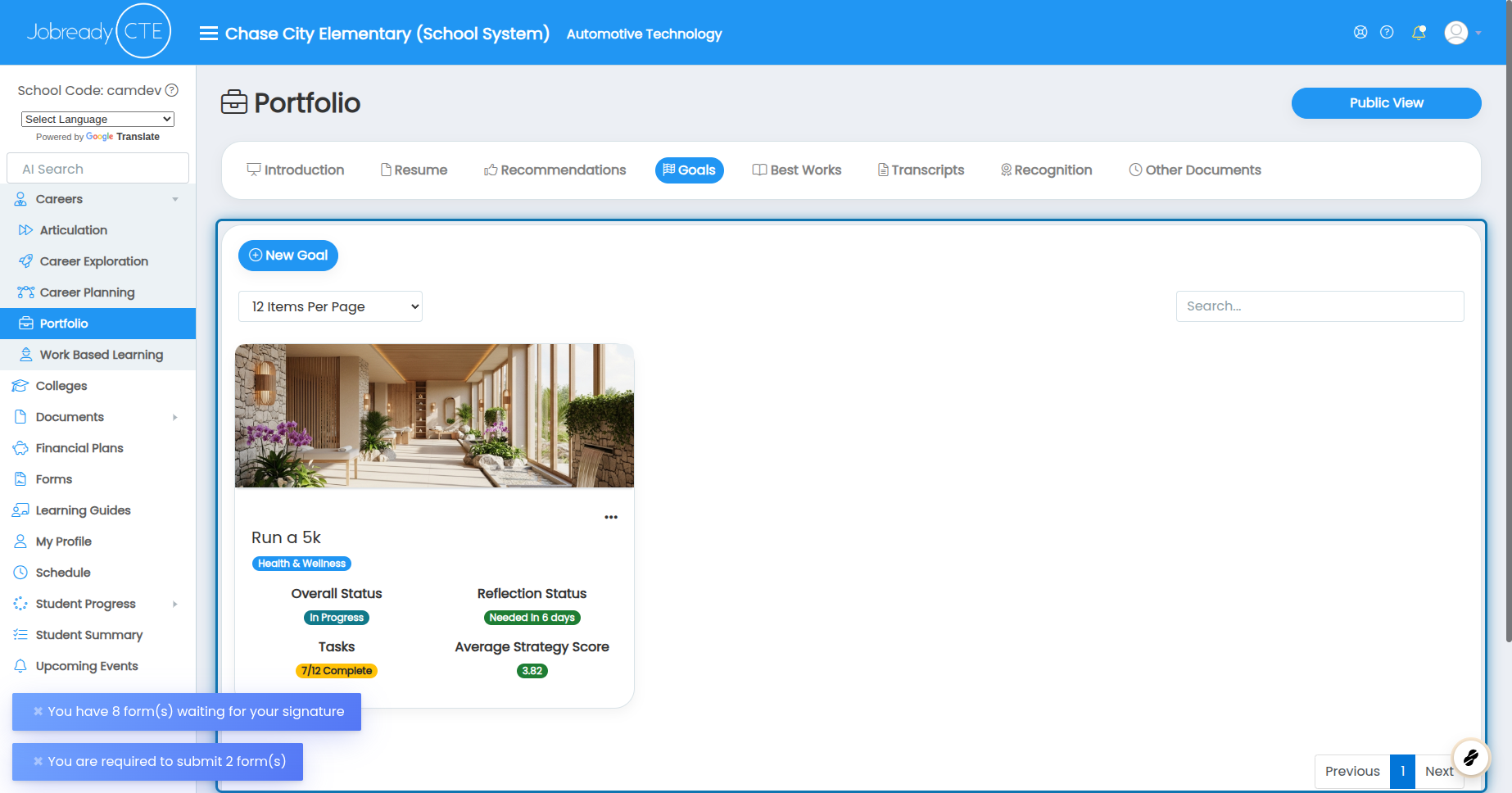
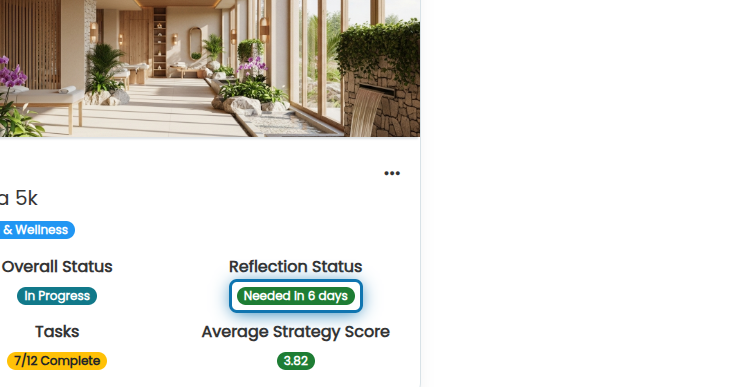
4. Click on the reflection status badge
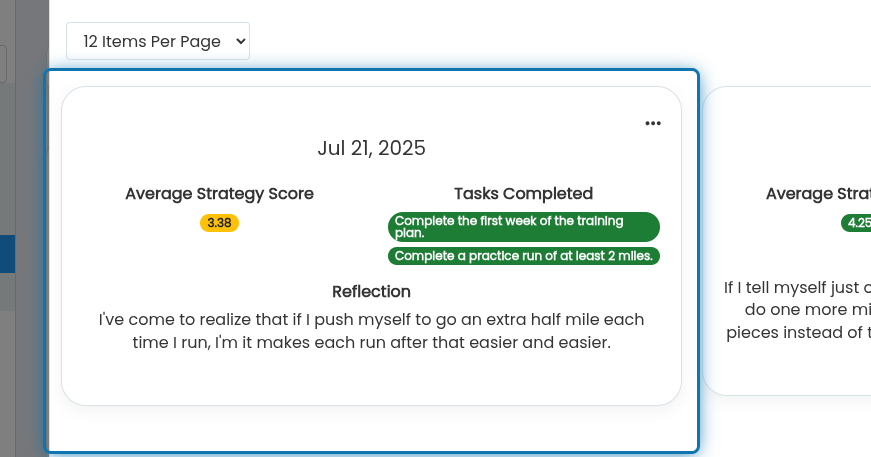
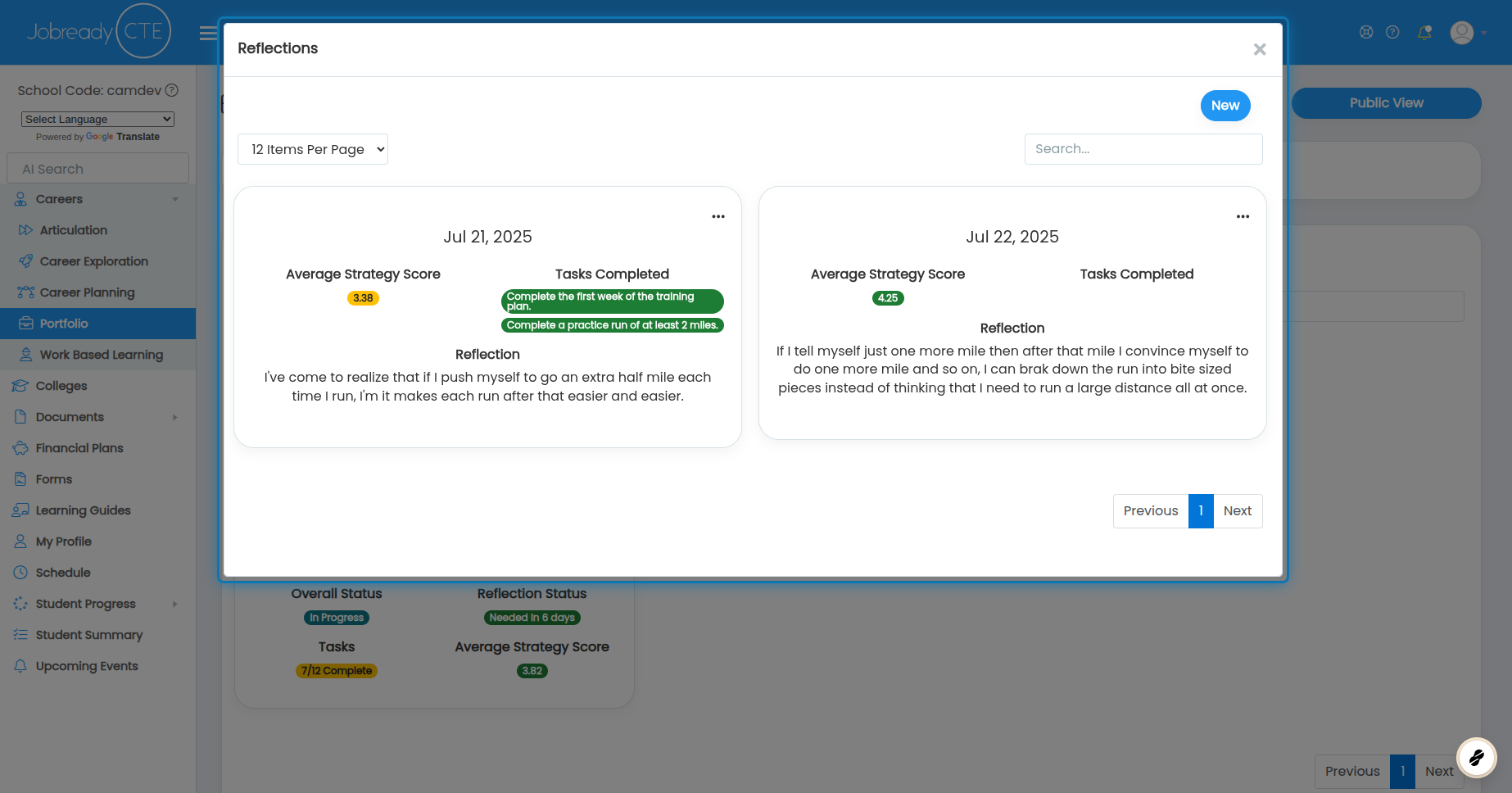
5. Here you will see a list of all reflections you've already done
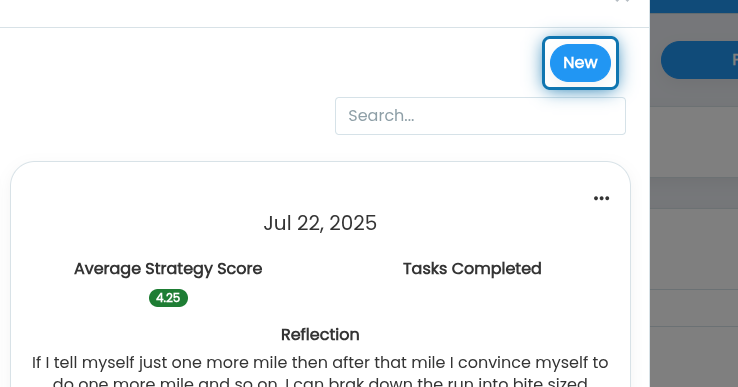
6. Click on New
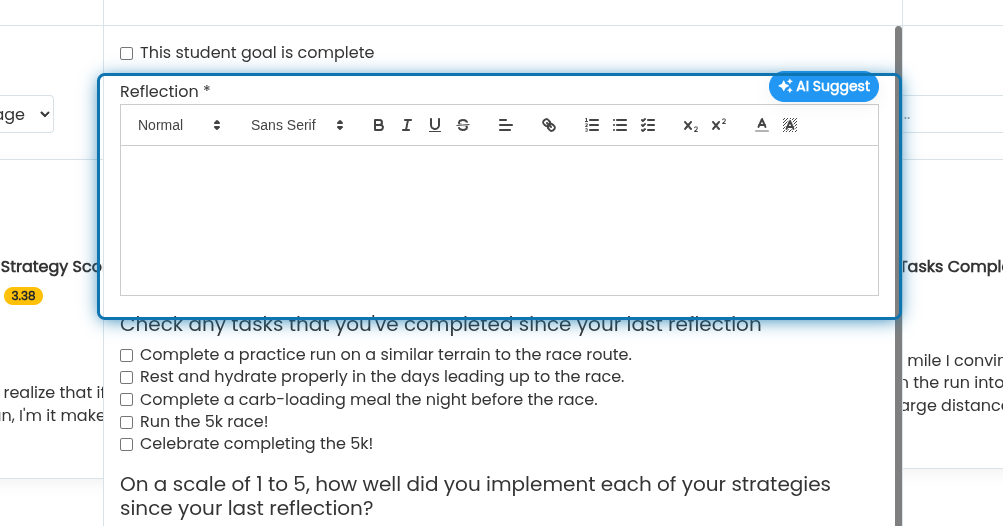
7. Specify if the goal is complete. This will indicate that this is the final reflection
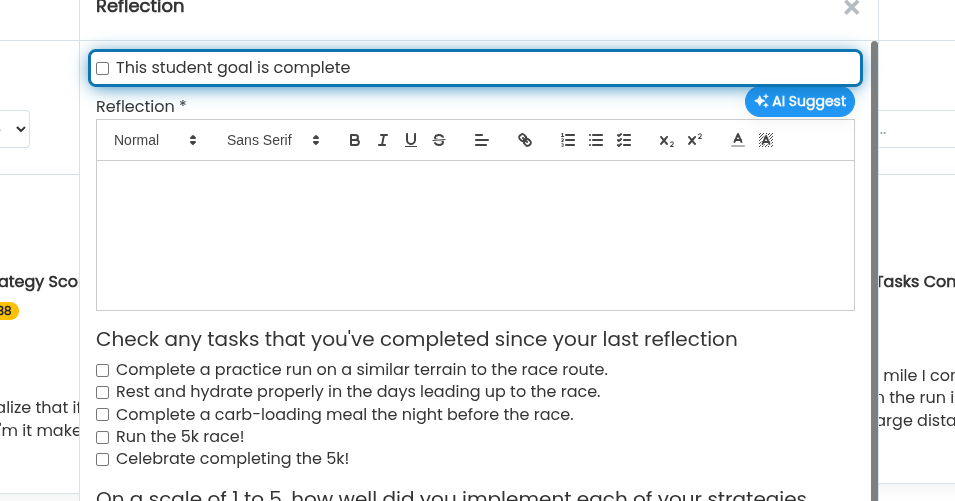
8. Specify a Reflection
Write a reflection of anything that you've done since the last reflection, challenges you've overcome, things that have helped you progress, etc.
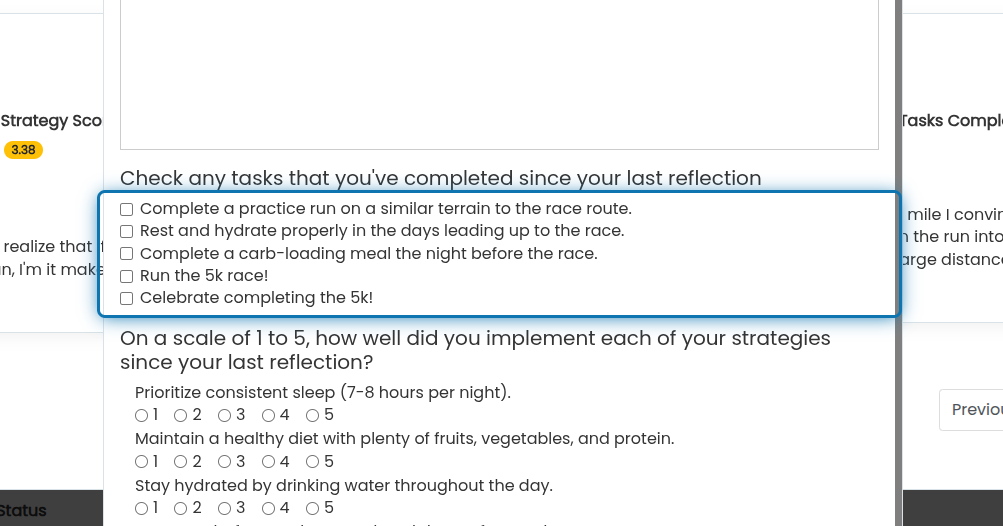
9. Check off any tasks that you've completed since the last reflection
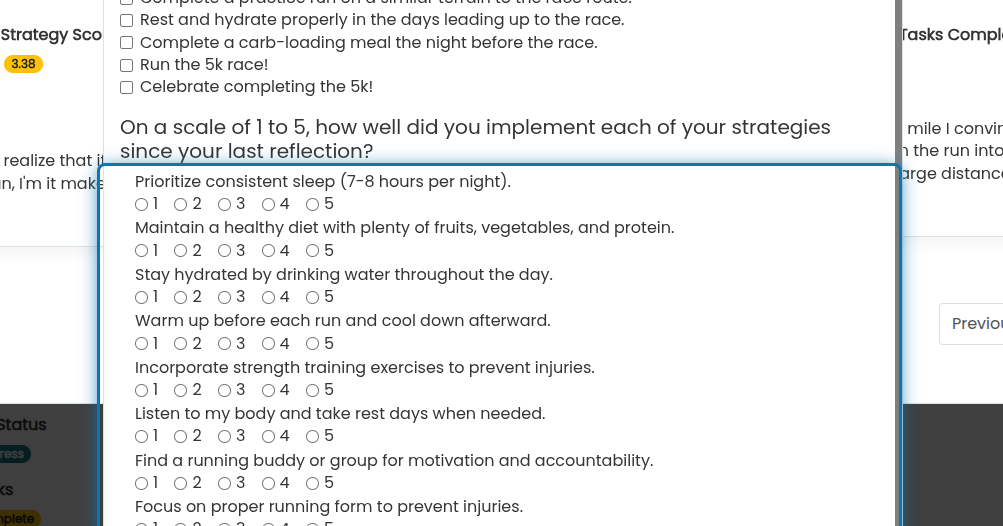
10. Score how well you think you implemented your strategies since the last reflection
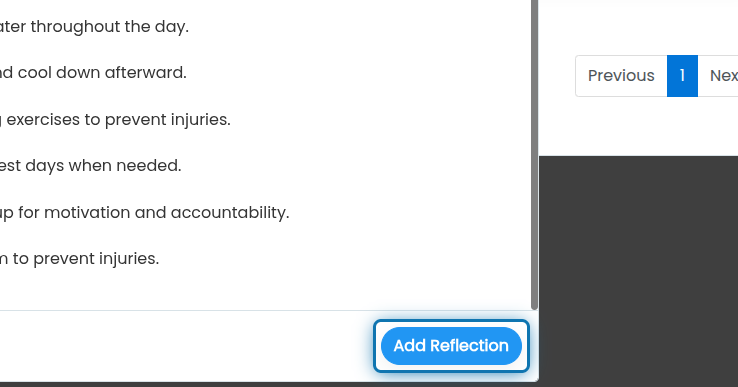
11. Click on Add Reflection
12. Now you will see your new reflection in the list of reflections