How do I use the employer document status pie chart?
Last updated 6 days ago
1. Navigate to the dashboard
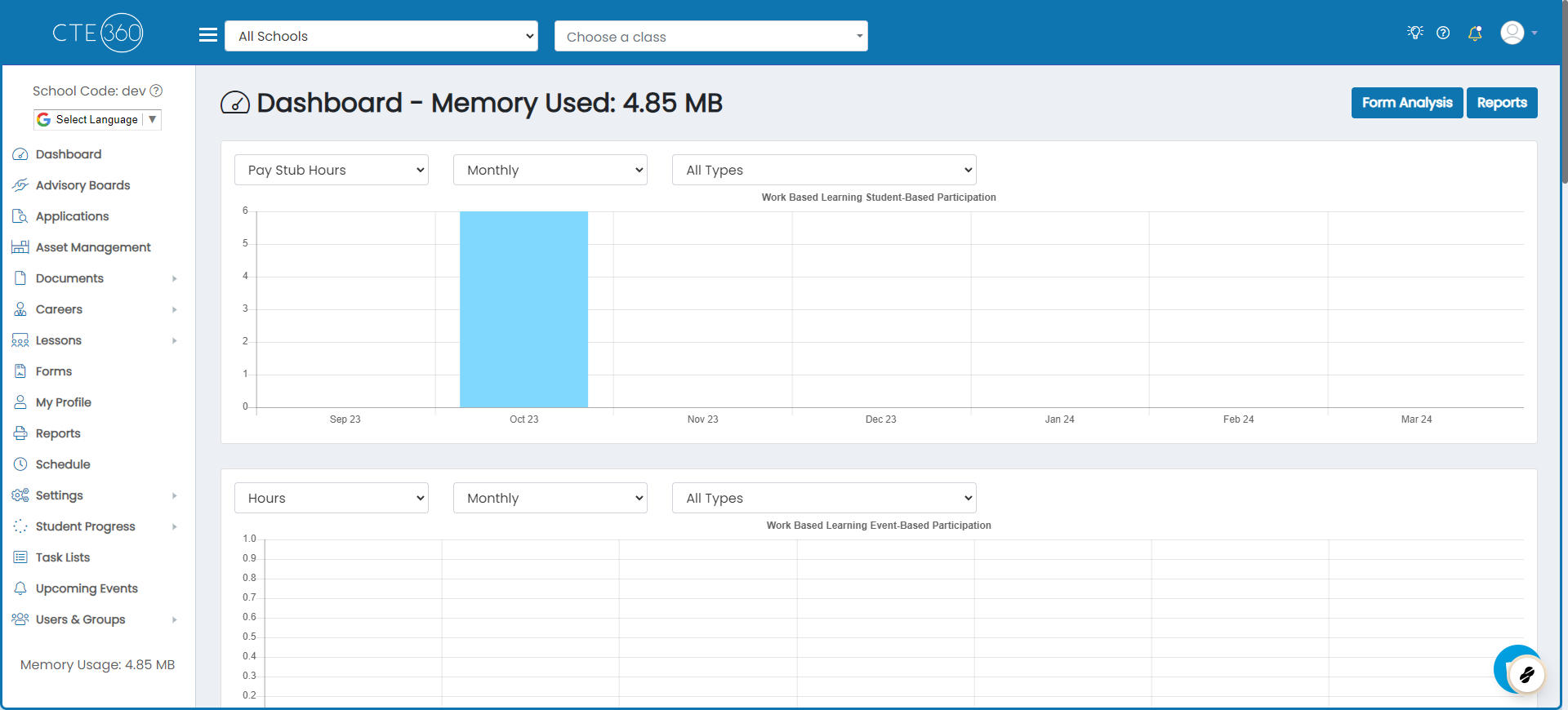
2. Scroll down to the Employer Document Status pie chart
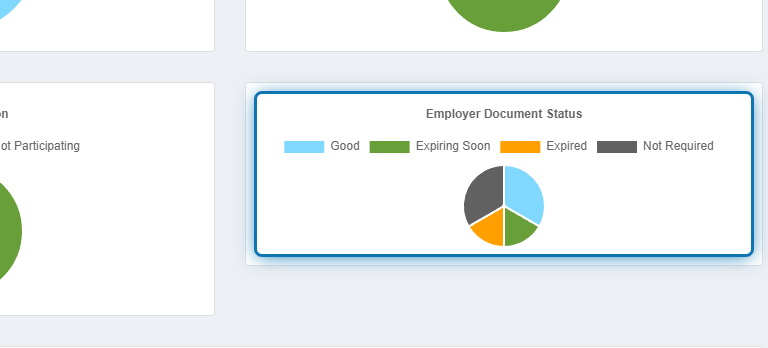
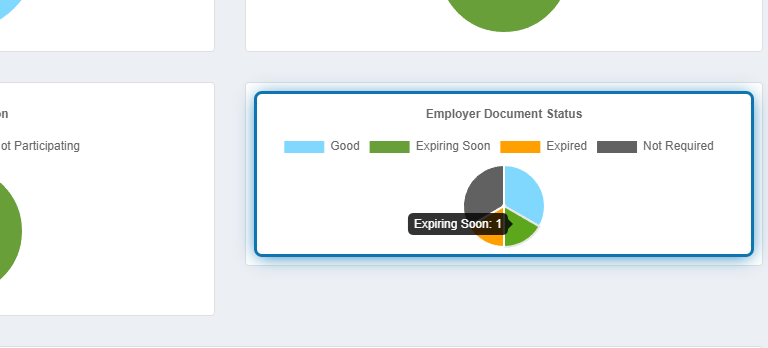
3. Click on any of the pie slices to see details
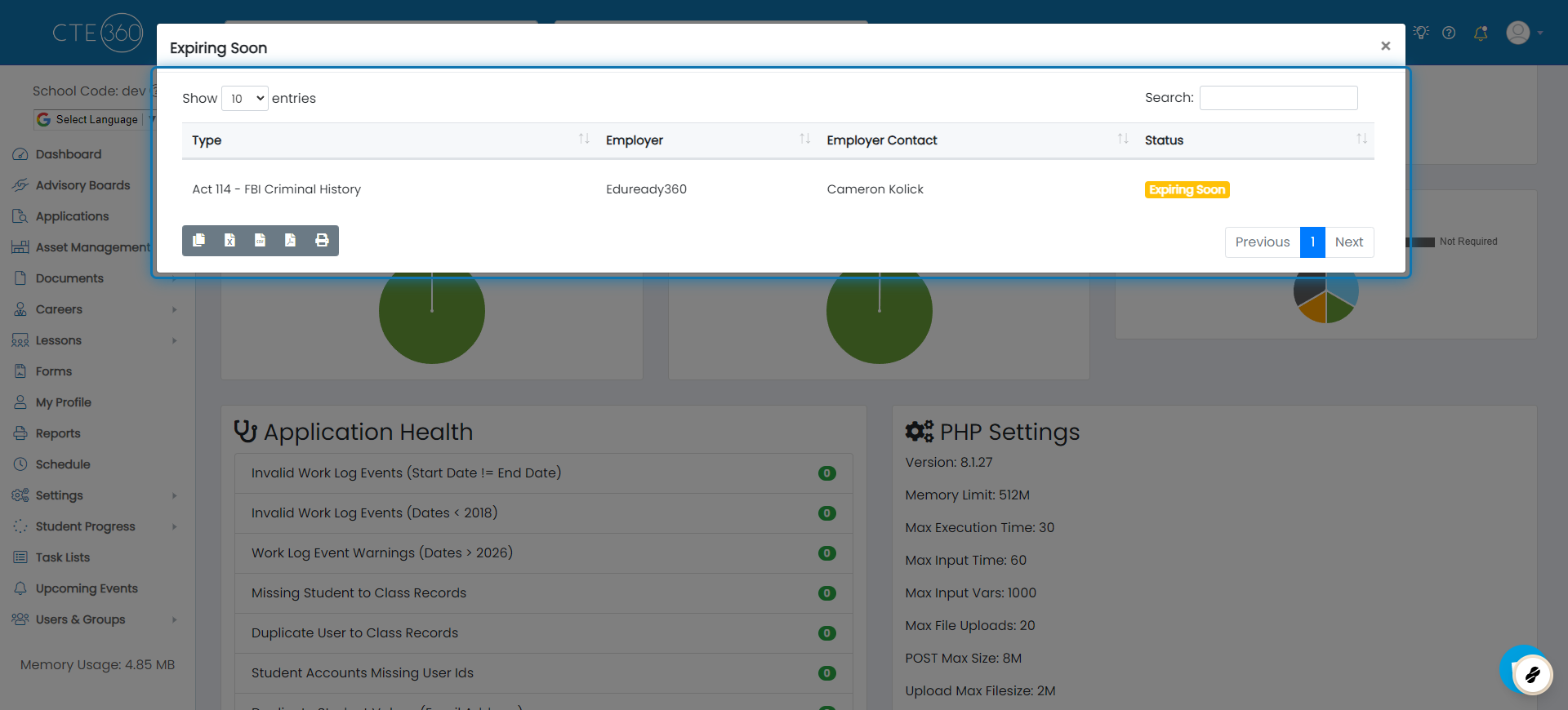
4. A modal will pop up showing the details of the slice you chose
Expiring soon means that the document will be expiring in the next 30 days.
Was this helpful?
Still need help? Ask the team