Can I change the home / landing page that loads when I first log in?
Last updated 6 days ago
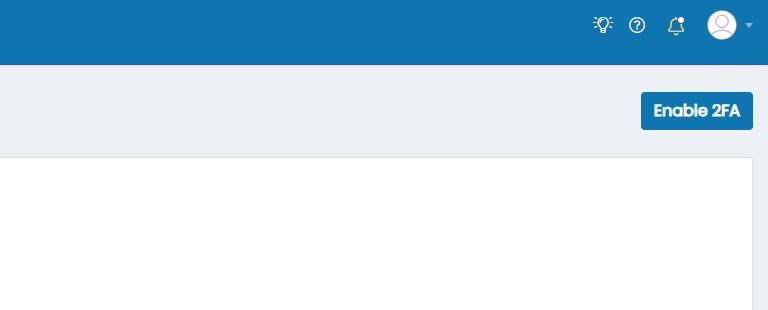
1. Click the user avatar in the top right of the page
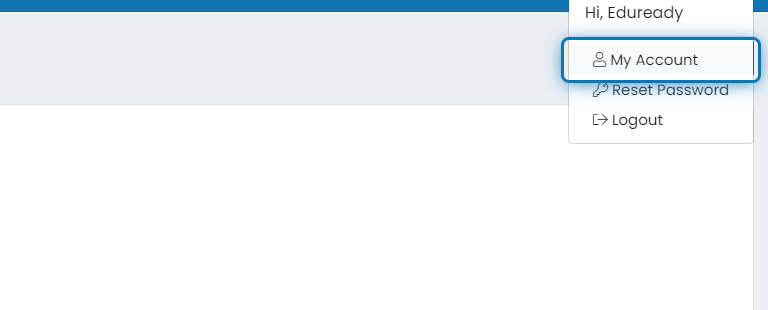
2. Click on My Account
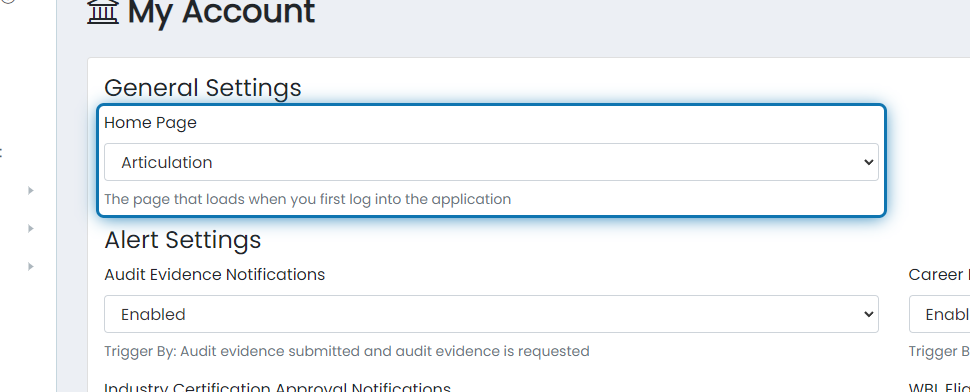
3. Choose the home page you'd like to load when you first log in
The list of pages is all of the pages that you have access to
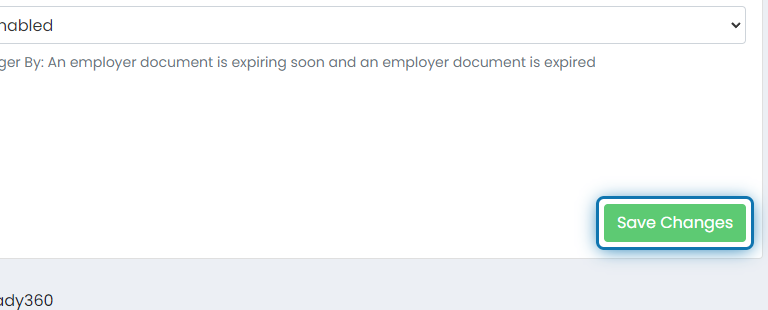
4. Scroll to the bottom of the page and Click on Save Changes
Was this helpful?
Still need help? Ask the team