How Do Students Contact Employers?
Last updated 6 days ago
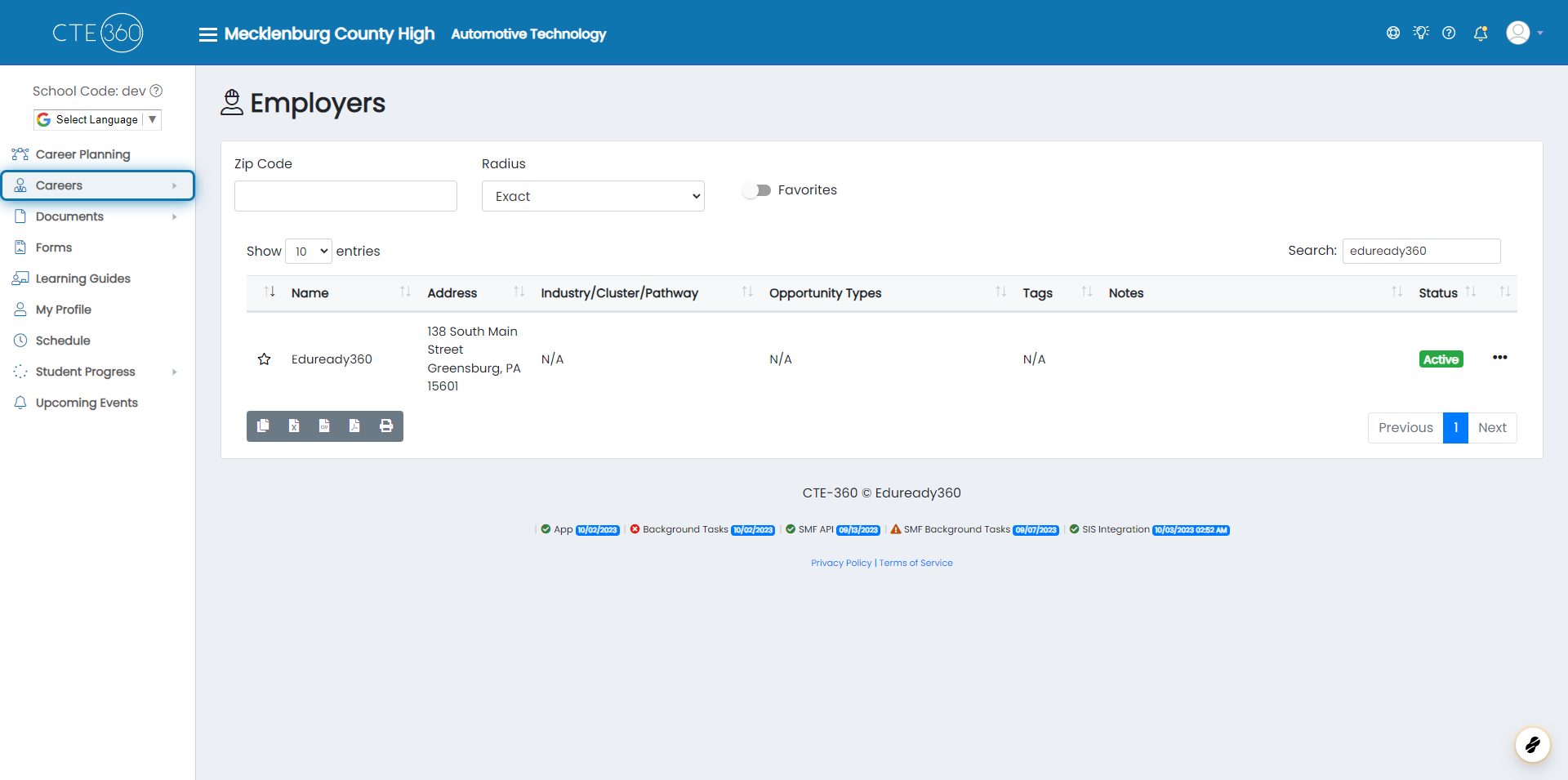
1. Click on Careers
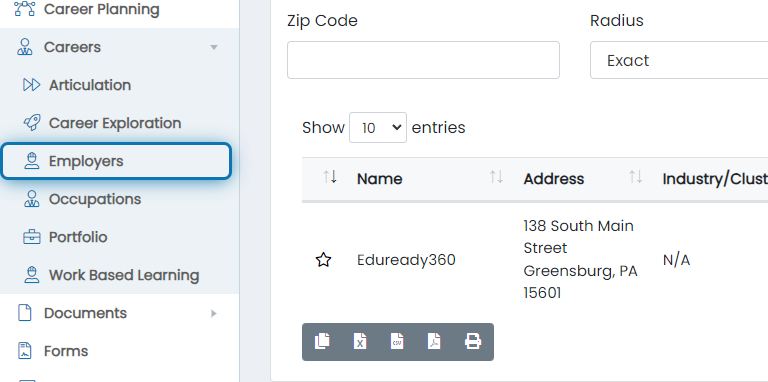
2. Click on Employers
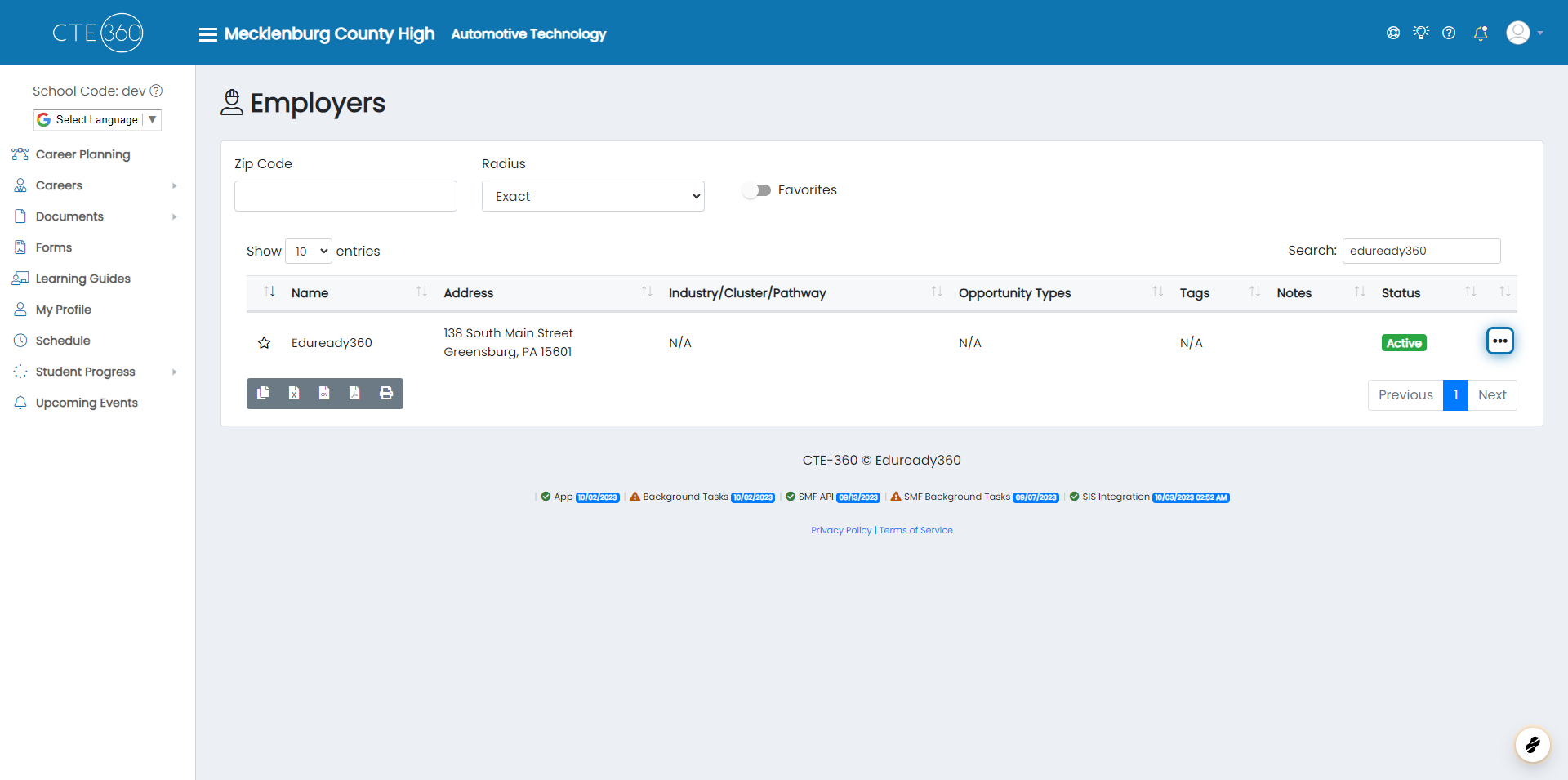
3. Click on Action Buttons
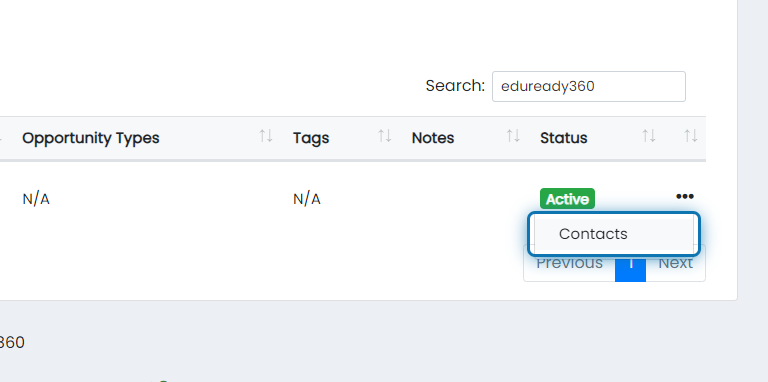
4. Click on Contacts
5. Click on Action Button Beside Employer's Name

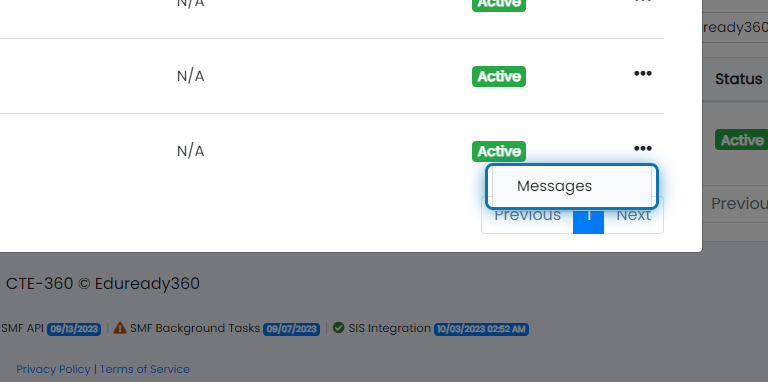
6. Click on Messages
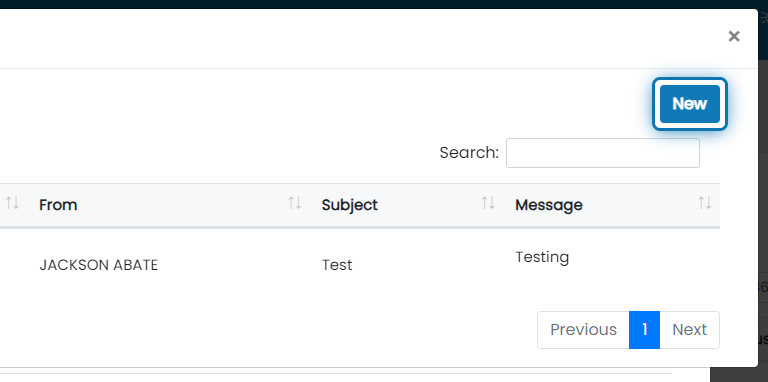
7. Click on New
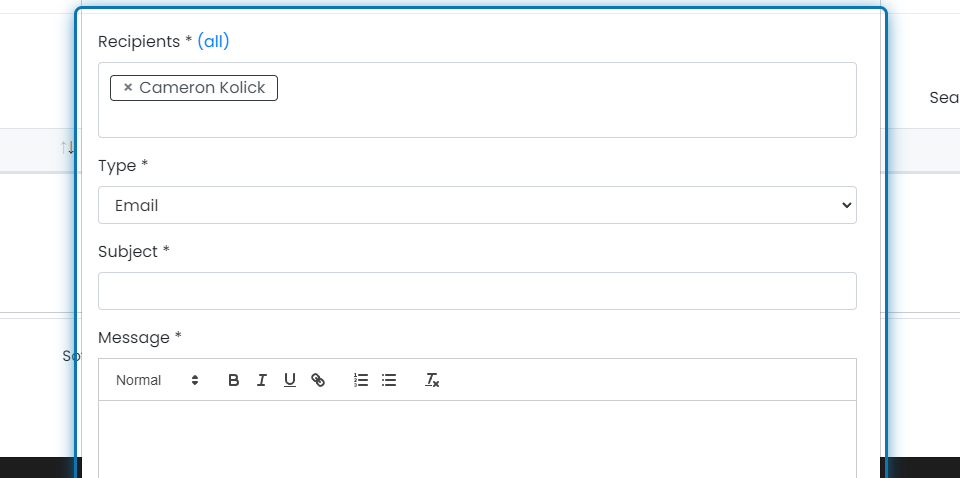
8. Select What Type of Email Your Sending

9. Add the Subject of the Email
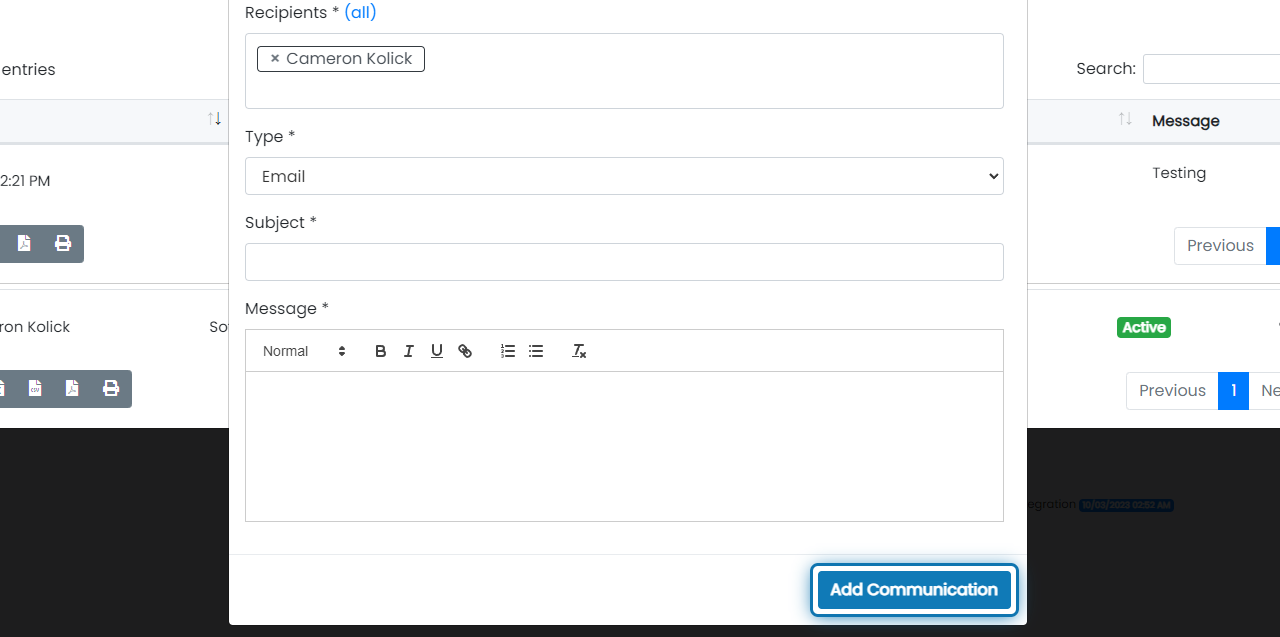
10. Click on Add Communication
Was this helpful?
Still need help? Ask the team