How do I upload a form to fulfill Work-Based Learning requirements
Last updated 6 days ago
How do I upload a form to fulfill Work-Based Learning requirements
1. Navigate to the WBL module
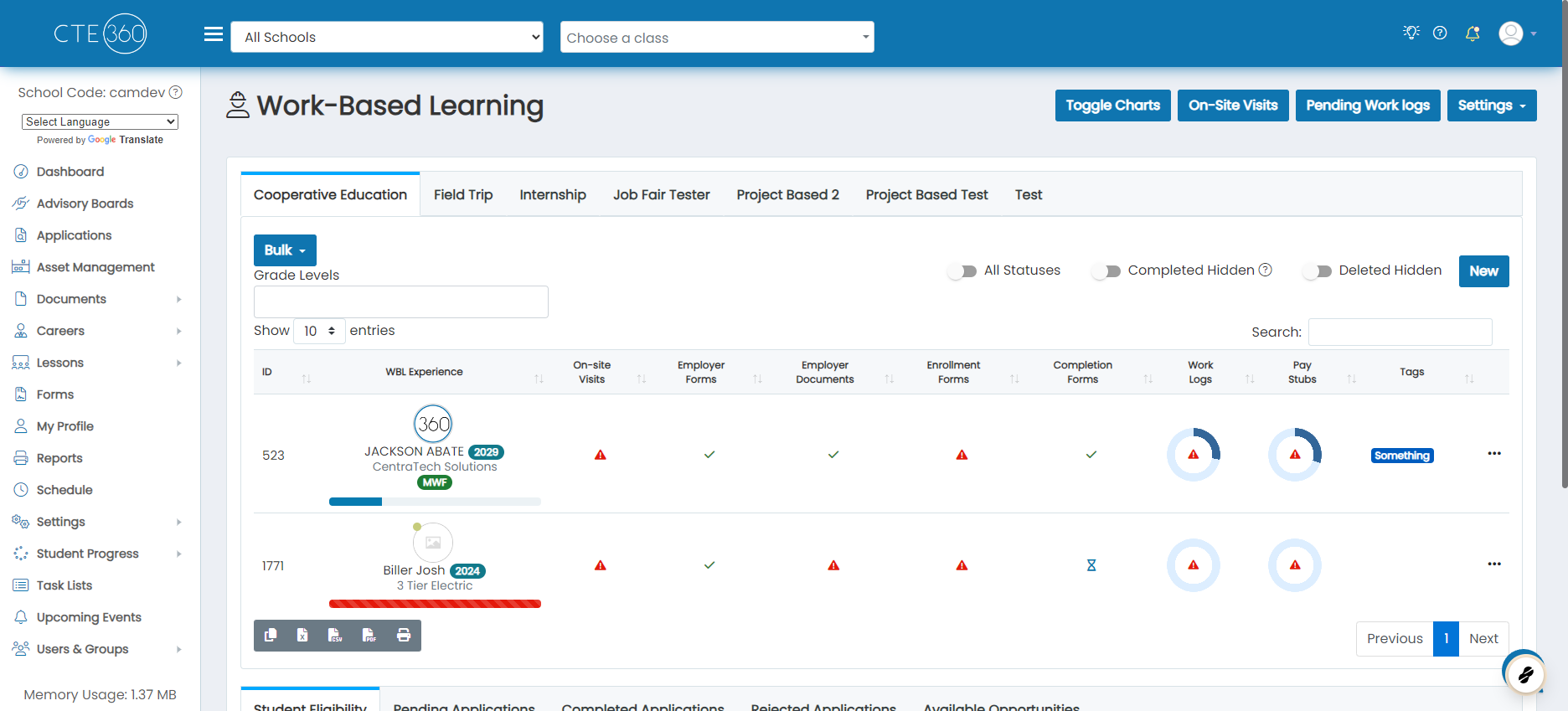
2. Click on the type of form that you will be uploading a PDF copy of the form for
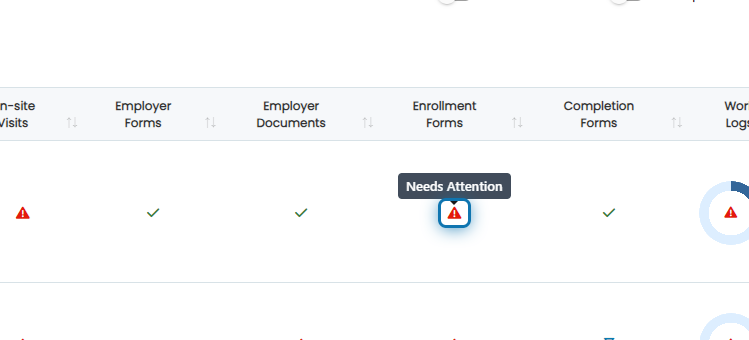
3. Click on the action button next to the form type that you want to upload into
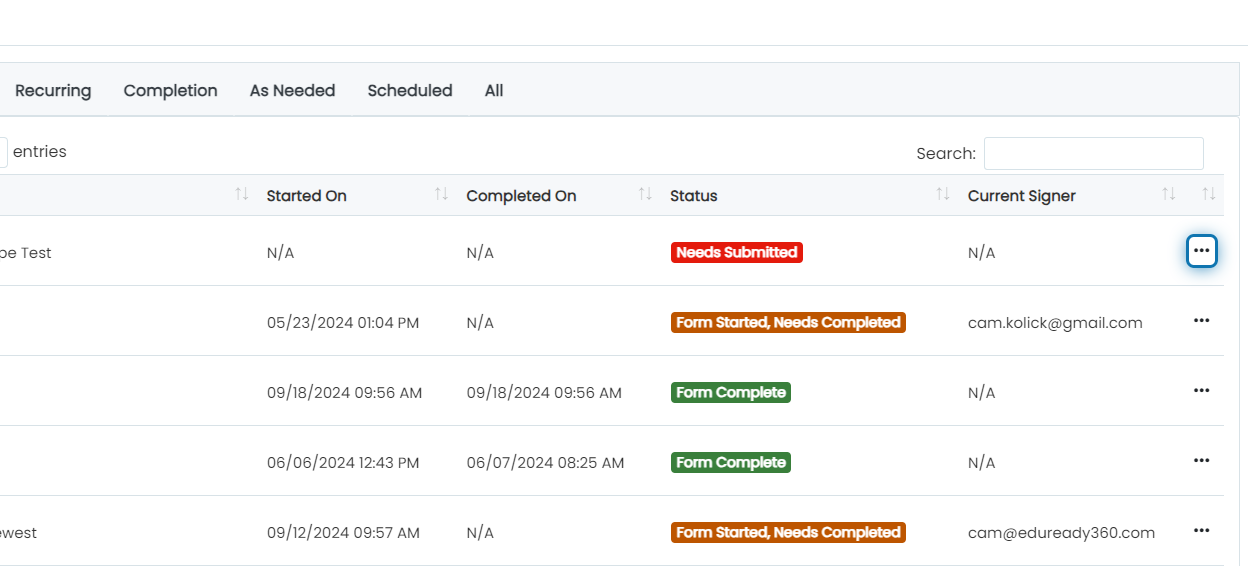
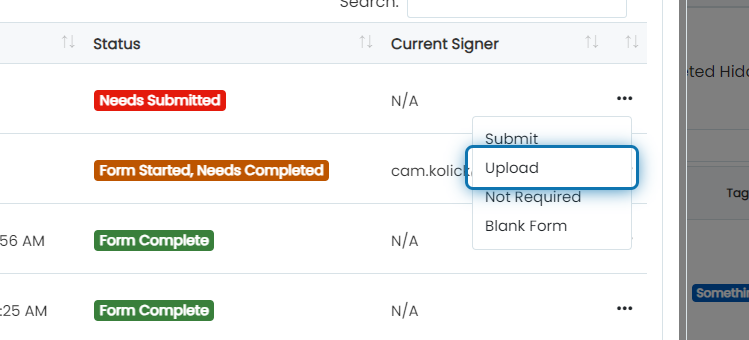
4. Click on Upload
If the form is in progress, first click Cancel.
5. Upload the file
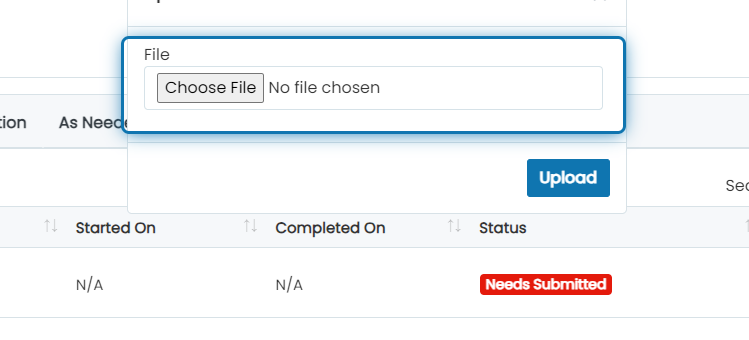
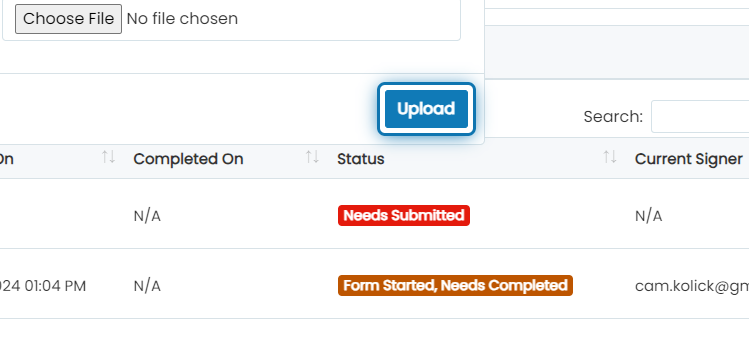
6. Click on Upload
Was this helpful?
Still need help? Ask the team