How do I run a report used to import industry certification completion into Powerschool?
Last updated 6 days ago
1. Navigate to the reports page
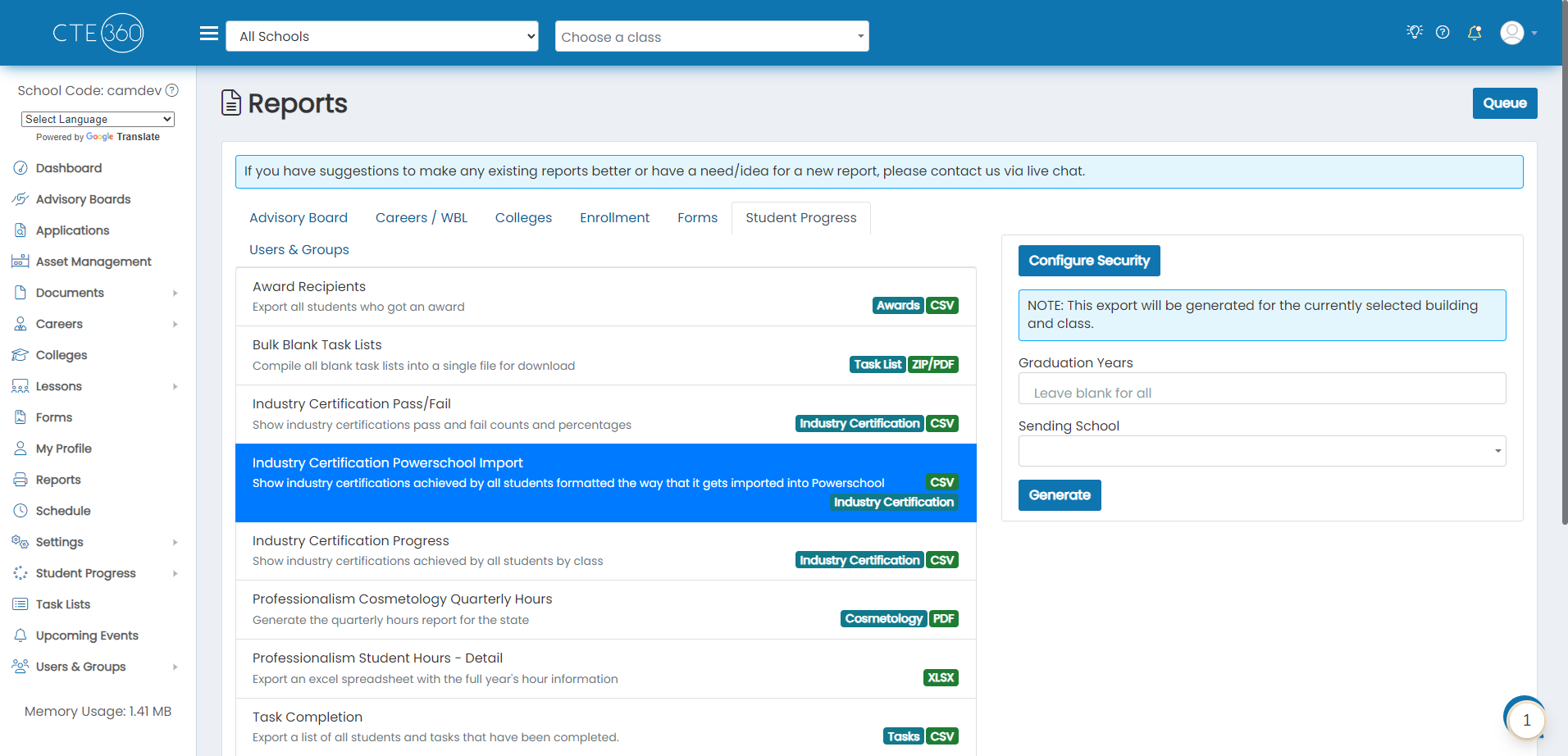
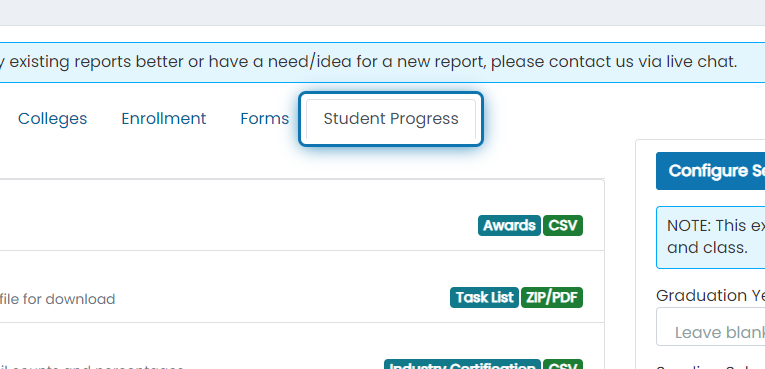
2. Click on the Student Progress tab
3. Click on Industry Certification Powerschool Import

4. Filter down the data by graduation years or sending school

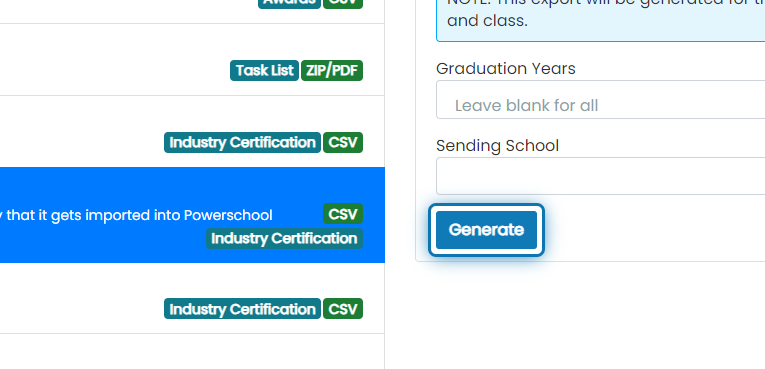
5. Click on Generate
6. After the most recent report completes, click on the action button next to it.
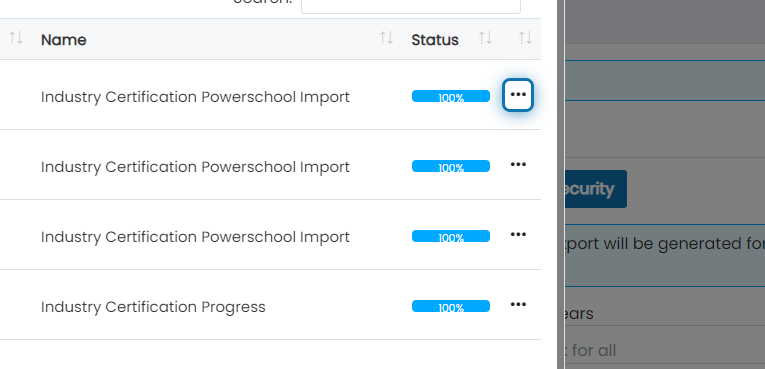
7. Click on Download
The following columns will be exported
- Student SIS ID
- CIP Code
- Year ID - This will be blank since we have no way of getting that information
- First Name
- Last Name
- Credential Earned Date 1
- Credential Earned Date 2
- Credential Earned Date 3
- Credential Earned Date 4
- Credential Earned Date 5
- Credential Earned Date 6
- Credential Earned Date 7
- Industry Credential Code 1
- Industry Credential Code 2
- Industry Credential Code 3
- Industry Credential Code 4
- Industry Credential Code 5
- Industry Credential Code 6
- Industry Credential Code 7

Was this helpful?
Still need help? Ask the team