How can I add/remove form templates to Work Based Learning experience types?
Last updated 6 days ago
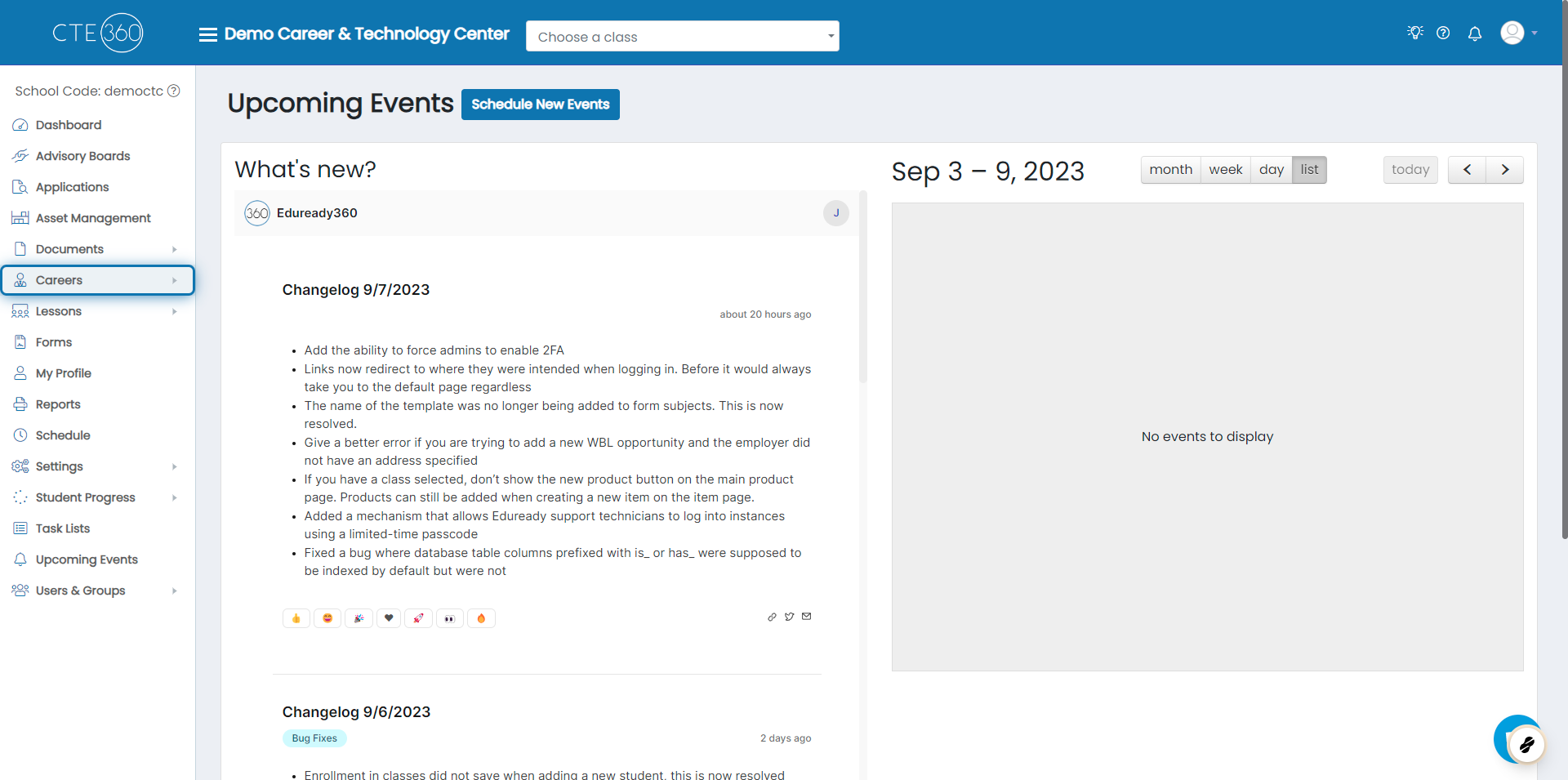
1. Click on Careers
If a Jobready WBL customer, skip to step 2
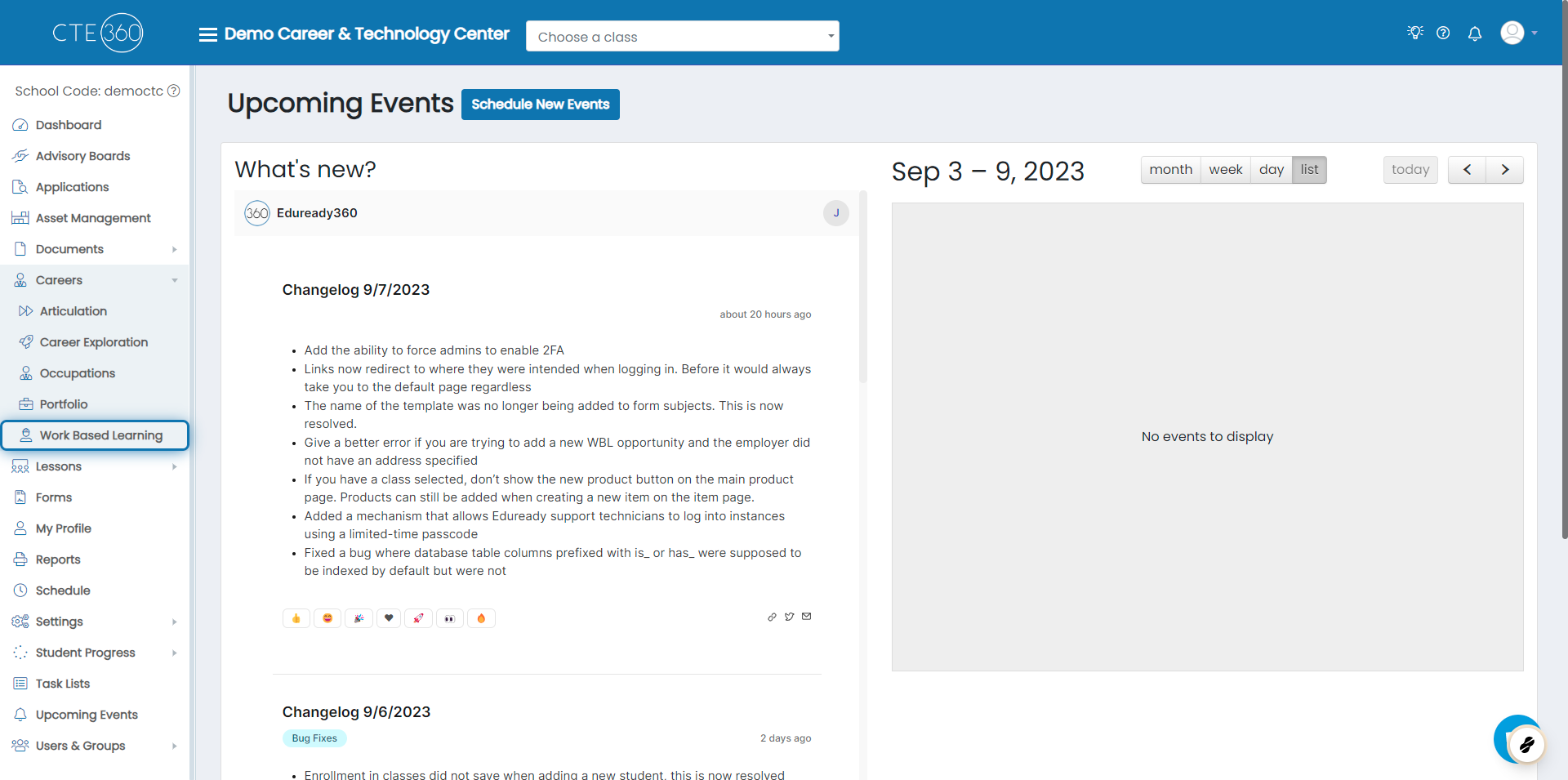
2. Click on Work Based Learning
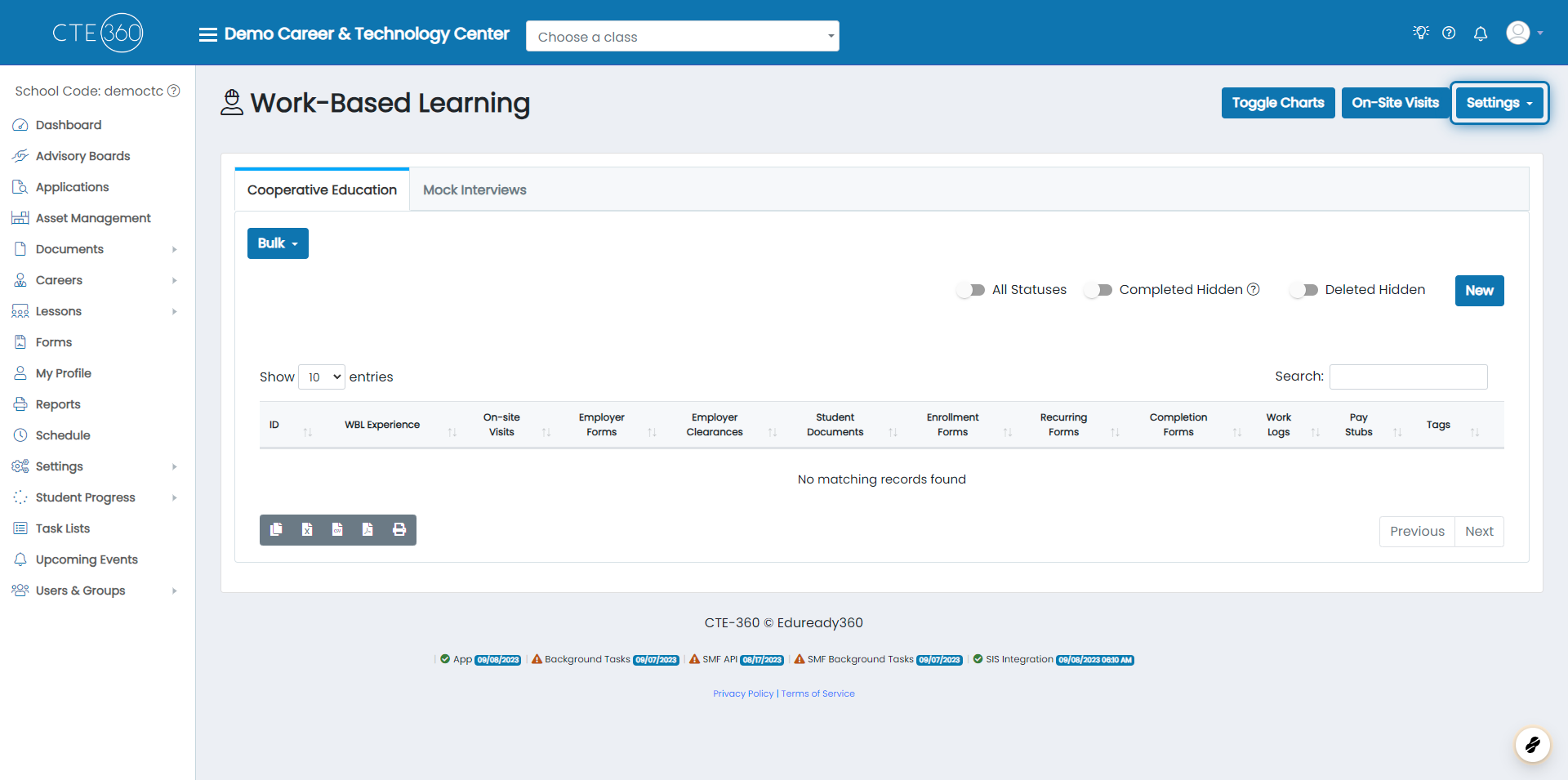
3. Click on Settings
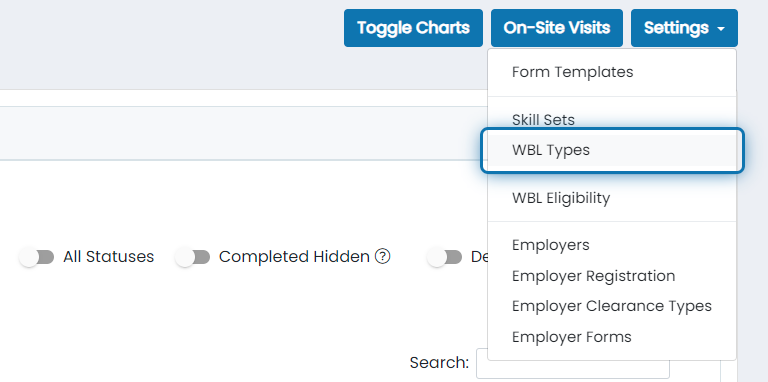
4. Click on WBL Types
5. Click the action button next to the experience type you want to modify forms for
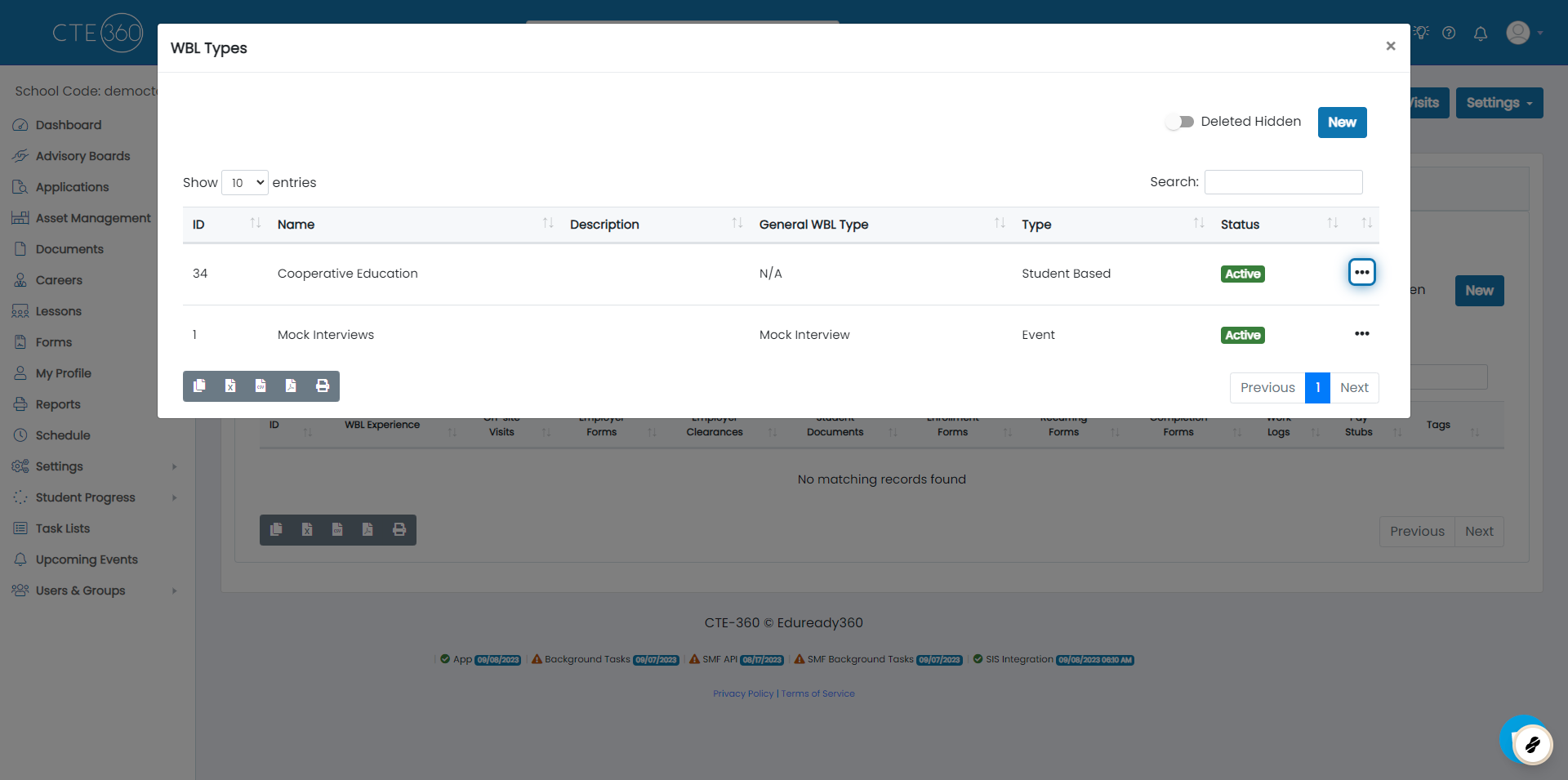
6. Click on Edit
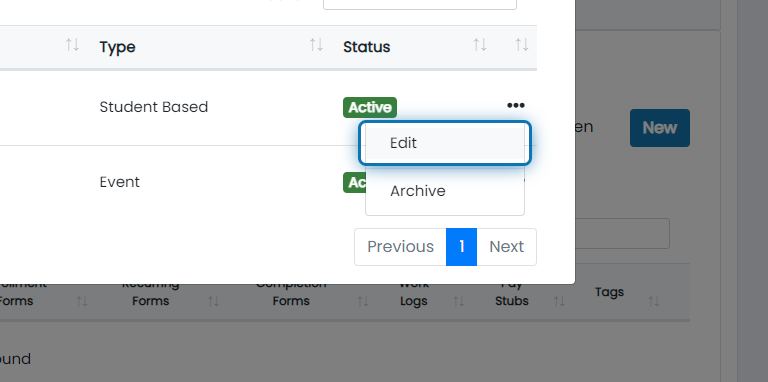
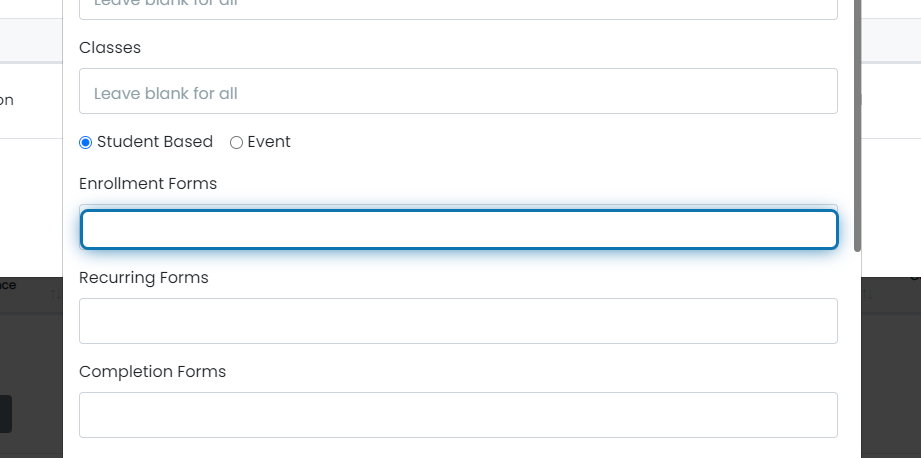
7. Add desired form templates
Here is where you can add Enrollment, Recurring, Completion, and As Needed forms. Enrollment, Completion and As Needed forms are forms that can be used once or multiple times. For Recurring forms you will be asked to set a "frequency in days", meaning after how many days should the next form be submitted.
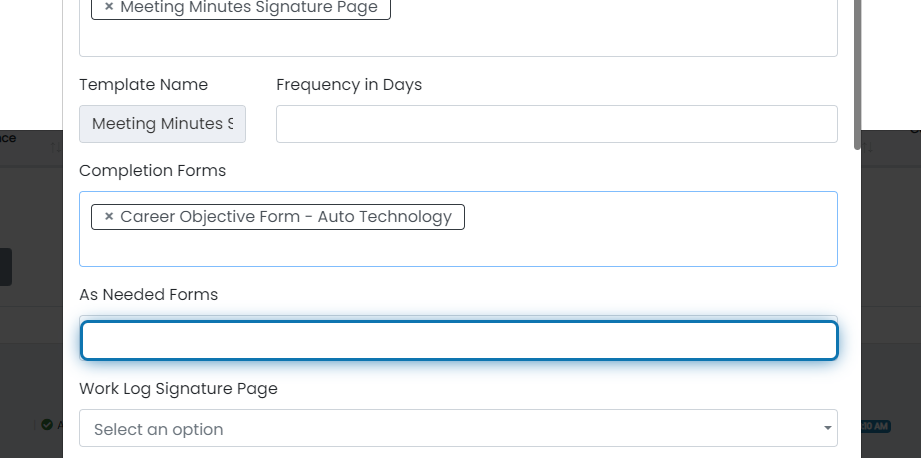
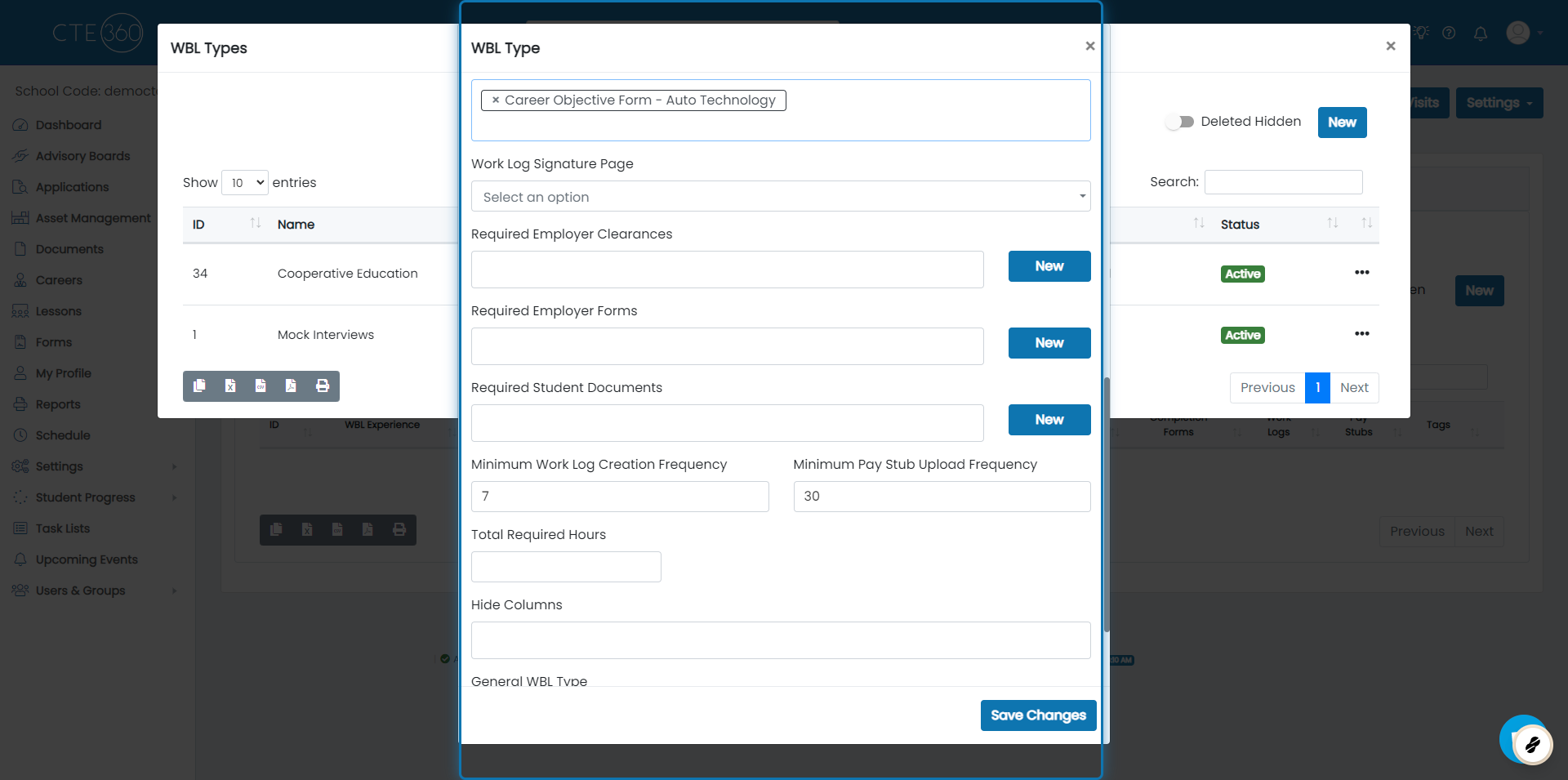
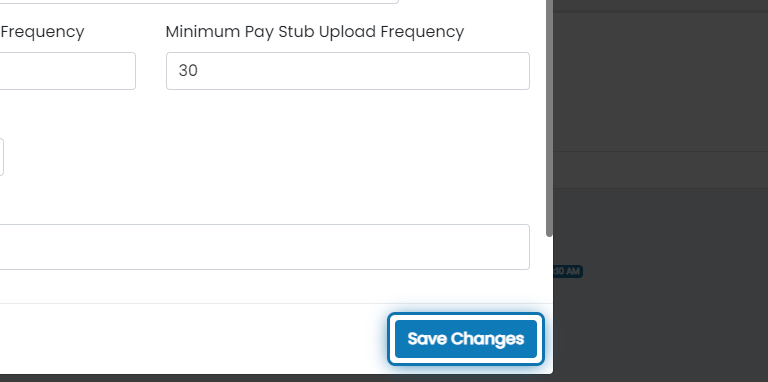
8. Click on Save Changes
Was this helpful?
Still need help? Ask the team