How do I enable On-Site Visits?
Last updated Over 1 year ago
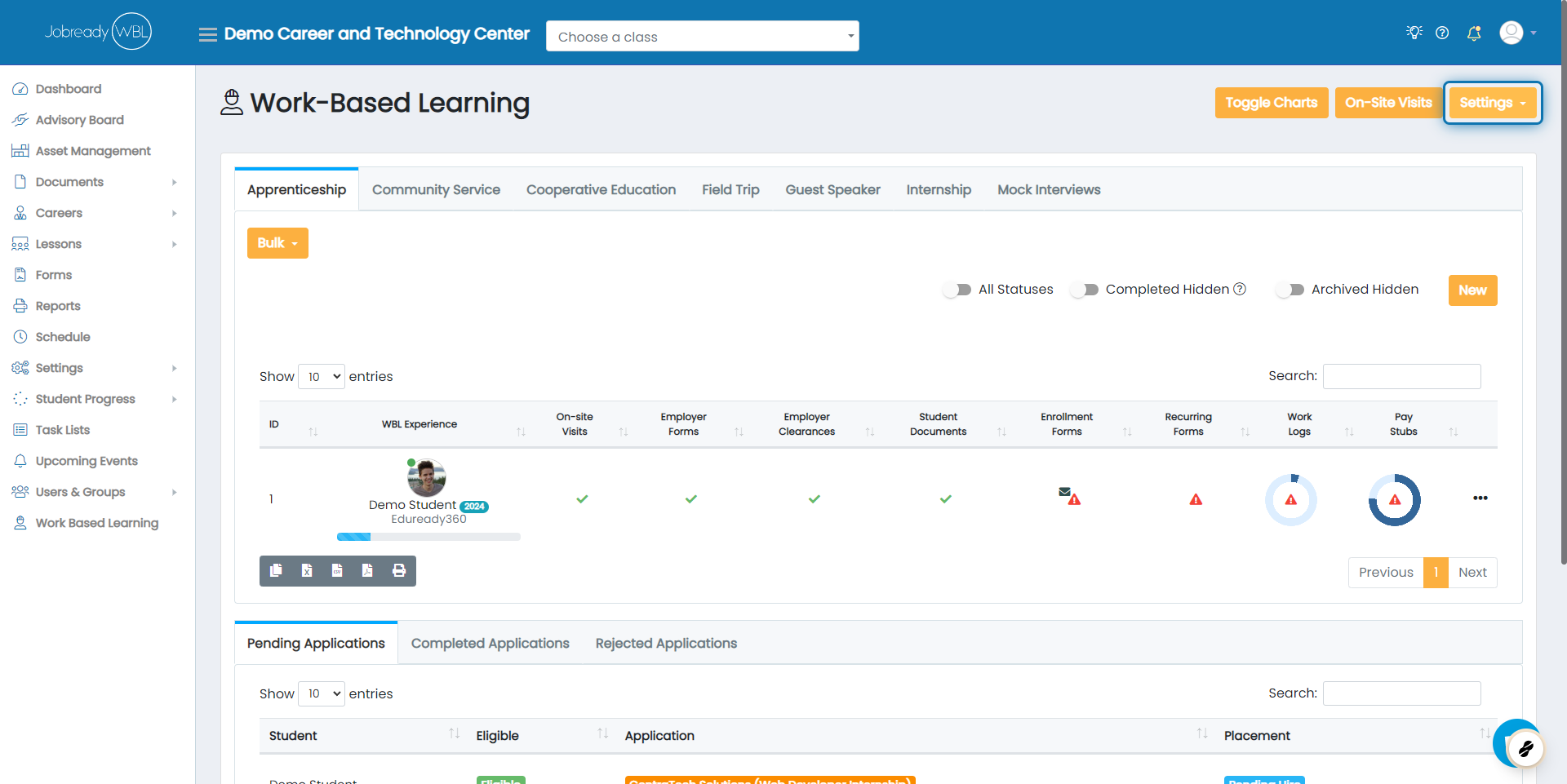
Click on Settings
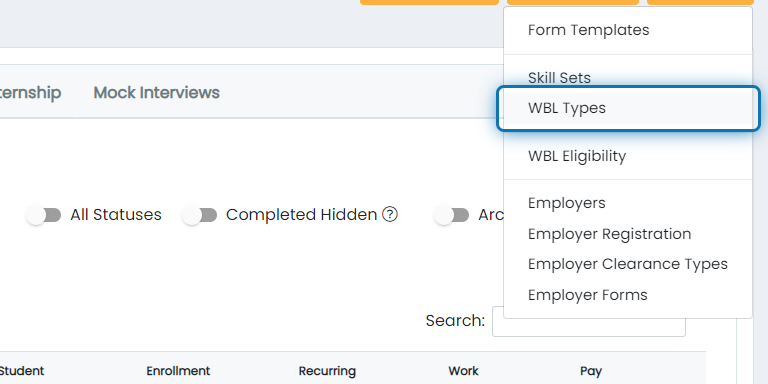
Click on WBL Types
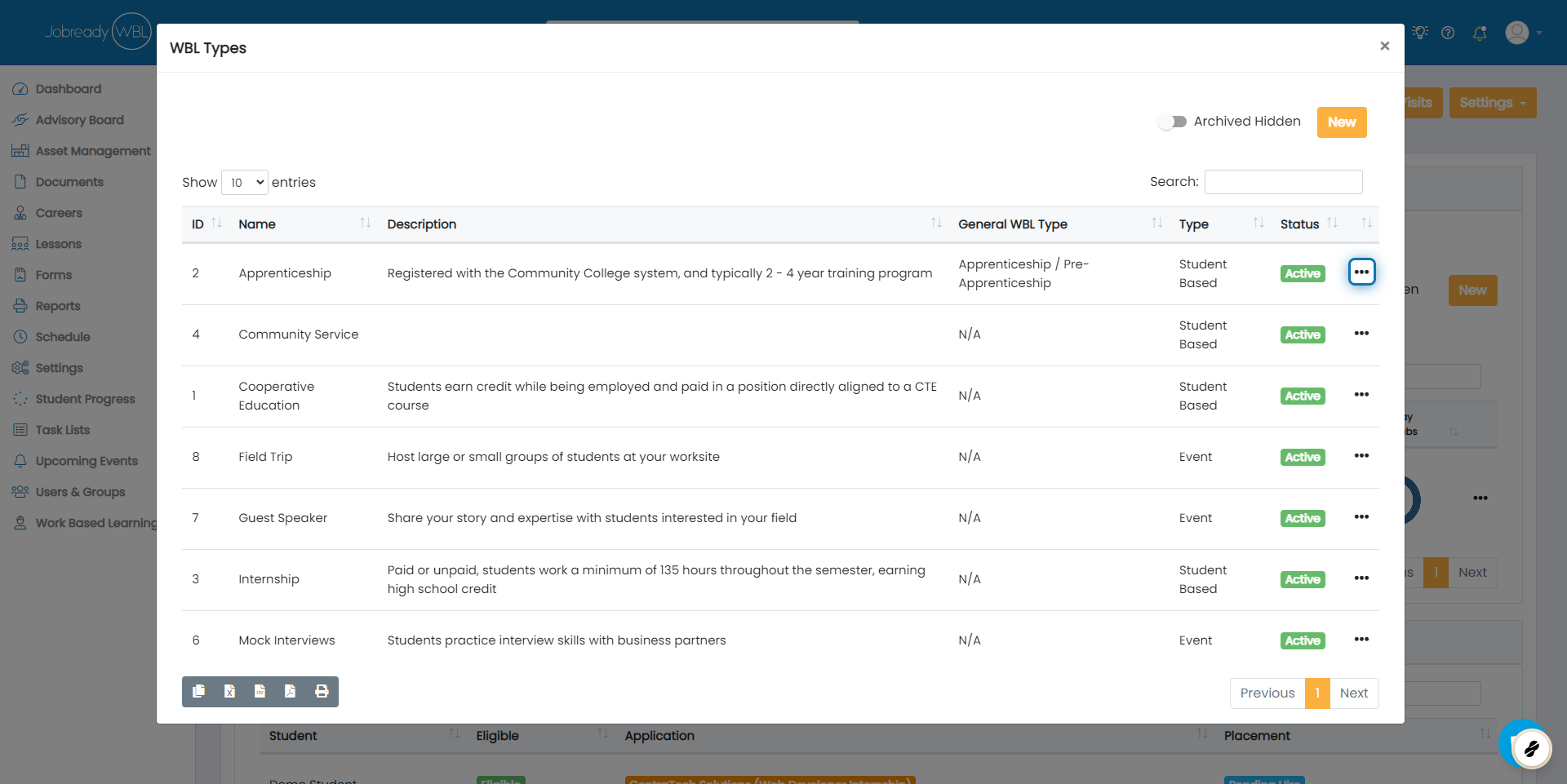
Click on the Action Button
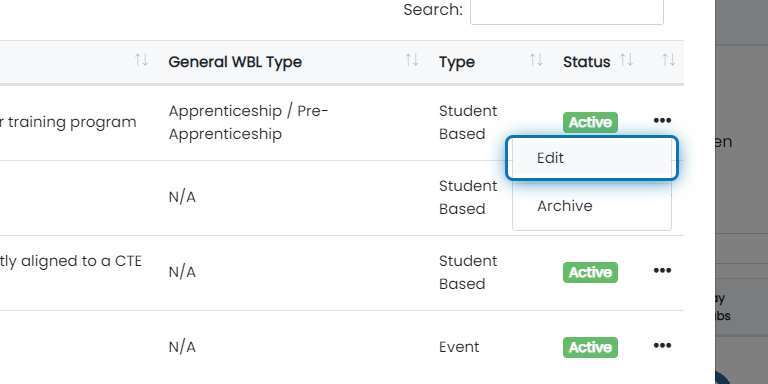
Click on Edit
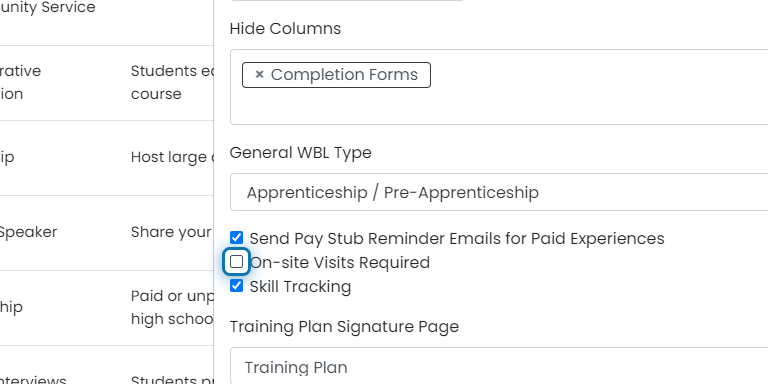
Scroll down and check the box next to "On-site Visits Required"
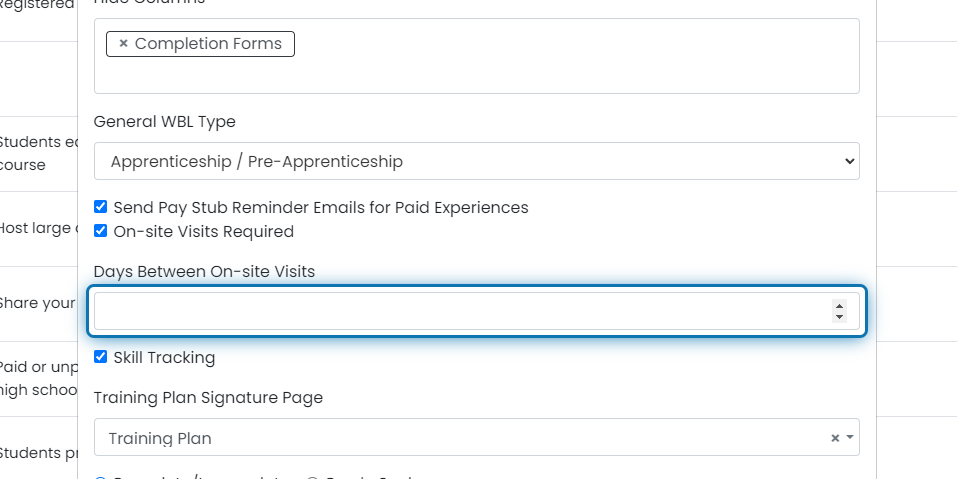
Set the number of days between on-site visits
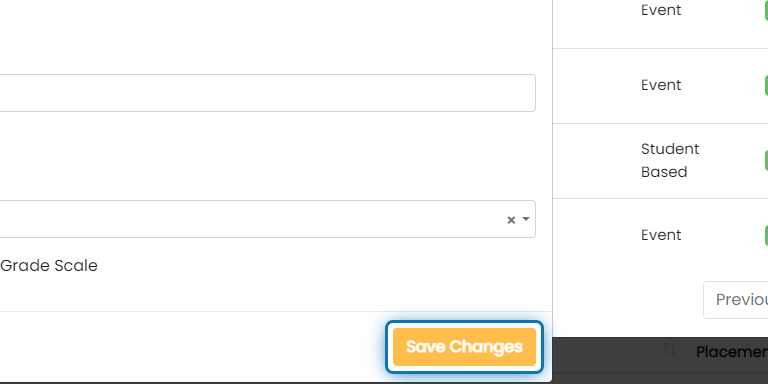
Click on Save Changes
Click the following link to learn how to record your site visits - How do I track an On Site Visit?