How can I make student documents show up on the student's profile?
Last updated 6 days ago
You may want to make some student documents available to be seen on the profile. In order to do this, you must set up the document type to make them available there. This guide will show you how to do that.
1. Go to the students page
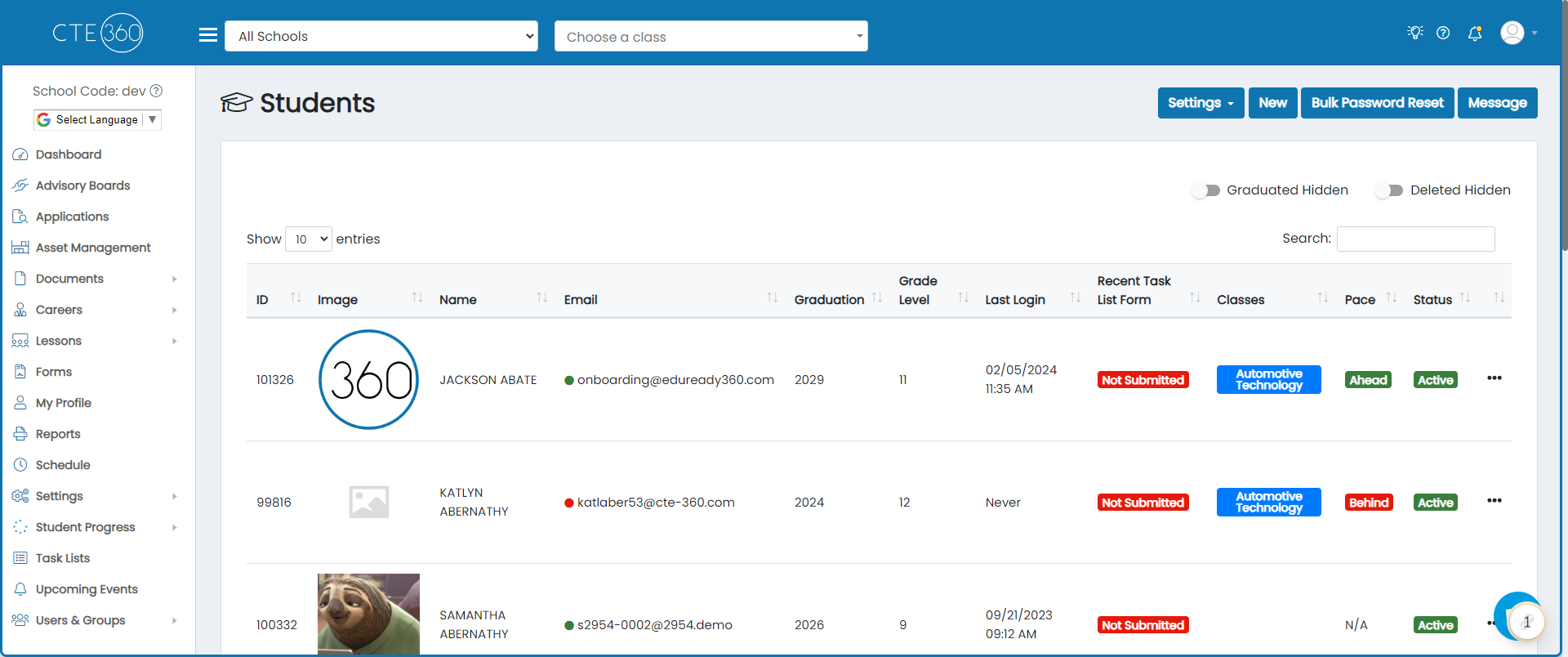
2. Click on Settings
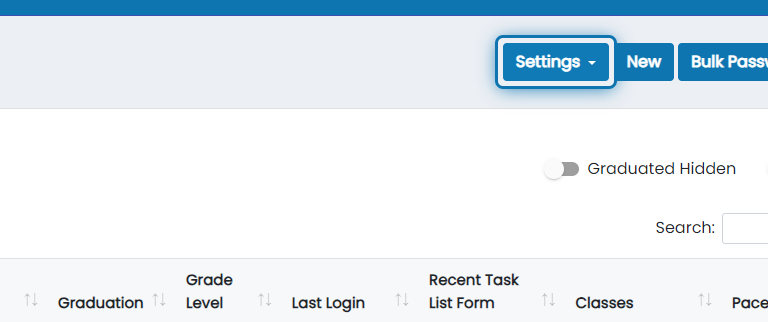
3. Click on Student Document Types
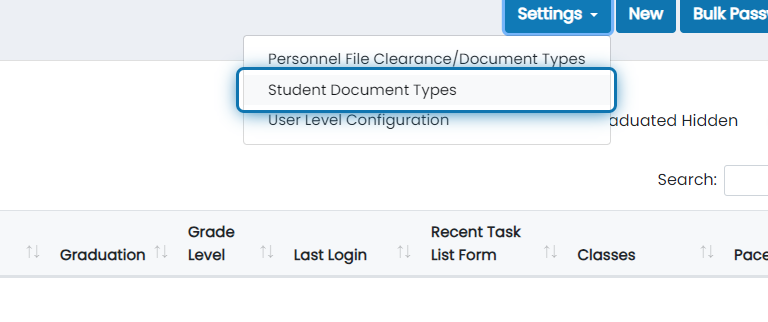
4. Find the student document type you'd like to put on the profile
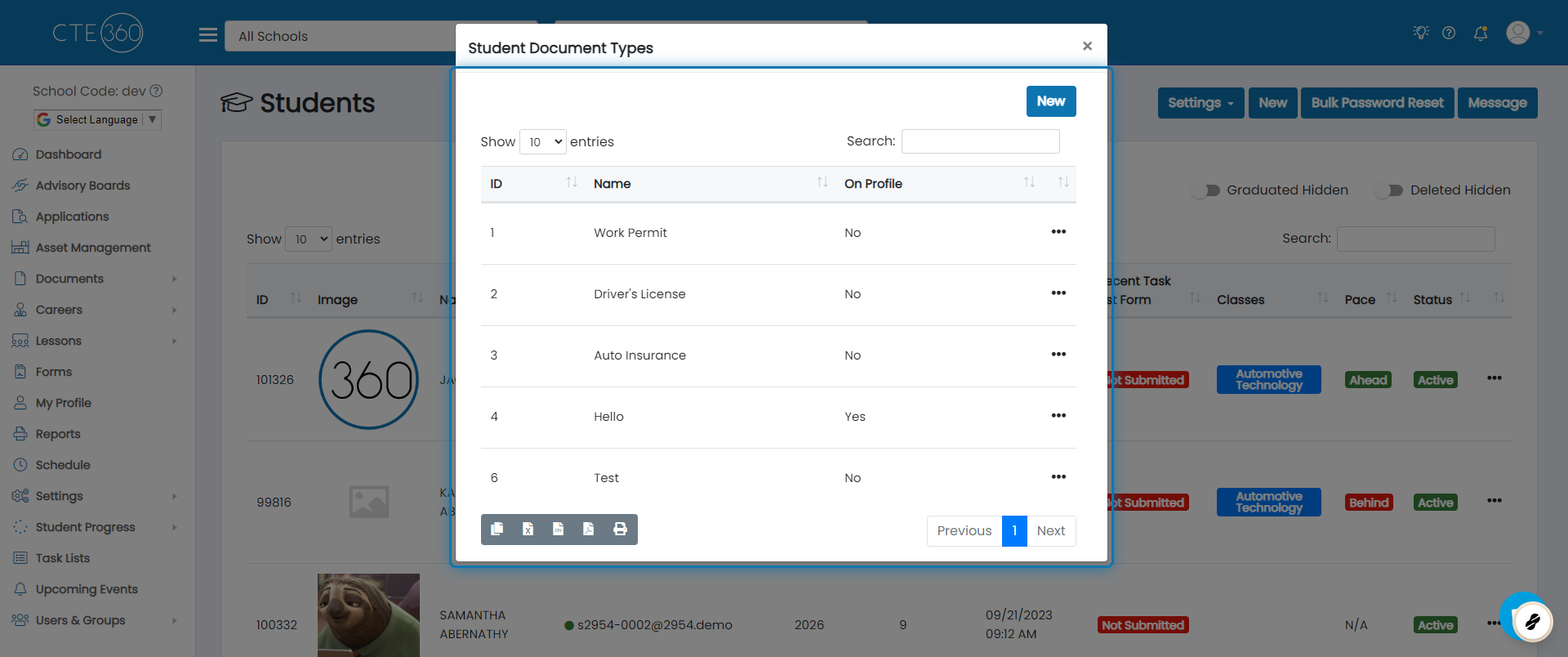
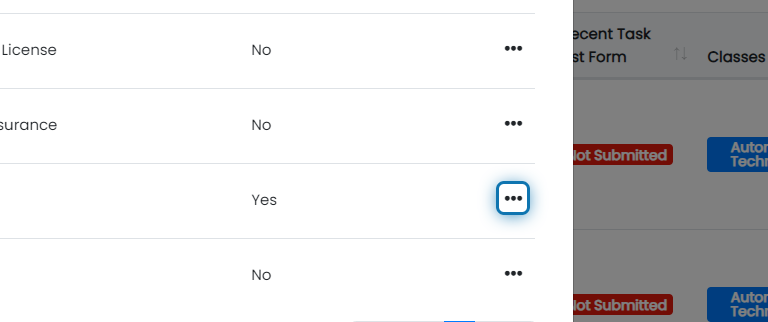
5. Click the action button beside the type
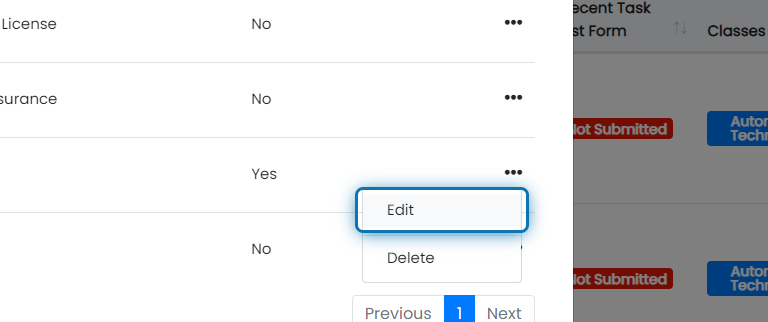
6. Click on Edit
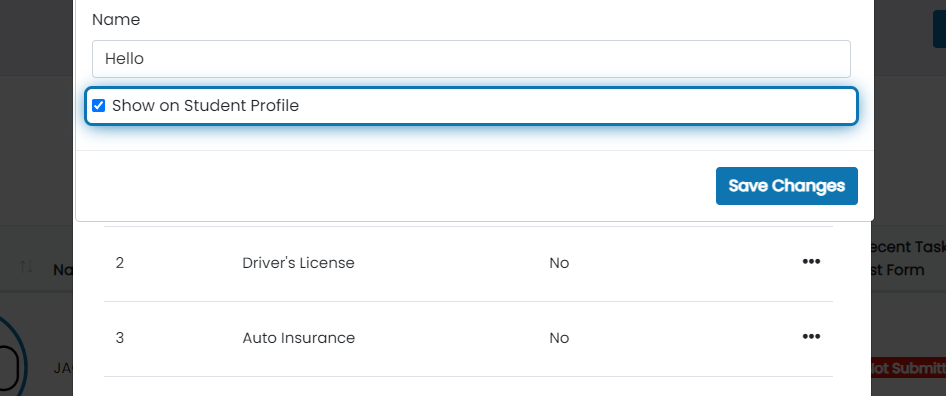
7. Check the "Show on Student Profile" checkbox
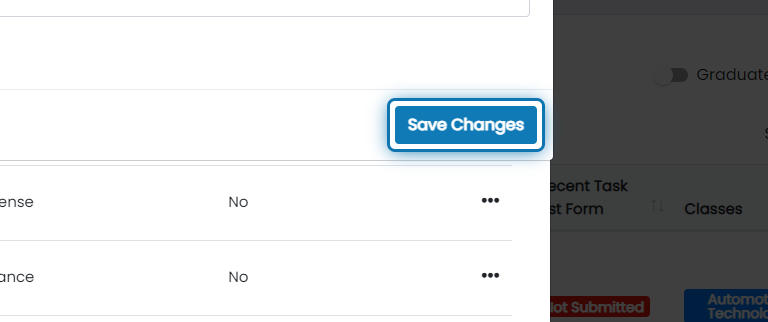
8. Click on Save Changes
9. Now when you go to a student's profile that have documents, they will show under the documents tab

Was this helpful?
Still need help? Ask the team