Can I email a student directly from the Work-Based Learning module?
Last updated 6 days ago
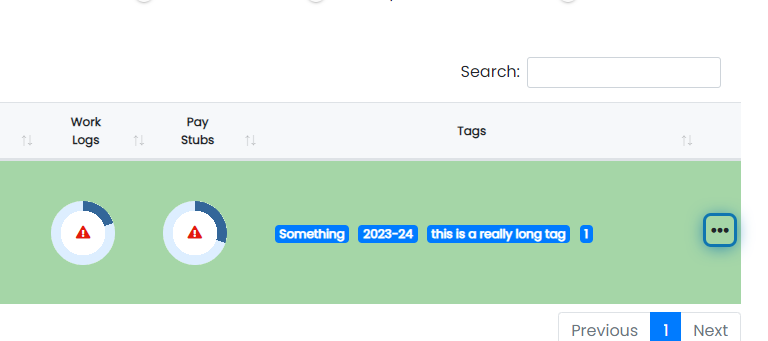
1. Click the action button beside the student you'd like to email
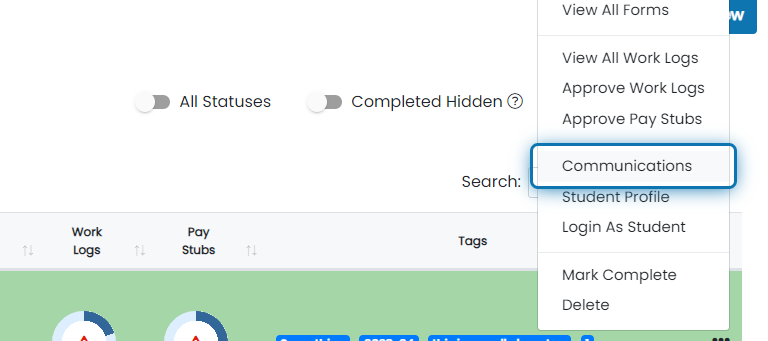
2. Click on Communications
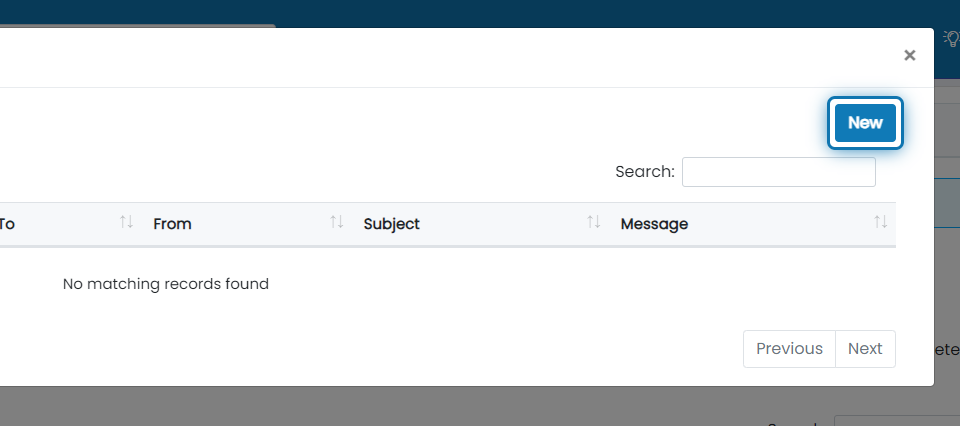
3. Click on new to send add a new communication
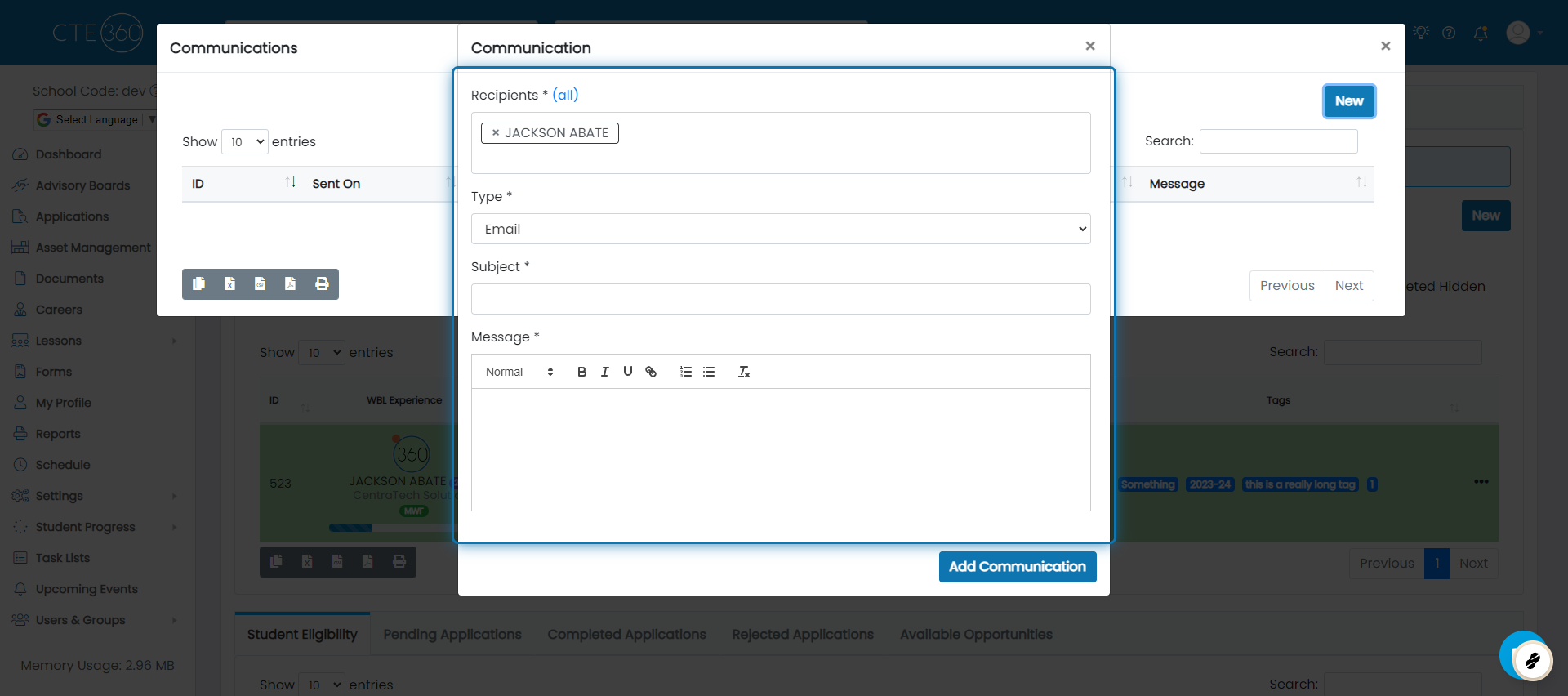
4. Fill out the communication details
You'll see that the student is prefilled for you. You can add more students if you'd like or just fill out the rest of the form. The "Email" type will send the student an email through the system that they can reply to. All communications back and forth using this method are logged on the student record.
Was this helpful?
Still need help? Ask the team