How do I remove form signers from email suppression lists?
Last updated 6 days ago
1. Find the record that you'd like to clear the current signer from email suppression lists
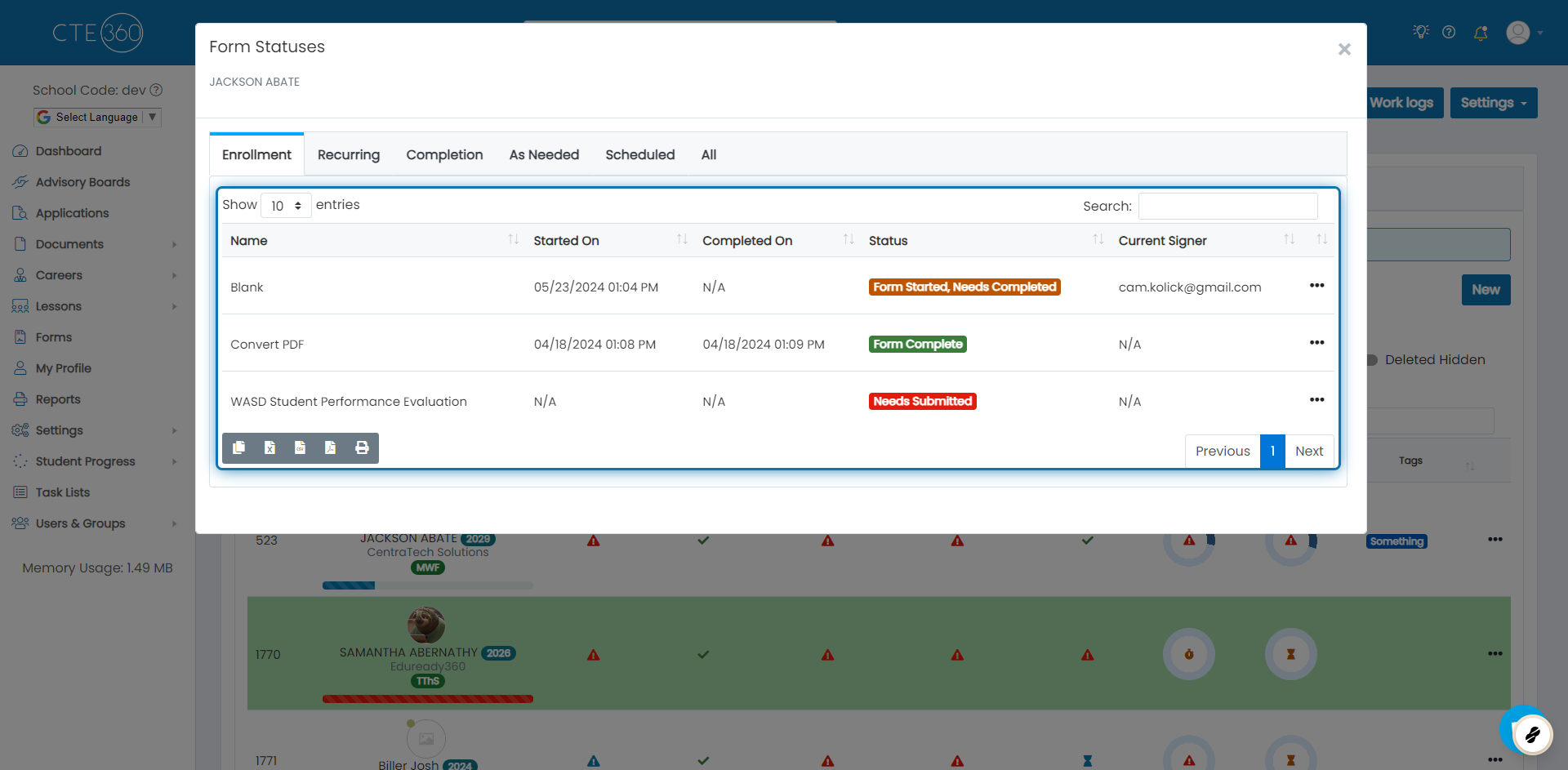
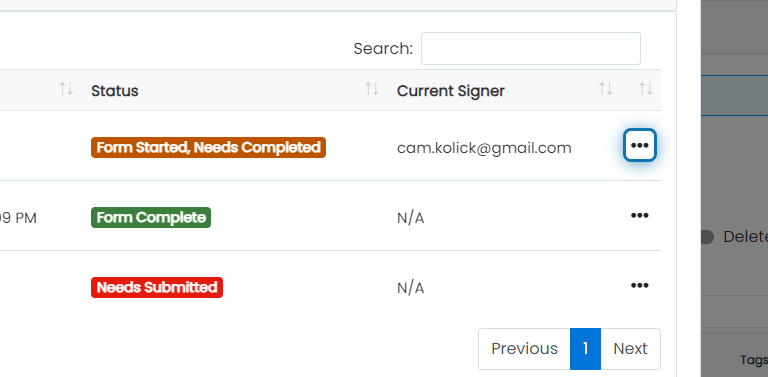
2. Click on the action button next to the form you want to clear suppressions for
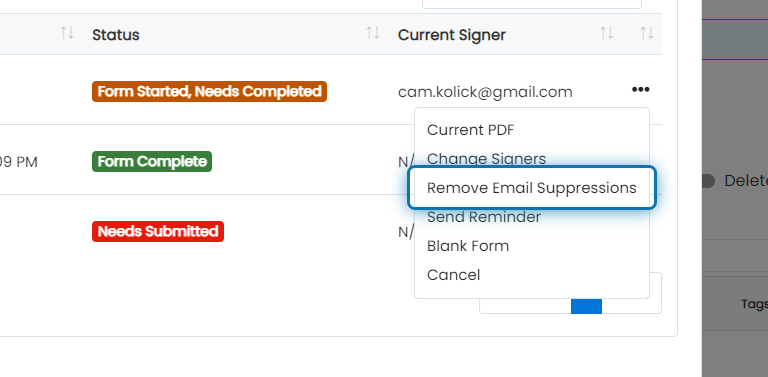
3. Click on Remove Email Suppressions
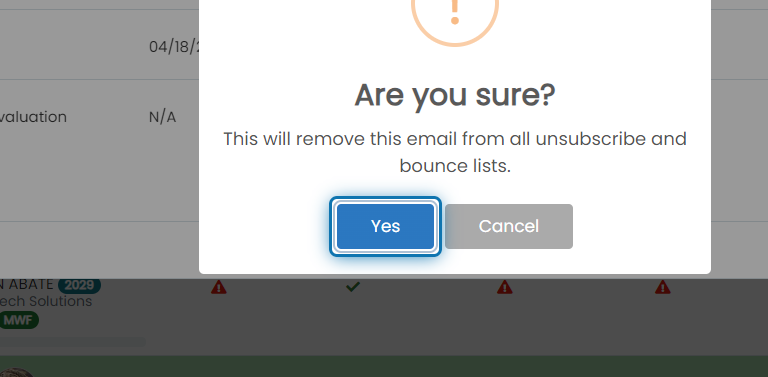
4. Click on Yes
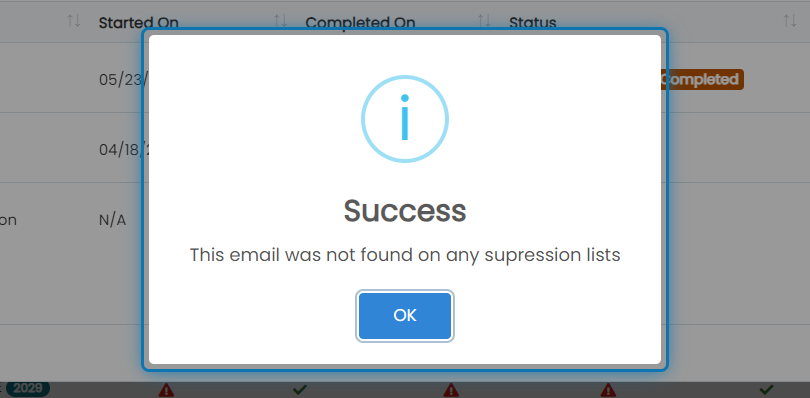
5. See how many lists the email was removed from
We try to remove the email from the bounce suppression list and unsubscription list for the form sending service as well as the main application email list. In this example, you will see that this current signer was not found (therefor not removed from) any lists. If it was removed from lists, it would tell you how many it was removed from.
Was this helpful?
Still need help? Ask the team