How do I add Recommendations to my portfolio?
Last updated 6 days ago
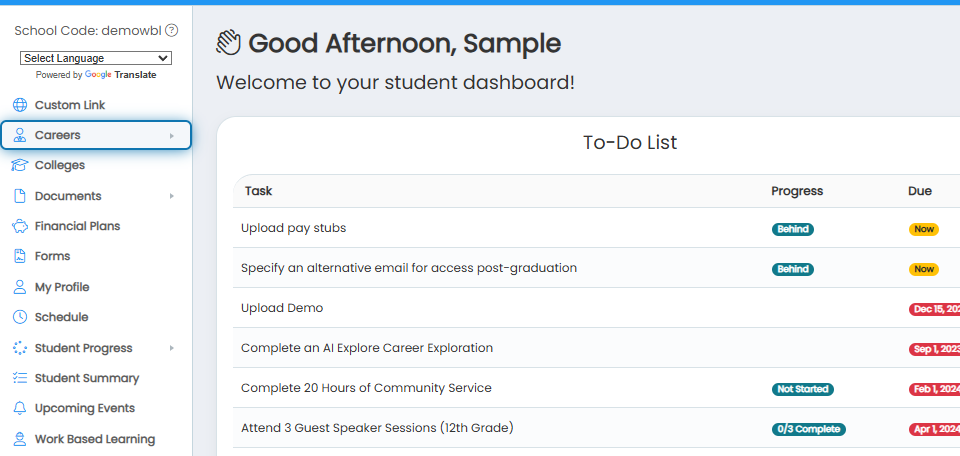
1. Click Careers in the navigation menu.
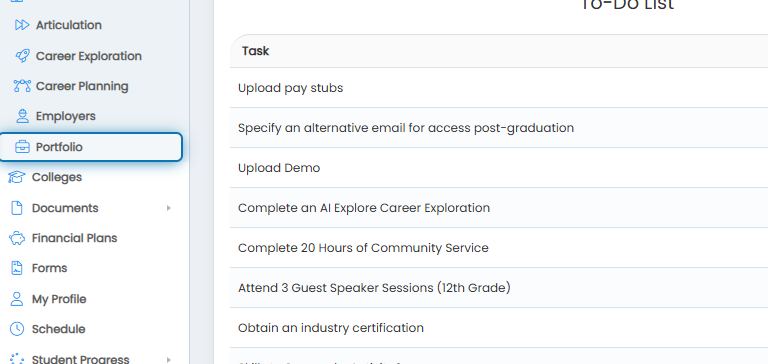
2. Click Portfolio in the expanded menu.
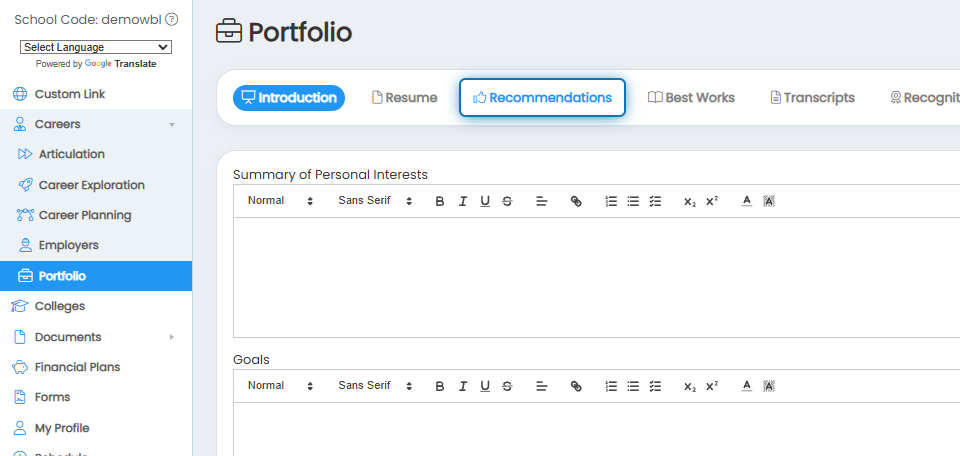
3. Click the Recommendations tab.
4. Click Drag a file here to upload and select your recommendation for upload.
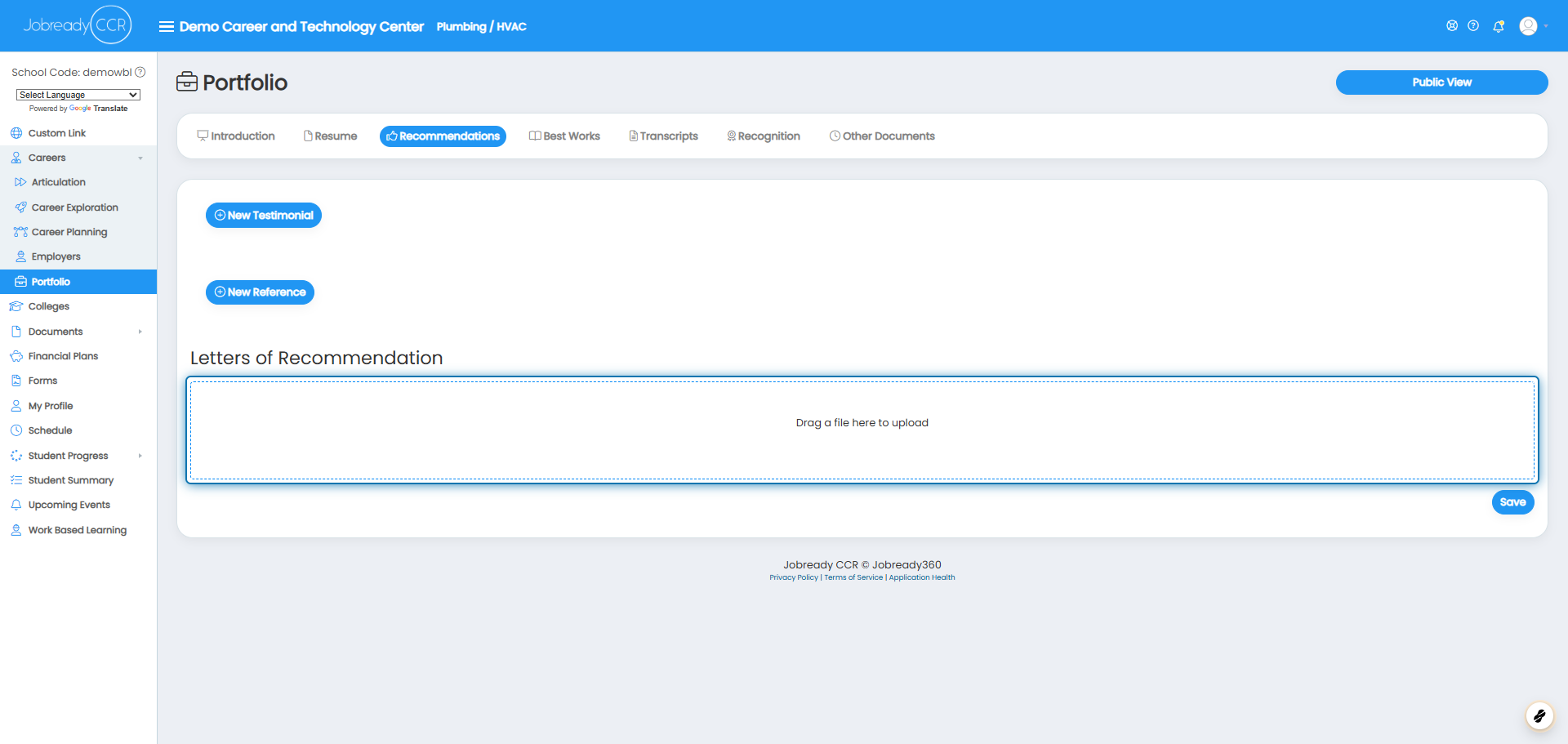
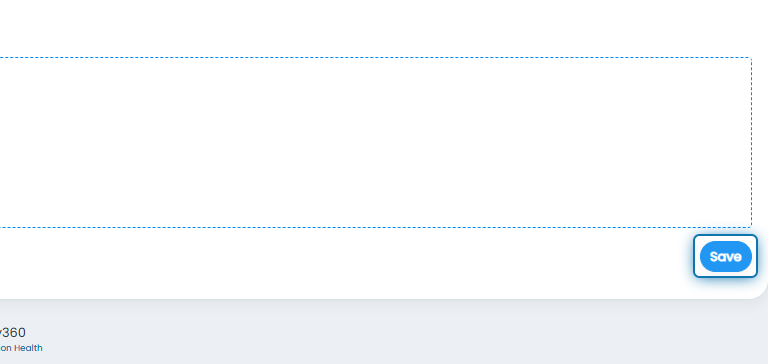
5. Click Save to update your portfolio with the recommendation.
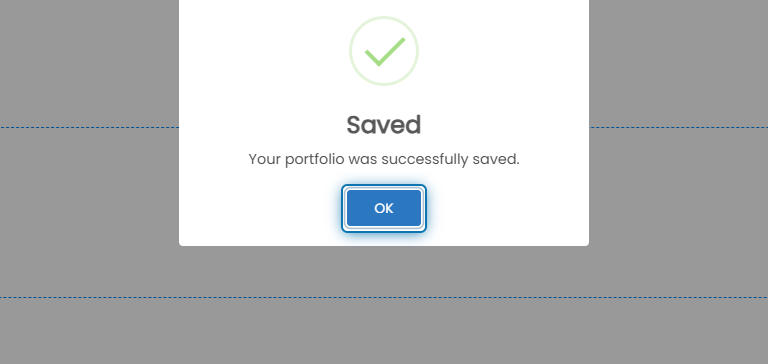
6. Click on OK
Suppose you were assigned a “Recommendation Count” Career Planning Activity. In that case, Jobready will monitor the number of recommendations uploaded to automatically mark the activity completed once the assigned number has been reached.
Was this helpful?
Still need help? Ask the team