How can I hide/delete job listings from WBL Opportunities so my students cannot see them?
Last updated 6 days ago
1. Navigate to the Work-Based Learning Module
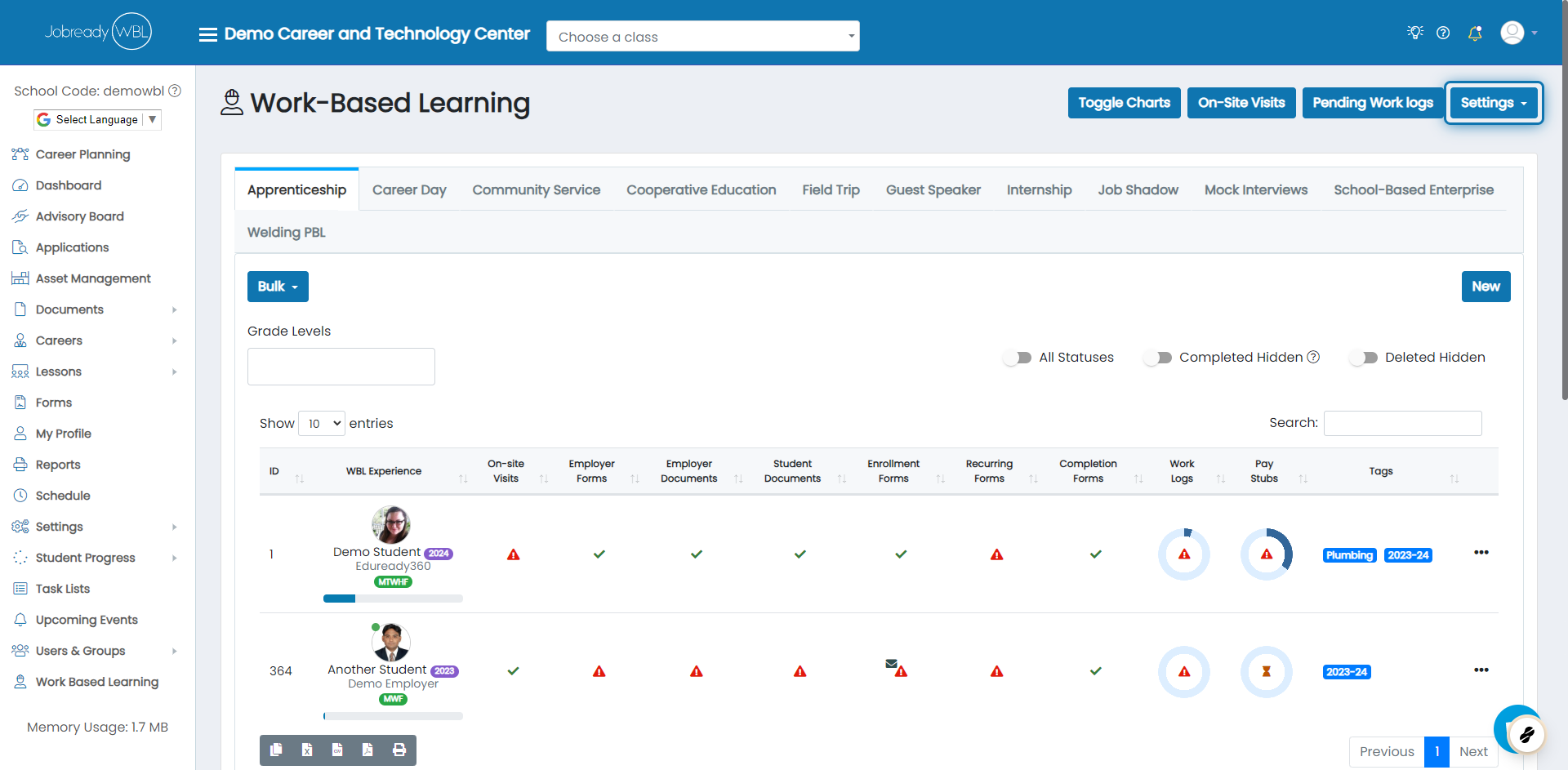
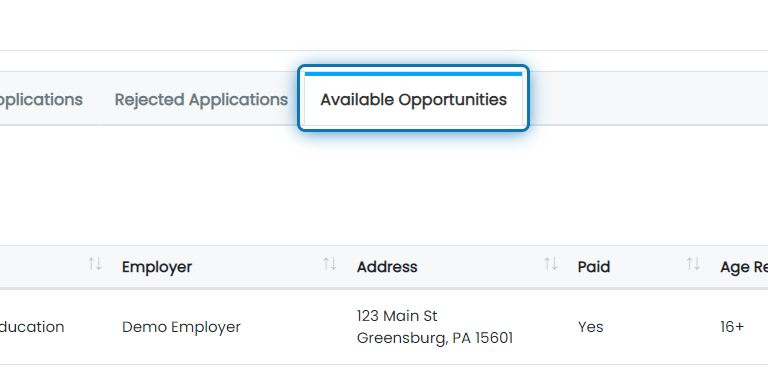
2. Scroll to the bottom of the page and click on the Available Opportunities tab
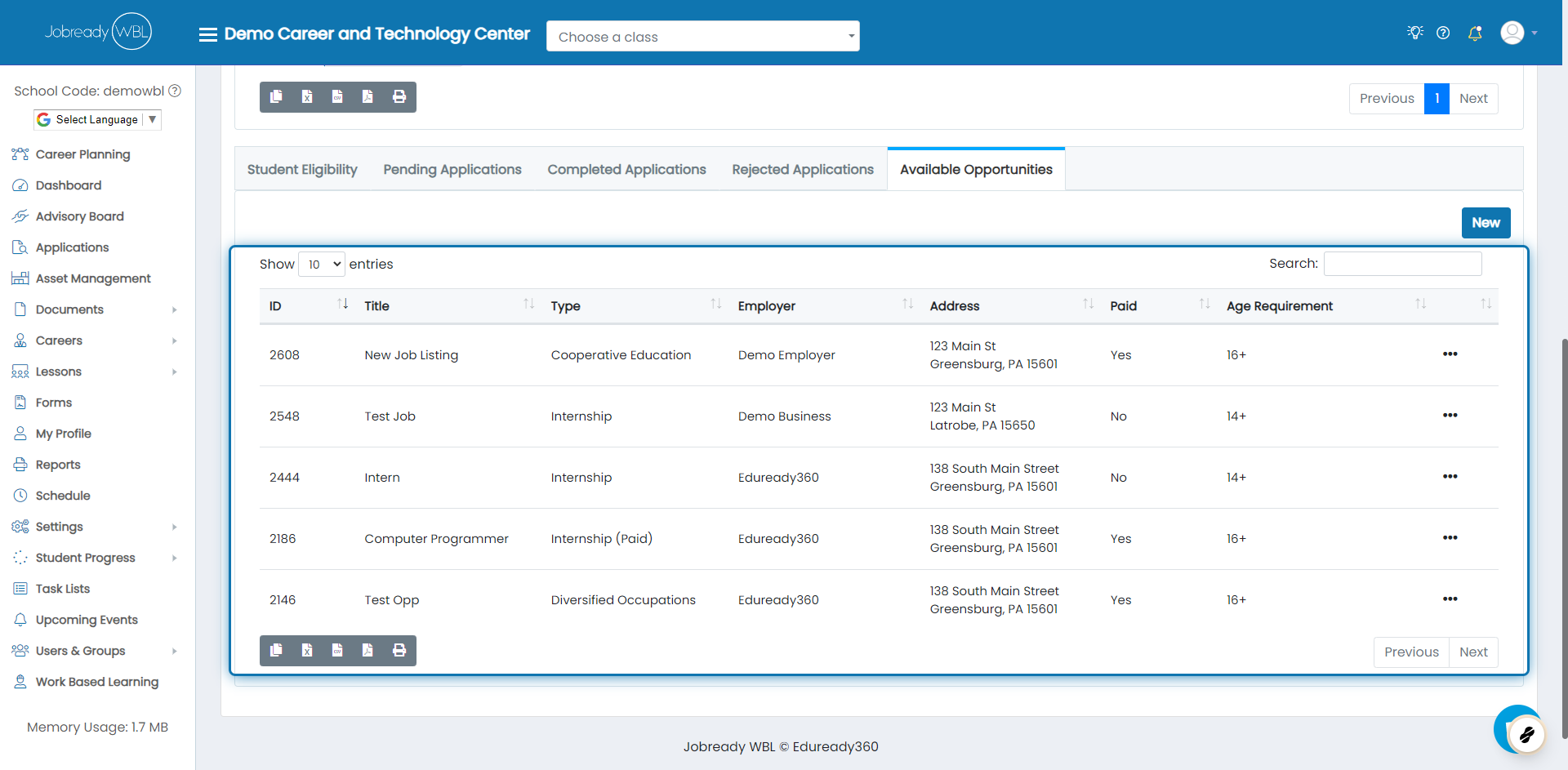
3. Search the list to find the opportunity you'd like to hide
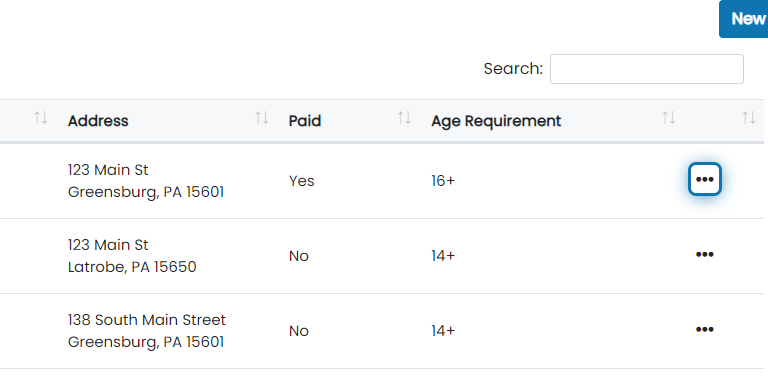
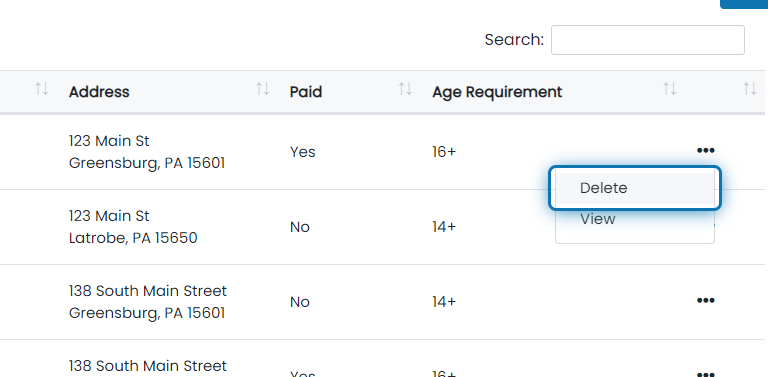
4. When you find it, click on that record's action button
5. Click on Delete
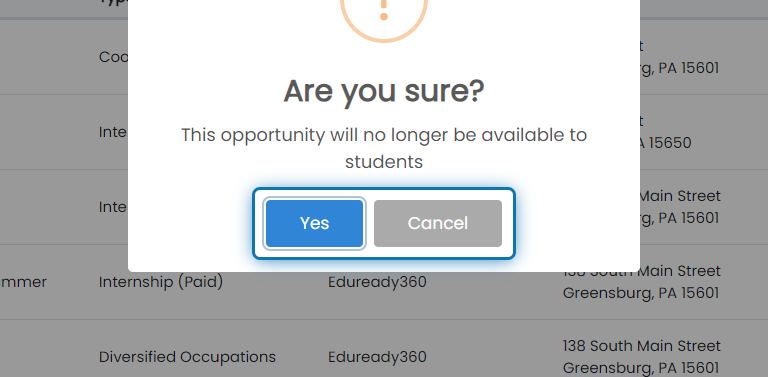
6. Click on Yes
Was this helpful?
Still need help? Ask the team