How can I hide unused columns from the Work-Based Learning page?
Last updated 6 days ago
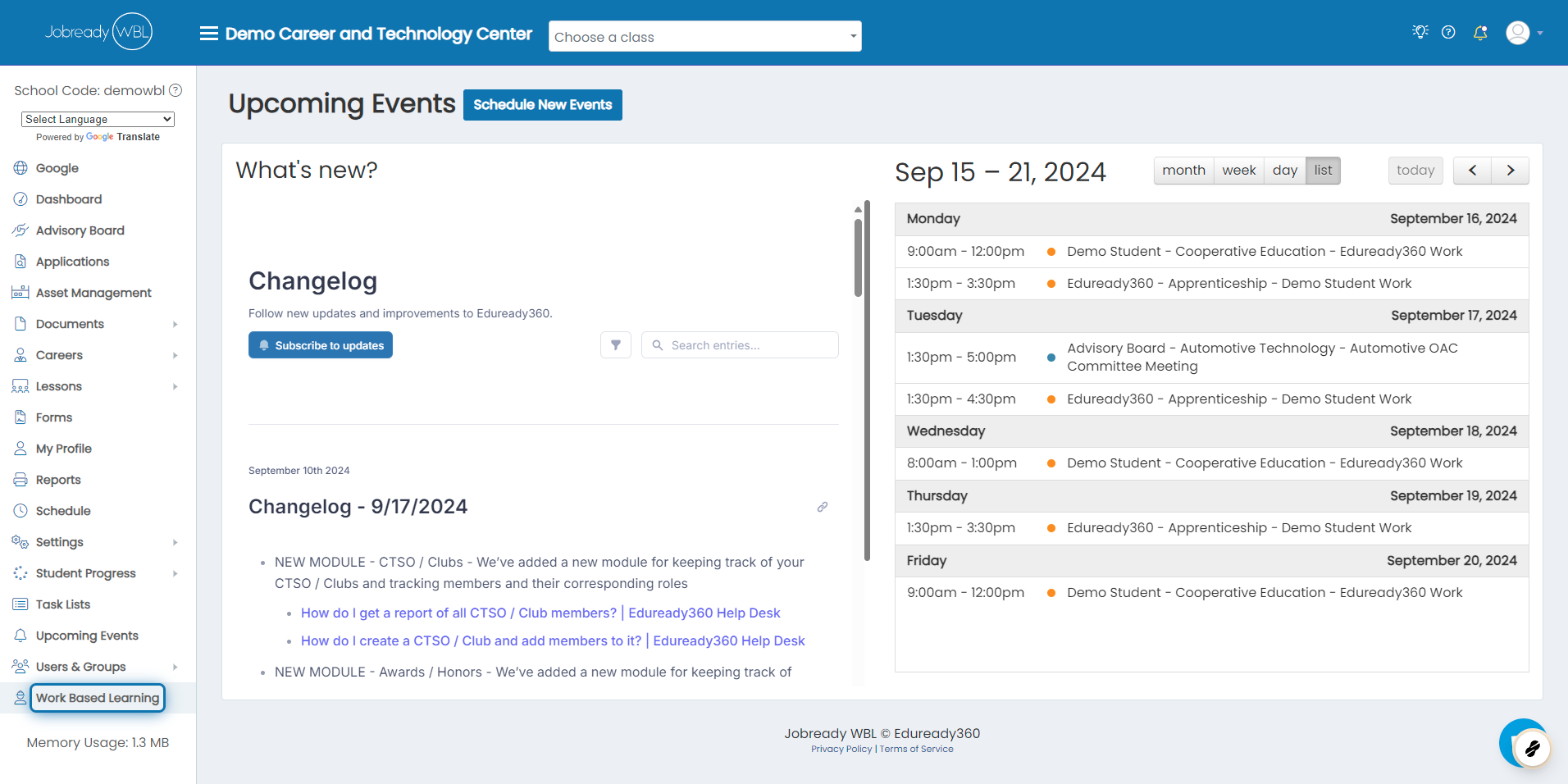
1. Click on Work Based Learning
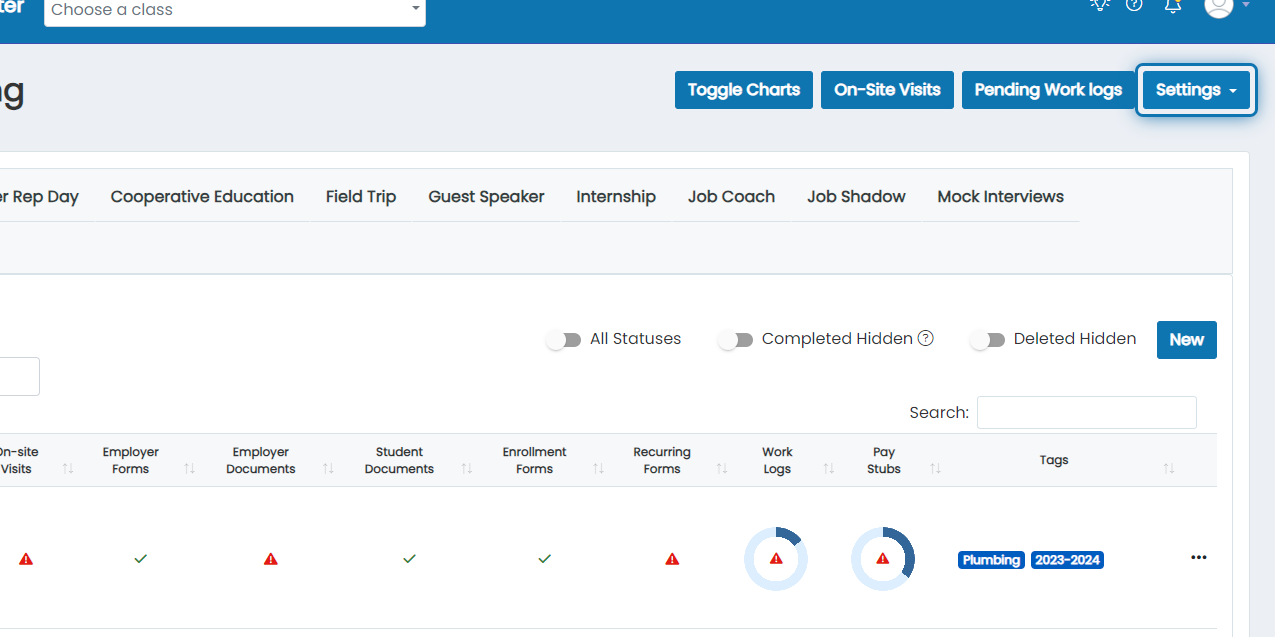
2. Click on Settings
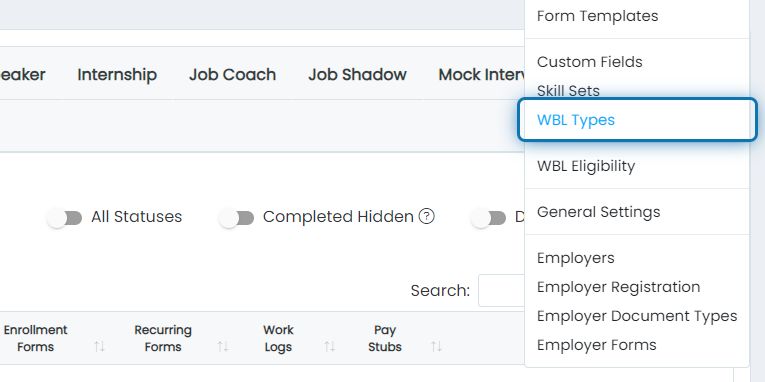
3. Click on WBL Types
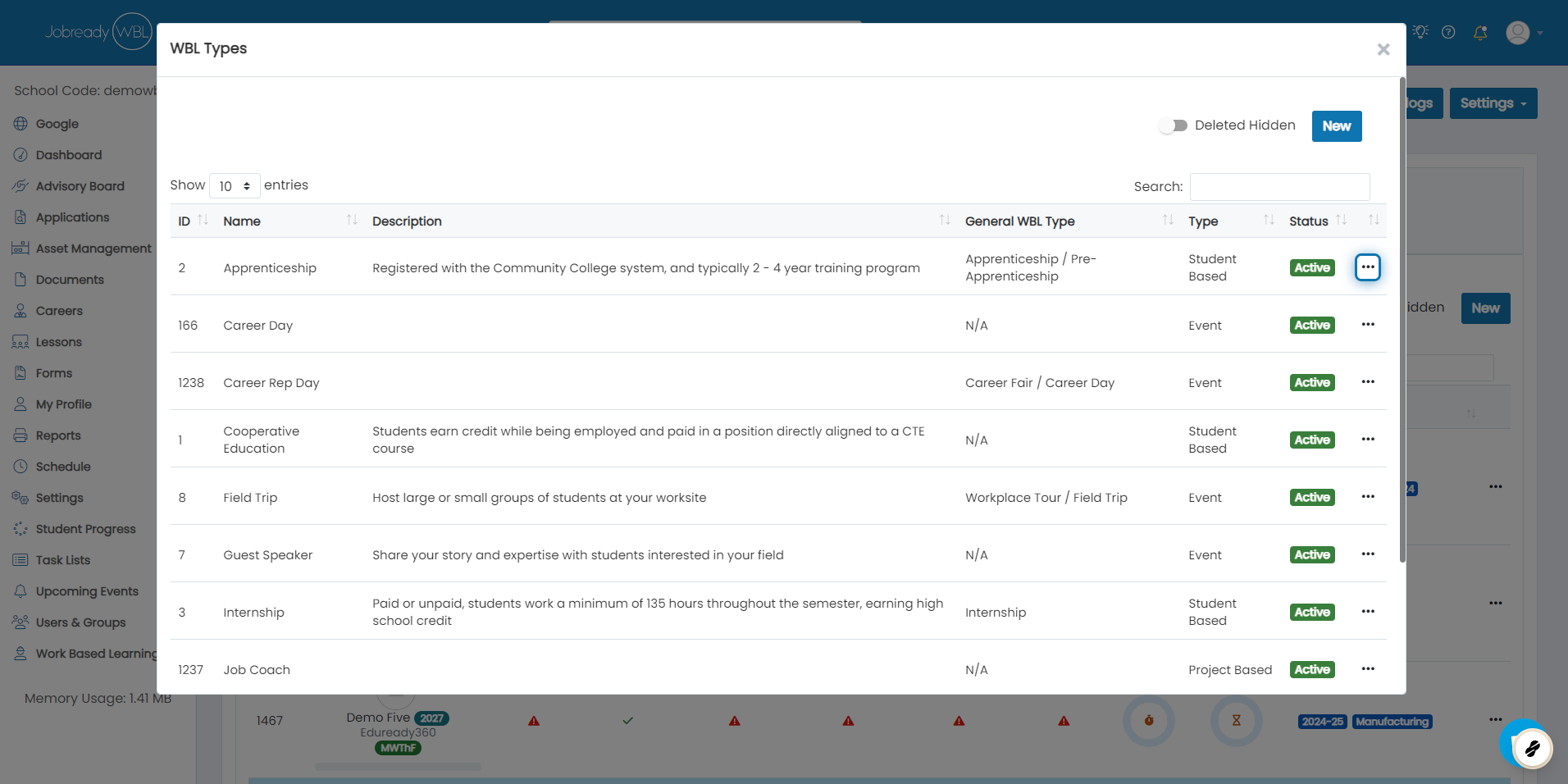
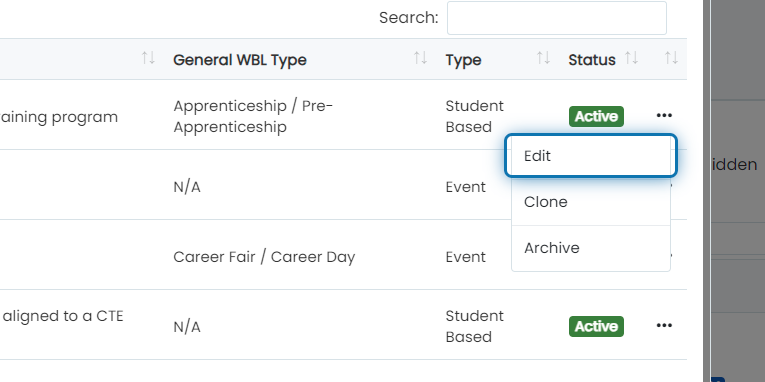
4. Click on the Action Button
5. Click on Edit
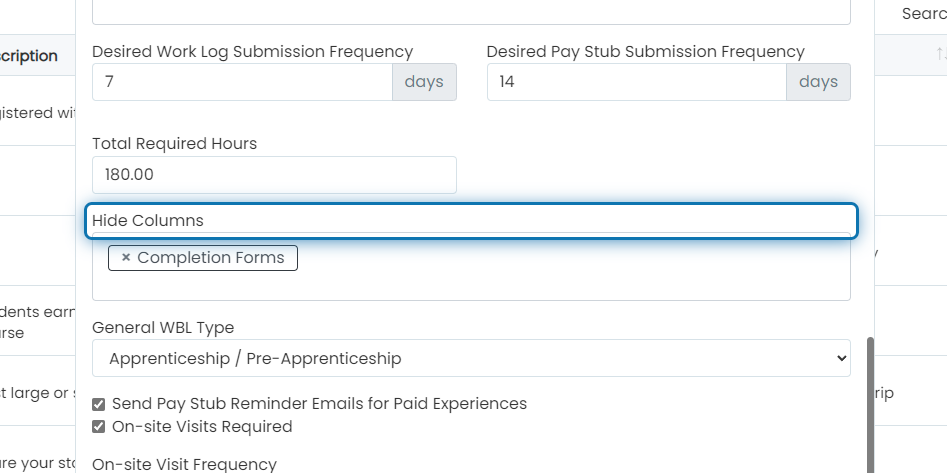
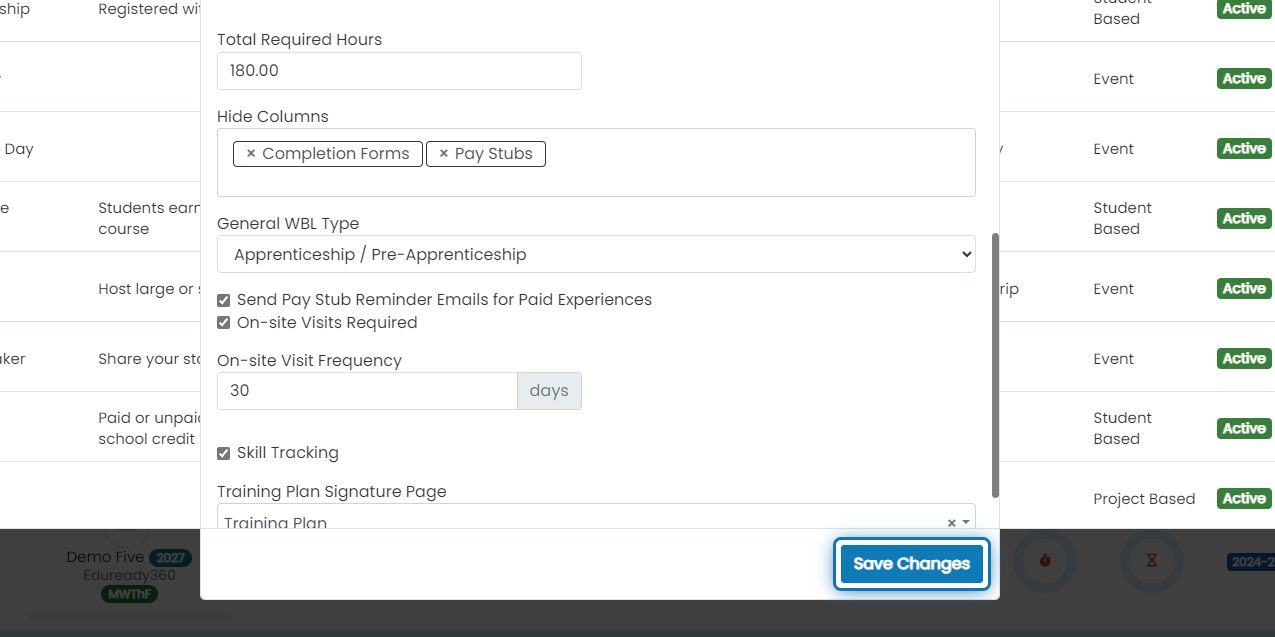
6. Scroll down to Hide Columns
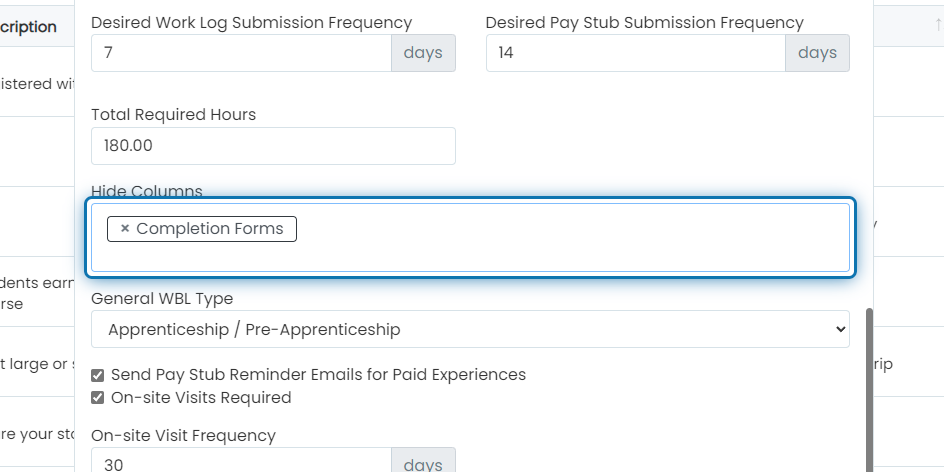
7. Click into the Multi Select box
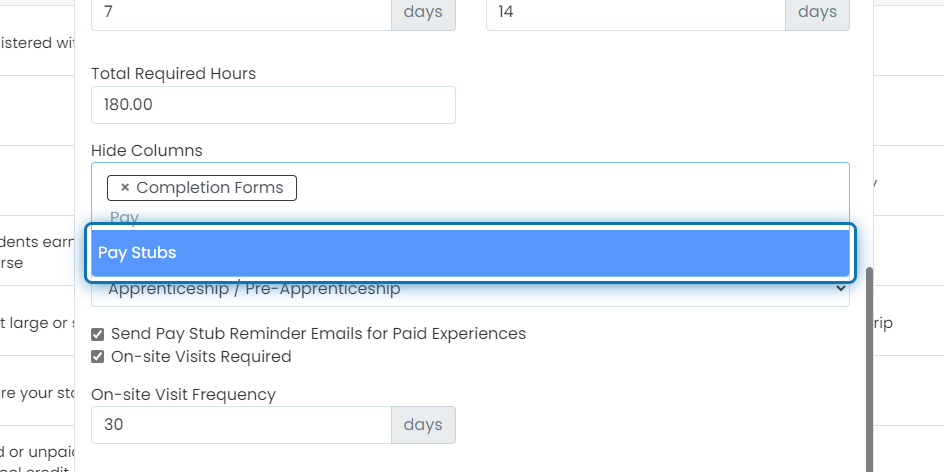
8. Select the columns you'd like to hide
9. Click on Save Changes
Was this helpful?
Still need help? Ask the team