How can I change the banner image on the login page?
Last updated 6 days ago
1. Navigate to the global settings page
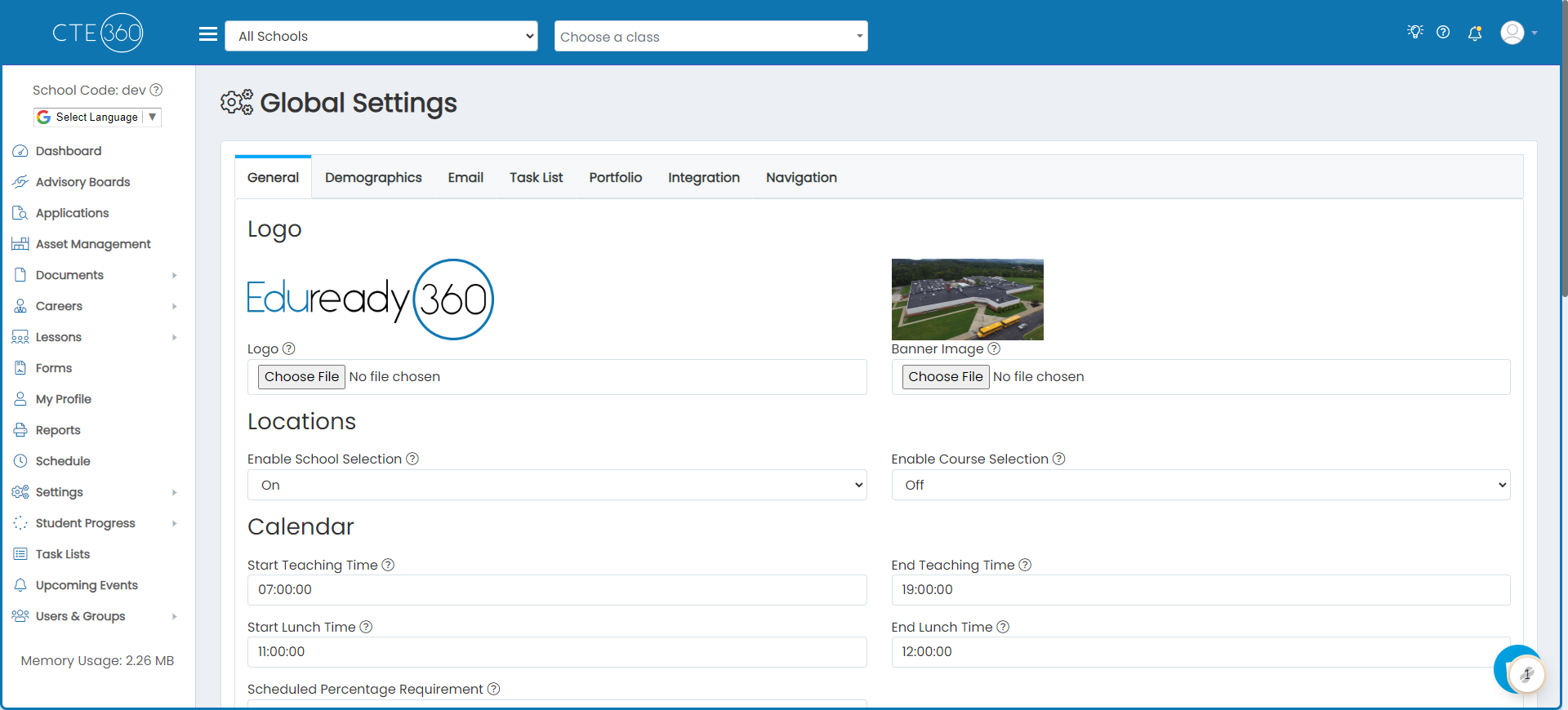
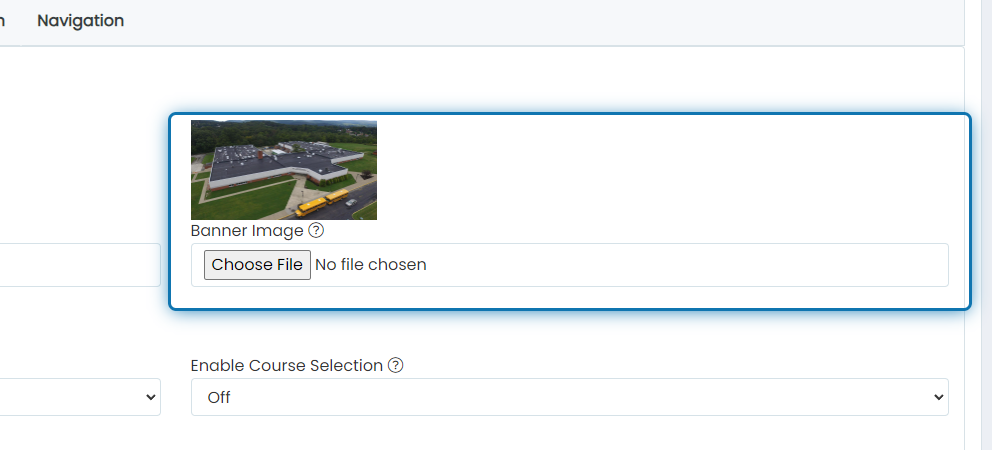
2. Choose the image file you'd like to use as the banner on the login page
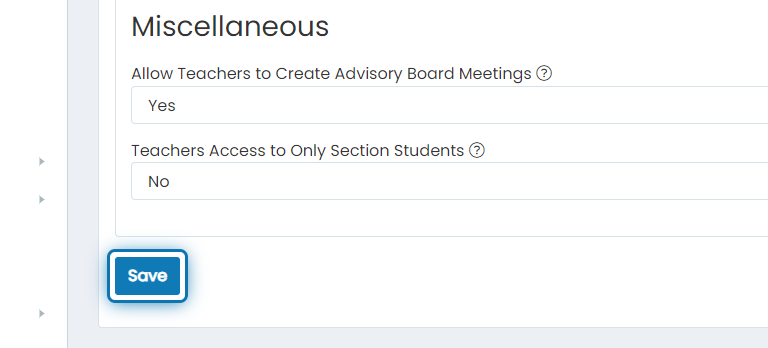
3. Click on Save
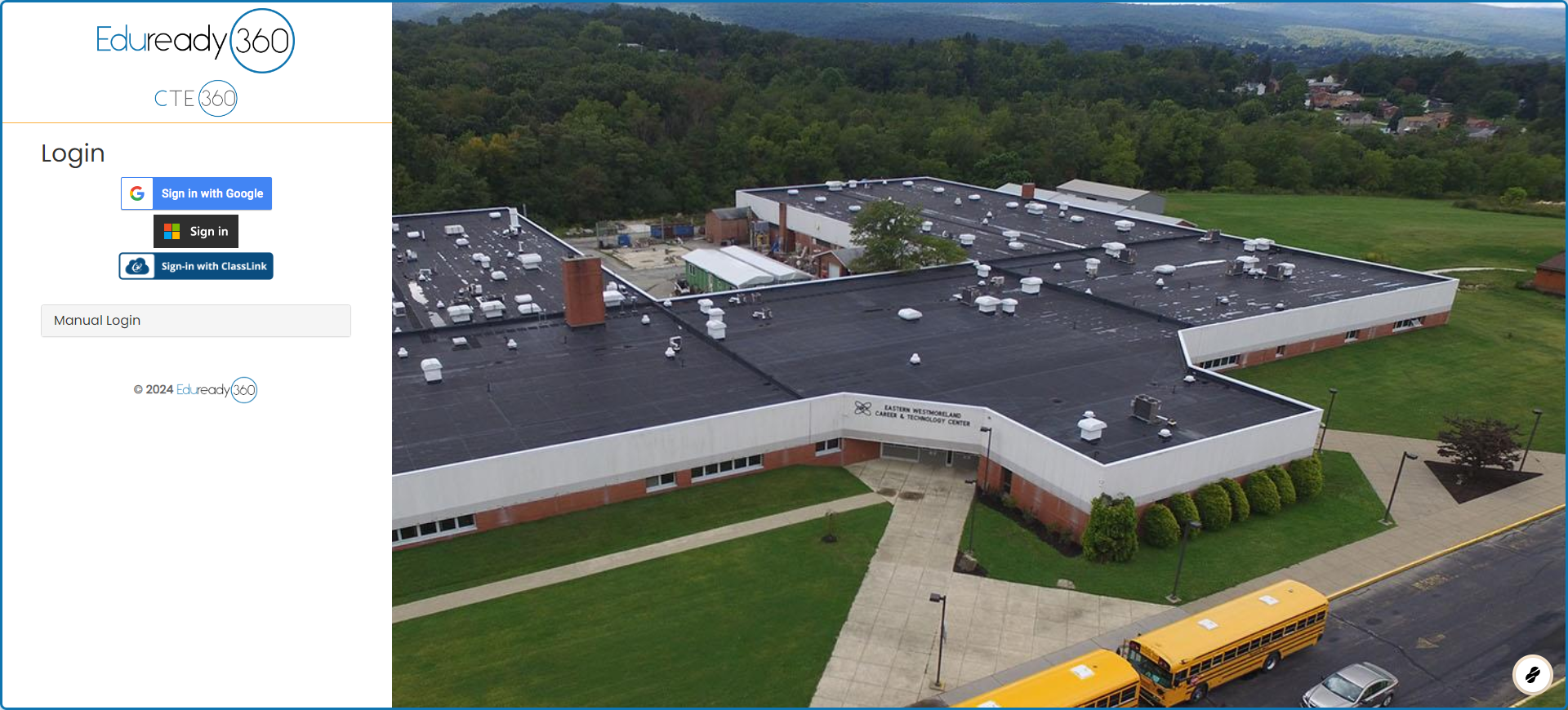
4. Go to the login page to see your new login page banner
Was this helpful?
Still need help? Ask the team