How do I choose and view my favorite occupations/career pathways/career clusters?
Depending on the student's band, they may be completing this for Occupations, Career Pathways, or Career Clusters. Occupations show for the high school band, pathways for the middle school band, and clusters for the elementary band. This article uses a high school band student as an example.
Last updated About 1 year ago
1. When viewing a list of occupations, you will see little hearts inside of every occupation result
You can get a list of occupations from the "Suggested Occupations" tab or the "Search Occupations" tab in Career Exploration
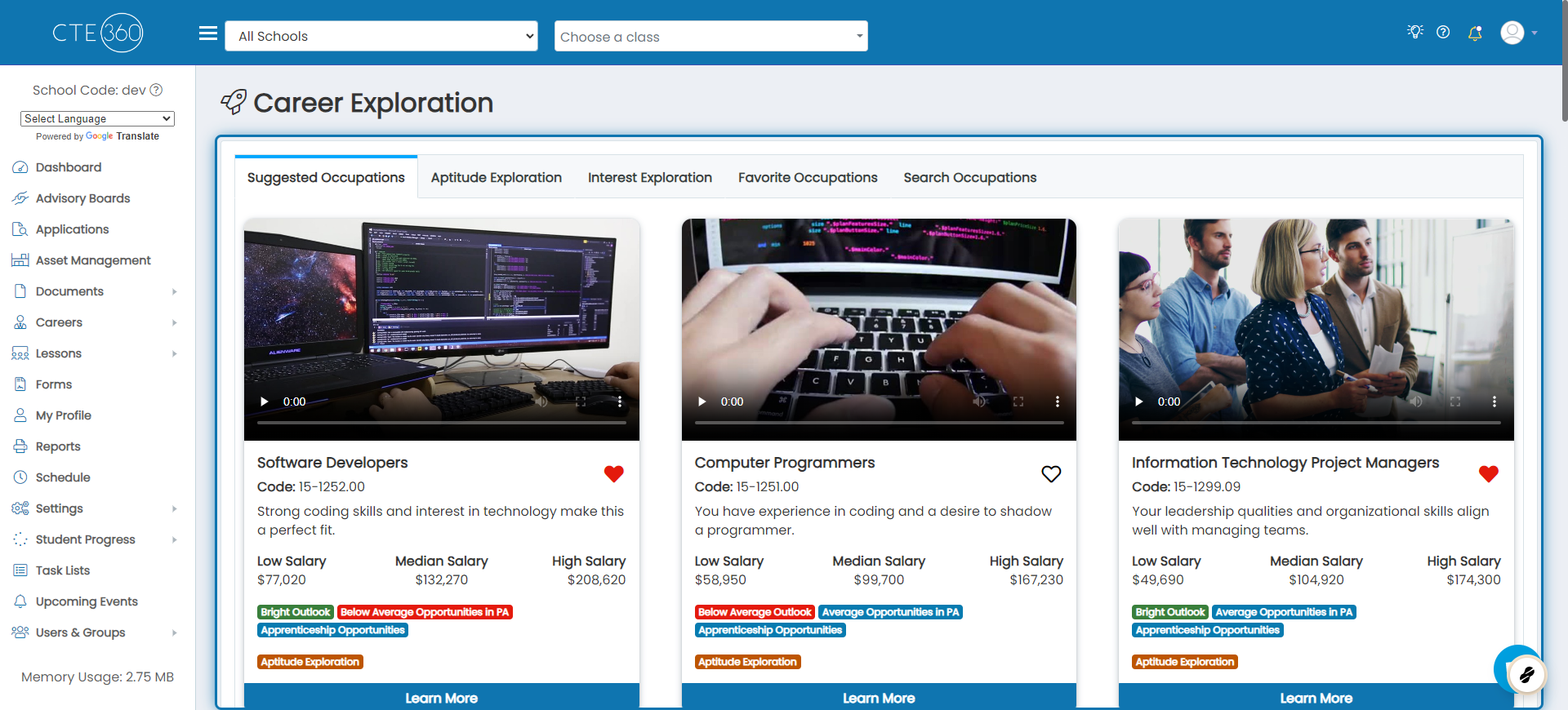
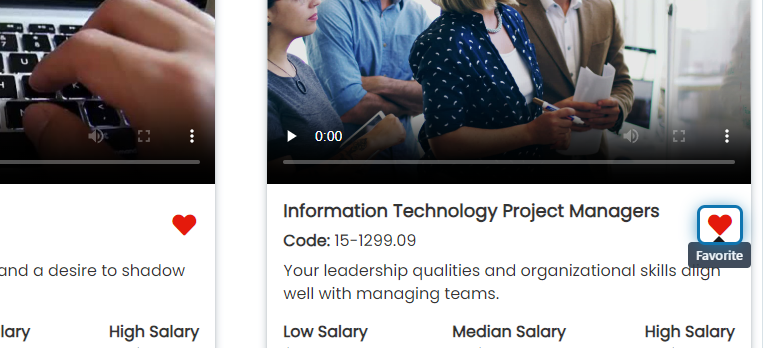
2. Click on an empty heart to add it to your favorites

3. Click on a full red heart to remove an occupation from your favorites
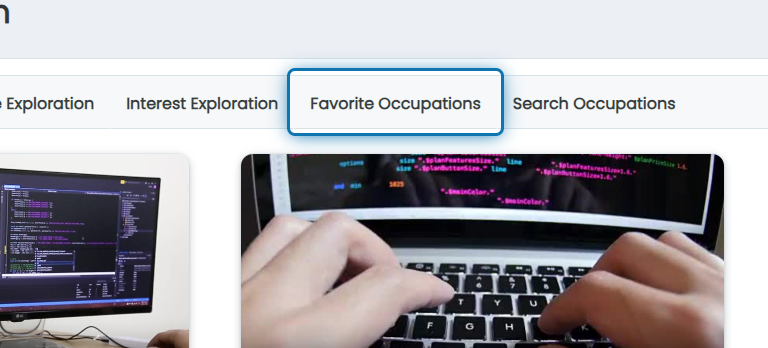
4. Click on Favorite Occupations in Career Exploration to view all of your favorite occupations