How can I export all of the available opportunities?
Last updated 6 days ago
1. Navigate to the reports page
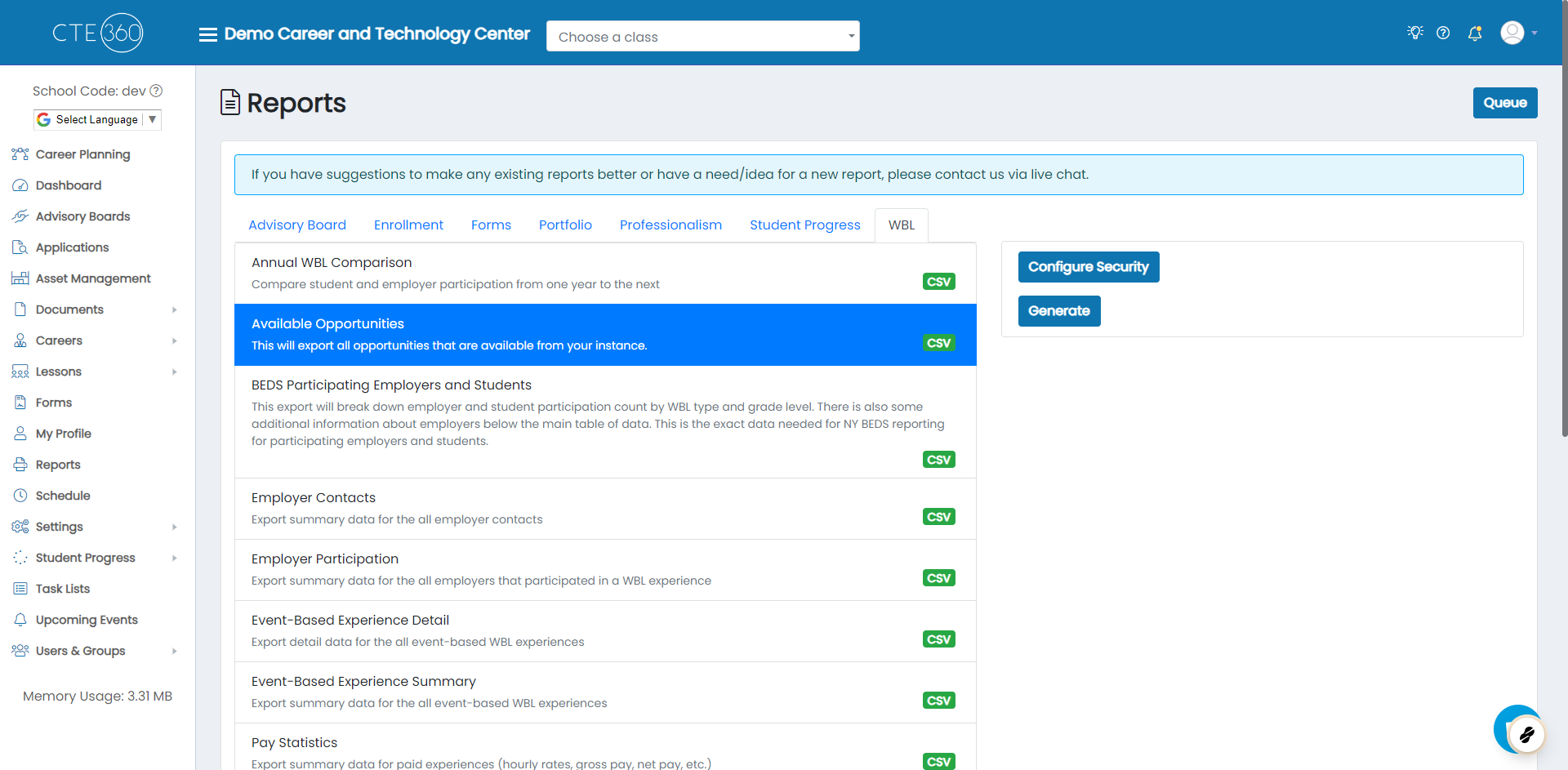
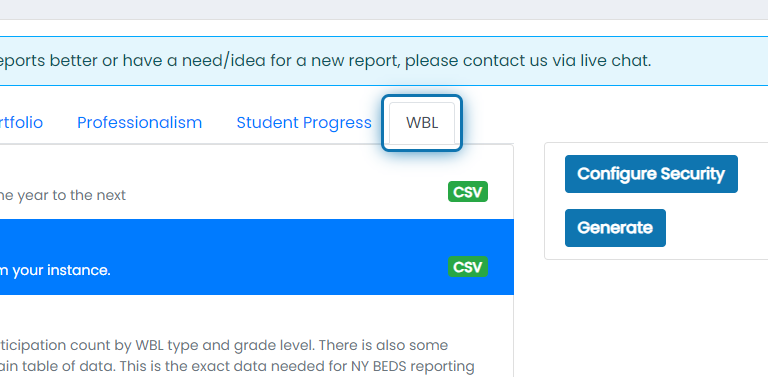
2. Click on the WBL tab
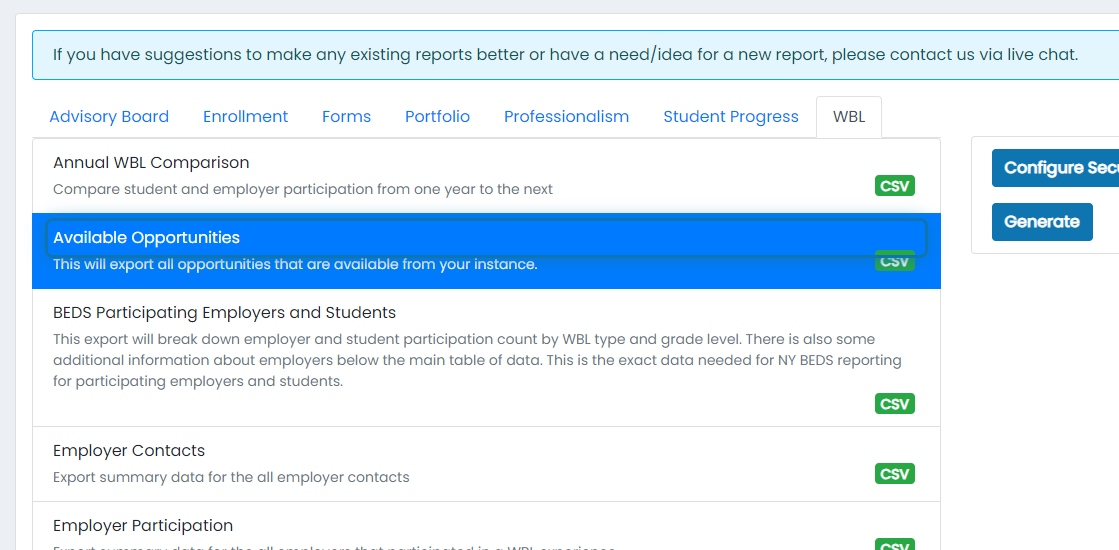
3. Click on Available Opportunities
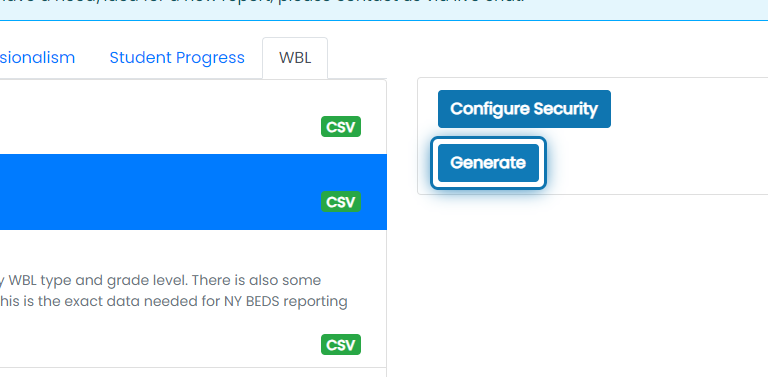
4. Click on Generate
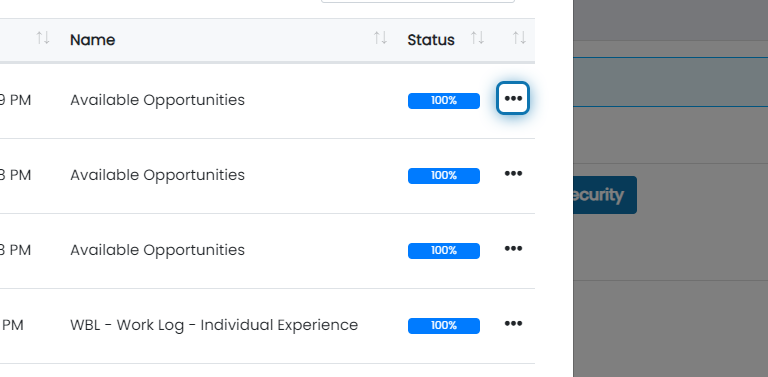
5. After the report at the top goes to status of 100%, click the action button
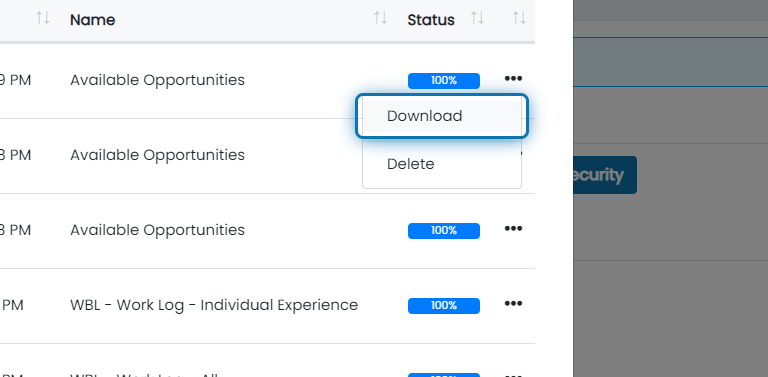
6. Click on Download
Was this helpful?
Still need help? Ask the team