How do I complete the Interest Exploration activity?
Last updated Over 1 year ago
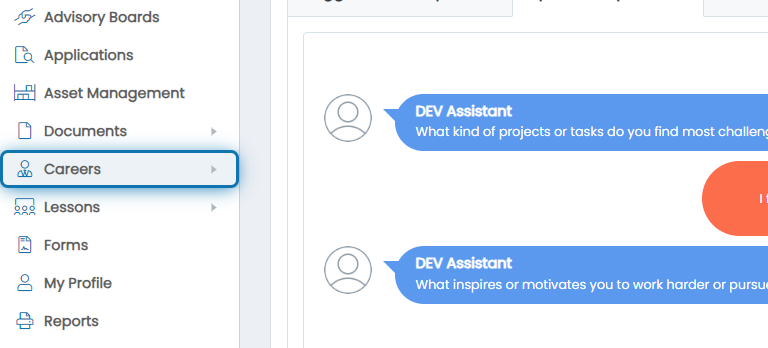
1. Click on Careers in the Navigation Menu
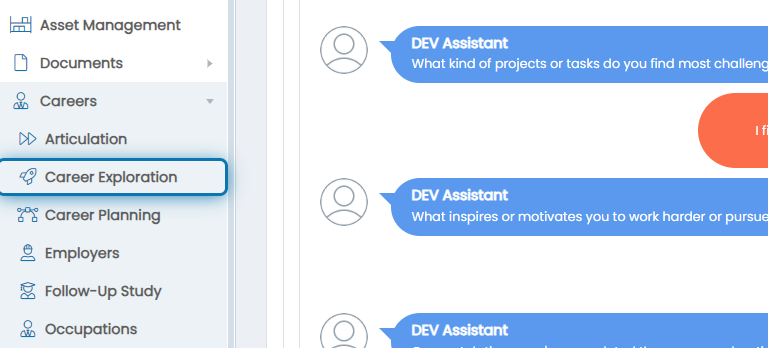
2. Click on Career Exploration
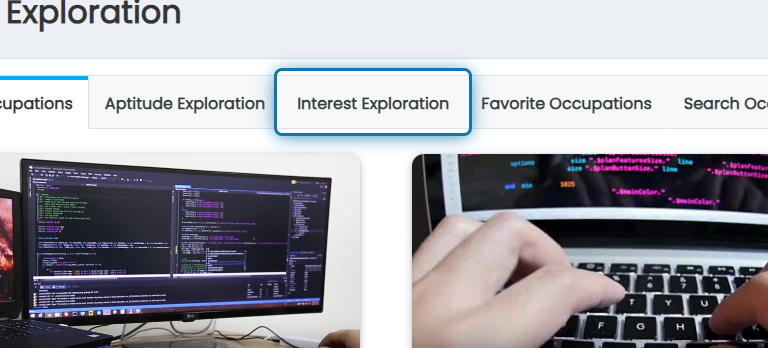
3. Click on the Interest Exploration tab
4. Answer all of the questions
You should not think about the answer too long. You should choose whatever your very first instinct is when you read the question to provide the most accurate results
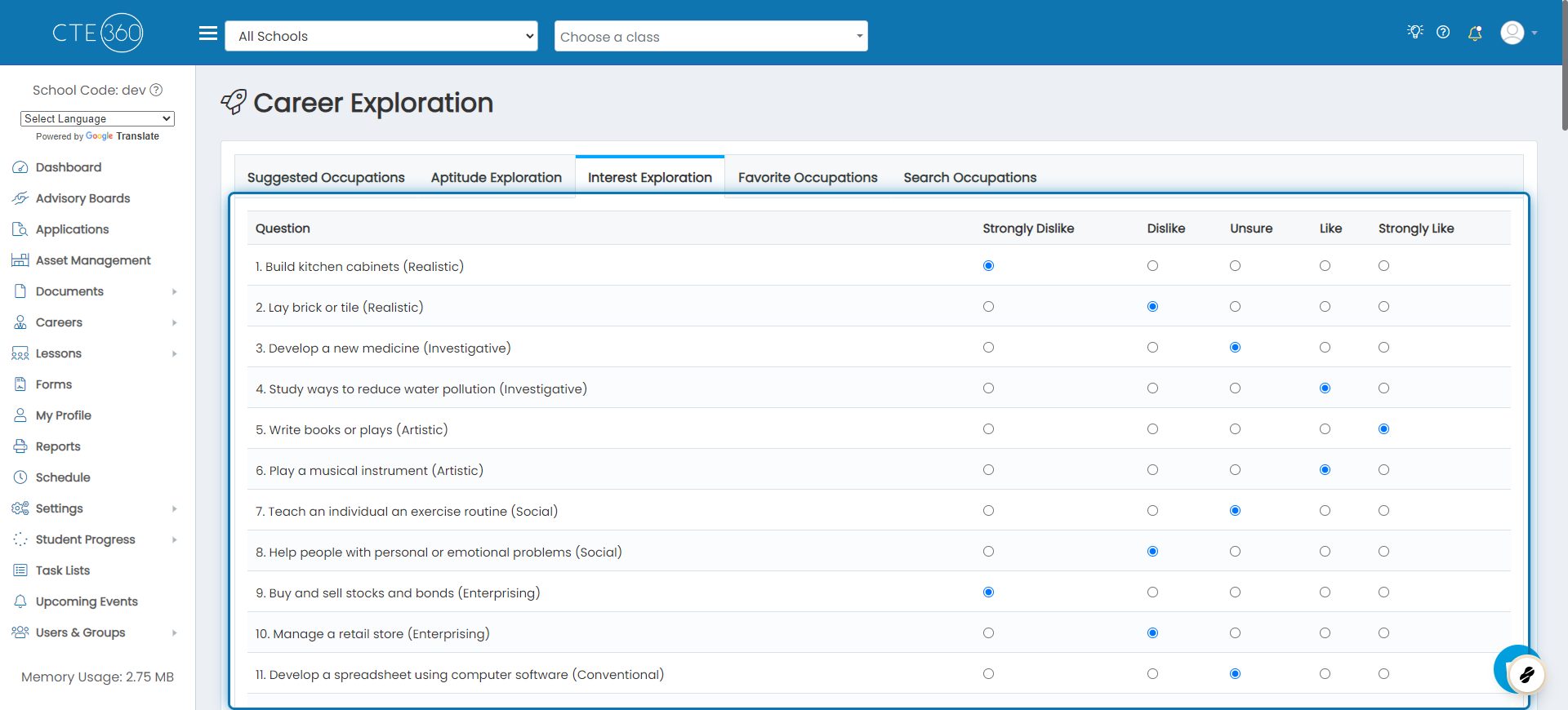
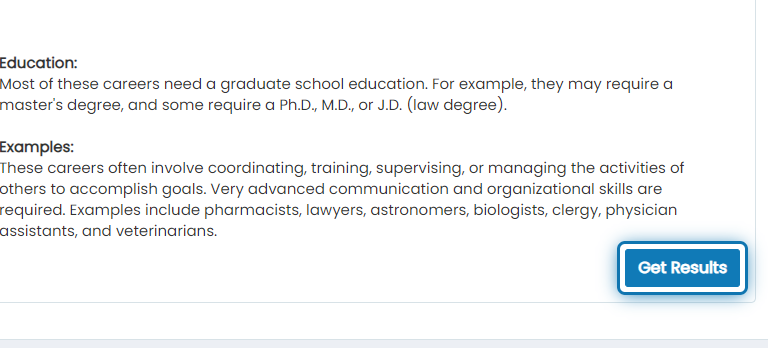
5. After answering all questions, click on Get Results
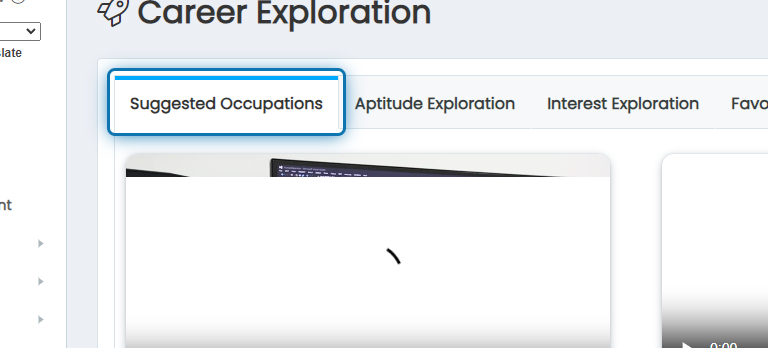
6. After submitting, you will automatically be set to Suggested Occupations
7. You will see all of your suggestions
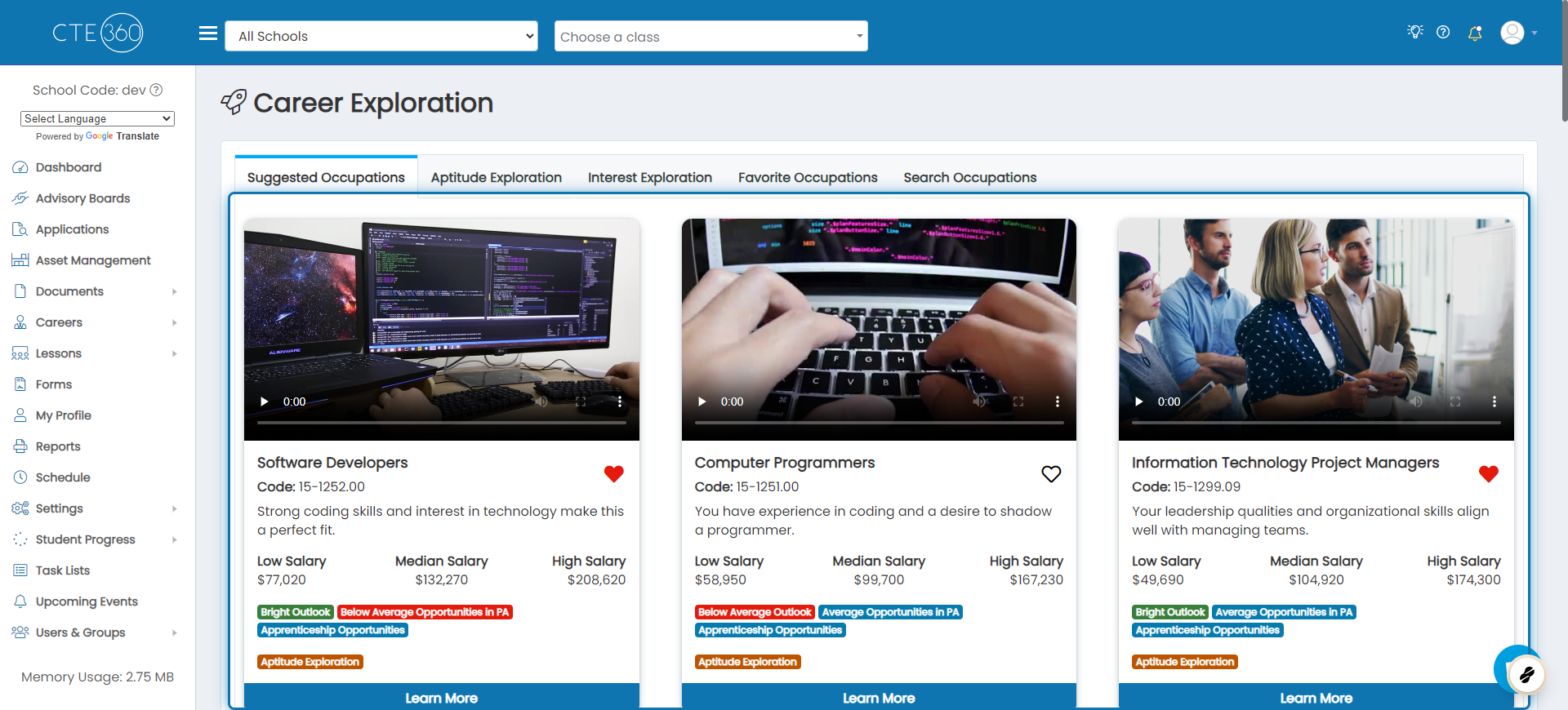
Any occupation suggested as a result of the career exploration activity will be noted by the tag “Suggested Occupation” as shown below.

Suppose you were assigned an “Interest Exploration Completion” Career Planning Activity. In that case, Jobready marks this activity complete once you have answered the questions in the interest exploration and clicked “Get Results”.