Can administrators hide access to certain parts of the application?
Last updated 6 days ago
Yes, pages can be hidden from view by administrators. Pages that are hidden can be changed back to viewable using the same steps outlined in this article.
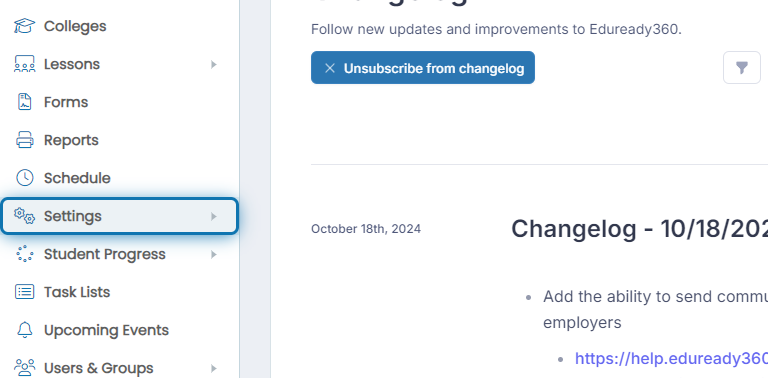
1. Click on Settings in the navigation menu.
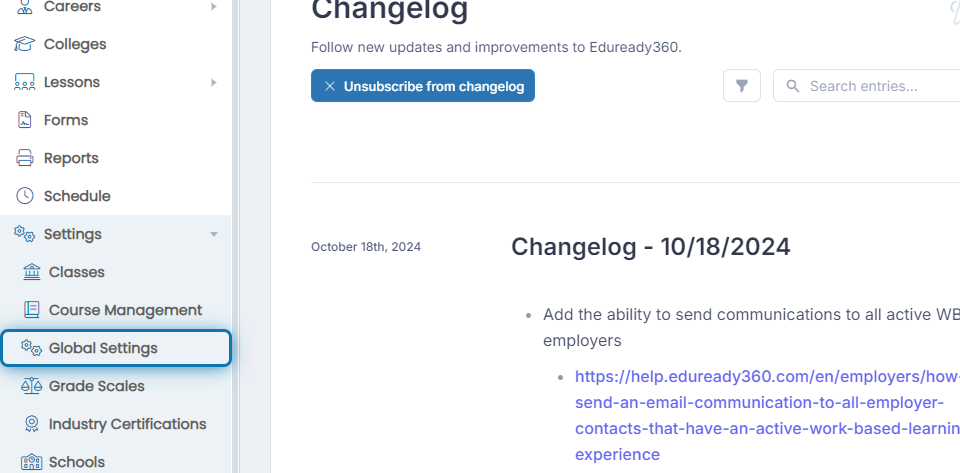
2. Click on Global Settings
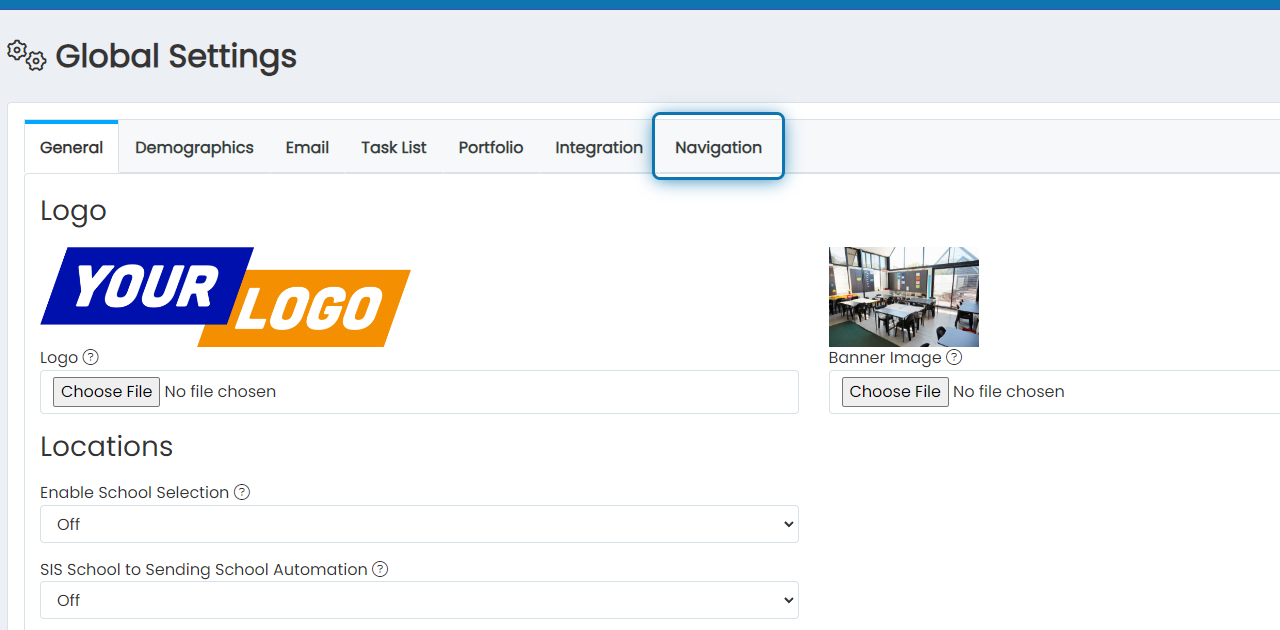
3. Click on Navigation in the Global Settings window
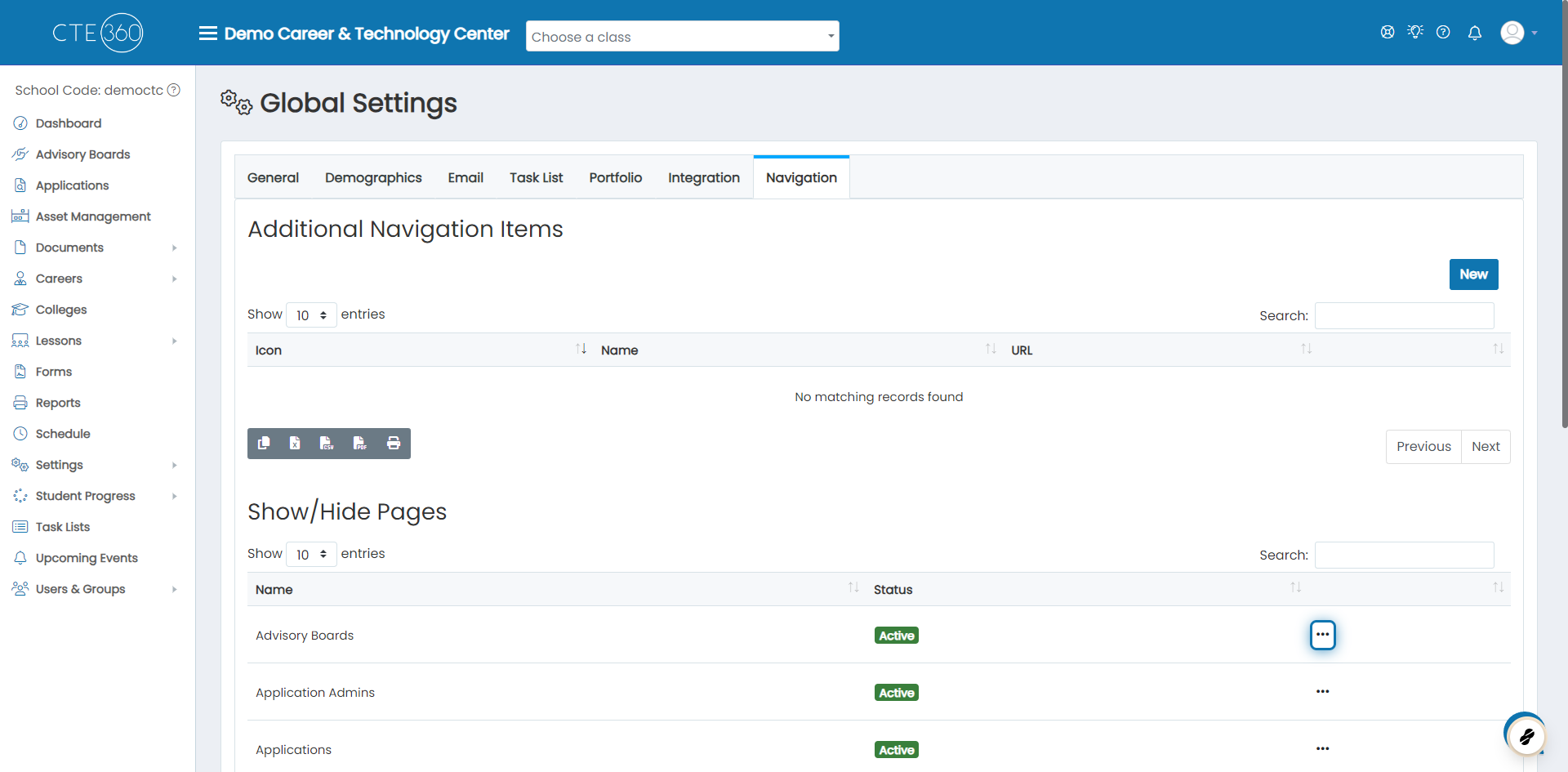
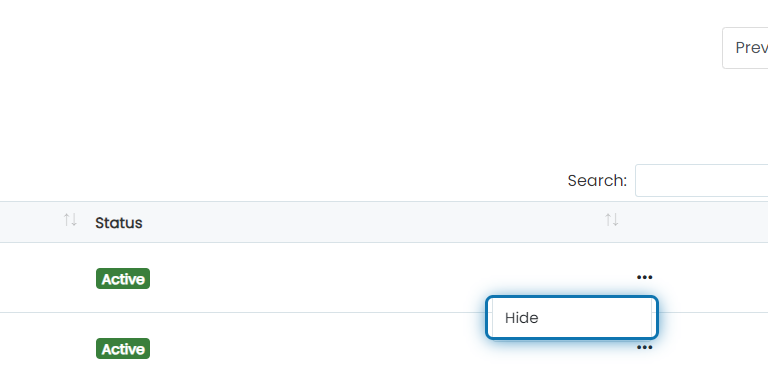
4. Go to the Show/Hide Pages section of the window and click the action button next to the pages you want to hide.
5. Click on Hide
Note: If a page is hidden, it can be shown by clicking Show in the action button.
Was this helpful?
Still need help? Ask the team