How do I automatically assign counselors based on criteria?
Last updated 6 days ago
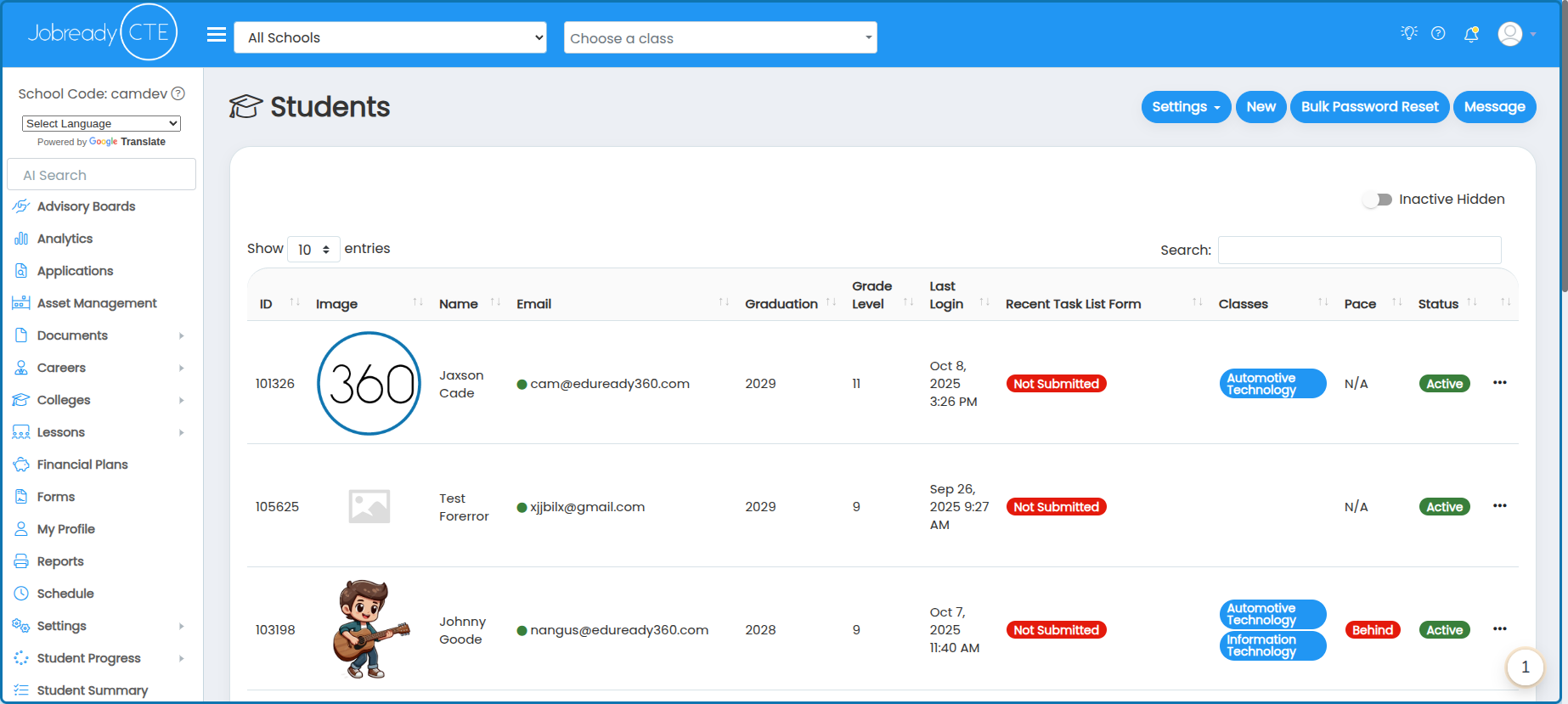
1. Navigate to the student management page
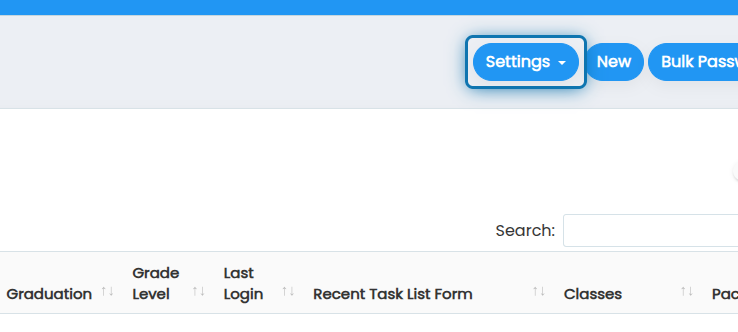
2. Click on Settings
3. Click on Counselor Auto Assignment Rules

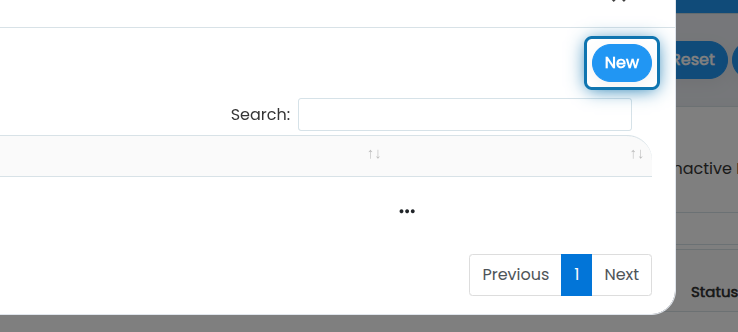
4. Click on New
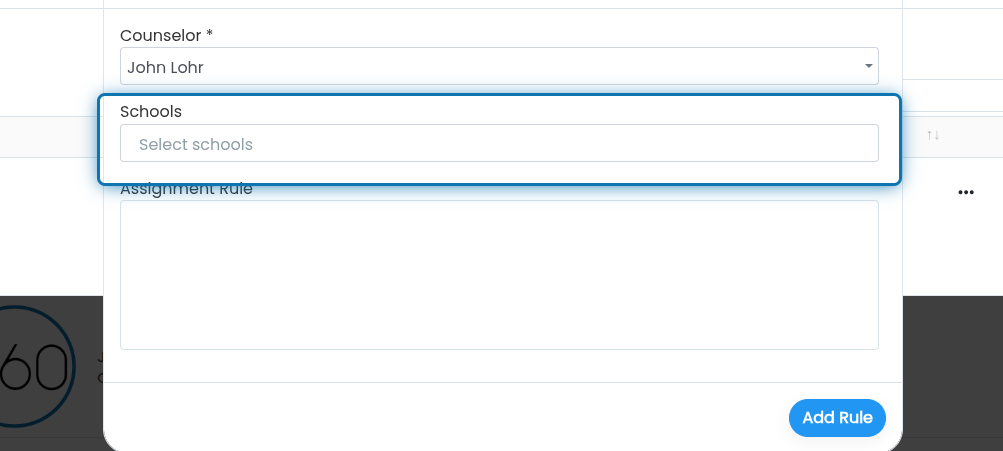
5. Choose the counselor you'd like to automatically assign to students

6. Choose the schools you'd like to filter students down by
7. Specify an assignment rule
This is an intelligent prompt that will utilize AI in order to assign the students. This prompt only has access to the student's name, grade level, and program enrollments. you will receive an error if you try to specify criteria outside of those items.
Example prompts can be:
Students in 11th grade with their last name starting with a through m
All students in 10th grade and all students in 11th grade with their last name starting with a through m
Students with their last name starting with "aa" through "go"

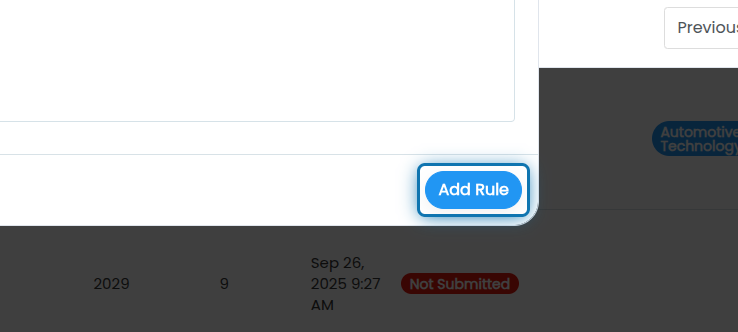
8. Click on Add Rule
Was this helpful?
Still need help? Ask the team